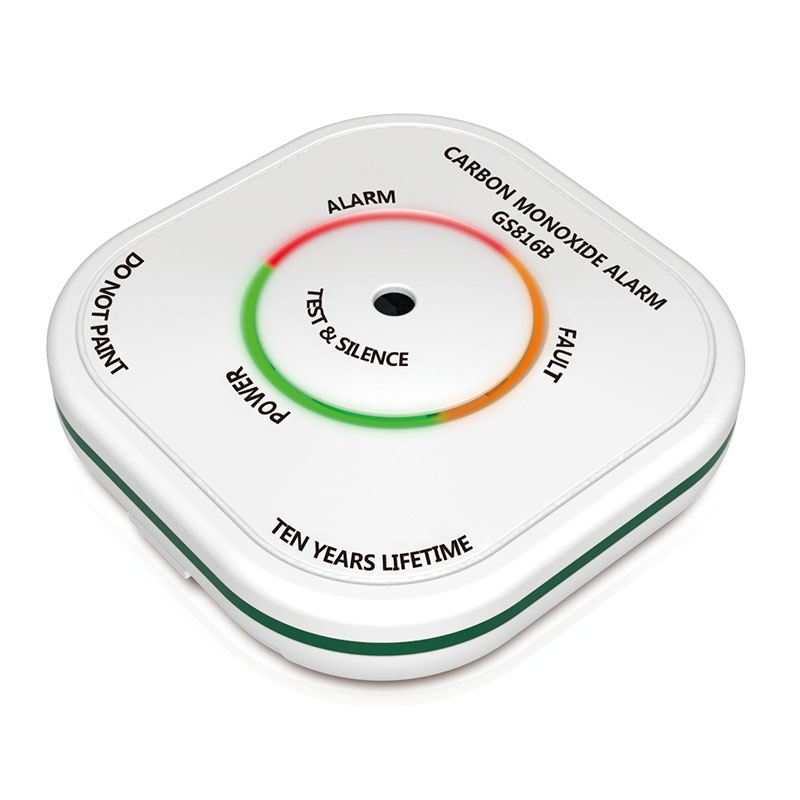
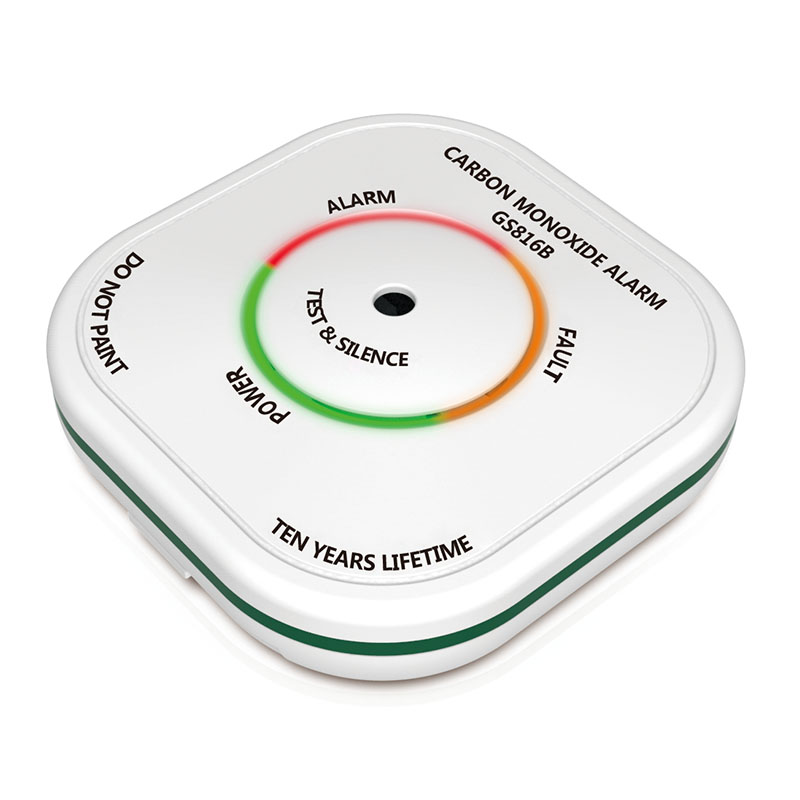
Product Recognition | |
|---|
Certification Number | ZC10-17095775 |
|---|
Name | carbon monoxide alarm |
|---|
Short Description | GS816B is wireless carbon monoxide (CO) alarm |
|---|
Long Description | GS816B is wireless carbon monoxide (CO) alarm,This device is a product that has been built using state-of-the-art technology. This detector is a Z-Wave enabled device and is fully compatible with any Z-Wave enabled network and it’s security framework. |
|---|
Brand | siterwell |
|---|
Product Identifier | GS816B |
|---|
OEM Version | HW: 255 FW: 1.01:01.01 |
|---|
Hardware Platform | ZM5202 |
|---|
Z-Wave Version | 6.71.01 |
|---|
Library Type | SLAVE_ROUTING |
|---|
Device Type | Notification Sensor |
|---|
Role Type | ROLE_TYPE_SLAVE_SLEEPING_REPORTING |
|---|
Manufacturer ID | 0x0266 |
|---|
Product Type ID | 0x0006 |
|---|
Product ID | 0x0001 |
|---|
User Icon | 0x0C02 |
|---|
Installer Icon | 0x0C02 |
|---|
Frequency Plans | EU: 869.85MHz, 868.40MHz |
|---|
Categories | Sensors |
|---|
Countries / Regions | European Union |
|---|
Supported Command Classes | Identifier | Name | Key | Version |
|---|
COMMAND_CLASS_POWERLEVEL | Powerlevel | 0x73 | 1 | COMMAND_CLASS_MULTI_CHANNEL_ASSOCIATION_V3 | Multi-Channel Association V3 | 0x8E | 3 | COMMAND_CLASS_BATTERY | Battery | 0x80 | 1 | COMMAND_CLASS_TRANSPORT_SERVICE_V2 | Transport Service V2 | 0x55 | 2 | COMMAND_CLASS_VERSION_V2 | Version V2 | 0x86 | 2 | COMMAND_CLASS_WAKE_UP_V2 | Wake Up V2 | 0x84 | 2 | COMMAND_CLASS_DEVICE_RESET_LOCALLY | Device Reset Locally | 0x5A | 1 | COMMAND_CLASS_ZWAVEPLUS_INFO_V2 | Z-Wave Plus Info V2 | 0x5E | 2 | COMMAND_CLASS_ASSOCIATION_V2 | Association V2 | 0x85 | 2 | COMMAND_CLASS_ASSOCIATION_GRP_INFO_V3 | Association Group Information V3 | 0x59 | 3 | COMMAND_CLASS_NOTIFICATION_V8 | Notification V8 | 0x71 | 8 | COMMAND_CLASS_SECURITY_2 | Security S2 | 0x9F | 1 | COMMAND_CLASS_SUPERVISION | Supervision | 0x6C | 1 | COMMAND_CLASS_MANUFACTURER_SPECIFIC_V2 | Manufacturer Specific V2 | 0x72 | 2 |
|
|---|
Controlled Command Classes | Identifier | Name | Key | Version |
|---|
COMMAND_CLASS_BASIC_V2 | Basic V2 | 0x20 | 2 |
|
|---|
S2 Classes | S2_UNAUTHENTICATED |
|---|
Documents | Category | Description | File |
|---|
Manual_Primary_Lang | Product or Owner's Manual | |
|
|---|
Features | Feature | Values |
|---|
Battery Quantity | | Battery Type | | Supported Notification Types | |
|
|---|
Association Groups | Group Number | Maximum Nodes Supported | End Point ID | Description |
|---|
1 | 5 | 0 | Z-Wave Plus Lifeline | 2 | 5 | 0 | Linkage group 2 is assigned to the devices status - sending BASIC SET control frame to the associated devices having detected the CO leak.
This product will send a “BASIC SET(0xFF)” message to associated group, when press and release the test button(<2s) to check the function; and this CO alarm will also send a “BASIC SET(0x00)” message to associated group, after end of test alarm(<10s). This CO alarm will send a “BASIC SET(0xFF)” message to associated group, when this product is CO alarm (Conforms to EN 50291-1:2010+A1:2012 standard); and this product will also send a “BASIC SET(0x00)” message to associated group, when CO alarm is cleared. | 3 | 5 | 0 | Linkage group 3 reports the detection's status to the associated device. |
|
|---|
Texts | ID | Description | Value |
|---|
2 | Exclusion | For “Exclusion” from (removing from) a network:
a: Put the Z-Wave Interface Controller into “exclusion” mode.
b: Power on the detector, in 2 seconds, press the button three times in the warm-up state or the normal standby state, this detector will be automatically remove from the controller network with the red light flash every two seconds. If the network is exclusion successful, the red led
4 / 8
always on about 5 seconds, else the yellow led always on 5 seconds.
Note: Exclusion network status, you can click on the button to exit.
Note: If the alarm is remove(excluded), then the sensor will be itself restored to factory default settings. | 1 | Inclusion | For “Inclusion” in (adding to) a network:
a: Put the Z-Wave interface controller into “include” mode, and following its instruction to add the GS816B to your controller. To get in the “inclusion” mode, the position of the detector and controller should be kept in the usual working position.
b: Power on the detector, in 2 seconds, press the button three times in the warm-up state or the normal standby state, this detector will be automatically with the controller network with the red light flash every two seconds. If the network is successful, the red led always on about 5 seconds, else the yellow led always on 5 seconds.
Note: Inclusion network status, you can click on the button to exit. | 5 | Factory Reset | It happens automatically when the device is excluded or you can use the following steps to reset factory settings.
a: Remove the battery.
b: Press the button and don't let go. And then connecting the battery, the red led will on 3 seconds,3 seconds later, when the red light is off, then release the button.
c. When the button is released, the red light is lit for 3 seconds. In these 3 seconds, press the button, then the red led will flash quickly about 10 seconds (NOTE: Do not turn off the power when the red led flashes). After successful recovery factory settings, the product into preheating state.
Note: If this sensor is reset, the information of Z-Wave network in the sensor will be deleted. The sensor will be itself restored to factory default settings. Please use this procedure only when the network primary controller is missing or otherwise inoperable.
NOTE: Damage to the ZWAVE module will not affect the main function of the alarm, only affect the module related functions. |
|
|---|
Supported Notification Types | Notification Type | Event / State |
|---|
CO Alarm | (Refer to parameters): State idle |
|
|---|
Supports NWI | Yes |
|---|
Supports Explorer Frames | Yes |
|---|