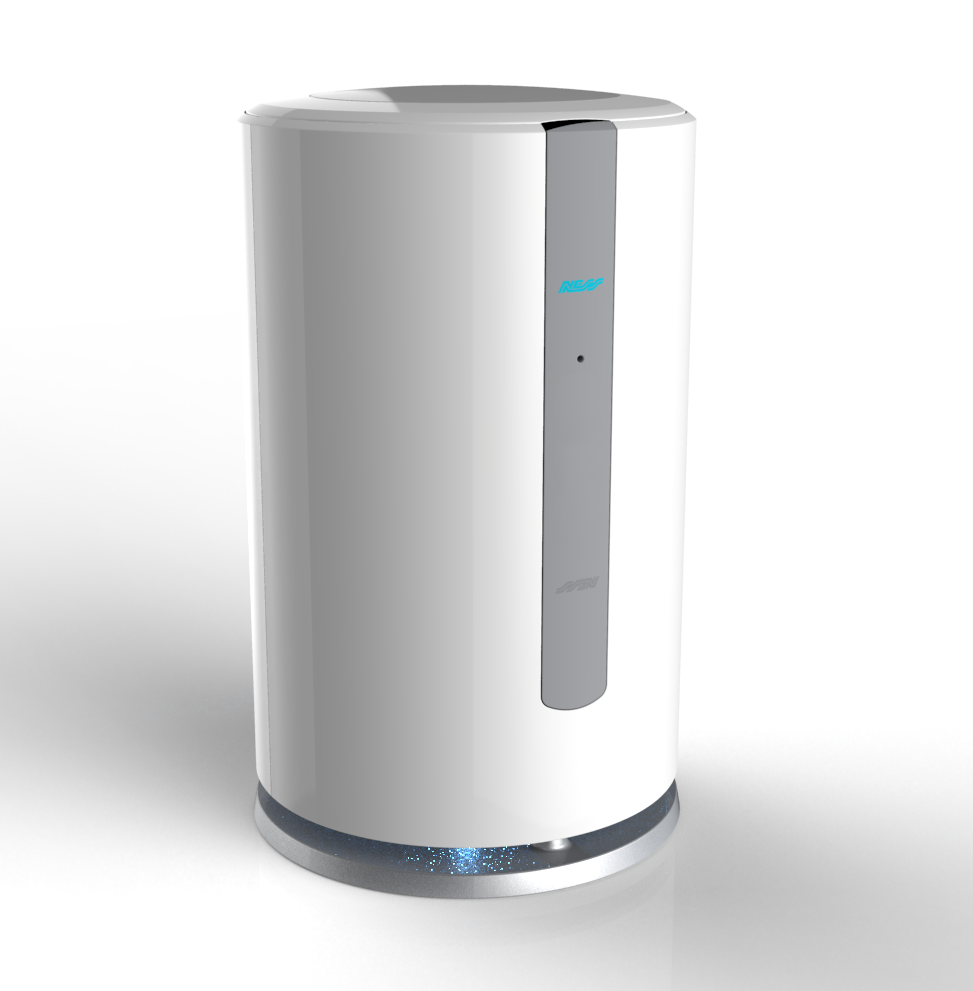
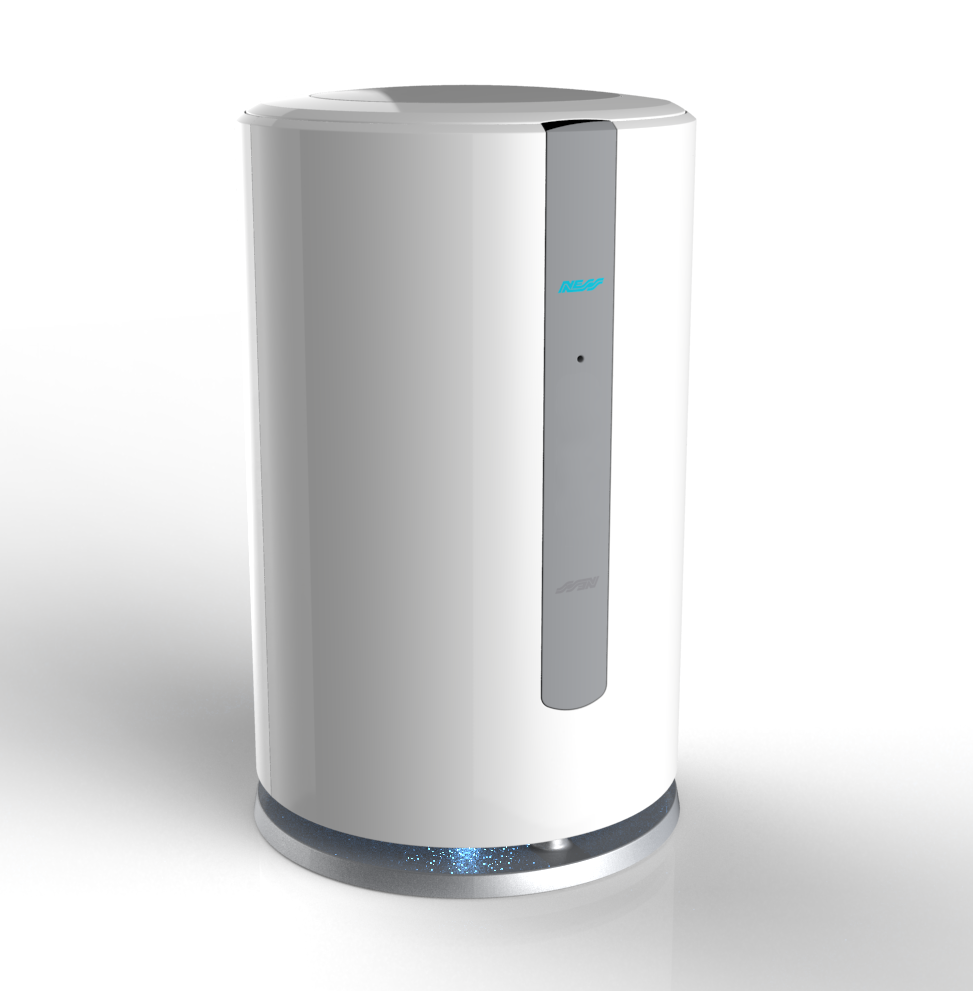
Product Recognition | |
|---|
Certification Number | ZC10-18015973 |
|---|
Name | Mezzo |
|---|
Short Description | Electronic security and home automation system |
|---|
Long Description | MEZZO’s onboard WiFi allows it to be connected to your network wirelessly and combined with the MEZZO app on a smart phone or smart device, Use the MEZZO app to control your security, turn lights on and off, manage your energy, monitor your house with ease and receive push notifications of events. MEZZO provides Cellular backup should your network go down or is switched off allowing for general arming and disarming of your system and event notification.
Add a small Z-Wave receiver to any light switch or power point to turn on, off or dim lights and devices from anywhere, anytime. In fact you can control almost any type of Z-Wave enabled device remotely using the MEZZO app. Interface with numerous Ness wireless security devices such as MEZZO radio PIR, radio reed switches, radio keys, radio smoke detectors.
MEZZO can control numerous security devices such as wireless PIR motion sensors, wireless door switches, wireless smoke detectors and many others, all designed to cleverly secure your home.
With MEZZO’s multi-scenario geo-fencing you can set your house to a desired temperature and lighting level when you approach your home. MEZZO can even disarm the security, open your garage door and unlock your door when you pull into the driveway ... all without touching a button. |
|---|
Brand | Mezzo |
|---|
Product Identifier | 106-360 |
|---|
OEM Version | 1.3.1 |
|---|
Hardware Platform | ZM5101 |
|---|
Z-Wave Version | 6.51.06 |
|---|
Library Type | CONTROLLER_STATIC |
|---|
Device Type | Central Controller |
|---|
Role Type | ROLE_TYPE_CONTROLLER_CENTRAL_STATIC |
|---|
Manufacturer ID | 0x0189 |
|---|
Product Type ID | 0x759e |
|---|
Product ID | 0x6aff |
|---|
User Icon | 0x0100 |
|---|
Installer Icon | 0x0100 |
|---|
Frequency Plans | ANZ: 919.80MHz, 921.40MHz |
|---|
Categories | All Controllers, Gateway Controller, Security Systems |
|---|
Countries / Regions | Australia |
|---|
Controlled Command Classes | Identifier | Name | Key | Version |
|---|
COMMAND_CLASS_SWITCH_MULTILEVEL | Switch Multilevel | 0x26 | 1 | COMMAND_CLASS_DOOR_LOCK | Door Lock | 0x62 | 1 | COMMAND_CLASS_NO_OPERATION | No Operation | 0x00 | 1 | COMMAND_CLASS_THERMOSTAT_FAN_MODE | Thermostat Fan Mode | 0x44 | 1 | COMMAND_CLASS_USER_CODE | User Code | 0x63 | 1 | COMMAND_CLASS_MULTI_CHANNEL_ASSOCIATION_V3 | Multi-Channel Association V3 | 0x8E | 3 | COMMAND_CLASS_BATTERY | Battery | 0x80 | 1 | COMMAND_CLASS_THERMOSTAT_MODE | Thermostat Mode | 0x40 | 1 | COMMAND_CLASS_SENSOR_MULTILEVEL | Sensor Multilevel | 0x31 | 1 | COMMAND_CLASS_SWITCH_BINARY | Switch Binary | 0x25 | 1 | COMMAND_CLASS_BASIC | Basic | 0x20 | 1 | COMMAND_CLASS_CONFIGURATION | Configuration | 0x70 | 1 | COMMAND_CLASS_CRC_16_ENCAP | CRC16 Encapsulation | 0x56 | 1 | COMMAND_CLASS_SECURITY | Security S0 | 0x98 | 1 | COMMAND_CLASS_VERSION_V2 | Version V2 | 0x86 | 2 | COMMAND_CLASS_WAKE_UP_V2 | Wake Up V2 | 0x84 | 2 | COMMAND_CLASS_ZWAVEPLUS_INFO_V2 | Z-Wave Plus Info V2 | 0x5E | 2 | COMMAND_CLASS_ASSOCIATION_V2 | Association V2 | 0x85 | 2 | COMMAND_CLASS_METER_V3 | Meter V3 | 0x32 | 3 | COMMAND_CLASS_MULTI_CHANNEL_V4 | Multi-Channel V4 | 0x60 | 4 | COMMAND_CLASS_THERMOSTAT_SETPOINT | Thermostat Setpoint | 0x43 | 1 | COMMAND_CLASS_MANUFACTURER_SPECIFIC | Manufacturer Specific | 0x72 | 1 | COMMAND_CLASS_NOTIFICATION_V4 | Notification V4 | 0x71 | 4 |
|
|---|
Documents | Category | Description | File |
|---|
Manual_Primary_Lang | Product or Owner's Manual | |
|
|---|
Features | Feature | Values |
|---|
Firmware Updatable | Value |
|---|
Updatable by Consumer via Internet |
| Battery Quantity | | Communications Connections | Value |
|---|
Ethernet (Wired) | Ethernet (Wireless/WiFi) |
| Z-Wave Scene Type | |
|
|---|
Association Groups | Group Number | Maximum Nodes Supported | End Point ID | Description |
|---|
1 | 5 | 0 | Z-Wave Plus Lifeline |
|
|---|
Texts | ID | Description | Value |
|---|
23 | Controller Inclusion | Within the Mezzo mobile app, follow these steps to connect or include a new device:
* Tap my Automation.
* Tap the ‘Fab Plus‘ at the bottom of the screen
* Tap Z-Wave devices
* When you hear “Ready to learn a new device” from Mezzo, execute the inclusion procedure to add the device to the mobile app and Mezzo.
* You now have 2 options:
** Tap the tick and your device will be set with the default settings.
** Tap the edit button and you can edit your device and then tap save.
* You will hear “Details Saved” when the device has been successfully added to Mezzo and the mobile app. | 24 | Controller Exclusion | Within the Mezzo mobile app, follow these steps to remove or exclude a new device:
* Tap the Menu button
* Tap Mezzo (under settings).
* Tap Advanced Settings.
* Tap Exclude Mode and you’ll hear “Ready to remove a device”.
* Execute the exclusion procedure to remove the device from the mobile app and Mezzo. | 3 | Learn Mode (adding another controller) | Press the reset button on the back of Mezzo to put it into Learn Mode. | 5 | Factory Reset | Follow these instructions to factory reset all or parts of Mezzo:
* Tap the Menu button
* Tap Mezzo (under settings).
* Tap Advanced Settings.
* Tap Factory Default Options.
* You now have 7 options:
** Default General Options – This will remove all Mezzo settings from the app and Mezzo. This does not affect devices, users etc.
** Default Users & Keys – Which will remove all the users connected from the app and Mezzo.
** Default Wireless Devices – This will remove all Ness 2 way wireless devices from the app and Mezzo.
** Default Z-Wave Devices – This will remove all Z-Wave devices from the app and Mezzo.
** Default Scenes – This will remove all scenes from the app and Mezzo.
** Default Energy – This will remove all energy entries from the app and Mezzo.
** Reset All & Sign Out – This will reset Mezzo to its factory default settings, removing all users, scenes, energy entries, devices and general options from the app and Mezzo.
Please Note:
Mezzo will take 5-10 minutes to fully factory reset.
If Mezzo is the primary controller for your network, resetting it will result in the nodes in your network being orphaned and it will be necessary after the reset to exclude and re-include all of the nodes in the network. If Mezzo is being used as a secondary controller in the network, use this procedure to reset this controller only in the event that the network primary controller is missing or otherwise inoperable. |
|
|---|
Supports NWI | Yes |
|---|
Supports Explorer Frames | Yes |
|---|
Radio Range Z-Wave (m) | 40 |
|---|