Product Recognition | |
|---|
Certification Number | ZC10-18056105 |
|---|
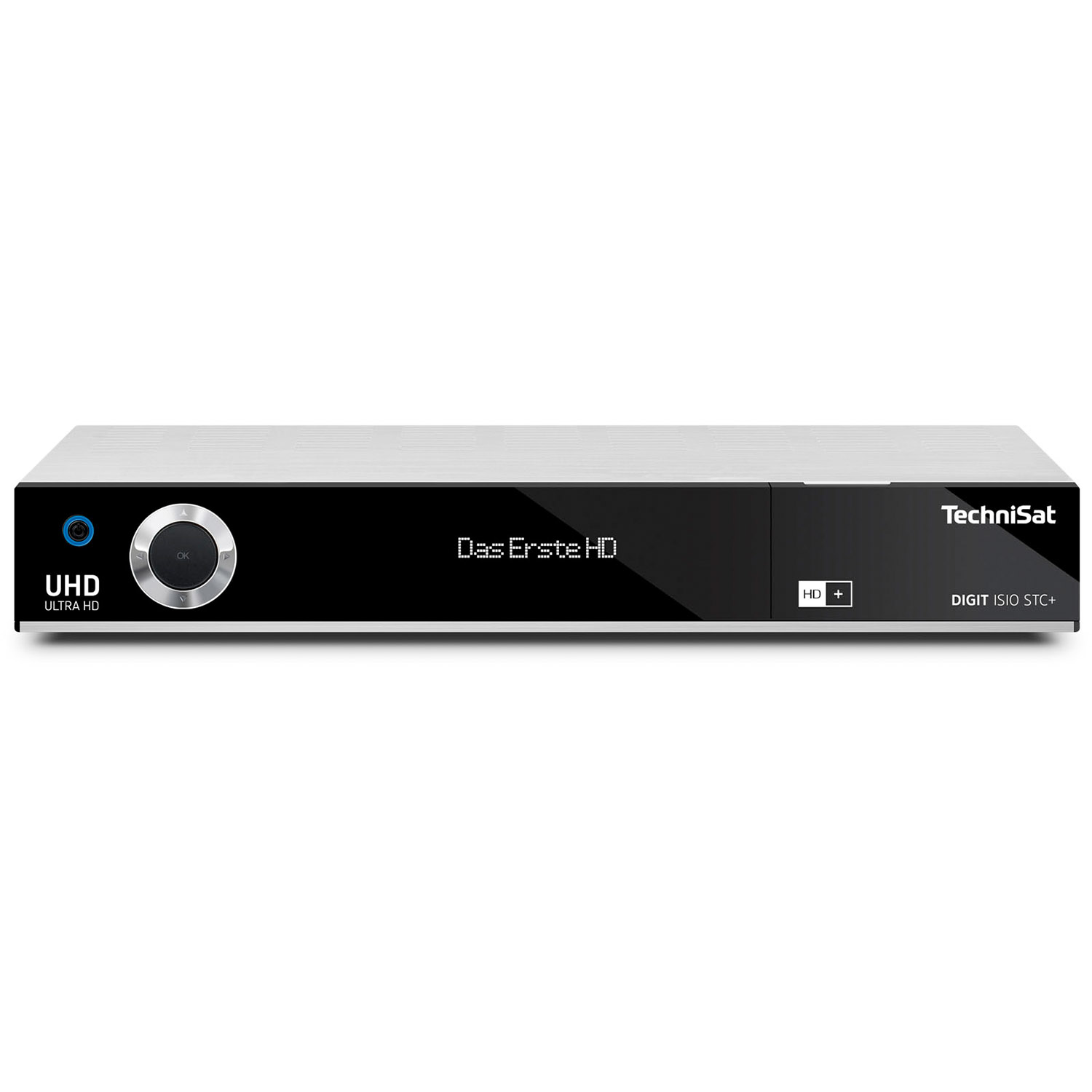
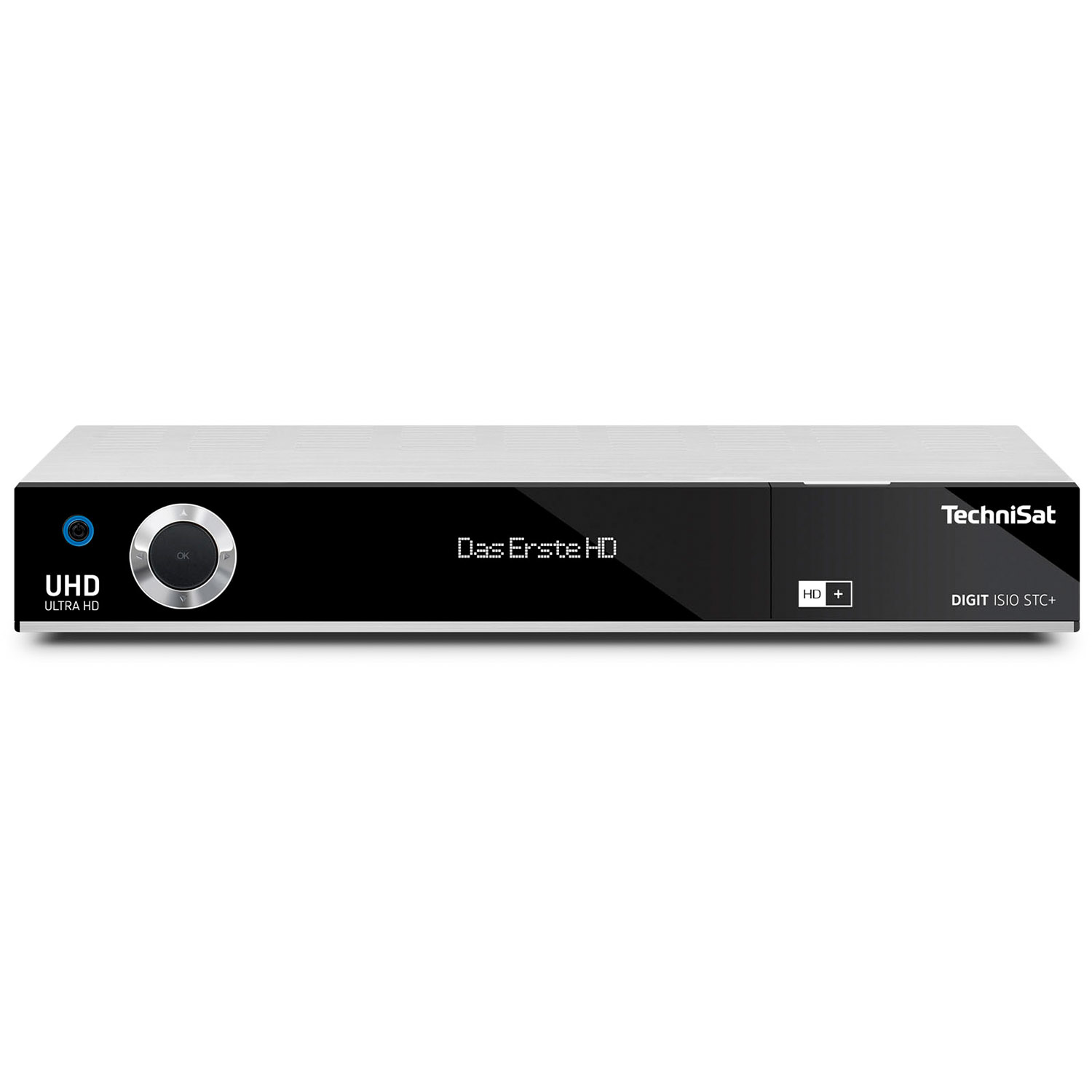
Name | DIGIT ISIO STC+ |
|---|
Short Description | Digital multimedia UHD / 4K receiver with triple TwinTuner and Z-Wave smart home gateway (requires Z-Wave USB stick), with WiFi and LAN connectivity. |
|---|
Long Description | TechniSat's smart UHD / 4K receiver with triple TwinTuner and Z-Wave smart home gateway (requires Z-Wave USB stick), with WiFi and LAN connectivity will be the central hub of your smart home.
The CONNECT app by TechniSat for smartphones and tablets lets you easily setup, view and control your smart home, even when you’re not at home.
Not a fan of apps? Not a problem! TechniSat brings your smart home to the big screen TV. Putting easy view and control of your smart home at your fingertips with the click of a button on your remote control. |
|---|
Brand | TechniSat |
|---|
Product Identifier | 0000/4757 |
|---|
OEM Version | HW: 3 FW: 4.61:02.27:01.00:01.00 |
|---|
Hardware Platform | SW |
|---|
Z-Wave Version | 6.61.00 |
|---|
Library Type | CONTROLLER_BRIDGE |
|---|
Device Type | Gateway |
|---|
Role Type | ROLE_TYPE_CONTROLLER_CENTRAL_STATIC |
|---|
Manufacturer ID | 0x0299 |
|---|
Product Type ID | 0x0001 |
|---|
Product ID | 0x157C |
|---|
User Icon | 0x0500 |
|---|
Installer Icon | 0x0500 |
|---|
Frequency Plans | EU: 869.85MHz, 868.40MHz |
|---|
Categories | All Controllers, Gateway Controller |
|---|
Countries / Regions | European Union |
|---|
Supported Command Classes | Identifier | Name | Key | Version |
|---|
COMMAND_CLASS_NETWORK_MANAGEMENT_INCLUSION | Network Management Inclusion | 0x34 | 1 | COMMAND_CLASS_POWERLEVEL | Powerlevel | 0x73 | 1 | COMMAND_CLASS_ZIP_V3 | Z/IP V3 | 0x23 | 3 | COMMAND_CLASS_ZIP_PORTAL | Z/IP Portal | 0x61 | 1 | COMMAND_CLASS_NETWORK_MANAGEMENT_INSTALLATION_MAINTENANCE | Network Management Installation and Maintenance | 0x67 | 1 | COMMAND_CLASS_NETWORK_MANAGEMENT_PROXY | Network Management Proxy | 0x52 | 1 | COMMAND_CLASS_APPLICATION_STATUS | Application Status | 0x22 | 1 | COMMAND_CLASS_CRC_16_ENCAP | CRC16 Encapsulation | 0x56 | 1 | COMMAND_CLASS_SECURITY | Security S0 | 0x98 | 1 | COMMAND_CLASS_TRANSPORT_SERVICE_V2 | Transport Service V2 | 0x55 | 2 | COMMAND_CLASS_VERSION_V2 | Version V2 | 0x86 | 2 | COMMAND_CLASS_DEVICE_RESET_LOCALLY | Device Reset Locally | 0x5A | 1 | COMMAND_CLASS_ZWAVEPLUS_INFO_V2 | Z-Wave Plus Info V2 | 0x5E | 2 | COMMAND_CLASS_ASSOCIATION_V2 | Association V2 | 0x85 | 2 | COMMAND_CLASS_ASSOCIATION_GRP_INFO | Association Group Info | 0x59 | 1 | COMMAND_CLASS_ASSOCIATION_GRP_INFO_V3 | Association Group Information V3 | 0x59 | 3 | COMMAND_CLASS_ZIP_NAMING | Z/IP Naming and Location | 0x68 | 1 | COMMAND_CLASS_MAILBOX | Mailbox | 0x69 | 1 | COMMAND_CLASS_ZIP_GATEWAY | Z/IP Gateway | 0x5F | 1 | COMMAND_CLASS_MANUFACTURER_SPECIFIC_V2 | Manufacturer Specific V2 | 0x72 | 2 | COMMAND_CLASS_MULTI_CMD | Multi-Command | 0x8F | 1 | COMMAND_CLASS_NETWORK_MANAGEMENT_BASIC | Network Management Basic | 0x4D | 1 |
|
|---|
Controlled Command Classes | Identifier | Name | Key | Version |
|---|
COMMAND_CLASS_NETWORK_MANAGEMENT_INCLUSION | Network Management Inclusion | 0x34 | 1 | COMMAND_CLASS_POWERLEVEL | Powerlevel | 0x73 | 1 | COMMAND_CLASS_NETWORK_MANAGEMENT_PROXY | Network Management Proxy | 0x52 | 1 | COMMAND_CLASS_MULTI_CHANNEL_ASSOCIATION_V3 | Multi-Channel Association V3 | 0x8E | 3 | COMMAND_CLASS_BATTERY | Battery | 0x80 | 1 | COMMAND_CLASS_SWITCH_BINARY | Switch Binary | 0x25 | 1 | COMMAND_CLASS_BASIC | Basic | 0x20 | 1 | COMMAND_CLASS_CONFIGURATION | Configuration | 0x70 | 1 | COMMAND_CLASS_CRC_16_ENCAP | CRC16 Encapsulation | 0x56 | 1 | COMMAND_CLASS_SECURITY | Security S0 | 0x98 | 1 | COMMAND_CLASS_SENSOR_BINARY_V2 | Sensor Binary V2 | 0x30 | 2 | COMMAND_CLASS_SENSOR_MULTILEVEL_V6 | Sensor Multilevel V6 | 0x31 | 6 | COMMAND_CLASS_NOTIFICATION_V3 | Notification V3 | 0x71 | 3 | COMMAND_CLASS_TRANSPORT_SERVICE_V2 | Transport Service V2 | 0x55 | 2 | COMMAND_CLASS_VERSION_V2 | Version V2 | 0x86 | 2 | COMMAND_CLASS_WAKE_UP_V2 | Wake Up V2 | 0x84 | 2 | COMMAND_CLASS_ZWAVEPLUS_INFO_V2 | Z-Wave Plus Info V2 | 0x5E | 2 | COMMAND_CLASS_ASSOCIATION_V2 | Association V2 | 0x85 | 2 | COMMAND_CLASS_METER_V3 | Meter V3 | 0x32 | 3 | COMMAND_CLASS_ASSOCIATION_GRP_INFO | Association Group Info | 0x59 | 1 | COMMAND_CLASS_MULTI_CHANNEL_V4 | Multi-Channel V4 | 0x60 | 4 | COMMAND_CLASS_THERMOSTAT_SETPOINT | Thermostat Setpoint | 0x43 | 1 | COMMAND_CLASS_ASSOCIATION_GRP_INFO_V3 | Association Group Information V3 | 0x59 | 3 | COMMAND_CLASS_MANUFACTURER_SPECIFIC_V2 | Manufacturer Specific V2 | 0x72 | 2 | COMMAND_CLASS_NETWORK_MANAGEMENT_BASIC | Network Management Basic | 0x4D | 1 |
|
|---|
Documents | Category | Description | File |
|---|
Manual_Primary_Lang | Product or Owner's Manual | |
|
|---|
Features | Feature | Values |
|---|
Sensors | Value |
|---|
Motion/No Motion (Binary) | Air Temperature | Luminance | Humidity | Open/Closed (Binary) | Ultraviolet Index |
| Supported Meter Type | | Supported Notification Types | | Communications Protocol | Value |
|---|
Manufacturer Proprietary Protocol |
| Firmware Updatable | Value |
|---|
Updatable by Consumer via Internet |
| Communications Connections | Value |
|---|
Ethernet (Wired) | Ethernet (Wireless/WiFi) | Bluetooth | USB (Universal Serial Bus) | HDMI (High-Definition Multimedia Interface) |
|
|
|---|
Association Groups | Group Number | Maximum Nodes Supported | End Point ID | Description |
|---|
1 | 1 | 0 | Z-Wave Plus Lifeline |
|
|---|
Texts | ID | Description | Value |
|---|
24 | Controller Exclusion | In the TechniSat CONNECT app, go to app's ""All devices/scenes"" view.
Tap the ""vertical three dots"" icon next to the device you would like to remove.
From the opened context menu choose the ""Remove Device"" option.
Tap the round button, with the ""radio symbol"", to start the exclusion process on the controller.
The learn/exclusion mode on the device must be started within 60 seconds to remove the device. | 3 | Learn Mode (adding another controller) | In the TechniSat CONNECT app, tap the ""three horizontal lines"" icon.
Tap the ""gear"" icon button.
In the settings menu, select ""Smart Home"".
From the ""advanced Z-Wave settings"" menu select ""Central unit learn mode"", to start the ""learn mode"" on the controller. | 23 | Controller Inclusion | Tap the ""wrench"" icon in the TechniSat CONNECT app.
Select the ""Add new device"" option.
A list of devices with additional inclusion instructions will be shown:
Tap the device you would like to add.
If your specific device is not listed, please select ""+/Generic"", to add a generic device.
Tap ""NEXT"".
Tap the round button, with the ""radio symbol"", to start the inclusion process on the controller.
The learn/inclusion mode on the device must be started within 60 seconds to add the device. | 5 | Factory Reset | Please note, if this controller is the primary controller for your network, resetting it will result in the nodes in your network being orphaned and it will be necessary after the reset to exclude and re-include all of the nodes in the network. If this controller is being used as a secondary controller in the network, use this procedure to reset this controller only in the event that the network primary controller is missing or otherwise inoperable.
In the TechniSat CONNECT app, tap the ""three horizontal lines"" icon.
Tap the ""gear"" icon button.
In the settings menu, select ""Smart Home"".
From the ""advanced Z-Wave settings"" menu select ""Reset central unit"". |
|
|---|
Supported / Controlled Meter Types | Meter Type | Rate Type | Description |
|---|
Electric meter | Import | Electric Meter Consumption |
|
|---|
Supports NWI | Yes |
|---|
Supports Explorer Frames | Yes |
|---|
Radio Range Z-Wave (m) | 40 |
|---|