| Product Recognition | |
|---|
| Certification Number | ZC10-18086222 |
|---|
| Name | Smart Door Lock |
|---|
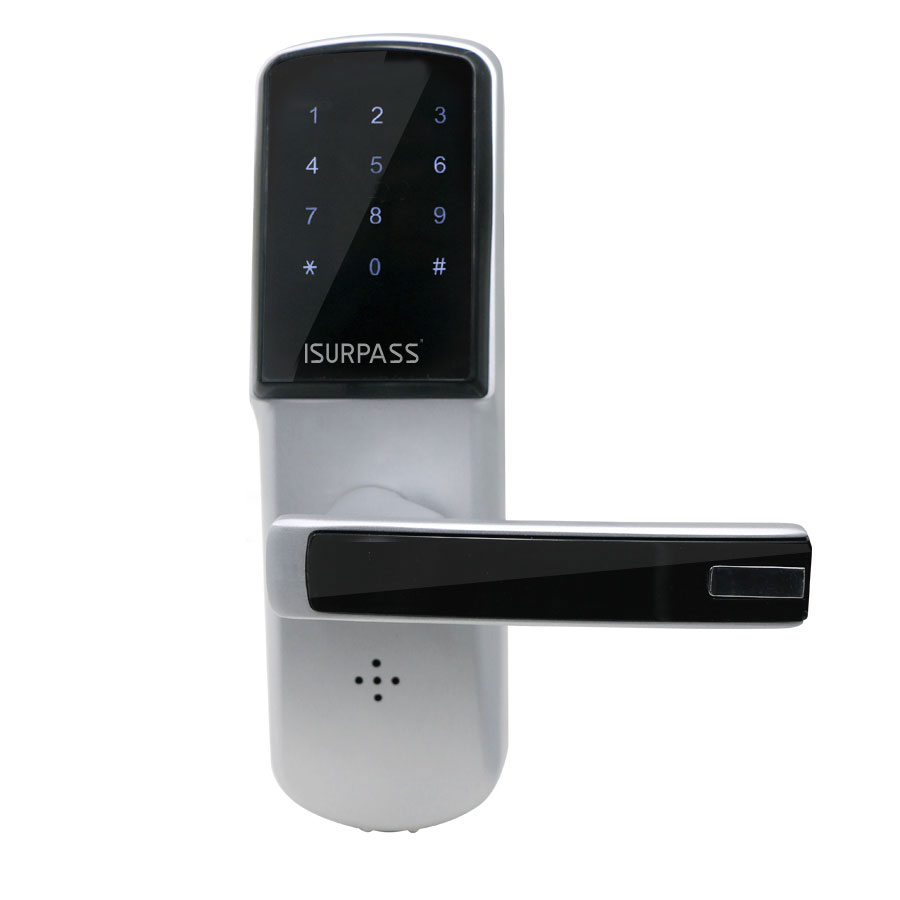
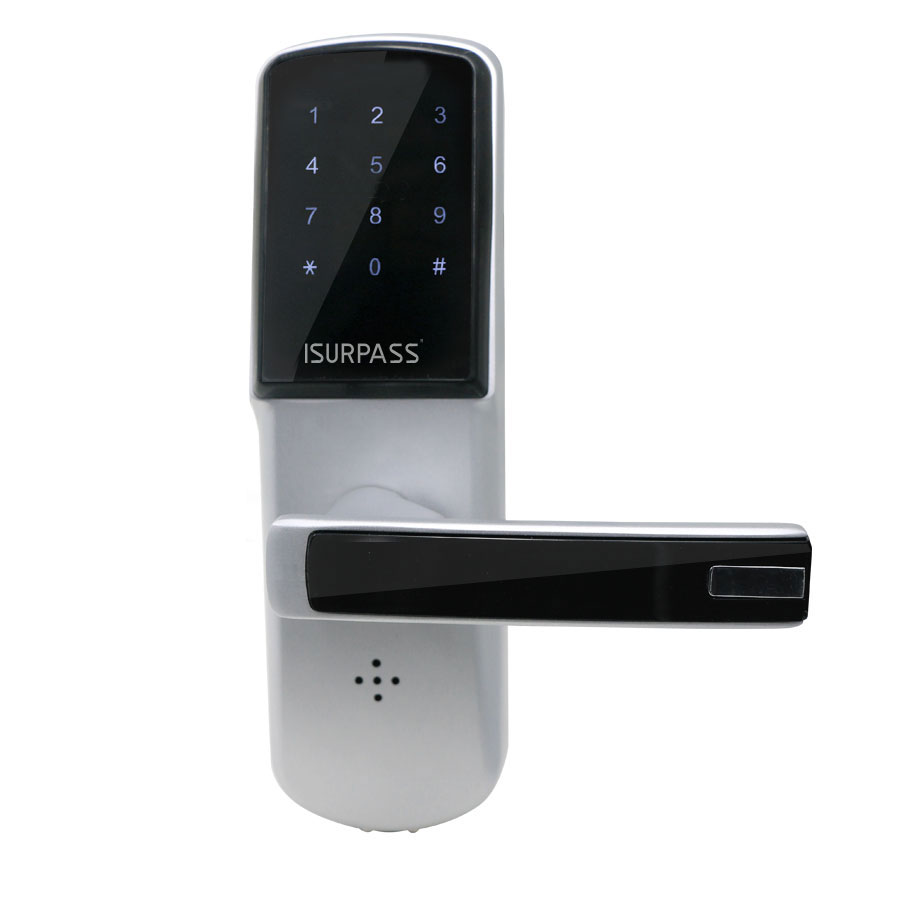
| Short Description | The iSurpass Smart Door Lock, supports passwords, key and remote lock/unlock. |
|---|
| Long Description | The iSurpass Smart Door Lock provides more convenience to secure your home. It supports passwords, key and remote lock/unlock. It's a Z-Wave product and compatible with all Z-Wave networks. Any third party manufacturer controller can include/exclude this lock. Use in conjunction with a Security Enabled Z-Wave Controller to fully utilize all implemented functions. |
|---|
| Brand | iSurpass |
|---|
| Product Identifier | iLock15 |
|---|
| OEM Version | HW: 1 FW: 4.01:01.01 |
|---|
| Hardware Platform | ZM5202 |
|---|
| Z-Wave Version | 6.81.01 |
|---|
| Library Type | SLAVE_ENHANCED_232 |
|---|
| Device Type | Door Lock - Keypad |
|---|
| Role Type | ROLE_TYPE_SLAVE_SLEEPING_LISTENING |
|---|
| Manufacturer ID | 0x021c |
|---|
| Product Type ID | 0x5010 |
|---|
| Product ID | 0x1001 |
|---|
| User Icon | 0x0300 |
|---|
| Installer Icon | 0x0300 |
|---|
| Frequency Plans | EU: 869.85MHz, 868.40MHz |
|---|
| Categories | Locks, Security Systems |
|---|
| Countries / Regions | European Union |
|---|
| Supported Command Classes | | Identifier | Name | Key | Version |
|---|
| COMMAND_CLASS_FIRMWARE_UPDATE_MD_V4 | Firmware Update Meta-Data V4 | 0x7A | 4 | | COMMAND_CLASS_POWERLEVEL | Powerlevel | 0x73 | 1 | | COMMAND_CLASS_USER_CODE | User Code | 0x63 | 1 | | COMMAND_CLASS_DOOR_LOCK_V2 | Door Lock V2 | 0x62 | 2 | | COMMAND_CLASS_MULTI_CHANNEL_ASSOCIATION_V3 | Multi-Channel Association V3 | 0x8E | 3 | | COMMAND_CLASS_BATTERY | Battery | 0x80 | 1 | | COMMAND_CLASS_TIME_PARAMETERS | Time Parameters | 0x8B | 1 | | COMMAND_CLASS_BASIC | Basic | 0x20 | 1 | | COMMAND_CLASS_SECURITY | Security S0 | 0x98 | 1 | | COMMAND_CLASS_TRANSPORT_SERVICE_V2 | Transport Service V2 | 0x55 | 2 | | COMMAND_CLASS_DEVICE_RESET_LOCALLY | Device Reset Locally | 0x5A | 1 | | COMMAND_CLASS_ZWAVEPLUS_INFO_V2 | Z-Wave Plus Info V2 | 0x5E | 2 | | COMMAND_CLASS_ASSOCIATION_V2 | Association V2 | 0x85 | 2 | | COMMAND_CLASS_ASSOCIATION_GRP_INFO | Association Group Info | 0x59 | 1 | | COMMAND_CLASS_SECURITY_2 | Security S2 | 0x9F | 1 | | COMMAND_CLASS_VERSION_V3 | Version V3 | 0x86 | 3 | | COMMAND_CLASS_SUPERVISION | Supervision | 0x6C | 1 | | COMMAND_CLASS_MANUFACTURER_SPECIFIC_V2 | Manufacturer Specific V2 | 0x72 | 2 |
|
|---|
| S2 Classes | S2_ACCESS_CONTROL |
|---|
| Documents | |
|---|
| Features | | Feature | Values |
|---|
| Door Lock Type | | | Battery Type | | | Battery Quantity | |
|
|---|
| Association Groups | | Group Number | Maximum Nodes Supported | End Point ID | Description |
|---|
| 1 | 5 | 0 | iLock15 support one association grouping.
Grouping identifier: 1
Maximum number of devices that can be added to the group:5
Lifeline association group command: Door Lock Operation Report, Battery Report, Device Reset Locally_Notification.
After controller send ASSOCIATION_SET command with right parameter, the function will be enable:
If user unlock with user code, device associted with iLock15, will receive a Door Lock Operation Report.
If Battery is in low level, when user wake up doorlock(via touch keypad) ,iLock15 will send Battery Report.
If user reset device(see Factory Default Reset ),iLock15 will send Device Reset Locally_Notification. |
|
|---|
| Texts | | ID | Description | Value |
|---|
| 2 | Exclusion | 1)Set gateway in exclusion .
2)Set door lock in learn mode.
press reset button -> input admin password + # -> press 0
3)Wait until success. | | 1 | Inclusion | 1)Set gateway in Inclusion.
2)Set door lock in learn mode.
press reset button -> input admin password + # -> press 0
3)Wait until success. | | 5 | Factory Reset | User should reset device for safety when receiving lock first or if forget the password or if lost card. The reset way : hold the reset button about 7s, when hear “Di“ sound, then release the button, door lock will be reset. Factory default reset will reset all user (password and card) and home ID and device ID (about Z-Wave function), so be carefully to do reset. The default admin password is 123456 .
Please use this procedure only when the network primary controller is missing or otherwise inoperable. |
|
|---|
| Supports NWI | Yes |
|---|
| Supports Explorer Frames | Yes |
|---|
| Is Flirs | Yes |
|---|
| Supports SmartStart | Yes |
|---|