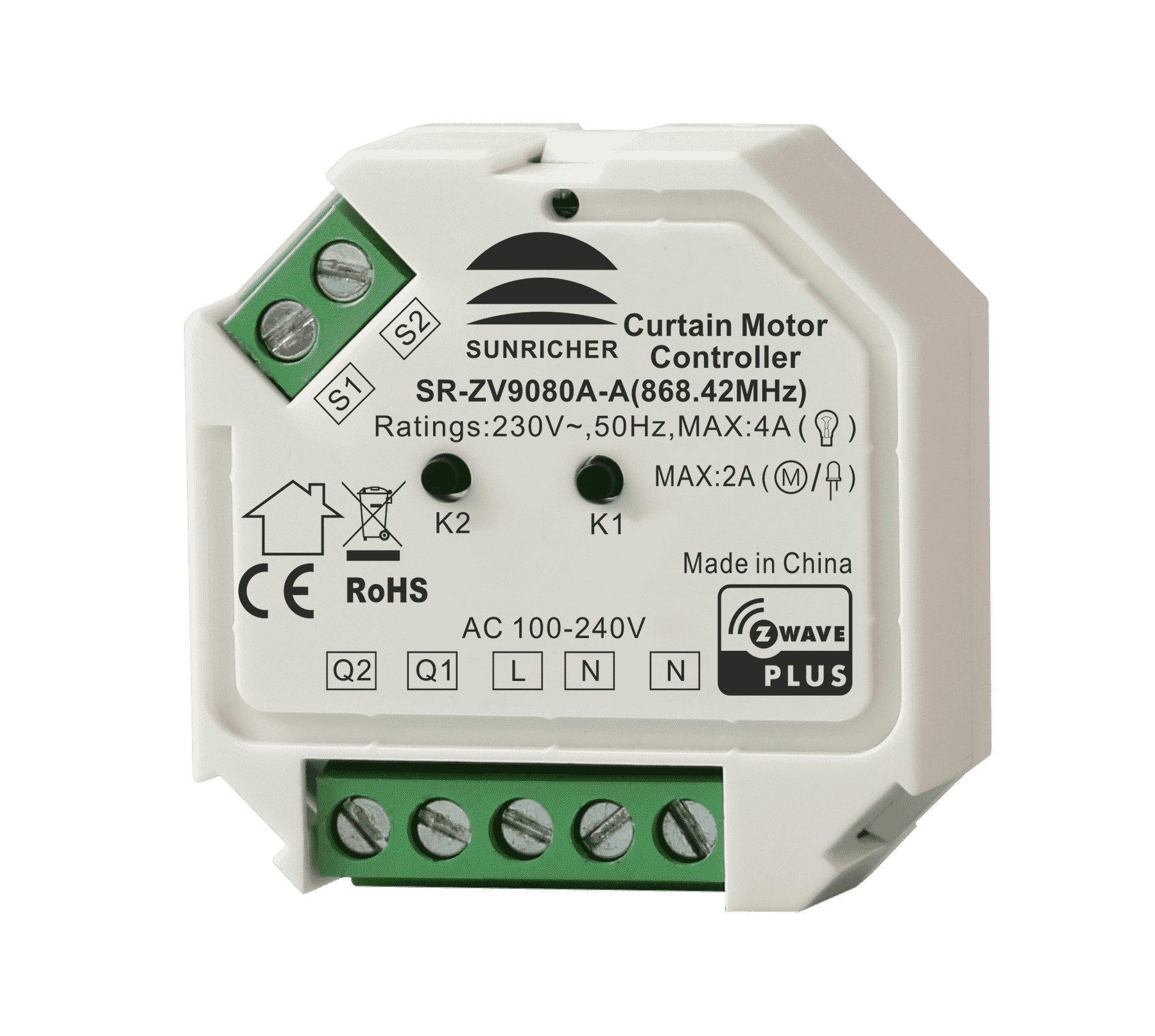
| 7 | When parameter 3 value configured as 0 (light mode), configuration of button S1 and S2 control. | When parameter 3 value configured as 0 (light mode), configuration of button S1 and S2 control. | 0 | 1 | 0 | 0 | 0 | | From | To | Description |
|---|
| 1 | 1 | Short press S1 to switch ON/OFF Q1. When S1 is pressed and held down, then released, not processed. Short press S2 to switch ON/OFF Q2. When S2 pressed and held down, then released, not processed. | | 2 | 2 | Press and hold down S1 to switch ON Q1, then release to switch OFF Q2. When S1 short pressed, not processed. Press and hold down S2 to switch ON Q2, then release to switch OFF Q2. When S2 short pressed, not processed. | | 3 | 3 | Short press S1 or S2 to switch ON/OFF of both Q1 and Q2 simultaneously. When S1 or S2 pressed and held down, not processed | | 4 | 4 | Press and hold down S1 to switch ON Q1 and Q2. When S1 short pressed, not processed. Press and hold down S2 to switch OFF Q1 and Q2. When S2 short pressed, not processed. | | 0 | 0 | Short press S1 to switch ON/OFF Q1. Press and hold down S1 to switch ON Q1, then release to switch OFF Q2. Short press S2 to switch ON/OFF Q2. Press and hold down S2 to switch ON Q2, then release to switch OFF Q2. |
|
| 8 | Enable/disable to add the device to or remove it from a Z-Wave network through button S1. | Enable/disable to add the device to or remove it from a Z-Wave network through button S1. Please refer to the parts of inclusion and exclusion for details. | 0 | 1 | 0 | 0 | 1 | | From | To | Description |
|---|
| 0 | 0 | enable | | 1 | 1 | disable |
|
| 3 | Working mode | Working mode | 0 | 1 | 0 | 0 | 2 | | From | To | Description |
|---|
| 0 | 0 | light mode | | 1 | 1 | Shutter mode without positioning | | 2 | 2 | Shutter mode with positioning | | 3 | 3 | venetian mode (up/down and slats rotation) |
|
| 11 | Current change absolute threshold, unit is 0.1A | Wiring type Note: this parameter is read only | 0 | 1 | 0 | 0 | 0 | | From | To | Description |
|---|
| 0 | 0 | disable absolute threshold function | | 1 | 10 | value of the current change absolute threshold, if current change value is over the threshold value, report the current change value using METER_REPORT |
|
| 2 | Saving load state before power failure | Enable/disable the curtain motor controller to report state change percentage threshold (report only when change value at the specified percentage), if enabled, report when the value reaches both 0% and 99%. When the working mode is configured as light mode, as long as the state changes, the state change percentage threshold will be reported. SWITCH_MULTILEVEL_REPORT | 0 | 1 | 0 | 0 | 1 | | From | To | Description |
|---|
| 0 | 0 | disable to report actively | | 1 | 1 | value to report, unit is one percent |
|
| 4 | Enable/disable to save positioning | Enable/disable to save positioning percentage, record and save current positioning every time when the curtain moves to specified position, if the working mode is configured as light mode, record on/off state. | 0 | 1 | 0 | 0 | 1 | | From | To | Description |
|---|
| 0 | 0 | disable | | 1 | 1 | enable |
|
| 5 | Enable/disable over current protection | Enable/disable over current protection 0: disable 1: enable, when over current detected, there are two methods to cancel alarm: 1. short press either switch button S1 or S2, the alarm will last at least 1 minute and then be cancelled. 2. re-power on the curtain motor controller | 0 | 1 | 0 | 0 | 1 | | From | To | Description |
|---|
| 0 | 0 | disable | | 1 | 1 | enable, when over current detected, there are two methods to cancel alarm: 1. short press either switch button S1 or S2, the alarm will last at least 1 minute and then be cancelled. 2. re-power on the curtain motor controller |
|
| 6 | starting positioning calibration | Only value 1 can be written in, which means starting positioning calibration. When read, 0x01: positioning calibration completed 0x00: positioning not calibrated This parameter is only valid when parameter 3 configured as shutter mode with positioning or venetian mode (up/down and slats rotation). | 0 | 1 | 0 | 0 | 0 | | From | To | Description |
|---|
| 0 | 0 | positioning not calibrated | | 1 | 1 | positioning calibration completed |
|
| 9 | Enable/disable to send scene activation command CENTRAL_ SCENE_ NOTIFICATION_ V3 when the switches S1 and S2 are pressed. | Enable/disable to send scene activation command CENTRAL_ SCENE_ NOTIFICATION_ V3 when the switches S1 and S2 are pressed. | 0 | 1 | 0 | 0 | 1 | | From | To | Description |
|---|
| 0 | 0 | disable to send for action of both S1 and S2 | | 1 | 1 | enable to send for action of both S1 and S2 | | 2 | 2 | enable to send for action of only S1 | | 3 | 3 | enable to send for action of only S2 |
|
| 10 | Power change absolute threshold report, unit is W | Power change absolute threshold report, unit is W | 0 | 1 | 0 | 0 | 10 | | From | To | Description |
|---|
| 0 | 0 | disable absolute threshold report function | | 1 | 100 | value of the power change absolute threshold, if power change value is over the threshold value, report the power change value using METER_REPORT |
|

.png)