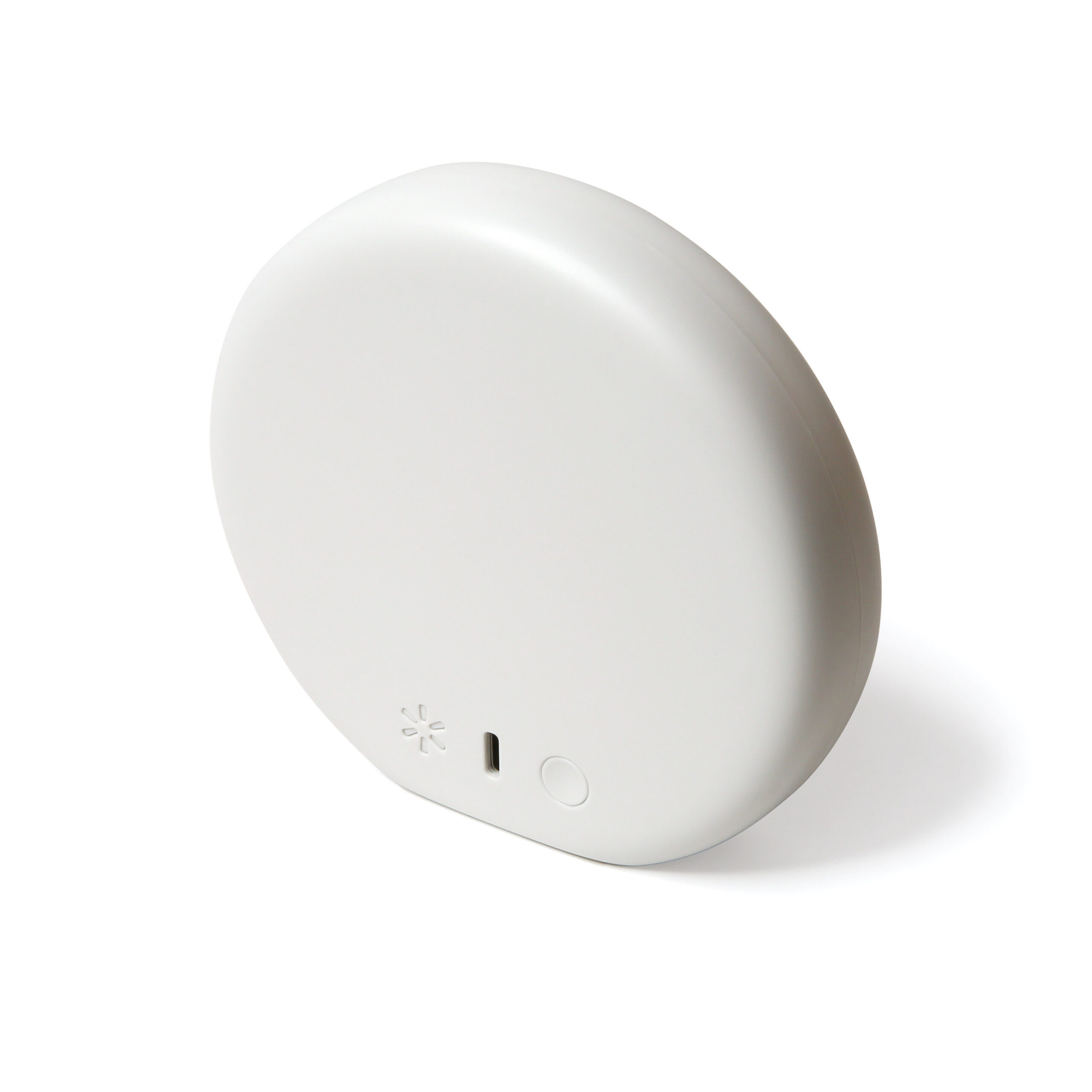
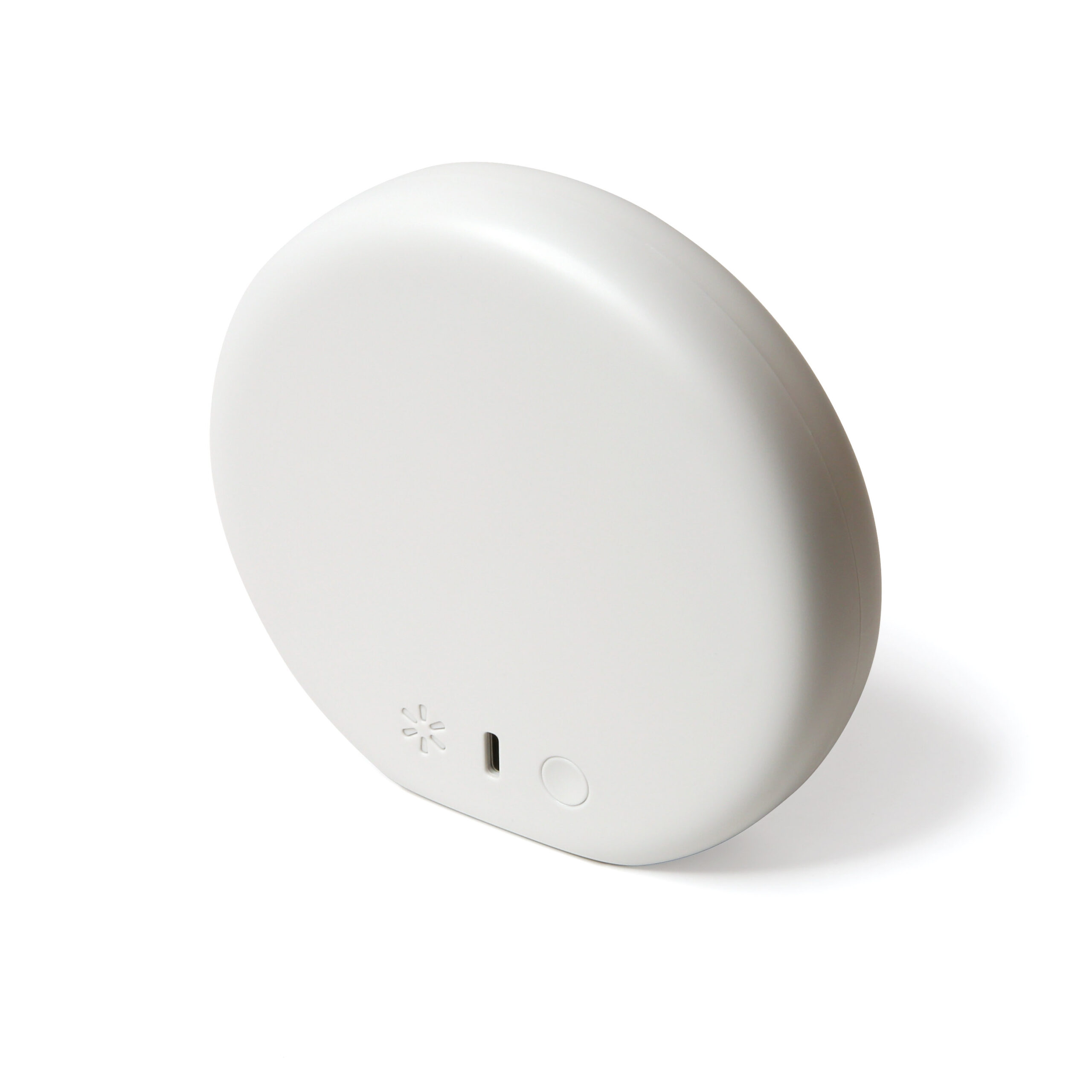
Product Recognition | |
|---|
Certification Number | ZC10-19106777 |
|---|
Name | Walmart WiFi Bridge |
|---|
Short Description | The bridge connects security devices to the cloud for the Walmart InHome service. |
|---|
Long Description | The bridge connects security access devices to the cloud for the Walmart InHome service. This will allow delivery associates access to customer homes for the purpose of InHome delivery as well as allow customers to remotely monitor and control their access devices. |
|---|
Brand | Walmart, Inc |
|---|
Product Identifier | WMBR-1 |
|---|
Product Line | WMIH |
|---|
OEM Version | HW: 1 FW: 6.07:02.81:02.02 |
|---|
Hardware Platform | ZM5101 |
|---|
Z-Wave Version | 6.81.06 |
|---|
Library Type | CONTROLLER_BRIDGE |
|---|
Device Type | Gateway |
|---|
Role Type | ROLE_TYPE_CONTROLLER_CENTRAL_STATIC |
|---|
Manufacturer ID | 0x042C |
|---|
Product Type ID | 0x0001 |
|---|
Product ID | 0x0001 |
|---|
User Icon | 0x0500 |
|---|
Installer Icon | 0x0500 |
|---|
Frequency Plans | US: 916.00MHz, 908.40MHz |
|---|
Categories | All Controllers, Gateway Controller |
|---|
Countries / Regions | United States of America |
|---|
Supported Command Classes | Identifier | Name | Key | Version |
|---|
COMMAND_CLASS_POWERLEVEL | Powerlevel | 0x73 | 1 | COMMAND_CLASS_INCLUSION_CONTROLLER | Inclusion Controller | 0x74 | 1 | COMMAND_CLASS_ZIP_V4 | Z/IP V4 | | 0 | COMMAND_CLASS_CRC_16_ENCAP | CRC16 Encapsulation | 0x56 | 1 | COMMAND_CLASS_SECURITY | Security S0 | 0x98 | 1 | COMMAND_CLASS_TRANSPORT_SERVICE_V2 | Transport Service V2 | 0x55 | 2 | COMMAND_CLASS_VERSION_V2 | Version V2 | 0x86 | 2 | COMMAND_CLASS_DEVICE_RESET_LOCALLY | Device Reset Locally | 0x5A | 1 | COMMAND_CLASS_ZWAVEPLUS_INFO_V2 | Z-Wave Plus Info V2 | 0x5E | 2 | COMMAND_CLASS_ASSOCIATION_V2 | Association V2 | 0x85 | 2 | COMMAND_CLASS_ASSOCIATION_GRP_INFO_V3 | Association Group Information V3 | 0x59 | 3 | COMMAND_CLASS_SECURITY_2 | Security S2 | 0x9F | 1 | COMMAND_CLASS_MANUFACTURER_SPECIFIC | Manufacturer Specific | 0x72 | 1 | COMMAND_CLASS_ZIP_GATEWAY | Z/IP Gateway | 0x5F | 1 | COMMAND_CLASS_SUPERVISION | Supervision | 0x6C | 1 |
|
|---|
Controlled Command Classes | Identifier | Name | Key | Version |
|---|
COMMAND_CLASS_DOOR_LOCK | Door Lock | 0x62 | 1 | COMMAND_CLASS_MULTI_CHANNEL_ASSOCIATION_V3 | Multi-Channel Association V3 | 0x8E | 3 | COMMAND_CLASS_BASIC | Basic | 0x20 | 1 | COMMAND_CLASS_CRC_16_ENCAP | CRC16 Encapsulation | 0x56 | 1 | COMMAND_CLASS_SECURITY | Security S0 | 0x98 | 1 | COMMAND_CLASS_WAKE_UP_V2 | Wake Up V2 | 0x84 | 2 | COMMAND_CLASS_DEVICE_RESET_LOCALLY | Device Reset Locally | 0x5A | 1 | COMMAND_CLASS_BARRIER_OPERATOR | Barrier Operator | 0x66 | 1 | COMMAND_CLASS_ASSOCIATION_V2 | Association V2 | 0x85 | 2 | COMMAND_CLASS_MULTI_CHANNEL_V4 | Multi-Channel V4 | 0x60 | 4 | COMMAND_CLASS_DOOR_LOCK_LOGGING | Door Lock Logging | 0x4C | 1 | COMMAND_CLASS_SECURITY_2 | Security S2 | 0x9F | 1 |
|
|---|
S2 Classes | S2_UNAUTHENTICATED, S2_AUTHENTICATED, S2_ACCESS_CONTROL |
|---|
Documents | Category | Description | File |
|---|
Manual_Primary_Lang | Product Manual | |
|
|---|
Features | Feature | Values |
|---|
Gateway Has Preferred Partners | | Color | |
|
|---|
Association Groups | Group Number | Maximum Nodes Supported | End Point ID | Group Name | Profile | Description |
|---|
1 | 3 | 0 | Lifeline | 0x00FF | This WiFi Bridge has one Association Group, commonly referred to as ‘Lifeline’. |
|
|---|
Texts | ID | Description | Value |
|---|
1 | Classic Inclusion | 1. From the home screen, navigate to the Settings page by pressing the (insert gear icon)
2. Select the About page
3. Select ‘Advanced Z-Wave Utilities’
4. Select ‘Add device’
5. Refer to the manufacturer’s instruction for inclusion using the DSK (device specific key). A user may attempt to use classic inclusion by entering `00000` as the DSK.
6. The app will indicate when device inclusion is successful | 2 | Classic Exclusion | EXCLUSION
1. From the home screen, navigate to the Settings page by pressing the (insert gear icon)
2. Select the About page
3. Select ‘Advanced Z-Wave Utilities’
4. Select ‘Exclude garage opener’ to put the bridge in Exclusion Mode. Refer to the manufacturer’s instruction for exclusion.
5. The app will indicate when device exclusion is successful. | 5 | Factory Reset Procedure | If this controller is the primary controller for your network, resetting it will result in the nodes in your network being orphaned and it will be necessary after the reset to exclude and re-include all of the nodes in the network. If this controller is being used as a secondary controller in the network, use this procedure to reset this controller only in the event that the network primary controller is missing or otherwise inoperable.
To factory reset the WiFi Bridge, which will also factory reset and delete all Z-Wave network information, press and hold the button on the back of the bridge for 20 seconds. | 8 | Where to find S2 DSK on product | The WiFi Bridge’s DSK (Device Security Key) is located in the WiFi bridge details page on the secure APP (TLS) and can be accessed by going to Settings > Garage Door Controller Device > WiFi bridge > Bridge details. |
|
|---|
Supports NWI | Yes |
|---|
Supports Explorer Frames | Yes |
|---|
Radio Range Z-Wave (m) | 40 |
|---|