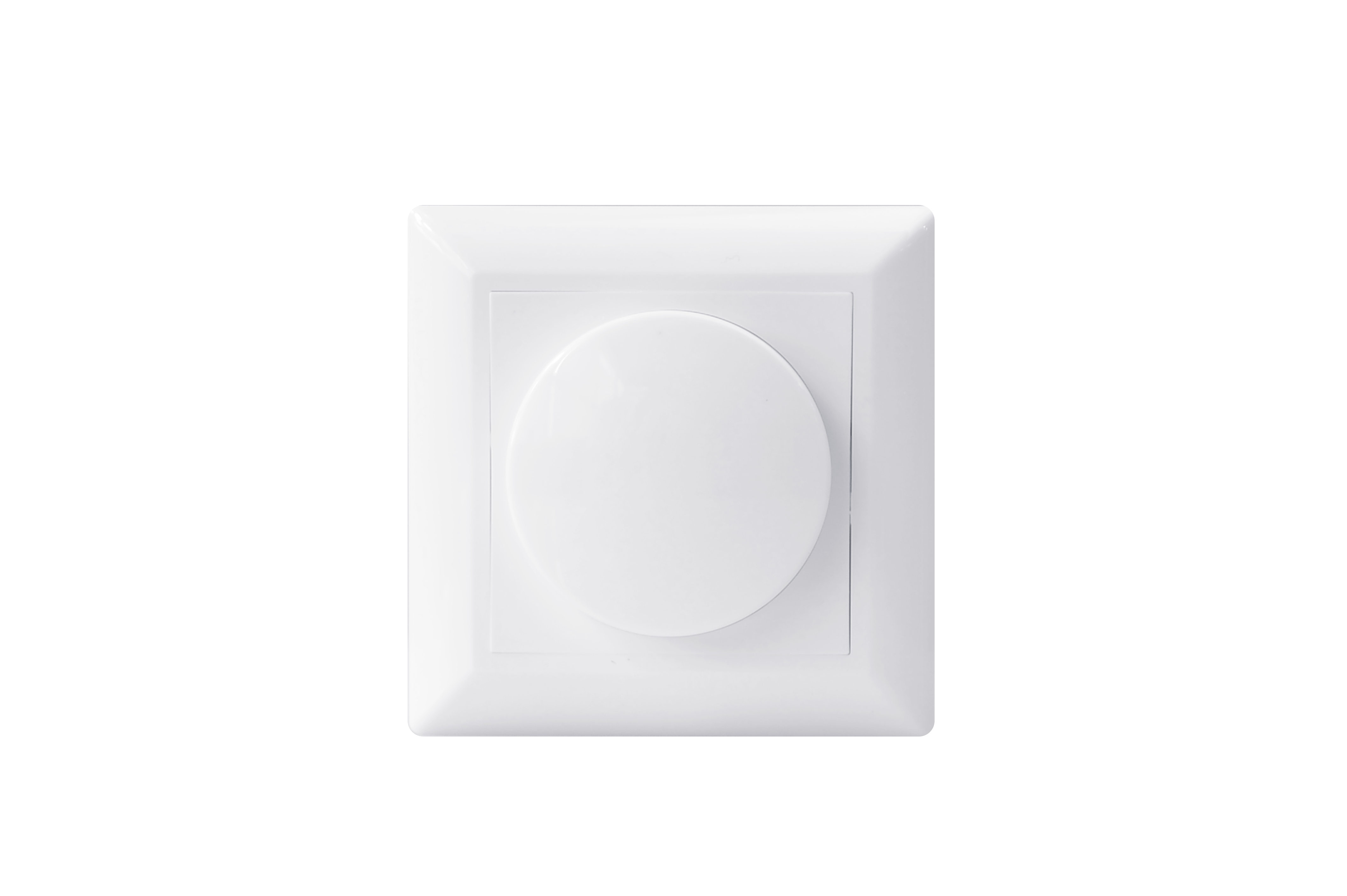
Product Recognition | |
|---|
Certification Number | ZC10-20036885 |
|---|
Name | ECO-DIM.07 Z-Wave LED dimmer |
|---|
Short Description | ECO-DIM.07 Z-Wave is a push/rotary dimmer for LED Lights.
0-200W LED, Minimum and maximum light level adjustable.
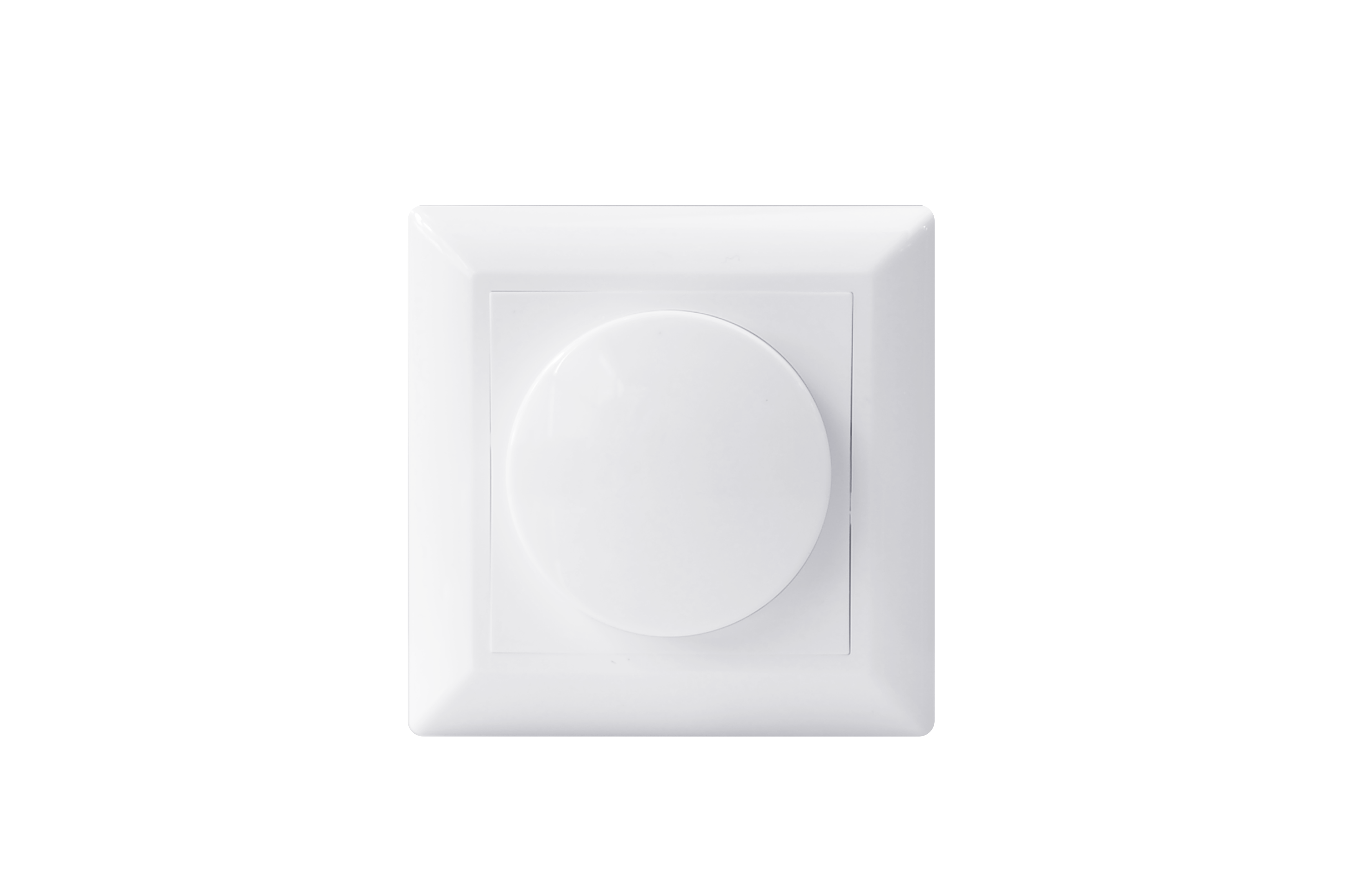
All well known brands coverplates are usable. |
|---|
Long Description | ECO-DIM.07 Z-Wave is a push/rotary dimmer for LED lights.
The dimmer has a range of 0-200W LED, and is able to dim 230V halogen and incandescent bulds, dimable LED-drivers and electronic transfomers.
The minimum and maximum light level of the dimmer can be adjusted via a potentiometer. It is protected against overload and interference signals.
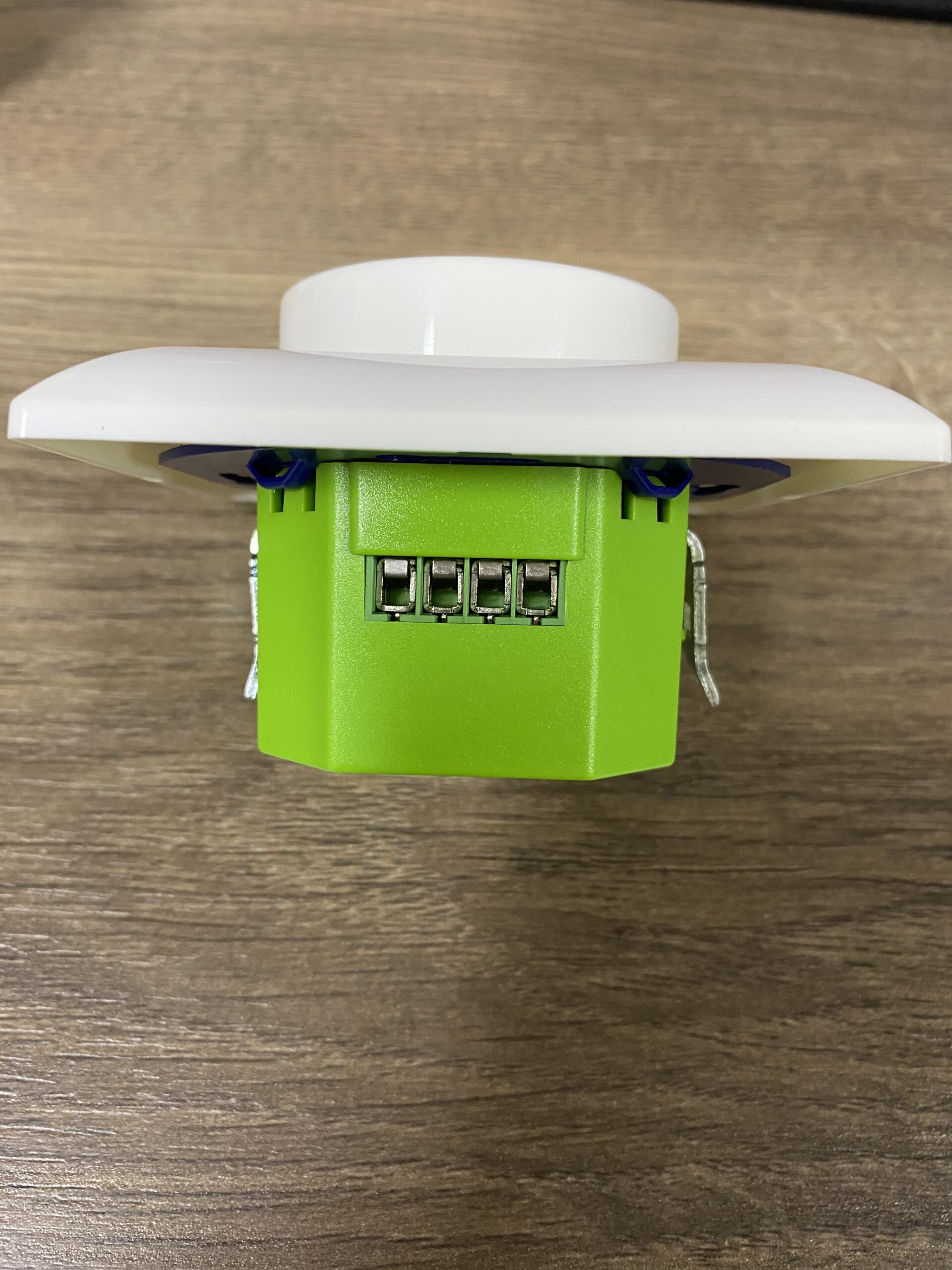
Installation can be done via 2 wires, there is no need for a neutral wire!
It is suitable for most popular smarthome systems, and the frame systems of the most popular brands can be used: Busch-Jaeger, Merten by Schneider, Berker by Hager, Niko, Gira, Jung and Peha.
The dimmer is compatible with 95% of all dimmable LED lights. |
|---|
Brand | EcoDim BV |
|---|
Product Identifier | ECO-DIM.07 Z-Wave |
|---|
Product Line | EcoDim Smart |
|---|
OEM Version | HW: 1 FW: 1.17 |
|---|
Hardware Platform | ZM5101 |
|---|
Z-Wave Version | 6.81.03 |
|---|
Library Type | SLAVE_ENHANCED_232 |
|---|
Device Type | Light Dimmer Switch |
|---|
Role Type | ROLE_TYPE_SLAVE_ALWAYS_ON |
|---|
Manufacturer ID | 0x0431 |
|---|
Product Type ID | 0x0202 |
|---|
Product ID | 0x0001 |
|---|
User Icon | 0x0600 |
|---|
Installer Icon | 0x0600 |
|---|
Frequency Plans | EU: 869.85MHz, 868.40MHz |
|---|
Categories | All Lighting Devices, Dimming Lighting Devices, Lighting Accessories |
|---|
Countries / Regions | European Union |
|---|
Supported Command Classes | Identifier | Name | Key | Version |
|---|
COMMAND_CLASS_FIRMWARE_UPDATE_MD_V4 | Firmware Update Meta-Data V4 | 0x7A | 4 | COMMAND_CLASS_POWERLEVEL | Powerlevel | 0x73 | 1 | COMMAND_CLASS_BASIC | Basic | 0x20 | 1 | COMMAND_CLASS_CONFIGURATION | Configuration | 0x70 | 1 | COMMAND_CLASS_SECURITY | Security S0 | 0x98 | 1 | COMMAND_CLASS_SWITCH_MULTILEVEL_V2 | Switch Multilevel V2 | 0x26 | 2 | COMMAND_CLASS_TRANSPORT_SERVICE_V2 | Transport Service V2 | 0x55 | 2 | COMMAND_CLASS_VERSION_V2 | Version V2 | 0x86 | 2 | COMMAND_CLASS_DEVICE_RESET_LOCALLY | Device Reset Locally | 0x5A | 1 | COMMAND_CLASS_ZWAVEPLUS_INFO_V2 | Z-Wave Plus Info V2 | 0x5E | 2 | COMMAND_CLASS_ASSOCIATION_V2 | Association V2 | 0x85 | 2 | COMMAND_CLASS_ASSOCIATION_GRP_INFO | Association Group Info | 0x59 | 1 | COMMAND_CLASS_SECURITY_2 | Security S2 | 0x9F | 1 | COMMAND_CLASS_SUPERVISION | Supervision | 0x6C | 1 | COMMAND_CLASS_MANUFACTURER_SPECIFIC_V2 | Manufacturer Specific V2 | 0x72 | 2 |
|
|---|
S2 Classes | S2_UNAUTHENTICATED, S2_AUTHENTICATED |
|---|
Documents | Category | Description | File |
|---|
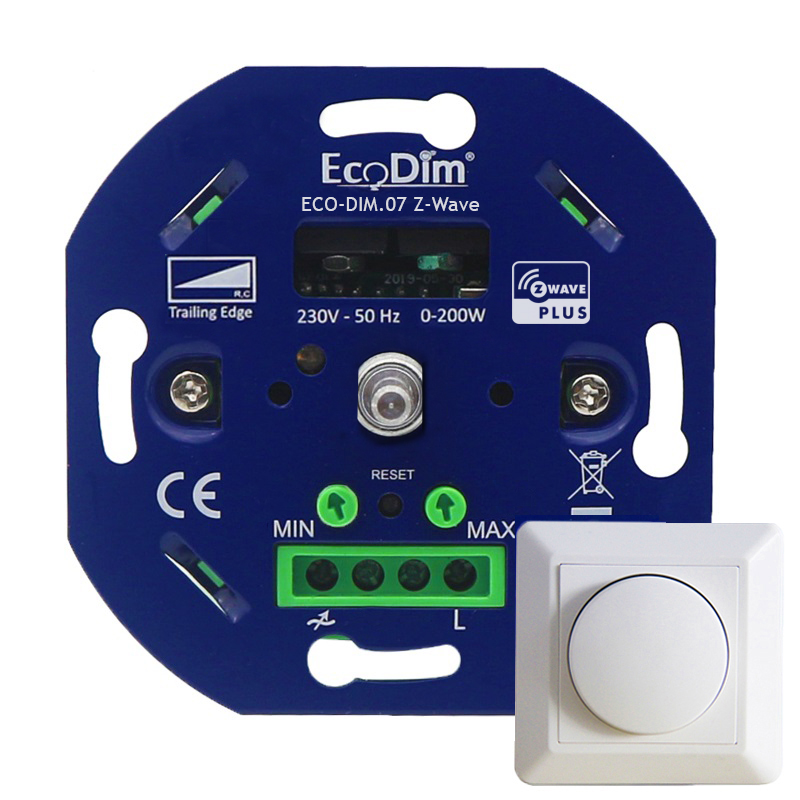
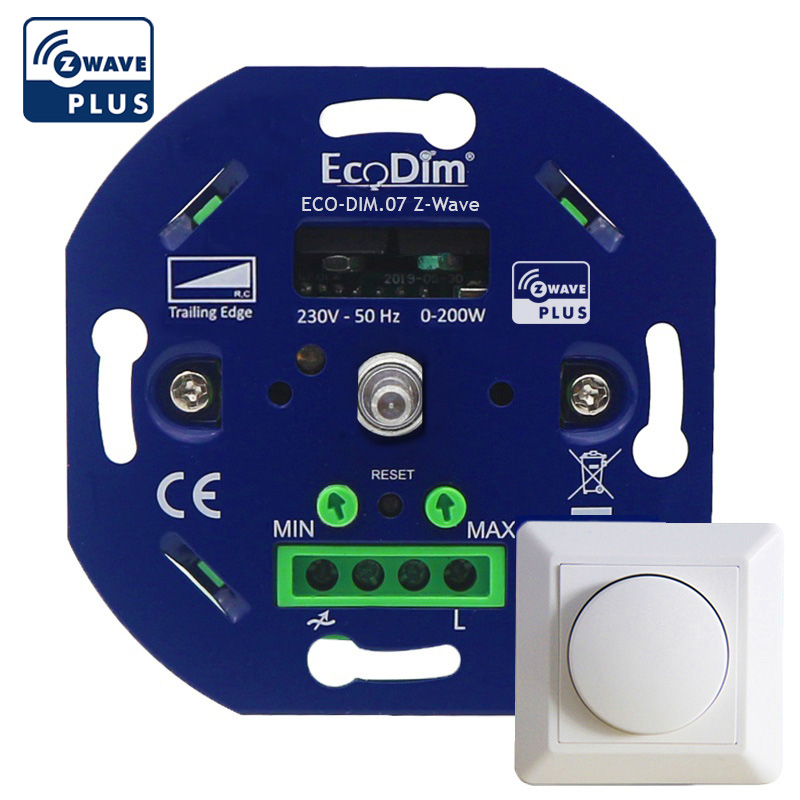
Image_Product_Supplemental_4 | ECO-DIM.07 with coverplate | | Image_Product_Supplemental_3 | | | Manual_Primary_Lang | Product Manual in English | |
|
|---|
Features | Feature | Values |
|---|
Communications Connections | | Switch Load Capacity Current | | Firmware Updatable | Value |
|---|
Updatable by Consumer by RF |
| Switch Type | |
|
|---|
Association Groups | Group Number | Maximum Nodes Supported | End Point ID | Group Name | Description |
|---|
1 | 5 | 0 | Lifeline | The ASSIC of Lifeline: 4C 69 66 65 6C 69 6E 65
General Lifeline, Profile, MSB=0x00, Profile LSB 0x01 |
|
|---|
Configuration Parameters | Parameter Number | Name | Description | Format | Size | Min Value | Max Value | Default Value | Parameter Values |
|---|
1 | State After Power Restored | The state the switch should return once power is restored after power failure | 1 | 1 | 0 | 2 | 0 | From | To | Description |
|---|
1 | 1 | On | 2 | 2 | Returns to level before power usage | 0 | 0 | Off |
| 2 | Notification when Load status change | The dimmer will send notification to associated device (Group lifeline) when the status of the Dimmer load is changed | 1 | 1 | 0 | 2 | 1 | From | To | Description |
|---|
1 | 1 | Send Switch Multilevel Report | 0 | 0 | The function is disabled | 2 | 2 | Send Switch Multilevel Report only when Load status is not changed by Z-Wave command |
|
|
|---|
Texts | ID | Description | Value |
|---|
8 | Where to find S2 DSK on product | You can scan the QR code with an android Phone. For example, the QR code may be scanned by the application provided with your SmartStart compatible Z-Wave controller. (The data for each dimmer is different).
Note: If your controller does not support SmartStart inclusion, please refer to the manual for your controller for non-SmartStart inclusion. | 1 | Classic Inclusion | Product Classic Inclusion Description
1. Set primary controller/gateway into inclusion mode (If you don’t know how to do this, please refer to your primary controller’s manual on how to turn your controller into inclusion mode).
2. Short press 2 times the reset button, it will set the dimmer controller into inclusion mode.25 seconds timeout if there is no reply from the Z-Wave primary controller, repeat the operation.
3. The dimmer controller will be added to the Z-Wave network. | 2 | Classic Exclusion | 1. Set primary controller/gateway into exclusion mode (If you don’t know how to do this, please refer to your primary controller’s manual on how to turn your controller into exclusion mode).
2. Short press 2 times the reset button, it will set the dimmer controller into exclusion mode (The dimmer controller already exists a Z-Wave network). 25 seconds timeout if there is no reply from the Z-Wave primary controller, repeat the operation.
3. The dimmer controller will be removed from the Z-Wave network.
Note:
The Dimmer will start SmartStart Inclusion when it is removed from a Z-wave network. | 5 | Factory Reset Procedure | Press and hold down reset button for over 4 seconds, the dimmer controller will be reset to factory defaults.
Note:
This procedure should only be used when the primary controller is inoperable.
Reset Dimmer controller to factory default settings will sets the Dimmer to not in z-wave network state, delete the Association setting and restore the Configuration setting to the default.
The Dimmer controller will start SmartStart Inclusion when it is reset. |
|
|---|
Supports NWI | Yes |
|---|
Supports Explorer Frames | Yes |
|---|
Supports SmartStart | Yes |
|---|
Radio Range Z-Wave (m) | 40 |
|---|