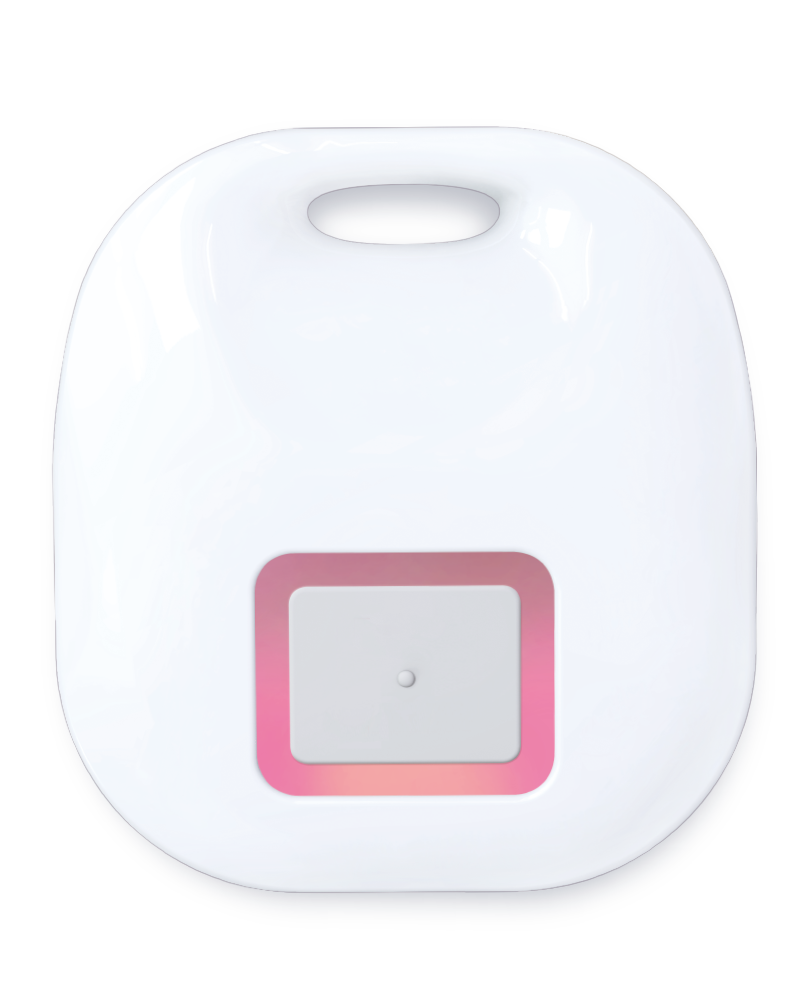
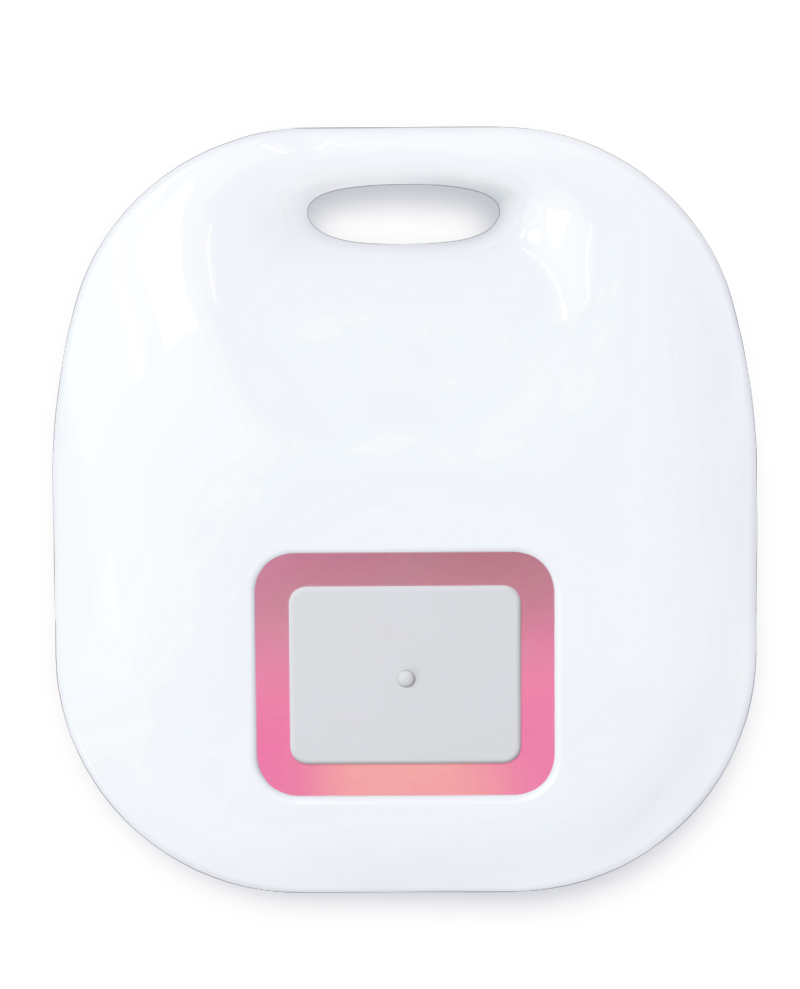
Product Recognition | |
|---|
Certification Number | ZC12-20040045 |
|---|
Name | 2 in 1 Universal Remote |
|---|
Short Description | The Arrival Sensor combines one extra functional button, it's very useful for home automation and protects family members. |
|---|
Long Description | Arrival sensor combines a unique button whose function can be defined as one of below:
- Scene Control
- Arm/Disarm
- On/Off Control
- Emergency Help |
|---|
Brand | Vision |
|---|
Product Identifier | ZA1502JP-7 |
|---|
Product Line | Home Security |
|---|
OEM Version | HW: 5 FW: 1.00 |
|---|
Hardware Platform | ZGM130 |
|---|
Z-Wave Version | 7.12.2 |
|---|
Library Type | SLAVE_ENHANCED_232 |
|---|
Device Type | Notification Sensor |
|---|
Role Type | ROLE_TYPE_SLAVE_SLEEPING_REPORTING |
|---|
Manufacturer ID | 0x0109 |
|---|
Product Type ID | 0x202E |
|---|
Product ID | 0x2E02 |
|---|
User Icon | 0x0C0A |
|---|
Installer Icon | 0x0C0A |
|---|
Frequency Plans | JP: 922.50MHz, 923.90MHz, 926.30MHz |
|---|
Categories | Sensors |
|---|
Countries / Regions | Japan |
|---|
Supported Command Classes | Identifier | Name | Key | Version |
|---|
COMMAND_CLASS_CONFIGURATION_V4 | Configuration V4 | 0x70 | 4 | COMMAND_CLASS_POWERLEVEL | Powerlevel | 0x73 | 1 | COMMAND_CLASS_MULTI_CHANNEL_ASSOCIATION_V3 | Multi-Channel Association V3 | 0x8E | 3 | COMMAND_CLASS_INDICATOR_V3 | Indicator V3 | 0x87 | 3 | COMMAND_CLASS_BATTERY | Battery | 0x80 | 1 | COMMAND_CLASS_SECURITY | Security S0 | 0x98 | 1 | COMMAND_CLASS_TRANSPORT_SERVICE_V2 | Transport Service V2 | 0x55 | 2 | COMMAND_CLASS_WAKE_UP_V2 | Wake Up V2 | 0x84 | 2 | COMMAND_CLASS_DEVICE_RESET_LOCALLY | Device Reset Locally | 0x5A | 1 | COMMAND_CLASS_ZWAVEPLUS_INFO_V2 | Z-Wave Plus Info V2 | 0x5E | 2 | COMMAND_CLASS_ASSOCIATION_V2 | Association V2 | 0x85 | 2 | COMMAND_CLASS_FIRMWARE_UPDATE_MD_V5 | Firmware Update Meta-Data V5 | 0x7A | 5 | COMMAND_CLASS_ASSOCIATION_GRP_INFO_V3 | Association Group Information V3 | 0x59 | 3 | COMMAND_CLASS_NOTIFICATION_V8 | Notification V8 | 0x71 | 8 | COMMAND_CLASS_SECURITY_2 | Security S2 | 0x9F | 1 | COMMAND_CLASS_VERSION_V3 | Version V3 | 0x86 | 3 | COMMAND_CLASS_SUPERVISION | Supervision | 0x6C | 1 | COMMAND_CLASS_MANUFACTURER_SPECIFIC_V2 | Manufacturer Specific V2 | 0x72 | 2 |
|
|---|
S2 Classes | S2_UNAUTHENTICATED, S2_AUTHENTICATED |
|---|
Documents | Category | Description | File |
|---|
Manual_Primary_Lang | Product Manual | |
|
|---|
Features | Feature | Values |
|---|
Battery Quantity | | Battery Type | | Color | | Firmware Updatable | Value |
|---|
Updatable by Manufacturer Representative |
|
|
|---|
Association Groups | Group Number | Maximum Nodes Supported | End Point ID | Group Name | Profile | Description |
|---|
1 | 5 | 0 | Lifeline | 0x0001 | * Group 1 = Lifeline |
|
|---|
Configuration Parameters | Parameter Number | Name | Description | Format | Size | Min Value | Max Value | Default Value | Parameter Values |
|---|
1 | The Synchronic Interval Time | Define the synchronic interval time between arrival sensor and the gateway, the basic interval time is 16 seconds and the default value is "4" (64seconds=4x16seconds) 1 ~ 127 (unsigned decimal) Seconds (default: 4 (=16seconds x 4)) | 0 | 1 | 1 | 127 | 4 | From | To | Description |
|---|
1 | 127 | from 16 seconds to 2032 seconds |
|
|
|---|
Texts | ID | Description | Value |
|---|
2 | Classic Exclusion | For “Exclusion” from (removing from) a network: Put the Z-Wave™ Interface Controller into “exclusion” mode, and following its instruction to delete the ZA1502-7 from your controller. Quick press the button of ZA1502-7 5 times to be excluded, the Red/Green LED will flash 5 times quickly after successful exclusion.
Note: All user and network settings will be cleared and the device reset to factory defaults when the device is excluded. | 4 | Wake-Up Procedure | Wake Up Notification:
Press the button of ZA1502-7 2 times will active the “Wake Up Mode” for receiving all the command class from the controller. The ZA1502-7 will go to sleep mode without receiving any Z-Wave command till 10 seconds. It will proceed all the commands after sending the “Wake Up Notification” | 6 | Other Special Features | Auto Wake Up, Battery Capacity Detection, Explorer Frame & OTA | 8 | Where to find S2 DSK on product | The DSK label will on the backside of ZA1502-7, Scan the DSK label to access the SmartStart if gateway 's UI supports SmartStart. (Remark: The QR code is for use with Z-Wave SmartStart by using “DSK,” “Device Specific Key,” “PIN,” or “PIN code,” etc.) | 1 | Classic Inclusion | For “Inclusion” in (adding to) a network: Put the Z-Wave™ Interface Controller into “inclusion” mode, and following its instruction to add the ZA1502-7 to your controller. To get in the “inclusion” mode, quick press the button of ZA1502-7 5 times for sending the NIF, the Red/Green LED will flash 5 times quickly before the learning process for showing the sensor has not been included. After sending NIF, Z-Wave will send the auto inclusion, the Red/Green LED will flash 1 second after successful inclusion; otherwise, ZA1502-7 will go to sleep after 30 seconds. The red LED will be flashing while the inclusion is proceeding. | 5 | Factory Reset Procedure | Factory Default Reset:
Quick press the button of ZA1502-7 4 times and hold the button around 5 seconds until the Red LED is on to send the “Device Reset Locally Notification” command and reset to the factory default.
(Remark: This is to be used only in the case of primary controller being inoperable or otherwise unavailable.) |
|
|---|
Supported Notification Types | Notification Type | Event / State |
|---|
System | Heartbeat | Emergency Alarm | Contact medical service | Clock | Timer ended |
|
|---|
Supports NWI | Yes |
|---|
Supports Explorer Frames | Yes |
|---|
Supports SmartStart | Yes |
|---|
Radio Range Z-Wave (m) | 40 |
|---|