Product Recognition | |
|---|
Certification Number | ZC10-20056909 |
|---|
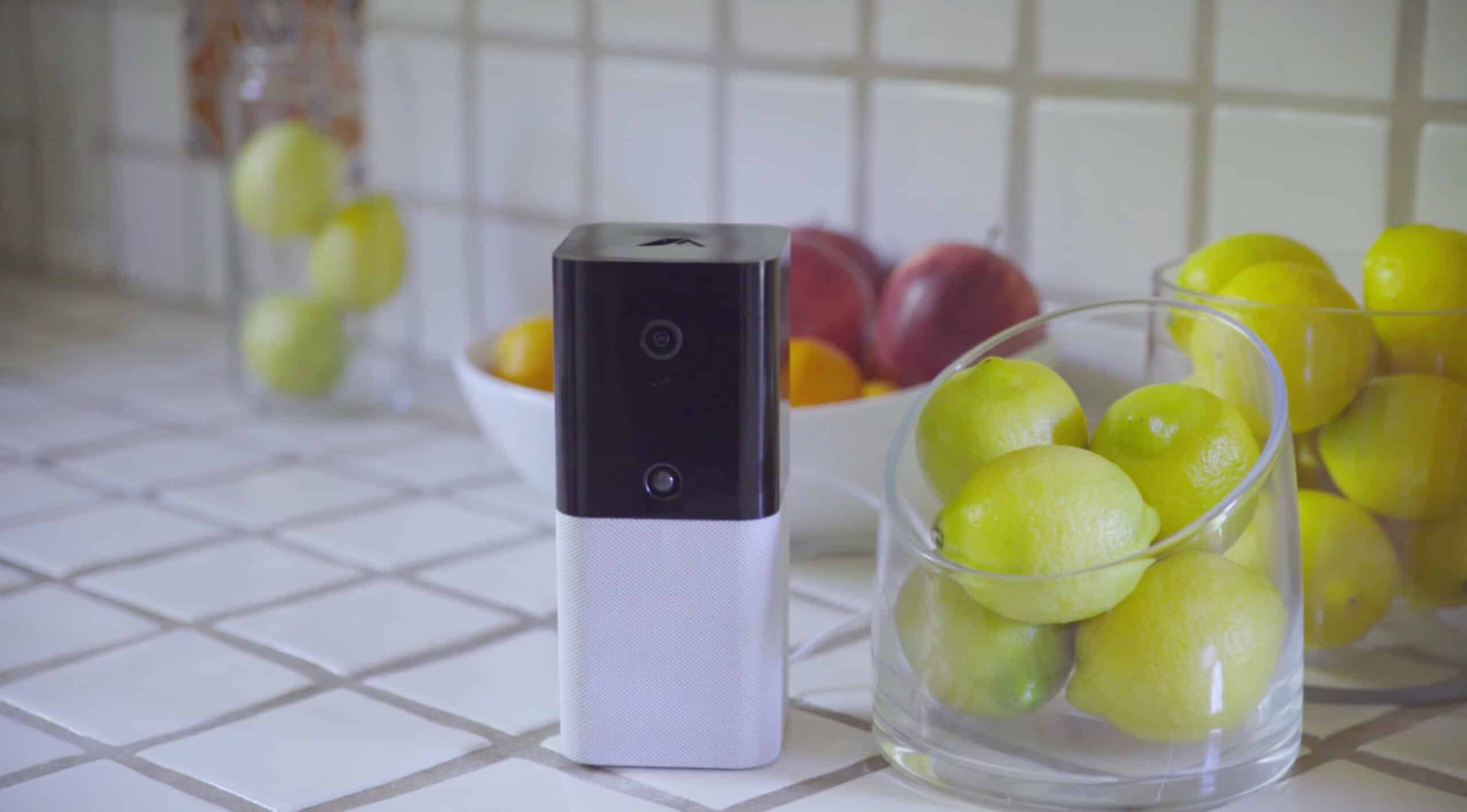
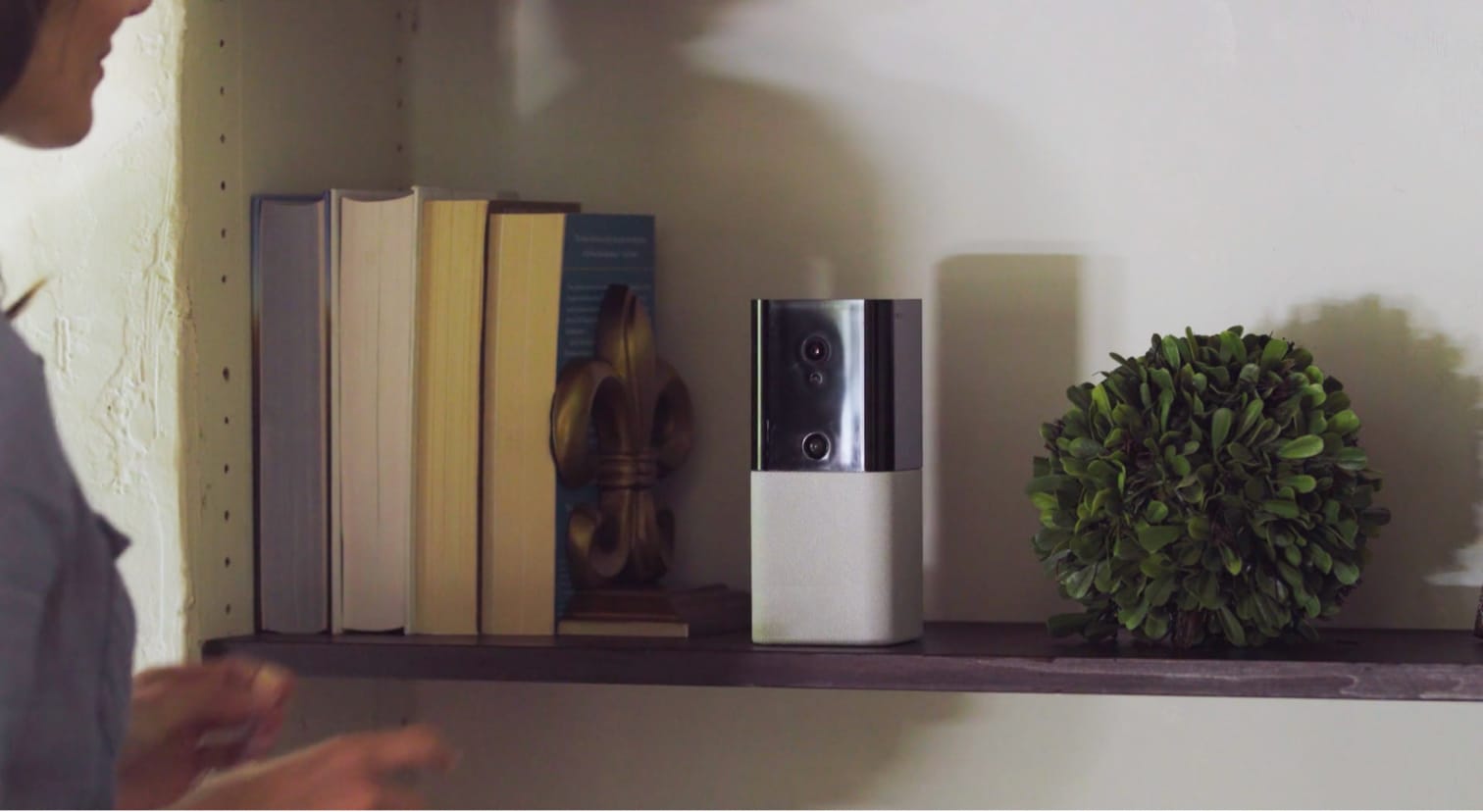
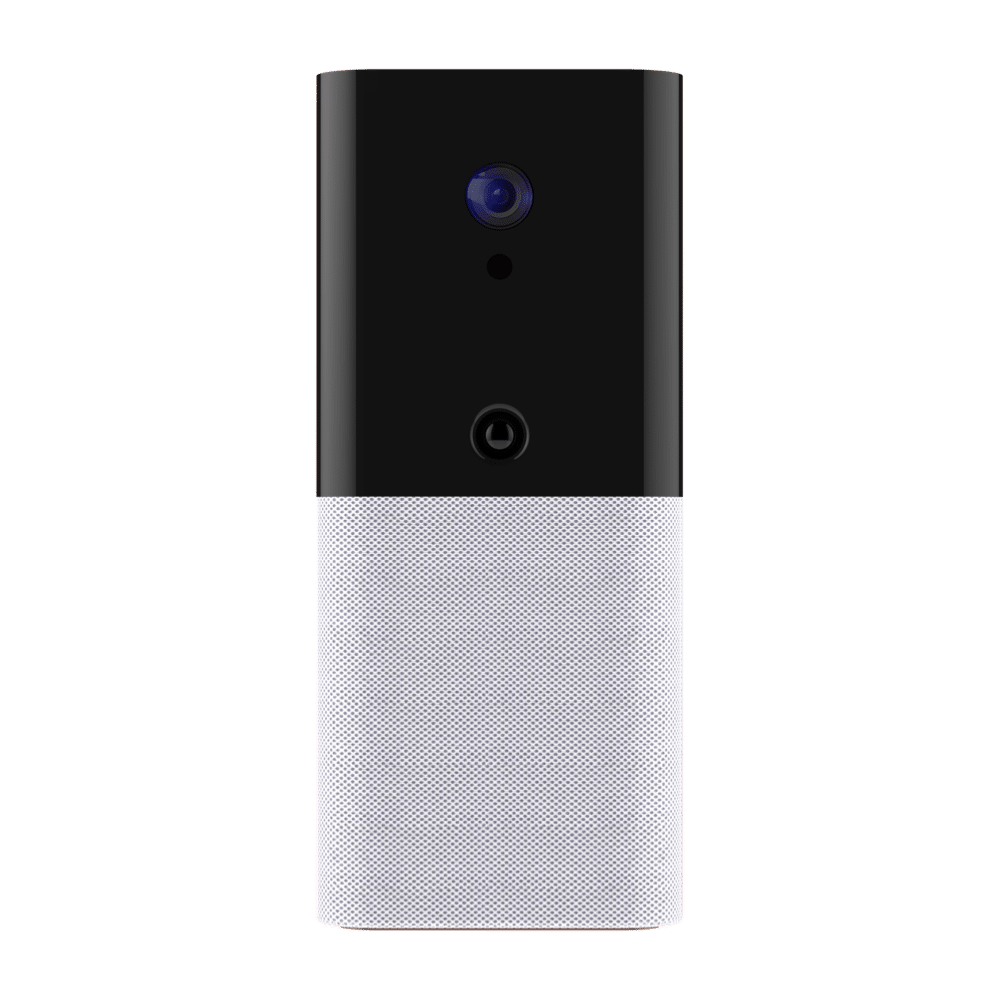
Name | iota |
|---|
Short Description | IOTA, All in one home security. |
|---|
Long Description | abode was designed to be the most flexible and comprehensive all-in-one DIY smart security solution. With a vision of providing ease, simplicity and choice, abode combines a no-contract home security platform with comprehensive smart home functionality. Abode is the only company to offer on-demand short-term monitoring with mobile app activation and offers out-of-the-box support for virtually any smart home device on the market. |
|---|
Brand | abode |
|---|
Product Identifier | iota |
|---|
Product Line | DIY Security & Automation |
|---|
OEM Version | HW: 1 FW: 6.01:02.81:01.00:01.00 |
|---|
Hardware Platform | ZM5202 |
|---|
Z-Wave Version | 6.81.01 |
|---|
Library Type | CONTROLLER_BRIDGE |
|---|
Device Type | Gateway |
|---|
Role Type | ROLE_TYPE_CONTROLLER_CENTRAL_STATIC |
|---|
Manufacturer ID | 0x0400 |
|---|
Product Type ID | 0x0001 |
|---|
Product ID | 0x0001 |
|---|
User Icon | 0x0500 |
|---|
Installer Icon | 0x0500 |
|---|
Frequency Plans | US: 916.00MHz, 908.40MHz |
|---|
Categories | Security Systems |
|---|
Countries / Regions | United States of America |
|---|
Supported Command Classes | Identifier | Name | Key | Version |
|---|
COMMAND_CLASS_POWERLEVEL | Powerlevel | 0x73 | 1 | COMMAND_CLASS_INCLUSION_CONTROLLER | Inclusion Controller | 0x74 | 1 | COMMAND_CLASS_APPLICATION_STATUS | Application Status | 0x22 | 1 | COMMAND_CLASS_CRC_16_ENCAP | CRC16 Encapsulation | 0x56 | 1 | COMMAND_CLASS_SECURITY | Security S0 | 0x98 | 1 | COMMAND_CLASS_TRANSPORT_SERVICE_V2 | Transport Service V2 | 0x55 | 2 | COMMAND_CLASS_VERSION_V2 | Version V2 | 0x86 | 2 | COMMAND_CLASS_DEVICE_RESET_LOCALLY | Device Reset Locally | 0x5A | 1 | COMMAND_CLASS_ZWAVEPLUS_INFO_V2 | Z-Wave Plus Info V2 | 0x5E | 2 | COMMAND_CLASS_ASSOCIATION_V2 | Association V2 | 0x85 | 2 | COMMAND_CLASS_ASSOCIATION_GRP_INFO_V3 | Association Group Information V3 | 0x59 | 3 | COMMAND_CLASS_NETWORK_MANAGEMENT_INCLUSION_VERSION_3 | Network Management Inclusion V3 | 0x34 | 0 | COMMAND_CLASS_NETWORK_MANAGEMENT_PROXY_V2 | Network Management Proxy V2 | 0x52 | 2 | COMMAND_CLASS_SECURITY_2 | Security S2 | 0x9F | 1 | COMMAND_CLASS_NETWORK_MANAGEMENT_BASIC_V2 | Network Management Basic V2 | 0x4D | 2 | COMMAND_CLASS_SUPERVISION | Supervision | 0x6C | 1 | COMMAND_CLASS_MANUFACTURER_SPECIFIC_V2 | Manufacturer Specific V2 | 0x72 | 2 | COMMAND_CLASS_MULTI_CMD | Multi-Command | 0x8F | 1 |
|
|---|
Controlled Command Classes | Identifier | Name | Key | Version |
|---|
COMMAND_CLASS_SWITCH_BINARY_V2 | Switch Binary V2 | 0x25 | 2 | COMMAND_CLASS_MULTI_CHANNEL_ASSOCIATION_V3 | Multi-Channel Association V3 | 0x8E | 3 | COMMAND_CLASS_CRC_16_ENCAP | CRC16 Encapsulation | 0x56 | 1 | COMMAND_CLASS_SECURITY | Security S0 | 0x98 | 1 | COMMAND_CLASS_WAKE_UP_V2 | Wake Up V2 | 0x84 | 2 | COMMAND_CLASS_ASSOCIATION_V2 | Association V2 | 0x85 | 2 | COMMAND_CLASS_MULTI_CHANNEL_V4 | Multi-Channel V4 | 0x60 | 4 | COMMAND_CLASS_BASIC_V2 | Basic V2 | 0x20 | 2 | COMMAND_CLASS_CONFIGURATION_V3 | Configuration V3 | 0x70 | 3 | COMMAND_CLASS_SECURITY_2 | Security S2 | 0x9F | 1 |
|
|---|
S2 Classes | S2_UNAUTHENTICATED, S2_AUTHENTICATED, S2_ACCESS_CONTROL |
|---|
Documents | Category | Description | File |
|---|
Manual_Primary_Lang | Product Manual | | Adv_Manual | iota Quick Start Guide | |
|
|---|
Features | Feature | Values |
|---|
Color | | Communications Protocol | Value |
|---|
Manufacturer Proprietary Protocol |
| Firmware Updatable | Value |
|---|
Updatable by Consumer via Internet |
| Battery Type | | Battery Quantity | |
|
|---|
Association Groups | Group Number | Maximum Nodes Supported | End Point ID | Group Name | Description |
|---|
1 | 1 | 0 | Lifeline | New Group 1_Lifeline |
|
|---|
Texts | ID | Description | Value |
|---|
8 | Where to find S2 DSK on product | The DSK information of iota is stored in the QR code format that is printed on a label adhered to the bottom of the device | 2 | Classic Exclusion | You may also enable Z-Wave Exclusion mode while in pairing mode to avoid detecting any Z-Wave devices.
The exclusion only takes the step of setting the device into exclusion mode. | 1 | Classic Inclusion | To include a compatible Z-Wave product to iota, simply navigate to the abode mobile or web app, select “add device”, then select “Other Devices”. Your gateway will now be in inclusion mode and able to pick up any Z-Wave devices also placed into inclusion mode per the manufacturer’s instructions. You may also enable Z-Wave Exclusion mode while in inclusion mode to avoid detecting any Z-Wave devices. | 5 | Factory Reset Procedure | Use this procedure only when the network primary controller is missing or otherwise inoperable. To factory reset iota follow the steps below:
Step 1. Disconnect the AC adaptor, slide battery switch to OFF.
Step 2. Press and Hold the right side hidden button located behind the white fabric below the camera lens.
Step 3. Continue Holding and connect the AC adaptor to the Control Panel.
Step 4. Keep holding the reset button for a full minute then release. After ~30 seconds, the Iota will restart. (you will see the LEDs flash and some beeps)
Step 5. Wait for 1 full minute for the reset and re-connection to complete. |
|
|---|
Supports NWI | Yes |
|---|
Supports Explorer Frames | Yes |
|---|
Radio Range Z-Wave (m) | 40 |
|---|