Product Recognition | |
|---|
Certification Number | ZC10-20106983 |
|---|
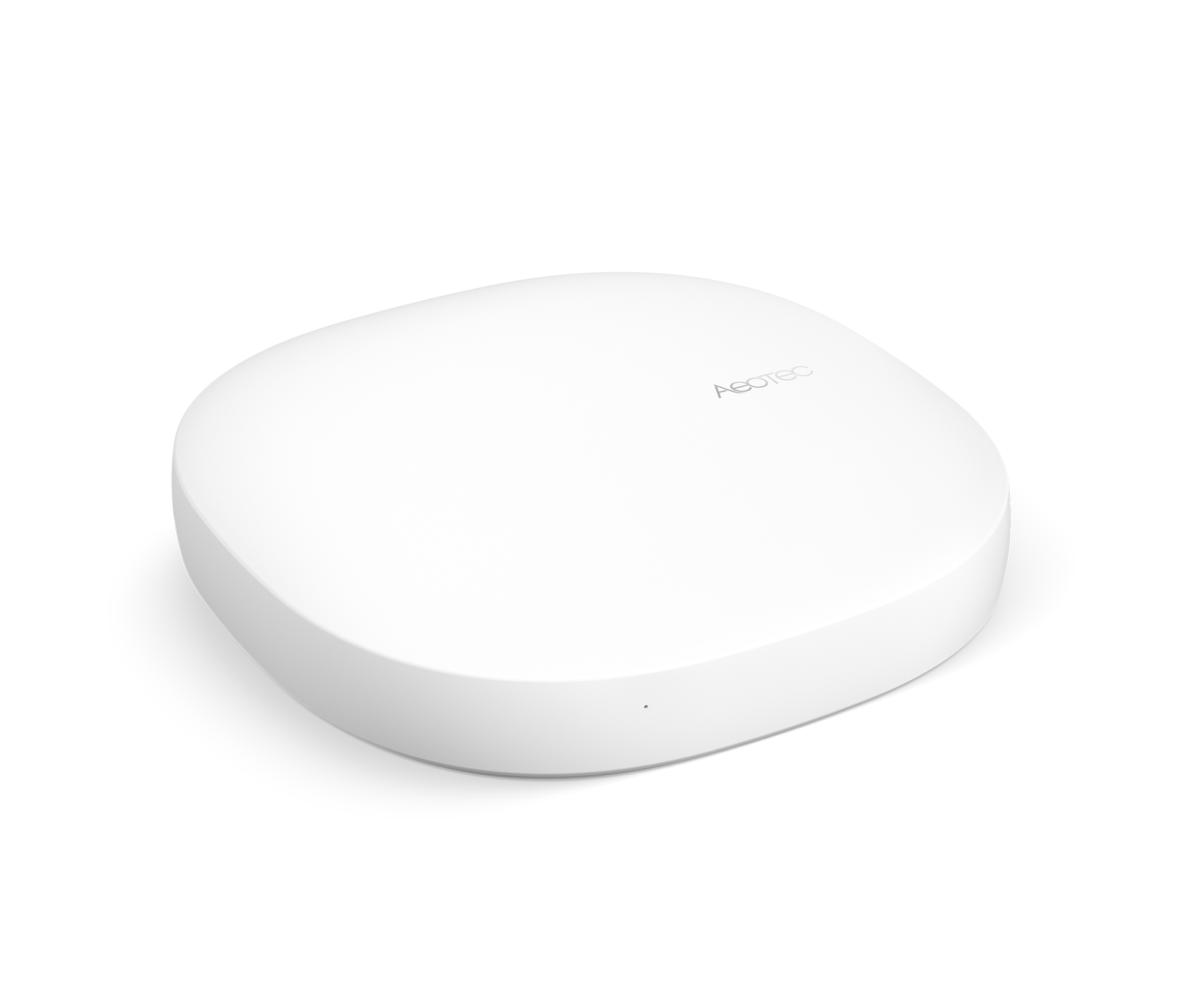
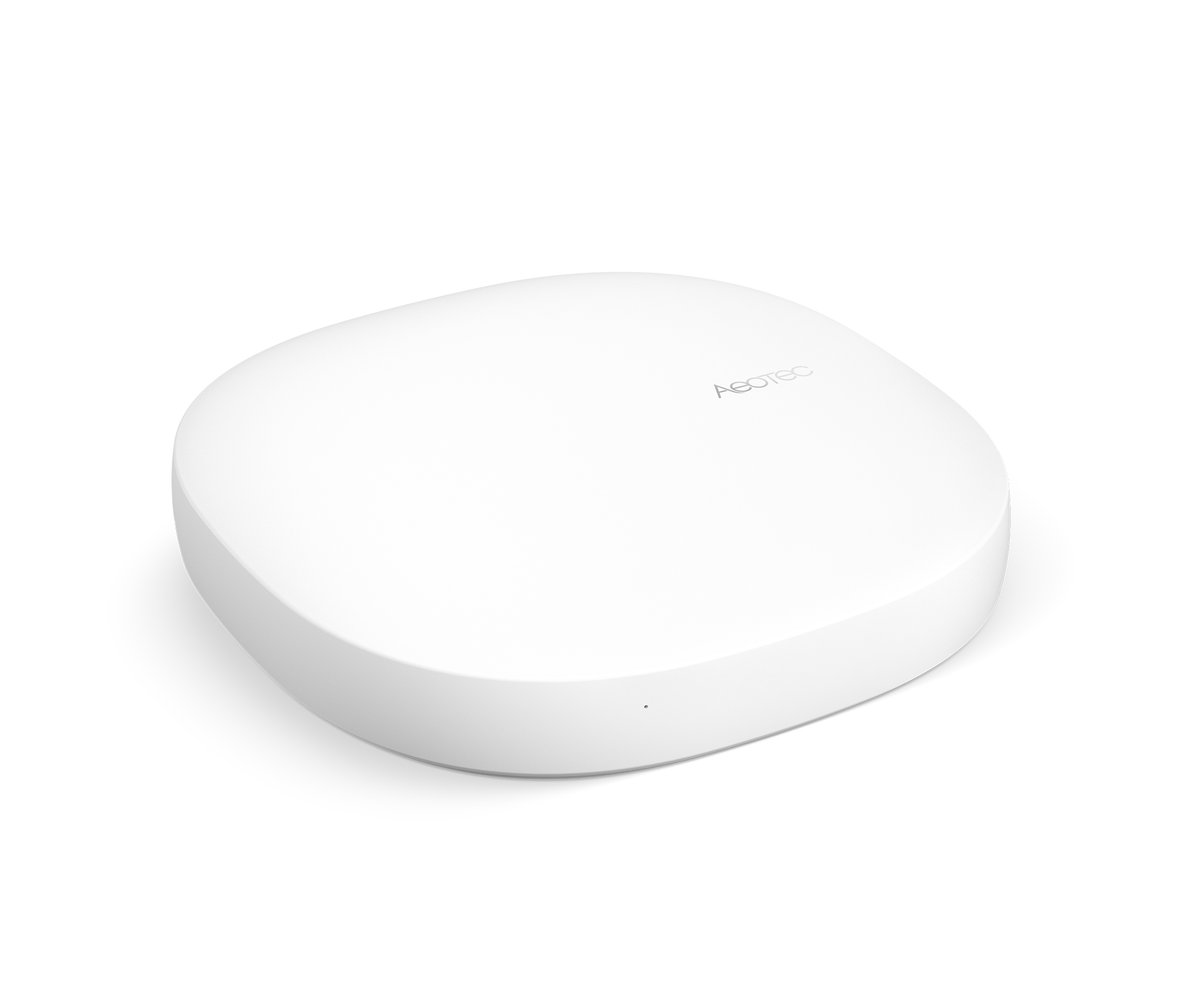
Name | Smart Home Hub |
|---|
Short Description | Smart Home Hub, which works as SmartThings Hub with the SmartThings platform app. |
|---|
Long Description | The "brain" of the SmartThings platform, the Hub connects all of the different sensors and actuators around your home or office so that you can receive notifications. With that you always know what is going on and you can use your smartphone to remotely control your home's security, energy usage, lighting, and more. |
|---|
Brand | Aeotec |
|---|
Product Identifier | IM6001-V3P22 |
|---|
Product Line | Works as a SmartThings Hub |
|---|
OEM Version | HW: 32 FW: 6.04:00.28 |
|---|
Hardware Platform | SD3503 |
|---|
Z-Wave Version | 6.81.03 |
|---|
Library Type | CONTROLLER_BRIDGE |
|---|
Device Type | Central Controller |
|---|
Role Type | ROLE_TYPE_CONTROLLER_CENTRAL_STATIC |
|---|
Manufacturer ID | 0x0150 |
|---|
Product Type ID | 0x0007 |
|---|
Product ID | 0x0020 |
|---|
User Icon | 0x0100 |
|---|
Installer Icon | 0x0100 |
|---|
Frequency Plans | US: 916.00MHz, 908.40MHz |
|---|
Categories | All Controllers, Gateway Controller |
|---|
Countries / Regions | United States of America |
|---|
Supported Command Classes | Identifier | Name | Key | Version |
|---|
COMMAND_CLASS_POWERLEVEL | Powerlevel | 0x73 | 1 | COMMAND_CLASS_INCLUSION_CONTROLLER | Inclusion Controller | 0x74 | 1 | COMMAND_CLASS_CRC_16_ENCAP | CRC16 Encapsulation | 0x56 | 1 | COMMAND_CLASS_SECURITY | Security S0 | 0x98 | 1 | COMMAND_CLASS_TRANSPORT_SERVICE_V2 | Transport Service V2 | 0x55 | 2 | COMMAND_CLASS_VERSION_V2 | Version V2 | 0x86 | 2 | COMMAND_CLASS_DEVICE_RESET_LOCALLY | Device Reset Locally | 0x5A | 1 | COMMAND_CLASS_ZWAVEPLUS_INFO_V2 | Z-Wave Plus Info V2 | 0x5E | 2 | COMMAND_CLASS_ASSOCIATION_V2 | Association V2 | 0x85 | 2 | COMMAND_CLASS_ASSOCIATION_GRP_INFO | Association Group Info | 0x59 | 1 | COMMAND_CLASS_SECURITY_2 | Security S2 | 0x9F | 1 | COMMAND_CLASS_SUPERVISION | Supervision | 0x6C | 1 | COMMAND_CLASS_MANUFACTURER_SPECIFIC_V2 | Manufacturer Specific V2 | 0x72 | 2 |
|
|---|
Controlled Command Classes | Identifier | Name | Key | Version |
|---|
COMMAND_CLASS_THERMOSTAT_OPERATING_STATE_V2 | Thermostat Operating State V2 | 0x42 | 2 | COMMAND_CLASS_INCLUSION_CONTROLLER | Inclusion Controller | 0x74 | 1 | COMMAND_CLASS_DOOR_LOCK_V2 | Door Lock V2 | 0x62 | 2 | COMMAND_CLASS_MULTI_CHANNEL_ASSOCIATION_V3 | Multi-Channel Association V3 | 0x8E | 3 | COMMAND_CLASS_SWITCH_BINARY | Switch Binary | 0x25 | 1 | COMMAND_CLASS_BASIC | Basic | 0x20 | 1 | COMMAND_CLASS_CRC_16_ENCAP | CRC16 Encapsulation | 0x56 | 1 | COMMAND_CLASS_SECURITY | Security S0 | 0x98 | 1 | COMMAND_CLASS_THERMOSTAT_FAN_MODE_V3 | Thermostat Fan Mode V3 | 0x44 | 3 | COMMAND_CLASS_THERMOSTAT_MODE_V2 | Thermostat Mode V2 | 0x40 | 2 | COMMAND_CLASS_THERMOSTAT_SETPOINT_V2 | Thermostat Setpoint V2 | 0x43 | 2 | COMMAND_CLASS_VERSION_V2 | Version V2 | 0x86 | 2 | COMMAND_CLASS_WAKE_UP_V2 | Wake Up V2 | 0x84 | 2 | COMMAND_CLASS_DEVICE_RESET_LOCALLY | Device Reset Locally | 0x5A | 1 | COMMAND_CLASS_ZWAVEPLUS_INFO_V2 | Z-Wave Plus Info V2 | 0x5E | 2 | COMMAND_CLASS_SWITCH_MULTILEVEL_V3 | Switch Multilevel V3 | 0x26 | 3 | COMMAND_CLASS_ASSOCIATION_V2 | Association V2 | 0x85 | 2 | COMMAND_CLASS_ASSOCIATION_GRP_INFO | Association Group Info | 0x59 | 1 | COMMAND_CLASS_MULTI_CHANNEL_V4 | Multi-Channel V4 | 0x60 | 4 | COMMAND_CLASS_SECURITY_2 | Security S2 | 0x9F | 1 | COMMAND_CLASS_MANUFACTURER_SPECIFIC_V2 | Manufacturer Specific V2 | 0x72 | 2 |
|
|---|
S2 Classes | S2_UNAUTHENTICATED, S2_AUTHENTICATED, S2_ACCESS_CONTROL |
|---|
Documents | Category | Description | File |
|---|
Manual_Primary_Lang | Product Manual | |
|
|---|
Features | Feature | Values |
|---|
Communications Protocol | | Firmware Updatable | Value |
|---|
Updatable by Manufacturer |
| Z-Wave Scene Type | | Color | | Communications Connections | Value |
|---|
Ethernet (Wired) | Ethernet (Wireless/WiFi) | Bluetooth | USB (Universal Serial Bus) |
|
|
|---|
Association Groups | Group Number | Maximum Nodes Supported | End Point ID | Group Name | Profile | Description |
|---|
1 | 5 | 0 | Lifeline | 0x0001 | Lifeline connection |
|
|---|
Texts | ID | Description | Value |
|---|
3 | Controller Learn Mode | Not supported | 23 | Controller Classic Inclusion | 1. Tap My Home
2. Under Things, tap Add a Thing at the bottom of your Things list
3. The app will say Looking for devices...
4. While the Hub searches, perform the connection/inclusion process specific to
that device
--> Consult the device's manual for instructions 5. When the device is
discovered, it will be listed at the top of the screen
6. Tap the device to rename it and tap Done
7. When finished, tap Save
8. Tap Ok to confirm your paired devices | 24 | Controller Classic Exclusion | Your Hub will enter exclude mode automatically when you remove a Z-Wave device via the Thingspage (iOS and Android only). When prompted, execute the required button press or exclusion process as outlined by the device's user guide.
In the SmartThings Classic app:
1. Tap My Home
2. Tap Things
3. Tap the device you wish to remove
4. Tap the gear icon
5. Tap Remove
6. Confirm removal of the device
7. When prompted, execute the exclusion procedure to remove the device
from the mobile app and from the SmartThings Hub | 10 | Controller Replication | Not supported | 5 | Factory Reset Procedure | In the SmartThings Classic mobile app:
1. Tap the menu (Android) / More (iOS)
2. Tap the gear icon beside the Location with the Hub you wish to reset
• To choose a different Location, tap the dropdown arrow and then tap the gear icon for the Location
3. Tap Remove Location
4. Confirm deletion by tapping Delete (IMPORTANT: deleting a Location cannot be undone)
You should then be able to connect your Hub again. If you are encountering other problems, these articles may help. | 8 | Where to find S2 DSK on product | To find the DSK of the SmartThings Hub open the SmartThings app and go to the settings of your SmartThings Hub. Then open the tab “Z-Wave Extras” and guide to to the section “More Information”. Then you can see the DSK written in the App. |
|
|---|
Supports NWI | Yes |
|---|
Supports Explorer Frames | Yes |
|---|