Product Recognition | |
|---|
Certification Number | ZC10-20096979 |
|---|
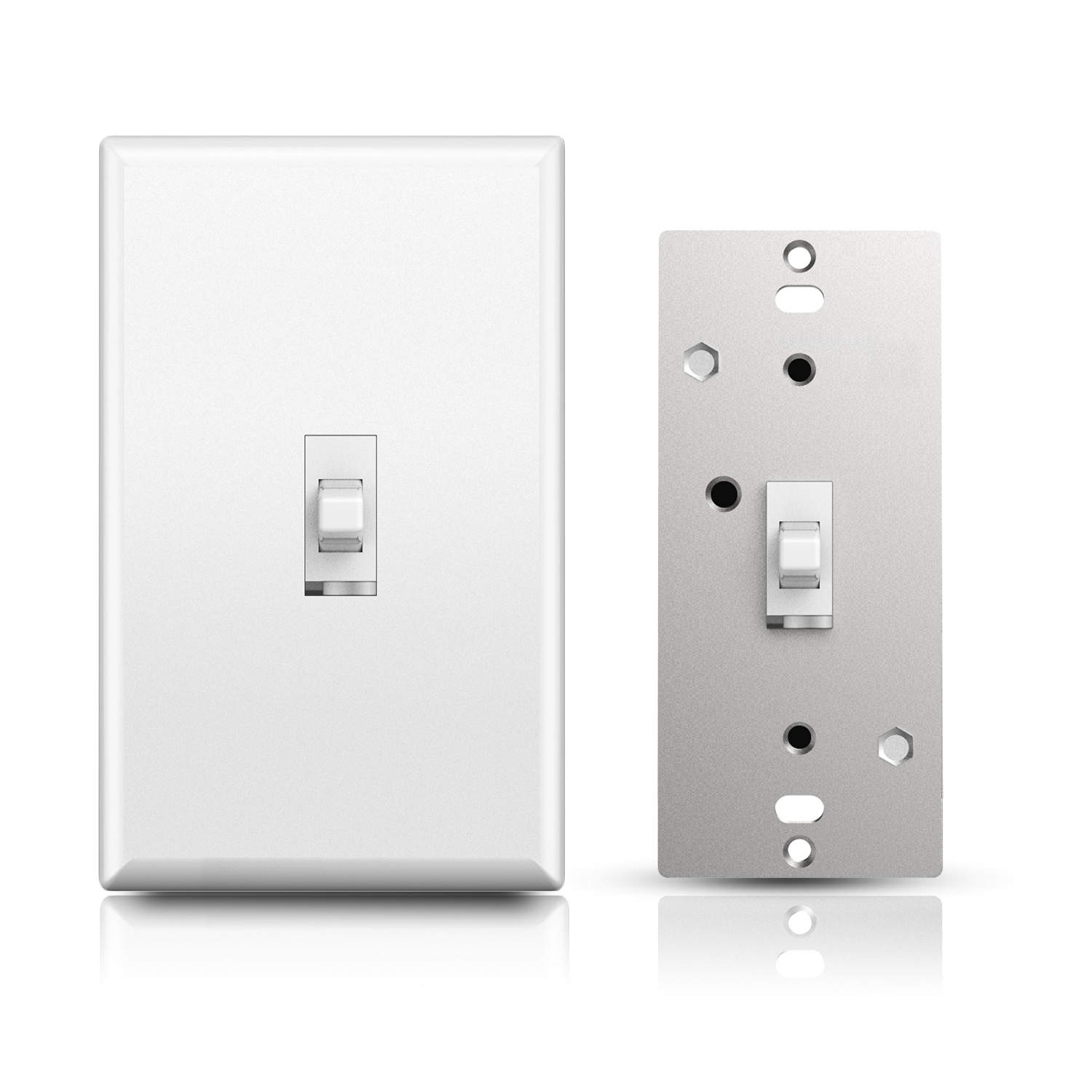
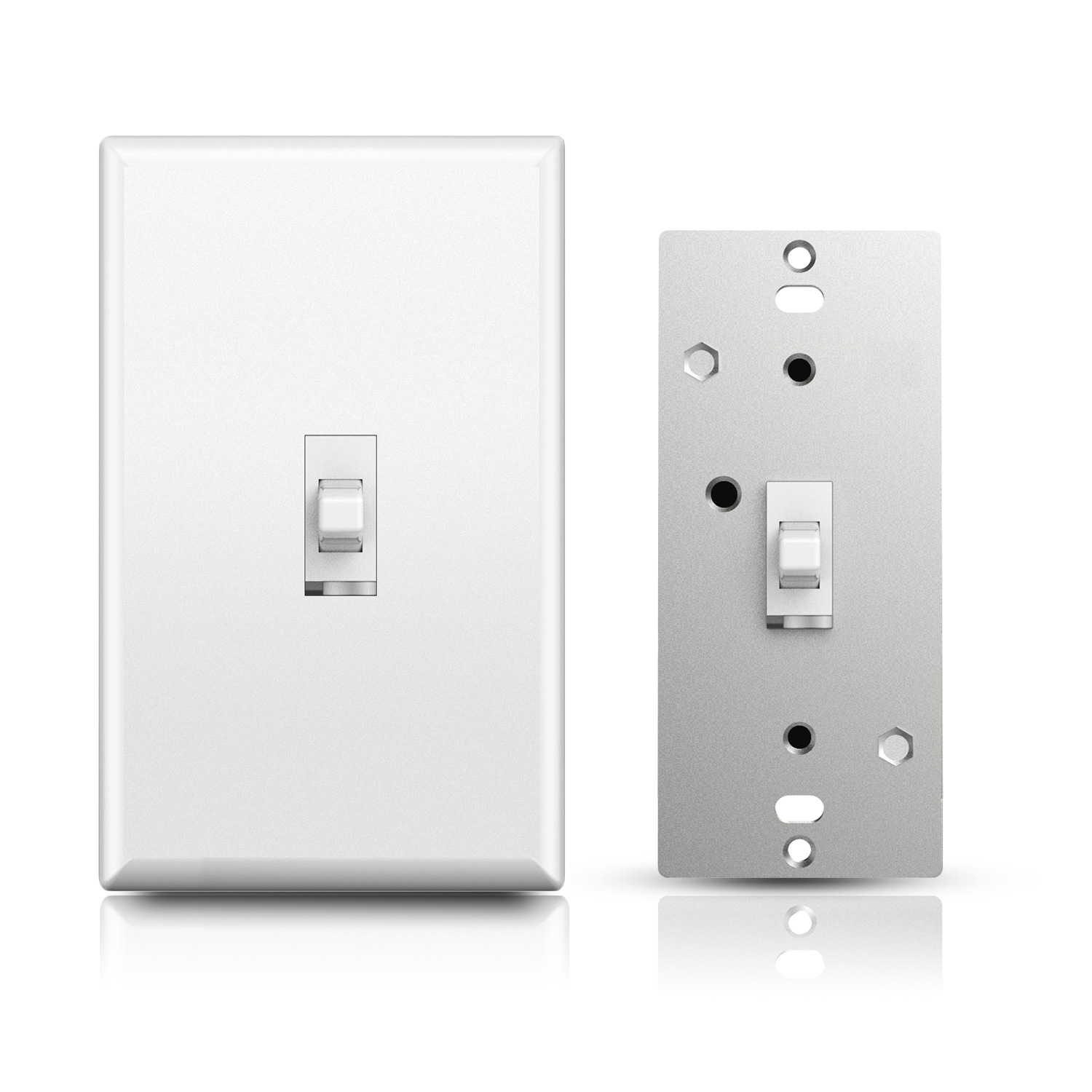
Name | S2 Smart Dimmer Toggle Switch |
|---|
Short Description | This light switch features:
- Manual or remote on/off control and dimming from your mobile device or computer (when included to a Z-Wave gateway controller)
- Z-Wave Plus with improved 500 chip for faster and safer wireless communication
- Works with most high-quality DIMMABLE LED, CFL, and incandescent bulbs |
|---|
Long Description | This light switch features:
- Manual or remote on/off control and dimming from your mobile device or computer (when included to a Z-Wave gateway controller)
- Z-Wave Plus with improved 500 chip for faster and safer wireless communication
- Works with most high-quality DIMMABLE LED, CFL, and incandescent bulbs
- Based on universal command classes - supported by most Z-Wave controllers
- May be associated and grouped with other Z-Wave devices for advanced home automation
- LED indicator to help locate the switch in dark space
- Simple elegant design with screwless snap-on wall plate included
- Built-in Z-Wave signal repeater for a stronger and more reliable network
Z-Wave Signal Frequency: 908.42 MHz
Power: 120 VAC, 60 Hz
Maximum Loads: 600W Single-gang, 500W Double-gang, 400W Triple-gang Incandescent, 150W CFL or LED
Minimum Load: 20W for LED and CFL bulbs
Range: Up to 100 feet line of sight
Operating Temperature: 32-104° F (0-40° C)
Installation and Use: Indoor only |
|---|
Brand | Minoston |
|---|
Product Identifier | MS13ZS |
|---|
Product Line | Line A |
|---|
OEM Version | HW: 1 FW: 1.00 |
|---|
Hardware Platform | ZM5202 |
|---|
Z-Wave Version | 6.81.03 |
|---|
Library Type | SLAVE_ENHANCED_232 |
|---|
Device Type | Light Dimmer Switch |
|---|
Role Type | ROLE_TYPE_SLAVE_ALWAYS_ON |
|---|
Manufacturer ID | 0x0312 |
|---|
Product Type ID | 0xEE00 |
|---|
Product ID | 0xEE04 |
|---|
User Icon | 0x0604 |
|---|
Installer Icon | 0x0600 |
|---|
Frequency Plans | US: 916.00MHz, 908.40MHz |
|---|
Categories | All Lighting Devices, Dimming Lighting Devices, Lighting Accessories |
|---|
Countries / Regions | United States of America |
|---|
Supported Command Classes | Identifier | Name | Key | Version |
|---|
COMMAND_CLASS_FIRMWARE_UPDATE_MD_V4 | Firmware Update Meta-Data V4 | 0x7A | 4 | COMMAND_CLASS_POWERLEVEL | Powerlevel | 0x73 | 1 | COMMAND_CLASS_MULTI_CHANNEL_ASSOCIATION_V3 | Multi-Channel Association V3 | 0x8E | 3 | COMMAND_CLASS_CONFIGURATION | Configuration | 0x70 | 1 | COMMAND_CLASS_TRANSPORT_SERVICE_V2 | Transport Service V2 | 0x55 | 2 | COMMAND_CLASS_DEVICE_RESET_LOCALLY | Device Reset Locally | 0x5A | 1 | COMMAND_CLASS_ZWAVEPLUS_INFO_V2 | Z-Wave Plus Info V2 | 0x5E | 2 | COMMAND_CLASS_ASSOCIATION_V2 | Association V2 | 0x85 | 2 | COMMAND_CLASS_ASSOCIATION_GRP_INFO | Association Group Info | 0x59 | 1 | COMMAND_CLASS_SWITCH_MULTILEVEL_V4 | Switch Multilevel V4 | 0x26 | 4 | COMMAND_CLASS_BASIC_V2 | Basic V2 | 0x20 | 2 | COMMAND_CLASS_SECURITY_2 | Security S2 | 0x9F | 1 | COMMAND_CLASS_VERSION_V3 | Version V3 | 0x86 | 3 | COMMAND_CLASS_CENTRAL_SCENE_V3 | Central Scene V3 | 0x5B | 3 | COMMAND_CLASS_SUPERVISION | Supervision | 0x6C | 1 | COMMAND_CLASS_MANUFACTURER_SPECIFIC_V2 | Manufacturer Specific V2 | 0x72 | 2 |
|
|---|
Controlled Command Classes | Identifier | Name | Key | Version |
|---|
COMMAND_CLASS_BASIC_V2 | Basic V2 | 0x20 | 2 |
|
|---|
S2 Classes | S2_UNAUTHENTICATED |
|---|
Documents | Category | Description | File |
|---|
Manual_Primary_Lang | Product Manual | | Manual_English | Product Manual in English | |
|
|---|
Features | Feature | Values |
|---|
Color | | Electric Load Type | Value |
|---|
Incandescent | Dimmable LED |
| Firmware Updatable | Value |
|---|
Updatable by Consumer by RF |
|
|
|---|
Association Groups | Group Number | Maximum Nodes Supported | End Point ID | Group Name | Description |
|---|
1 | 3 | 0 | Z-Wave Plus Lifeline | Z-Wave Plus Lifeline | 2 | 5 | 0 | basic set command | basic set command |
|
|---|
Configuration Parameters | Parameter Number | Name | Format | Size | Min Value | Max Value | Default Value | Parameter Values |
|---|
11 | Multilevel maxmum value can be set(The maxmum luminance value of the dimming)(Local Button) | 1 | 1 | 0 | 99 | 99 | From | To | Description |
|---|
0 | 99 | the maxmum luminance value of the dimming |
| 1 | Locally Button function | 1 | 1 | 0 | 2 | 0 | From | To | Description |
|---|
1 | 1 | Up Button OFF,Down Button ON | 0 | 0 | Up Button ON,Down Button OFF | 2 | 2 | Up Button ON/OFF,Down Button ON/OFF |
| 2 | Status LED Configuration | 1 | 1 | 0 | 3 | 0 | From | To | Description |
|---|
0 | 0 | Output and the LED are in the different state | 1 | 1 | Output and the LED are in the same state | 2 | 2 | Always OFF | 3 | 3 | Always ON |
| 3 | Enable Auto Turn-Off Time | 1 | 1 | 0 | 1 | 0 | From | To | Description |
|---|
0 | 0 | disable | 1 | 1 | enable |
| 4 | Count Down Configuration | 1 | 4 | 1 | 65535 | 60 | From | To | Description |
|---|
1 | 65535 | Auto Turn-Off this Timer |
| 5 | Auto Turn-On Timer | 1 | 1 | 0 | 1 | 0 | From | To | Description |
|---|
0 | 0 | disable | 1 | 1 | enable |
| 6 | Auto Turn-On Timer | 1 | 4 | 1 | 65535 | 60 | From | To | Description |
|---|
1 | 65535 | Auto Turn-On this Timer |
| 8 | Restores state after power failure | 1 | 1 | 0 | 2 | 2 | From | To | Description |
|---|
1 | 1 | Output ON | 0 | 0 | Output OFF | 2 | 2 | The state before a power outage |
| 9 | Dimmer Speed Parameter (Local Button) | 1 | 1 | 1 | 99 | 1 | From | To | Description |
|---|
1 | 99 | from 0x63 to 0x00 or from 0x00 to 0x63 need Value s |
| 10 | Multilevel minimum value can be set(The minimum luminance value of the dimming)(Local Button) | 1 | 1 | 0 | 99 | 1 | From | To | Description |
|---|
0 | 99 | The minimum luminance value of the dimming |
|
|
|---|
Texts | ID | Description | Value |
|---|
1 | Classic Inclusion | ADD the MS13ZS from the existing Z-Wave home control network with your primary controller.
---Refer to your primary controller instructions to process the inclusion / exclusion setup procedure.
---When prompted by your primary controller, click the Up or Down button three times in one second.
Include MS13ZS to/from a Z-Wave Gateway with supporting Security.The MS13ZS can support the Primary Controller that implemented the security S2. | 2 | Classic Exclusion | Remove the MS13ZS from the existing Z-Wave home control network with your primary controller.
---Refer to your primary controller instructions to process the inclusion / exclusion setup procedure.
---When prompted by your primary controller, click the Up or Down button three times in one second.
Include MS13ZS to/from a Z-Wave Gateway with supporting Security.The MS13ZS can support the Primary Controller that implemented the security S2. | 5 | Factory Reset Procedure | Press click Z-Wave button 2 times quickly,and hold for at least 10 seconds. to restore the device to the factory
(Node:Please use this procedure only when the network primary controller is missing or otherwise inoperable.) |
|
|---|
Supports NWI | Yes |
|---|
Supports Explorer Frames | Yes |
|---|
Radio Range Z-Wave (m) | 40 |
|---|