Product Recognition | |
|---|
Certification Number | ZC12-21010159 |
|---|
Name | Heatit ZM Single Relay 16A |
|---|
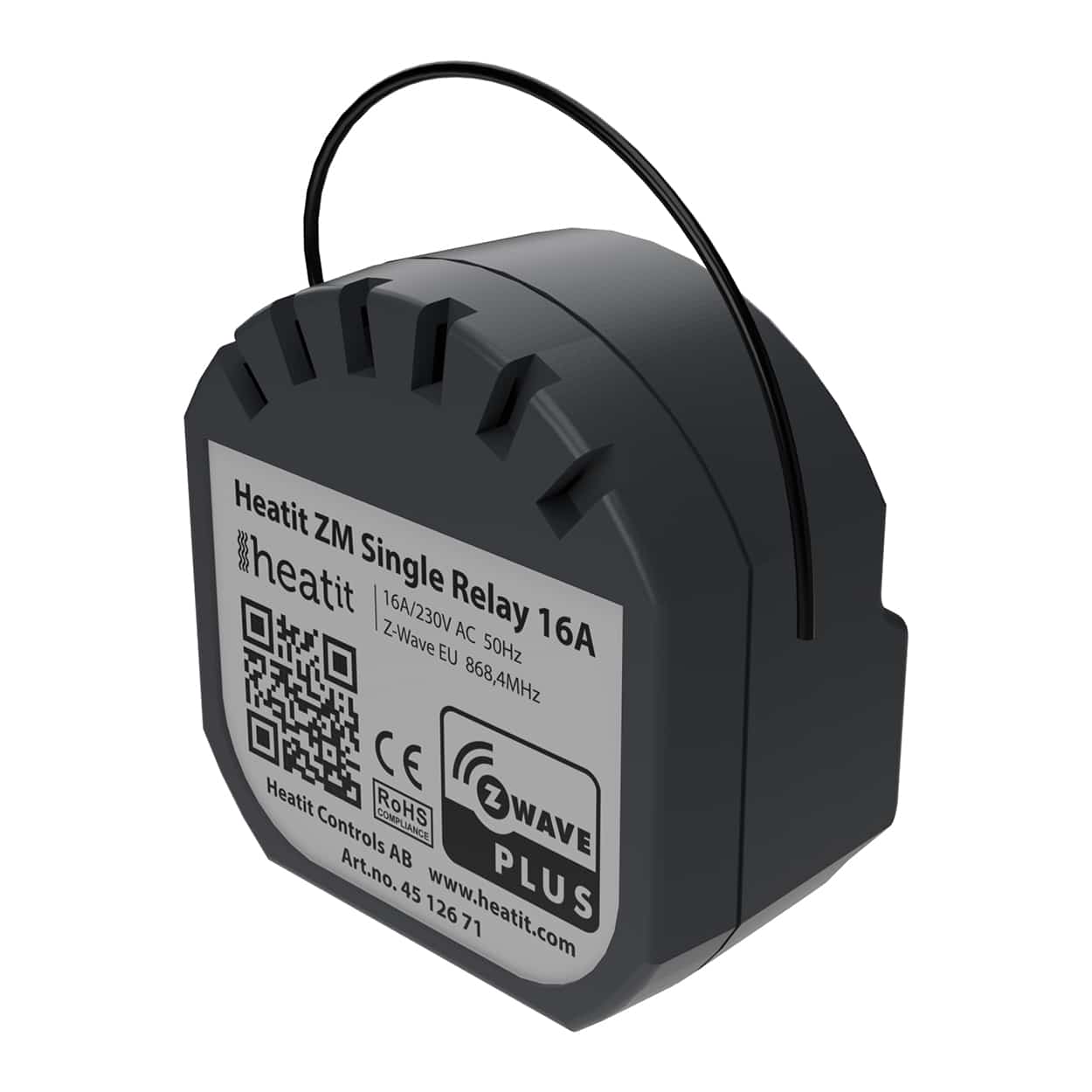
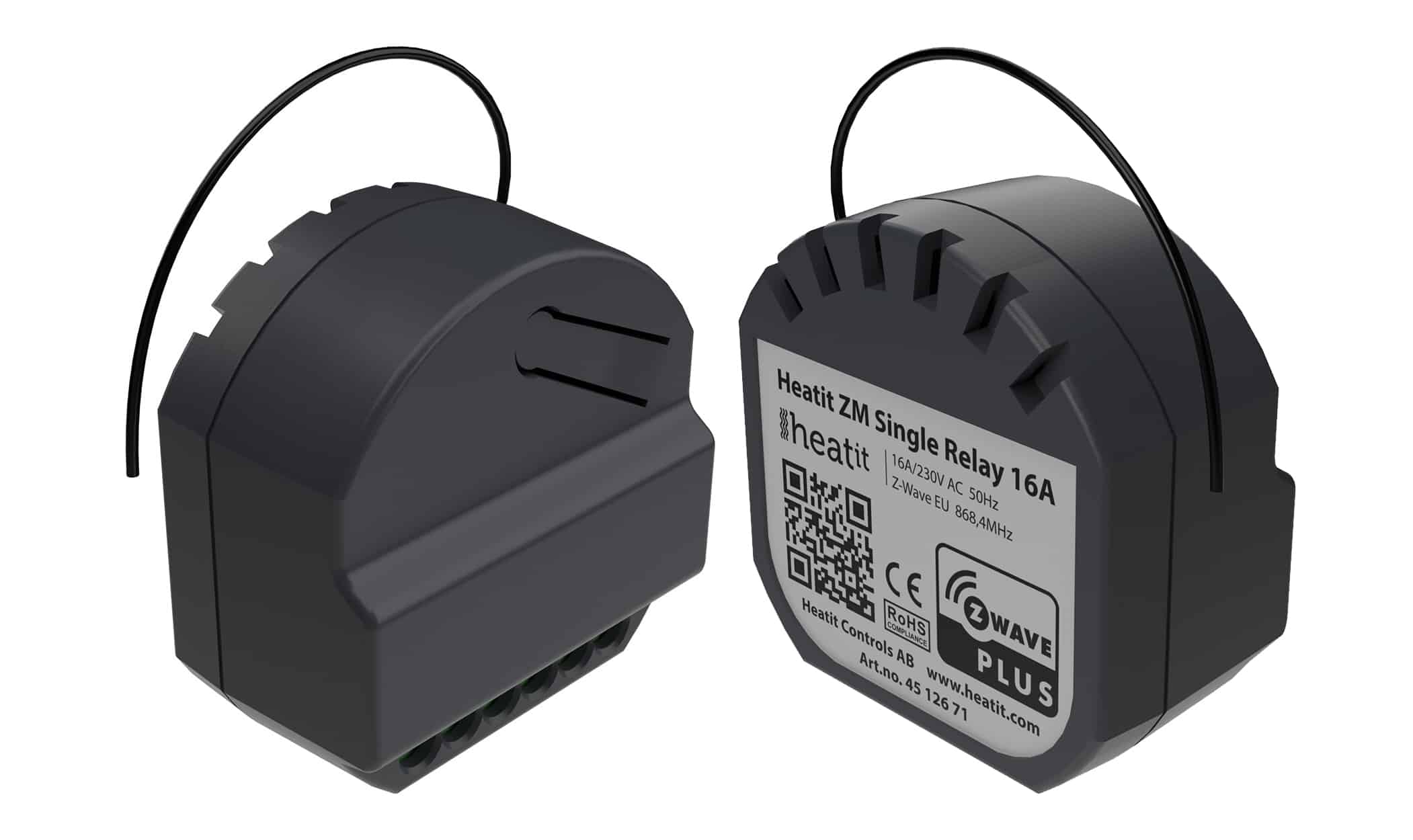
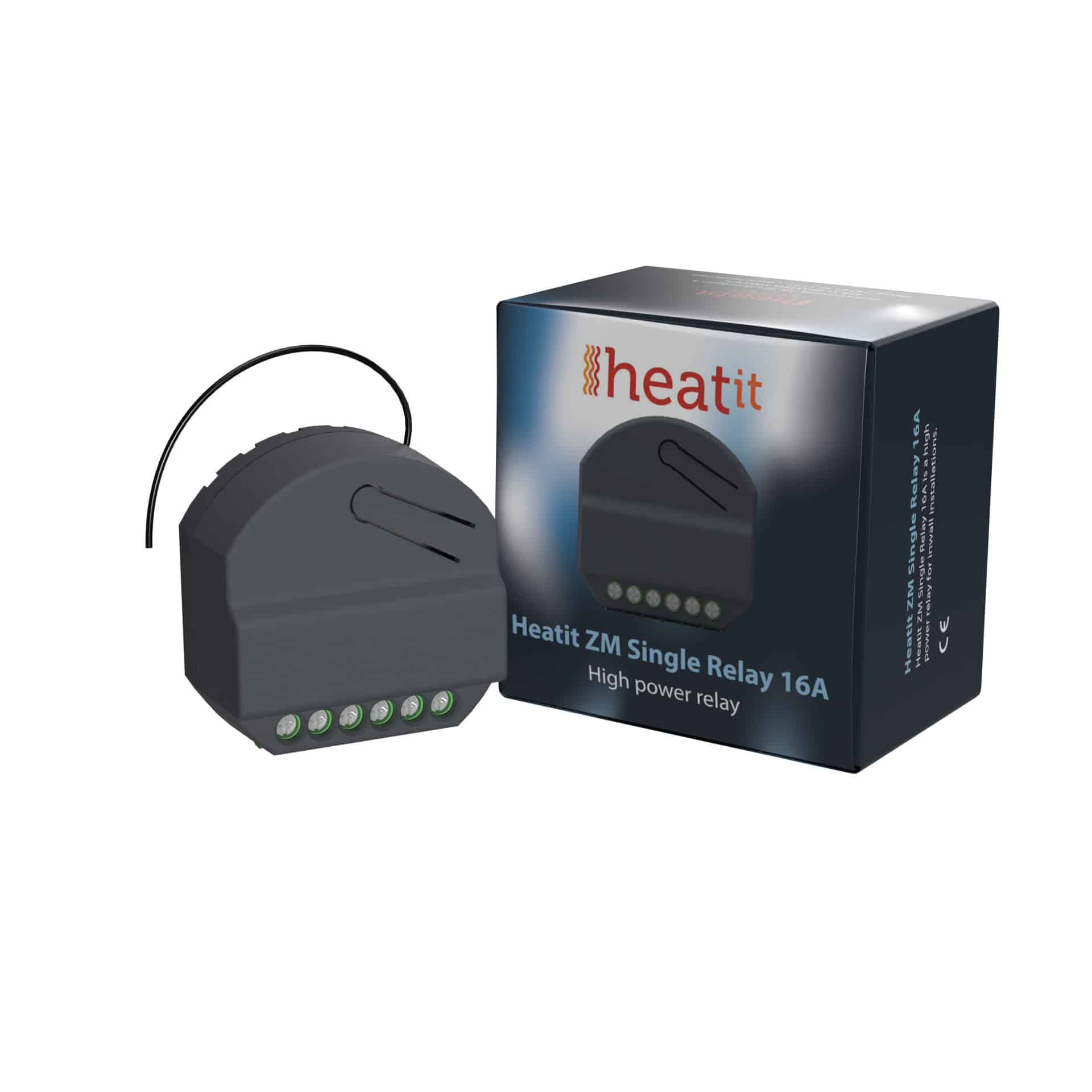
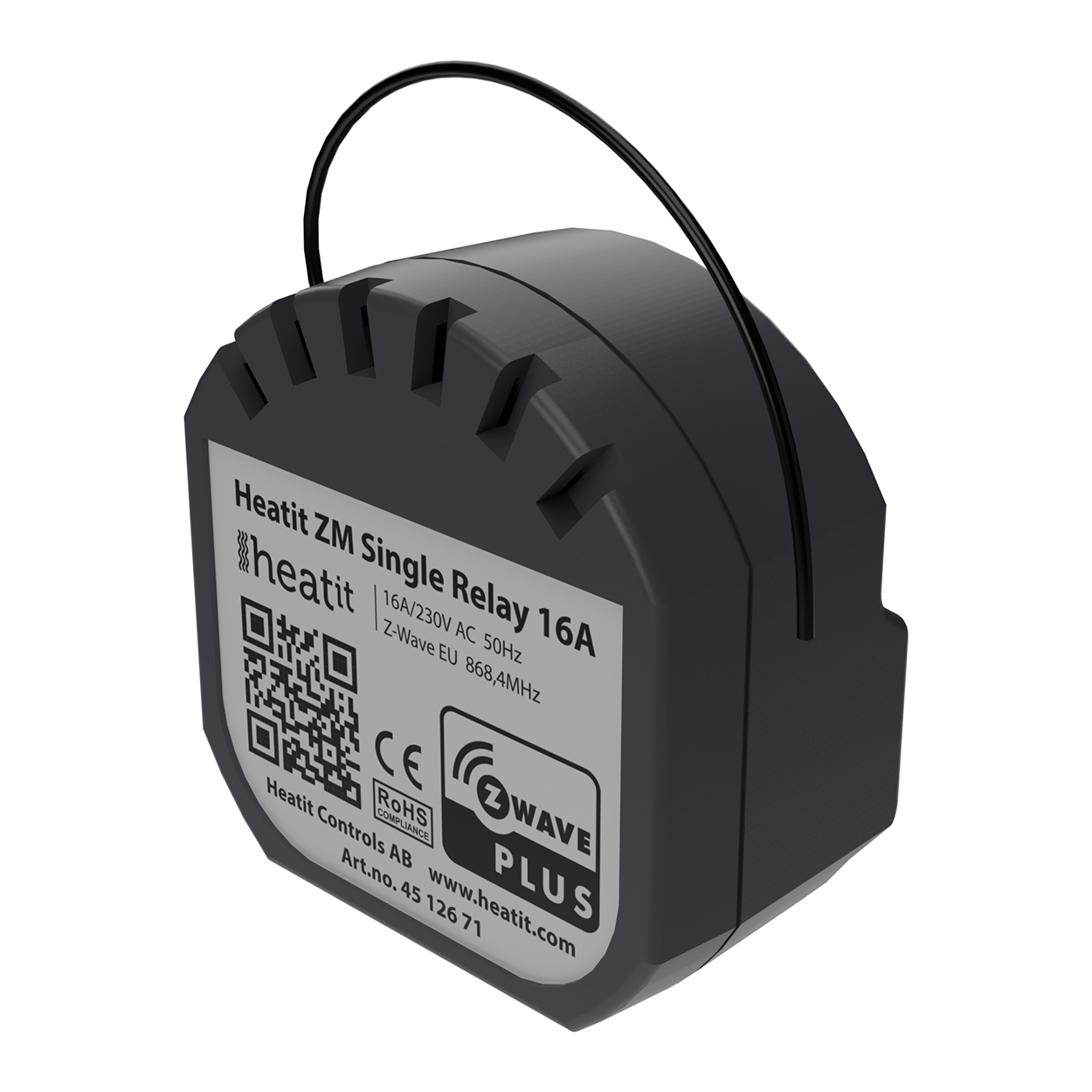
Short Description | Heatit ZM Single Relay is a high power relay for in-wall installations. |
|---|
Long Description | Heatit ZM Single Relay is a high power relay for in-wall installations.
The relay allows you to control connected devices either through your Z-Wave network or via a wired switch. The module is equipped with a 16A relay and has a scene controller functionality.
The device can withstand a load of max 16A /3600W at 230VAC.
The Heatit ZM Single Relay has a power metering feature that allows you to monitor the power consumption of your connected devices. |
|---|
Brand | Heatit controls |
|---|
Product Identifier | ZM Single Relay 16A |
|---|
Product Line | Energy |
|---|
OEM Version | HW: 1 FW: 1.00 |
|---|
Hardware Platform | ZGM130 |
|---|
Z-Wave Version | 7.13.7 |
|---|
Library Type | SLAVE_ENHANCED_232 |
|---|
Device Type | Binary Switch |
|---|
Role Type | ROLE_TYPE_SLAVE_ALWAYS_ON |
|---|
Manufacturer ID | 0x019B |
|---|
Product Type ID | 0x0004 |
|---|
Product ID | 0x3500 |
|---|
User Icon | 0x0700 |
|---|
Installer Icon | 0x0700 |
|---|
Frequency Plans | EU: 869.85MHz, 868.40MHz |
|---|
Categories | All Lighting Devices, On/Off Switches/Devices |
|---|
Countries / Regions | European Union |
|---|
Supported Command Classes | Identifier | Name | Key | Version |
|---|
COMMAND_CLASS_CONFIGURATION_V4 | Configuration V4 | 0x70 | 4 | COMMAND_CLASS_SWITCH_BINARY_V2 | Switch Binary V2 | 0x25 | 2 | COMMAND_CLASS_POWERLEVEL | Powerlevel | 0x73 | 1 | COMMAND_CLASS_MULTI_CHANNEL_ASSOCIATION_V3 | Multi-Channel Association V3 | 0x8E | 3 | COMMAND_CLASS_INDICATOR_V3 | Indicator V3 | 0x87 | 3 | COMMAND_CLASS_SECURITY | Security S0 | 0x98 | 1 | COMMAND_CLASS_TRANSPORT_SERVICE_V2 | Transport Service V2 | 0x55 | 2 | COMMAND_CLASS_DEVICE_RESET_LOCALLY | Device Reset Locally | 0x5A | 1 | COMMAND_CLASS_ZWAVEPLUS_INFO_V2 | Z-Wave Plus Info V2 | 0x5E | 2 | COMMAND_CLASS_ASSOCIATION_V2 | Association V2 | 0x85 | 2 | COMMAND_CLASS_METER_V3 | Meter V3 | 0x32 | 3 | COMMAND_CLASS_FIRMWARE_UPDATE_MD_V5 | Firmware Update Meta-Data V5 | 0x7A | 5 | COMMAND_CLASS_ASSOCIATION_GRP_INFO_V3 | Association Group Information V3 | 0x59 | 3 | COMMAND_CLASS_NOTIFICATION_V8 | Notification V8 | 0x71 | 8 | COMMAND_CLASS_BASIC_V2 | Basic V2 | 0x20 | 2 | COMMAND_CLASS_SECURITY_2 | Security S2 | 0x9F | 1 | COMMAND_CLASS_VERSION_V3 | Version V3 | 0x86 | 3 | COMMAND_CLASS_CENTRAL_SCENE_V3 | Central Scene V3 | 0x5B | 3 | COMMAND_CLASS_SUPERVISION | Supervision | 0x6C | 1 | COMMAND_CLASS_MANUFACTURER_SPECIFIC_V2 | Manufacturer Specific V2 | 0x72 | 2 |
|
|---|
Controlled Command Classes | Identifier | Name | Key | Version |
|---|
COMMAND_CLASS_BASIC_V2 | Basic V2 | 0x20 | 2 |
|
|---|
S2 Classes | S2_UNAUTHENTICATED, S2_AUTHENTICATED |
|---|
Documents | Category | File | Description |
|---|
Image_Product_Supplemental_3 | | | Manual_Primary_Lang | | Product Manual |
|
|---|
Features | Feature | Values |
|---|
Firmware Updatable | Value |
|---|
Updatable by Consumer by RF |
| Neutral Wire Required | | Switch Load Capacity Volt-Ampere | | Switch Load Capacity Watts | | Switch Type | | Z-Wave Scene Type | | Electric Load Type | Value |
|---|
Incandescent | Fluorescent | MLV (Magnetic) | ELV (Electronic) | LED |
|
|
|---|
Association Groups | Group Number | Maximum Nodes Supported | End Point ID | Group Name | Profile | Description |
|---|
1 | 5 | 0 | Lifeline | 0x0001 | Lifeline. (Normally used by the Z-Wave Controller) Sends: | 4 | 5 | 0 | External Relay Control S2 | 0x2003 | - Basic Set (S2)
(0x00, 0xFF) | 3 | 5 | 0 | Control External Start/Stop S2 | 0x2002 | When S1 pressed/held
Press: 0x00, 0xFF
Held: Multilevel Switch Start Level Change Command
Level Increase Start / Level Increase Stop
Level Decrease Start / Level Decrease Stop | 2 | 5 | 0 | External Relay Control S1 | 0x2001 | Send Basic Set commands representing the status of the internal relay when changed from S1.
(0x00, 0xFF) ON/OFF | 5 | 5 | 0 | Control External Start/Stop S2 | 0x2004 | When S2 pressed/held
Press: 0x00 / 0xFF
Held: Multilevel Switch Start Level Change Command
Level Increase Start / Level Increase Stop
Level Decrease Start / Level Decrease Stop
Max nodes in group: 5 |
|
|---|
Configuration Parameters | Parameter Number | Name | Description | Format | Size | Min Value | Max Value | Default Value | Parameter Values |
|---|
4 | S1/Button operation | S1/Button operation | 2 | 1 | 0 | 1 | 0 | From | To | Description |
|---|
0 | 0 | Button turns load on/off and sends Meter report + Relay status. | 1 | 1 | Button sends Meter report + Relay status, load can be only controlled wirelessly |
| 11 | Meter report delta value | Meter report delta value | 2 | 2 | 5 | 3600 | 75 | From | To | Description |
|---|
5 | 3600 | 5-3600W. |
| 5 | Scene notifications | Decides if/what scene controller notifications the device sends to gateway. | 2 | 1 | 0 | 3 | 0 | From | To | Description |
|---|
0 | 0 | Sends scene controller for S2. S1 disabled | 1 | 1 | Sends scene controller for S1. S2 disabled | 2 | 2 | Sends scene controller for S1 and S2 | 3 | 3 | Scene controller deactivated. |
| 3 | Switch Type | Decides what type of switch is connected. | 2 | 1 | 0 | 1 | 0 | From | To | Description |
|---|
0 | 0 | Momentary Switch | 1 | 1 | Toggle Switch |
| 9 | Inverted Output | Decides if the relay output should be inverted | 2 | 1 | 0 | 1 | 0 | From | To | Description |
|---|
0 | 0 | Standard operation | 1 | 1 | Inverted Output |
| 6 | Restore Power Level | Relay power level after power is restored from power-outage. When device is from factory/factory reset the first state of the device should be OFF | 2 | 1 | 0 | 2 | 2 | From | To | Description |
|---|
0 | 0 | Always OFF on restored power | 1 | 1 | Always ON on restored power | 2 | 2 | Restore last state on restored power (Default) |
| 8 | Automatic Turn on | Time to turn relay ON after having been turned OFF | 2 | 4 | 0 | 86400 | 0 | From | To | Description |
|---|
0 | 0 | Auto ON disabled. | 1 | 86400 | Auto ON timeout in seconds |
| 7 | Automatic Turn off | Time to turn relay OFF after having been turned ON | 2 | 4 | 0 | 86400 | 0 | From | To | Description |
|---|
0 | 0 | Auto OFF disabled. | 1 | 86400 | Auto OFF timeout in seconds |
|
|
|---|
Texts | ID | Description | Value |
|---|
8 | Where to find S2 DSK on product | The QR-Code is needed when including a device using S2 security or SmartStart. The DSK can be found in the QR-Code and is located;
1. On the product.
2. On the Quick Guide manual.
3. On the product box. | 1 | Classic Inclusion | The primary controller/gateway has a mode for adding devices. Please refer to your primary controller manual on how to set the primary controller in add mode. The device may only be added to the network if the primary controller is in add mode.
There are two ways to add the Heatit ZM Single Relay 16A to a Z-Wave network.
*Method 1: Standard (Manual)
Add mode is indicated on the device by a blinking green LED. This lasts until timeout occurs after 90 seconds, or until the module has been added to the network.
The LED will light up for 3 seconds if adding is successful.
Method 2: SmartStart (Automatic)
SmartStart enabled products may be added to a Z-Wave network by scanning the Z-Wave QR-Code on the product if your primary controller supports SmartStart inclusion. No further action is required and the SmartStart product will be added automatically after being powered on within range of the primary controller. | 2 | Classic Exclusion | The primary controller/gateway has a mode for removing devices. Please refer to your primary controller manual on how to set the primary controller in remove mode. The device may only be removed from the network if the primary controller is in remove mode.
Remove mode is indicated on the device by a blinking green LED. This lasts until timeout occurs after 90 seconds, or until the module has been removed from the network.
The LED will light up for 3 seconds if removing is successful. | 5 | Factory Reset Procedure | Press and hold the configuration button. After 3 seconds the LED will start to blink in green. After 20 seconds the LED will stop blinking and emit a constant light. You may now release the button.
NB! Please use this procedure only when the primary controller/ gateway is missing or otherwise inoperable. | 6 | Other Special Features | Paragraph 10.1 - Overload
Paragraph 10.2 - Overheating |
|
|---|
Supported / Controlled Meter Types | Meter Type | Rate Type | Description |
|---|
Electric meter | Import | Electric Meter Consumption |
|
|---|
Supported Notification Types | Notification Type | Event / State |
|---|
Heat Alarm | (Refer to parameters): State idle | Heat Alarm | Heat sensor status: Overheat detected | Power Management | (Refer to parameters): State idle | Power Management | Over-load status: Over-load detected |
|
|---|
Supports NWI | Yes |
|---|
Supports Explorer Frames | Yes |
|---|
Supports SmartStart | Yes |
|---|
Radio Range Z-Wave (m) | 40 |
|---|