Product Recognition | |
|---|
Certification Number | ZC12-21030206 |
|---|
Name | Z-Wave Secondary Keypad |
|---|
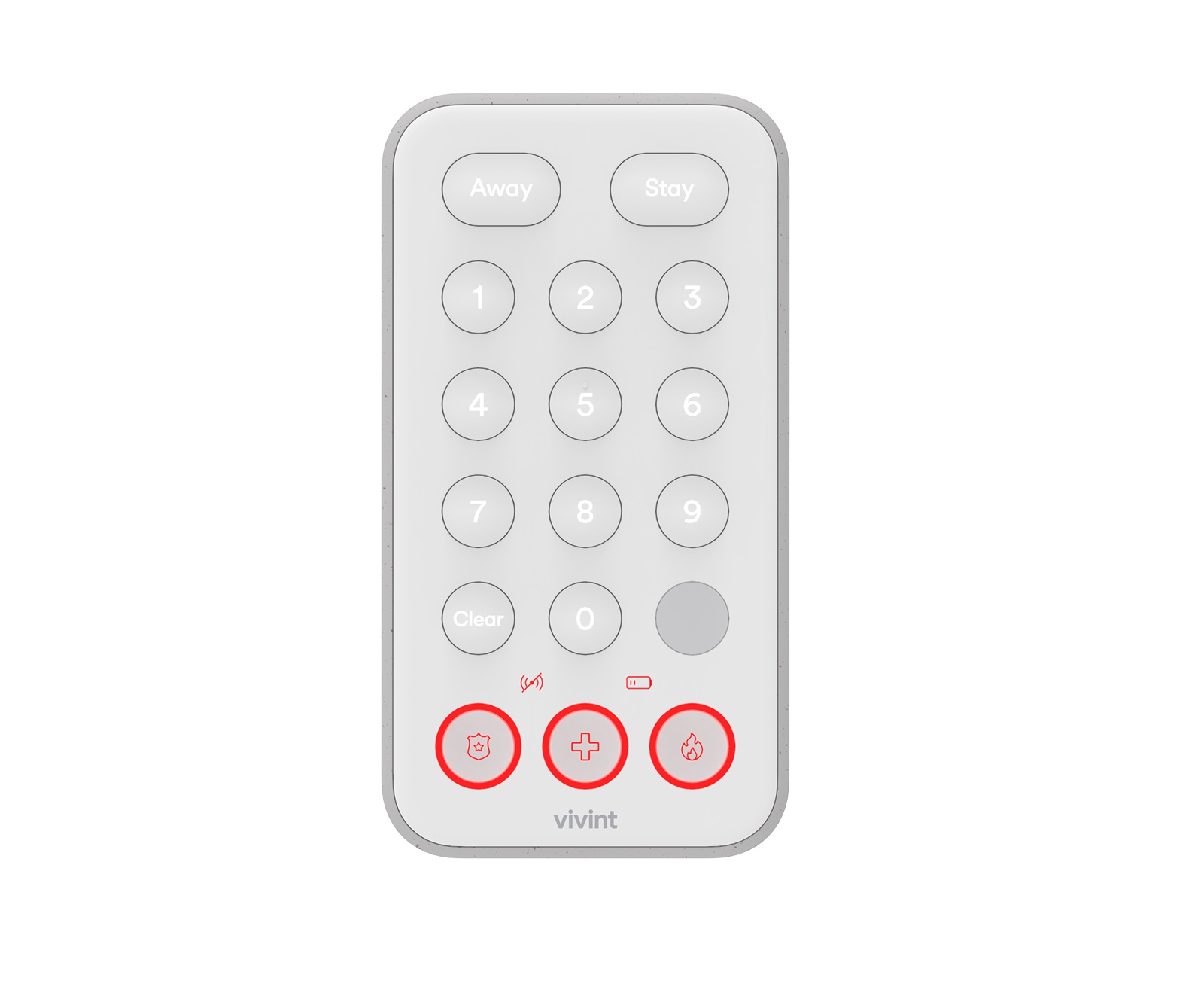
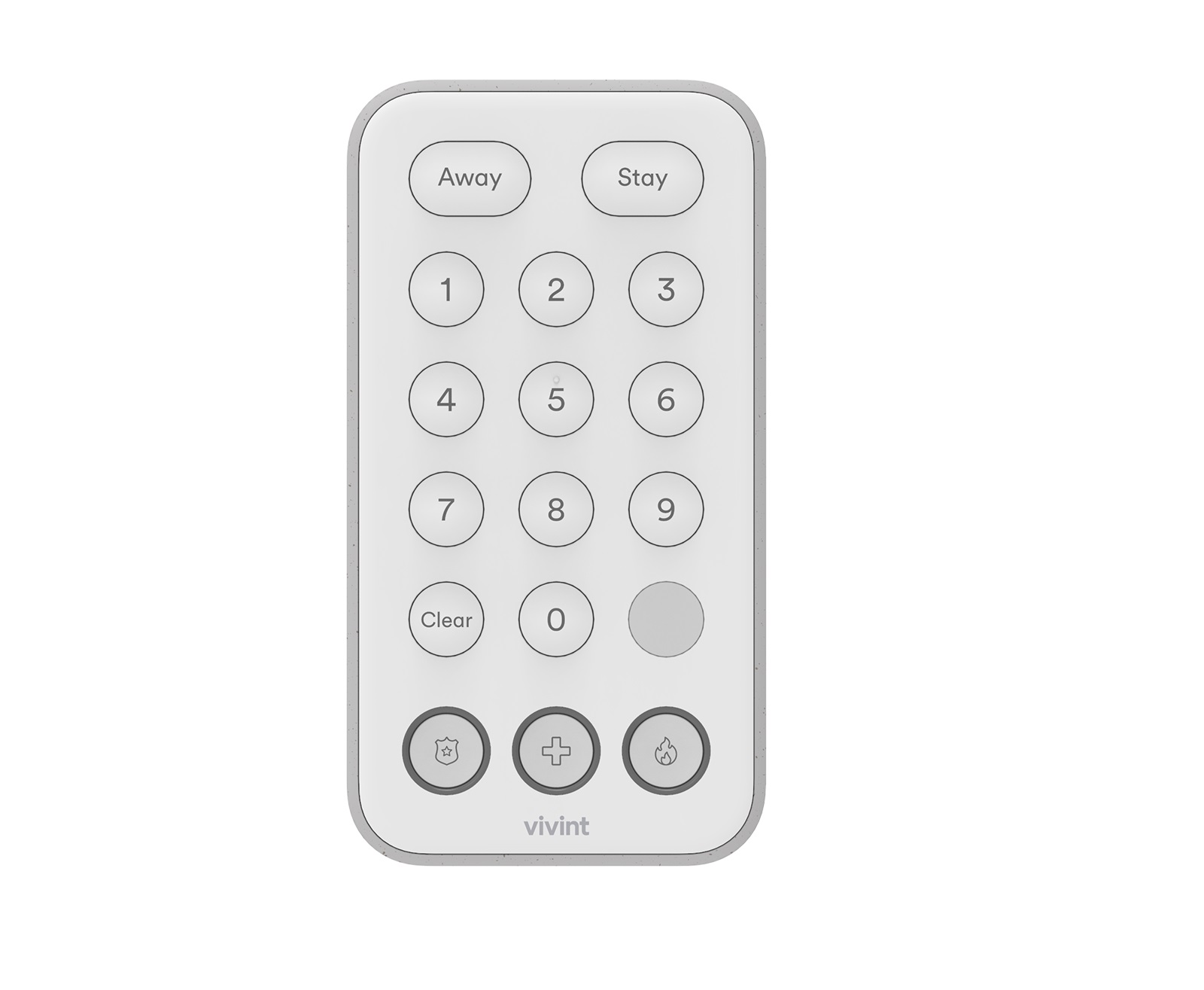
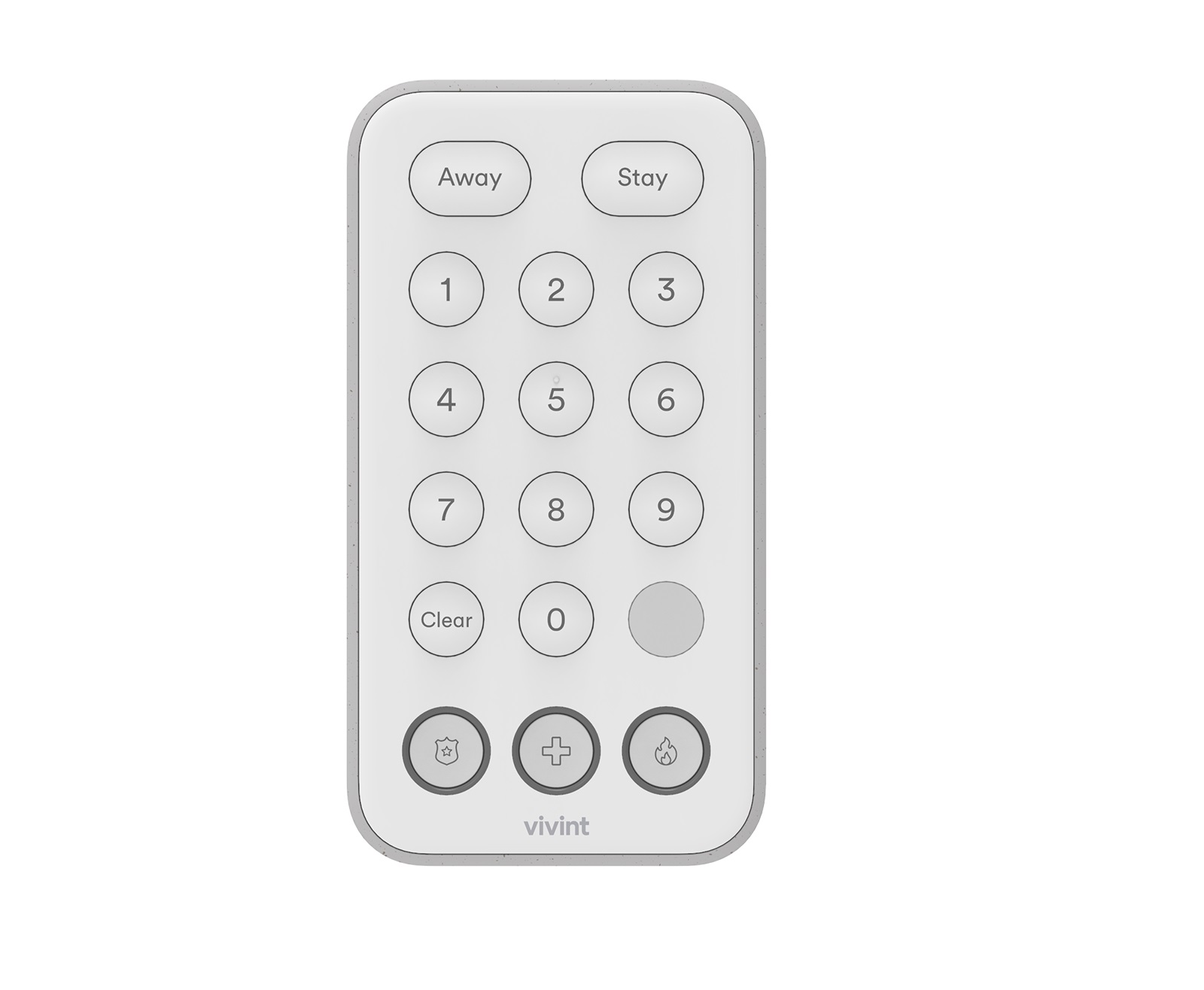
Short Description | The Vivint Keypad is a wireless Z-Wave control device that provides remote access to the security features for a Vivint Smart Home™ system, including enabling and disabling both the Arm Away and Arm Stay security modes. |
|---|
Long Description | The Vivint Keypad is a wireless Z-Wave control device that provides remote access to the security features for a Vivint Smart Home™ system, including enabling and disabling both the Arm Away and Arm Stay security modes. The keypad can also be used to transmit a signal to Vivint Monitoring for fire, panic, and general emergency conditions such as a home intrusion.The keypad has an easy-to-use interface with identified and illuminated buttons, as well as indicator icons that show when the device is offline, or battery power is low. It also displays security system status with a downcast light. |
|---|
Brand | Vivint |
|---|
Product Identifier | M/N: KP01 |
|---|
Product Line | Vivint.SmartHome |
|---|
OEM Version | HW: 1 FW: 1.00 |
|---|
Hardware Platform | ZGM130 |
|---|
Z-Wave Version | 7.14.3 |
|---|
Library Type | SLAVE_ENHANCED_232 |
|---|
Device Type | Entry Control Keypad Device |
|---|
Role Type | ROLE_TYPE_SLAVE_SLEEPING_LISTENING |
|---|
Manufacturer ID | 0x0156 |
|---|
Product Type ID | 0x4B50 |
|---|
Product ID | 0x0001 |
|---|
User Icon | 0x0300 |
|---|
Installer Icon | 0x0300 |
|---|
Frequency Plans | US: 916.00MHz, 908.40MHz |
|---|
Categories | All Controllers, Handheld Controller, Security Add-Ons, Security Systems |
|---|
Countries / Regions | United States of America |
|---|
Supported Command Classes | Identifier | Name | Key | Version |
|---|
COMMAND_CLASS_ENTRY_CONTROL | Entry Control | 0x6F | 1 | COMMAND_CLASS_CONFIGURATION_V4 | Configuration V4 | 0x70 | 4 | COMMAND_CLASS_POWERLEVEL | Powerlevel | 0x73 | 1 | COMMAND_CLASS_MULTI_CHANNEL_ASSOCIATION_V3 | Multi-Channel Association V3 | 0x8E | 3 | COMMAND_CLASS_INDICATOR_V3 | Indicator V3 | 0x87 | 3 | COMMAND_CLASS_BATTERY | Battery | 0x80 | 1 | COMMAND_CLASS_SECURITY | Security S0 | 0x98 | 1 | COMMAND_CLASS_TRANSPORT_SERVICE_V2 | Transport Service V2 | 0x55 | 2 | COMMAND_CLASS_DEVICE_RESET_LOCALLY | Device Reset Locally | 0x5A | 1 | COMMAND_CLASS_ZWAVEPLUS_INFO_V2 | Z-Wave Plus Info V2 | 0x5E | 2 | COMMAND_CLASS_ASSOCIATION_V2 | Association V2 | 0x85 | 2 | COMMAND_CLASS_FIRMWARE_UPDATE_MD_V5 | Firmware Update Meta-Data V5 | 0x7A | 5 | COMMAND_CLASS_ASSOCIATION_GRP_INFO_V3 | Association Group Information V3 | 0x59 | 3 | COMMAND_CLASS_NOTIFICATION_V8 | Notification V8 | 0x71 | 8 | COMMAND_CLASS_SECURITY_2 | Security S2 | 0x9F | 1 | COMMAND_CLASS_VERSION_V3 | Version V3 | 0x86 | 3 | COMMAND_CLASS_SUPERVISION | Supervision | 0x6C | 1 | COMMAND_CLASS_MANUFACTURER_SPECIFIC_V2 | Manufacturer Specific V2 | 0x72 | 2 |
|
|---|
S2 Classes | S2_ACCESS_CONTROL |
|---|
Documents | Category | Description | File |
|---|
Manual_Primary_Lang | Product Manual | |
|
|---|
Features | Feature | Values |
|---|
Color | | Battery Quantity | | Battery Type | |
|
|---|
Association Groups | Group Number | Maximum Nodes Supported | End Point ID | Group Name | Profile | Description |
|---|
1 | 1 | 0 | Lifeline | 0x0001 | The keypad supports one Association group which is the “Lifeline” group of able to have one node in the group. All unsolicited Z-Wave messages are transmitted to the node in the Lifeline group such as Entry Control, Notification, Battery, and Device Reset Locally notifications. |
|
|---|
Configuration Parameters | Parameter Number | Name | Description | Format | Size | Min Value | Max Value | Default Value | Parameter Values | Flag Advanced |
|---|
2 | Sound | Enable beeper feedback. 1: Enabled (default) / 0: Disabled. | 3 | 1 | 0 | 1 | 1 |
Warning: Undefined variable $field_object in /nas/content/live/zwaprodcatalog/wp-content/themes/hello-elementor-child/single-z-wave-product.php on line 98
From | To | Description |
|---|
0 | 0 | disable sound/buzzer | 1 | 0 | enable sound/buzzer |
| | 1 | Motion Detector | Whether or not motion detector is enabled. 1: Enabled (default) / 0: Disabled. | 3 | 1 | 0 | 1 | 1 | From | To | Description |
|---|
0 | 0 | disable motion detector | 1 | 0 | Enabling motion detector |
| | 4 | Application-Level Retries | Number of attempts on top of the stack-level retries to try to reach the controller/hub with Z-Wave messages. | 2 | 1 | 0 | 10 | 3 | From | To | Description |
|---|
0 | 10 | how many retries device does to reach controller/hub |
| Yes | 5 | Battery-Poll Timer | Amount of time in minutes between timed battery checks. | 2 | 2 | 5 | 1440 | 70 | From | To | Description |
|---|
5 | 1140 | the amount of time in minute between timed battery checks. |
| Yes | 3 | Down-Cast Light | Enable the down-cast light. 1: Enabled (default) / 0: Disabled. | 3 | 1 | 0 | 1 | 1 | From | To | Description |
|---|
0 | 0 | disable down-cast lighting | 1 | 0 | enable down-cast lighting |
| |
|
|---|
Texts | ID | Description | Value |
|---|
1 | Classic Inclusion | • Vivint panel/hub via Z-Wave (Classic Inclusion): Use this standard method for adding Z-Wave devices at the panel or hub. Use the "PAIR/RESET" button next to the battery tray. Follow the onscreen prompts to add the keypad. | 2 | Classic Exclusion | Removing Keypad from SystemTo remove the device, place the panel Use this standard method for excluding Z-Wave devices at the panel or hub. Use the "PAIR/RESET" button next to the battery tray. Follow the onscreen prompts to add the keypad. | 8 | Where to find S2 DSK on product | page 1 under network inclusion | 4 | Wake-Up Procedure | This device is frequently listening device so the device is always reachable. | 5 | Factory Reset Procedure | Please use this procedure only when the network primary controller is missing or otherwise inoperable.To restore the keypad to factory settings which removes it from any network as well: 1. Locate the button labeled Pair/Reset underneath the back battery cover. 2. Insert a paperclip into the hole until you feel the button depress. 3. Hold the button down for ten seconds. The green downcast indicator will blink rapidly while the reset button is pressed and go out after ten seconds. 4. The device’s downcast indicator will turn red when the reset operation is complete. The device is now ready to be added back to a Z-Wave network. |
|
|---|
Supported Notification Types | Notification Type | Event / State |
|---|
Home Security | (Refer to parameters): State idle | Home Security | Cover status: Tampering, product cover removed | Home Security | Motion sensor status: Motion detection | Power Management | (Refer to parameters): State idle | Power Management | Battery maintenance status: Replace battery soon | Power Management | Battery maintenance status: Replace battery now |
|
|---|
Supports NWI | Yes |
|---|
Supports Explorer Frames | Yes |
|---|
Is Flirs | Yes |
|---|
Supports SmartStart | Yes |
|---|
Radio Range Z-Wave (m) | 40 |
|---|