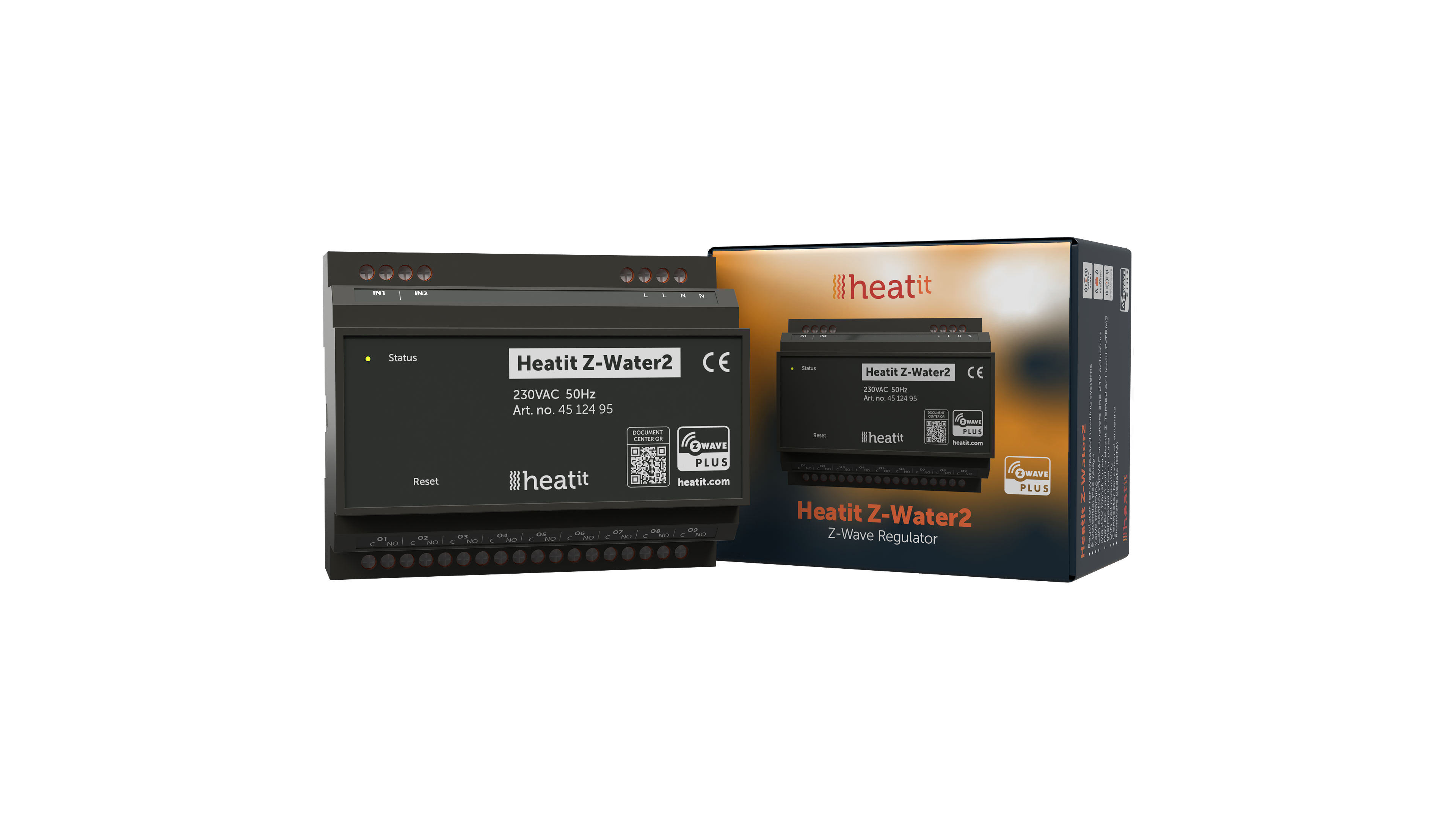
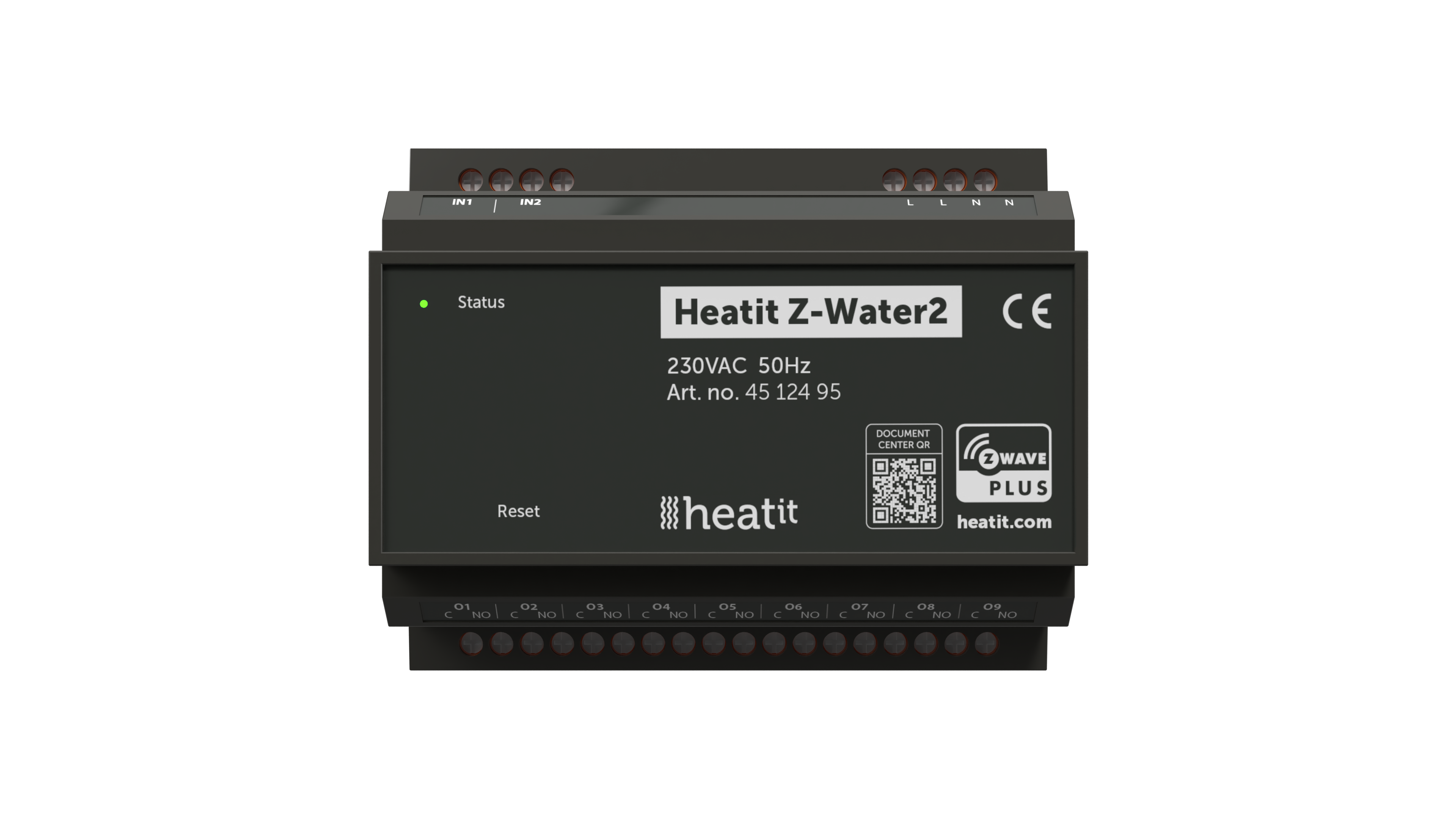
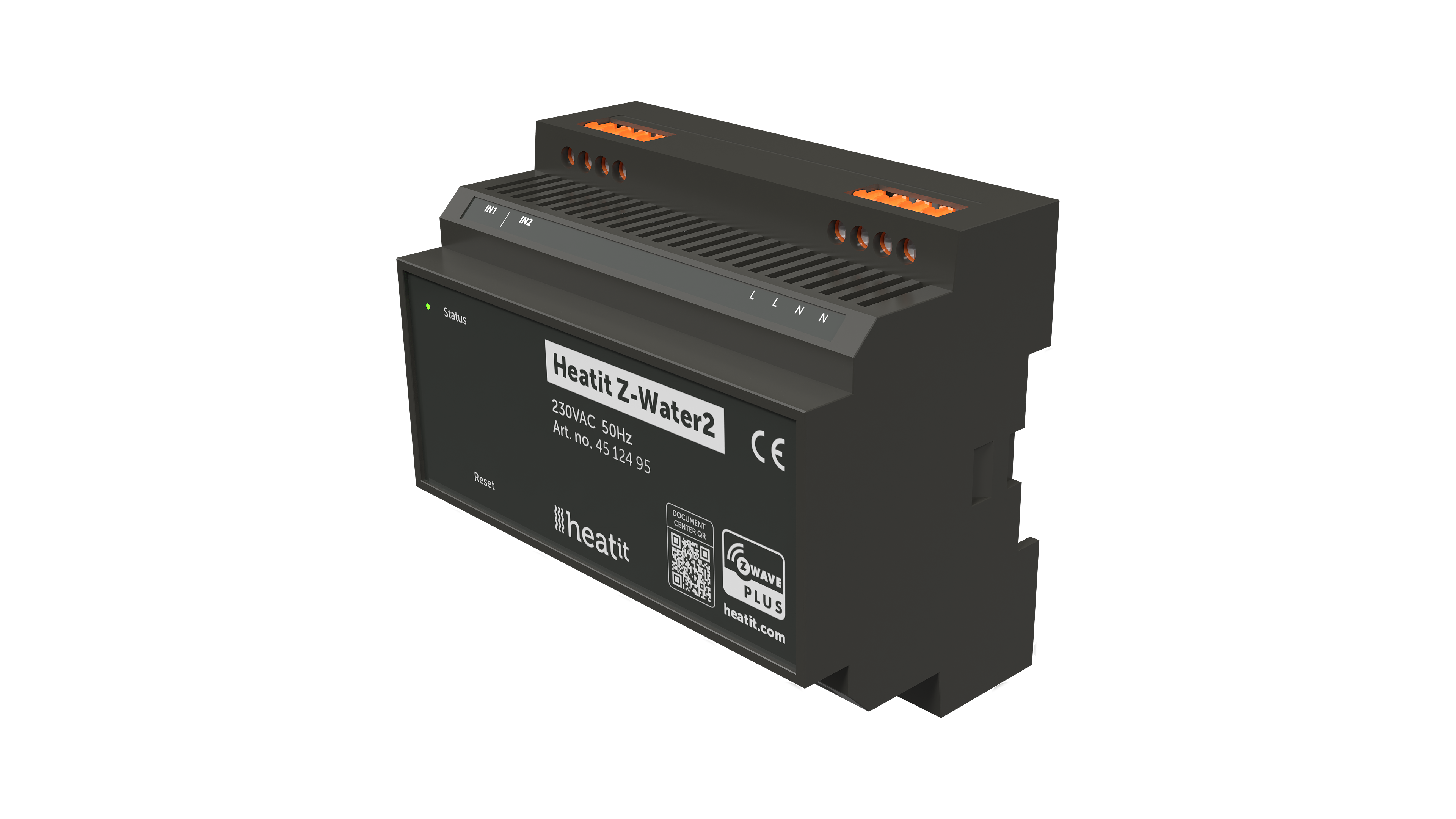
Product Recognition | |
|---|
Certification Number | ZC14-23060294 |
|---|
Name | Heatit Z-Water2 |
|---|
Short Description | Heatit Z-Water2 is a DIN-rail regulator for controlling waterbased heating systems.
The module clips right onto a DIN-rail and allows you to control your waterbased heating through your Z-Wave™ network. |
|---|
Long Description | Heatit Z-Water2 is a DIN-rail regulator for controlling waterbased heating systems.
The module clips right onto a DIN-rail and allows you to control your waterbased heating through your Z-Wave™ network.
Heatit Z-Water2 is equipped with 9 potential free relays for actuators. It also has 2 analog inputs for temperature sensors.
The Heatit Z-Water2 relays may be controlled by associations with other Z-Wave thermostats e.g Heatit. Each relay can control one or several actuators in your underfloor heating
system. |
|---|
Brand | Heatit |
|---|
Product Identifier | Z-Water2 |
|---|
Product Line | Regulator for waterbased heating |
|---|
OEM Version | HW: 01 FW: 01.00:02.01 |
|---|
Hardware Platform | EFR32ZG23A |
|---|
Z-Wave Version | 7.18.1 |
|---|
Library Type | END_NODE_ENHANCED_232 |
|---|
Device Type | Binary Switch DT |
|---|
Role Type | ROLE_TYPE_END_NODE_ALWAYS_ON |
|---|
Manufacturer ID | 0x019B |
|---|
Product Type ID | 0x0004 |
|---|
Product ID | 0x020B |
|---|
User Icon | 0x0707 |
|---|
Installer Icon | 0x0700 |
|---|
Frequency Plans | EU: 869.85MHz, 868.40MHz |
|---|
Categories | Water Valves & Irrigation, On/Off Switches/Devices |
|---|
Countries / Regions | European Union |
|---|
Supported Command Classes | Identifier | Name | Key | Version |
|---|
COMMAND_CLASS_ASSOCIATION_V2 | Association V2 | 0x85 | 2 | COMMAND_CLASS_ASSOCIATION_GRP_INFO_V3 | Association Group Information (AGI) V3 | 0x59 | 3 | COMMAND_CLASS_DEVICE_RESET_LOCALLY | Device Reset Locally | 0x5A | 1 | COMMAND_CLASS_FIRMWARE_UPDATE_MD_V5 | Firmware Update Meta Data V5 | 0x7A | 5 | COMMAND_CLASS_INDICATOR_V3 | Indicator V3 | 0x87 | 3 | COMMAND_CLASS_MANUFACTURER_SPECIFIC_V2 | Manufacturer Specific V2 | 0x72 | 2 | COMMAND_CLASS_MULTI_CHANNEL_ASSOCIATION_V3 | Multi Channel Association V3 | 0x8E | 3 | COMMAND_CLASS_VERSION_V3 | Version V3 | 0x86 | 3 | COMMAND_CLASS_ZWAVEPLUS_INFO_V2 | Z-Wave Plus Info V2 | 0x5E | 2 | COMMAND_CLASS_SECURITY_2 | Security 2 | 0x9F | 1 | COMMAND_CLASS_SUPERVISION | Supervision | 0x6C | 1 | COMMAND_CLASS_TRANSPORT_SERVICE_V2 | Transport Service V2 | 0x55 | 2 | COMMAND_CLASS_POWERLEVEL | Powerlevel | 0x73 | 1 | COMMAND_CLASS_SWITCH_BINARY_V2 | Binary Switch V2 | 0x25 | 2 | COMMAND_CLASS_BASIC_V2 | Basic V2 | 0x20 | 2 | COMMAND_CLASS_MULTI_CHANNEL_V4 | Multi Channel V4 | 0x60 | 4 | COMMAND_CLASS_SENSOR_MULTILEVEL_V11 | Multilevel Sensor V11 | 0x31 | 11 | COMMAND_CLASS_CONFIGURATION_V4 | Configuration V4 | 0x70 | 4 | COMMAND_CLASS_SECURITY | Security 0 | 0x98 | 1 |
|
|---|
S2 Classes | S2_AUTHENTICATED, S2_UNAUTHENTICATED |
|---|
Documents | Category | File |
|---|
Image_Product_Supplemental_3 | | Manual_English | |
|
|---|
Features | Feature | Values |
|---|
Color | | Firmware Updatable | Value |
|---|
Updatable by Consumer by RF |
| IP (Ingress Protection) Rated | | Loads Controlled | | Switch Load Capacity Current | |
|
|---|
Association Groups | Group Number | Maximum Nodes Supported | End Point ID | Group Name | Profile |
|---|
1 | 3 | 0 | Lifeline | 0x0001 | 1 | 0 | 1 | Lifeline | 0x0001 | 1 | 0 | 2 | Lifeline | 0x0001 | 1 | 0 | 3 | Lifeline | 0x0001 | 1 | 0 | 4 | Lifeline | 0x0001 | 1 | 0 | 5 | Lifeline | 0x0001 | 1 | 0 | 6 | Lifeline | 0x0001 | 1 | 0 | 7 | Lifeline | 0x0001 | 1 | 0 | 8 | Lifeline | 0x0001 | 1 | 0 | 9 | Lifeline | 0x0001 | 1 | 0 | 10 | Lifeline | 0x0001 | 1 | 0 | 11 | Lifeline | 0x0001 |
|
|---|
Configuration Parameters | Parameter Number | Name | Description | Format | Size | Min Value | Max Value | Default Value |
|---|
1 | Input 1 calibration | Manually calibrate input 1 | 0 | 1 | 0 | 0 | 0x00 | 2 | Input 2 calibration | Manually calibrate input 2 | 0 | 1 | 0 | 0 | 0x00 | 3 | Temperature report interval | Set temperature report interval | 1 | 2 | 0 | 0 | 0x0366 | 4 | Temperature report hysteresis | Temperature report hysteresis in Celsius | 1 | 1 | 0 | 0 | 0x0a | 5 | Power restore state | Relay state after power failure | 2 | 1 | 0 | 0 | 0x02 | 6 | Inverted outputs | Decide if output should be inverted | 2 | 1 | 0 | 0 | 0x00 | 7 | Valve inactivity exercise | Valve exercise period | 1 | 1 | 0 | 0 | 0x00 | 8 | Select antenna type | Choose internal or external antenna | 2 | 1 | 0 | 0 | 0x00 |
|
|---|
Texts | ID | Description | Value |
|---|
8 | Where to find S2 DSK on product | Paragraph 11.
The QR-Code is needed when including a device using S2 security or SmartStart. The DSK can be found in the QR-Code
and is located;
• On the product.
• In the Quick Guide.
• On the packaging box/gift box. | 1 | Classic Inclusion | The primary controller/gateway has a mode for adding devices. Please refer to your primary controller manual on how to set the primary controller in add mode. The device may only be added from the network if the primary controller is in add mode. When the device is removed from the network, it will NOT revert to factory settings. An always listening node must be powered continuously and reside in a fixed position in the installation to secure the routing table. Adding the device within a 2 meter range from the gateway can minimize faults during the Interview process.
Standard (Manual)
Add mode is indicated on the device by a blinking green LED. It indicates this for 90 seconds until a timeout occurs, or until the device has been added to the network. Configuration mode can also be cancelled by performing the same procedure used for starting Configuration mode.
To start the configuration process, press the reset button 3 times in rapid succession. The LED will light up solid green for 3 seconds if add is successful. The device is now ready for use with default settings.
NB! When the device is removed from the gateway, the parameters are not reset. To reset the parameters, see Chapter ”Factory reset”.
If inclusion fails, please perform a ”remove device” process and try again. If inclusion fails again, please see “Factory reset”. | 2 | Classic Exclusion | The primary controller/gateway has a mode for removing devices. Please refer to your primary controller manual on how to set the primary controller in remove mode. The device may only be removed from the network if the primary controller is in remove mode. When the device is removed from the network, it will NOT revert to factory settings. An always listening node must be powered continuously and reside in a fixed position in the installation to secure the routing table.
Standard (Manual)
Remove mode is indicated on the device by a blinking green LED. It indicates this for 90 seconds until a timeout occurs, or until the device has been removed from the network. Configuration mode can also be cancelled by performing the same procedure used for starting Configuration mode.
To start the configuration process, press the reset button 3 times in rapid succession. The LED will light up solid green for 3 seconds if remove is successful. The device is now ready for use with default settings.
NB! When the device is removed from the gateway, the parameters are not reset. To reset the parameters, see Chapter ”Factory reset”. | 5 | Factory Reset Procedure | Press and hold the reset button. After 3 seconds the LED will start to blink green. After 20 seconds the LED will start blinking green rapidly. You may now release the button. If reset was successful the LED will light up solid green for 3 seconds. | 6 | Other Special Features | * External antenna (U.FL female connector)
The device allows you to connect a U.FL female connector antenna. This allows the antenna to be wired outside of the installation location in cases of unsatisfactory wireless performance. This connector is placed in the middle of the radio module that is sticking out of the main PCB. See Chapter 22 for a detailed illustration of the placement. Set parameter 8 to 1 to activate this feature.
* Automatic valve exercise
Valve exercising is beneficial during longer periods of inactivity to ensure the proper operability of the valves and prevent the valves from getting stuck. If not exercised, corrosion or other buildup may result in the valve becoming inoperable or prevent complete closure. To activate this feature see parameter 7.
* Can control 230VAC actuators and 24VDC actuators from an external power supply. |
|
|---|
Supported Multilevel Sensors | Multilevel Sensor Type |
|---|
Air temperature |
|
|---|
Supports NWI | Yes |
|---|
Supports Explorer Frames | Yes |
|---|
Supports SmartStart | Yes |
|---|
Radio Range Z-Wave (m) | 40 |
|---|