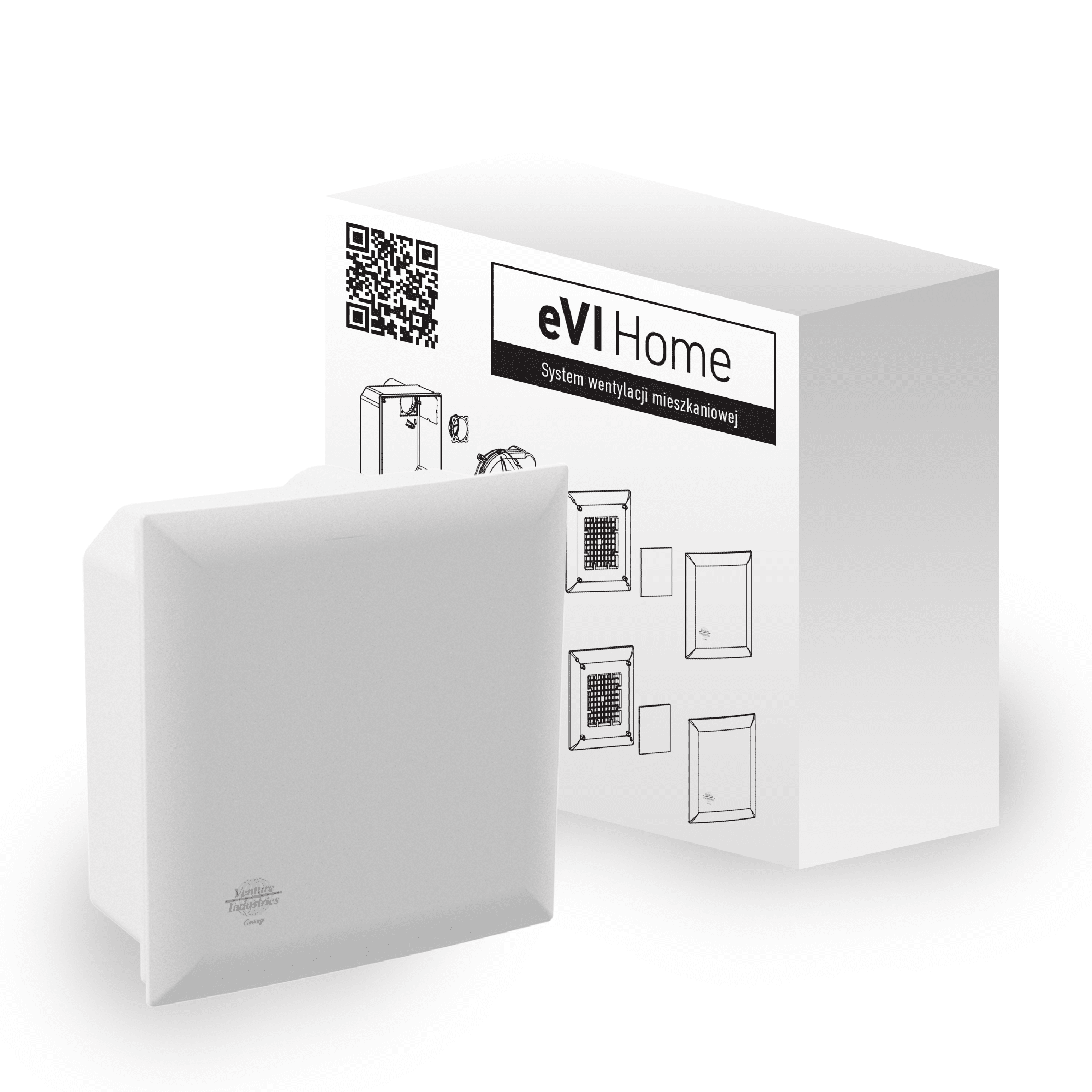
Product Recognition | |
|---|
Certification Number | ZC14-24020412 |
|---|
Name | eVI EC |
|---|
Short Description | eVI EC WISE is a Z-Wave® device that allows control the air flow through the fan. |
|---|
Long Description | The eVI EC WISE fan is a device designed for rooms like kitchens and bathrooms and is meant to extract used air, excess humidity and bad smells. It is a highly efficient device designed with balance between power, sound level and energy consumption. It is equipped with a Z-Wave® module and integrated humidity and temperature sensor. The eVI EC WISE fan is a main part in the Venture WISE system.
Main features:
- The device allows control of the air flow through the fan
- The device has smooth performance regulation. The set percentage value controls the airflow in m3/h.
- Pre-set configurations allow to easily adjust operation for specific type of controlled devices
- 230 VAC powered
- Equipped with humidity and temperature sensor
- Supports Z-Wave® network Security Modes: S0 with AES-128 encryption and S2 Authenticated with PRNG-based encryption.
- Works as a Z-Wave® signal repeater when VDC powered (all non-battery operated devices within the network will act as repeaters to increase reliability of the network).
- May be used with all devices certified with the Z-Wave Plus® certificate and should be compatible with such devices produced by other manufacturers. |
|---|
Brand | VENTURE INDUSTRIES SP. Z O. O. |
|---|
Product Identifier | WISE-EC-01 |
|---|
Product Line | Venture WISE |
|---|
OEM Version | HW: 01 FW: 08.00 |
|---|
Hardware Platform | EFR32ZG23B |
|---|
Z-Wave Version | 7.20.2 |
|---|
Library Type | END_NODE_ENHANCED_232 |
|---|
Device Type | Multilevel Switch DT |
|---|
Role Type | ROLE_TYPE_END_NODE_ALWAYS_ON |
|---|
Manufacturer ID | 0x010F |
|---|
Product Type ID | 0x2701 |
|---|
Product ID | 0x1000 |
|---|
User Icon | 0x0400 |
|---|
Installer Icon | 0x0400 |
|---|
Frequency Plans | EU: 869.85MHz, 868.40MHz |
|---|
Categories | Fan Control |
|---|
Countries / Regions | European Union |
|---|
Supported Command Classes | Identifier | Name | Key | Version |
|---|
COMMAND_CLASS_ASSOCIATION_V2 | Association V2 | 0x85 | 2 | COMMAND_CLASS_ASSOCIATION_GRP_INFO_V3 | Association Group Information (AGI) V3 | 0x59 | 3 | COMMAND_CLASS_DEVICE_RESET_LOCALLY | Device Reset Locally | 0x5A | 1 | COMMAND_CLASS_FIRMWARE_UPDATE_MD_V5 | Firmware Update Meta Data V5 | 0x7A | 5 | COMMAND_CLASS_INDICATOR_V3 | Indicator V3 | 0x87 | 3 | COMMAND_CLASS_MANUFACTURER_SPECIFIC_V2 | Manufacturer Specific V2 | 0x72 | 2 | COMMAND_CLASS_MULTI_CHANNEL_ASSOCIATION_V3 | Multi Channel Association V3 | 0x8E | 3 | COMMAND_CLASS_VERSION_V3 | Version V3 | 0x86 | 3 | COMMAND_CLASS_ZWAVEPLUS_INFO_V2 | Z-Wave Plus Info V2 | 0x5E | 2 | COMMAND_CLASS_SECURITY_2 | Security 2 | 0x9F | 1 | COMMAND_CLASS_SUPERVISION | Supervision | 0x6C | 1 | COMMAND_CLASS_TRANSPORT_SERVICE_V2 | Transport Service V2 | 0x55 | 2 | COMMAND_CLASS_POWERLEVEL | Powerlevel | 0x73 | 1 | COMMAND_CLASS_SWITCH_MULTILEVEL_V4 | Multilevel Switch V4 | 0x26 | 4 | COMMAND_CLASS_BASIC_V2 | Basic V2 | 0x20 | 2 | COMMAND_CLASS_MULTI_CHANNEL_V4 | Multi Channel V4 | 0x60 | 4 | COMMAND_CLASS_SENSOR_MULTILEVEL_V11 | Multilevel Sensor V11 | 0x31 | 11 | COMMAND_CLASS_CONFIGURATION_V4 | Configuration V4 | 0x70 | 4 | COMMAND_CLASS_SECURITY | Security 0 | 0x98 | 1 |
|
|---|
S2 Classes | S2_AUTHENTICATED, S2_UNAUTHENTICATED |
|---|
Documents | Category | File |
|---|
Manual_English | |
|
|---|
Association Groups | Group Number | Maximum Nodes Supported | End Point ID | Group Name | Profile |
|---|
1 | 1 | 0 | Lifeline | 0x0001 | 1 | 0 | 1 | Lifeline | 0x0001 | 1 | 0 | 2 | Lifeline | 0x0001 |
|
|---|
Configuration Parameters | Parameter Number | Name | Description | Format | Size | Min Value | Max Value | Default Value |
|---|
1 | Device status memory | The parameter defines the state after power off. | 1 | 1 | 0 | 0 | 0x01 | 154 | Allowing the fan to turn off completely | This parameter determines what state the device will be in when the OFF or set 0 command is sent to the multi-level switch. | 1 | 1 | 0 | 0 | 0x00 | 155 | Auto mode | This parameter determines whether the device is to work in auto mode.In auto mode fan speed is relative to humidity. | 1 | 1 | 0 | 0 | 0x00 |
|
|---|
Texts | ID | Description | Value |
|---|
8 | Where to find S2 DSK on product | 4.1: Adding manually page 8
"If you are adding in Security S2 Authenticated, input the underlined part of the DSK (label on the device)." | 1 | Classic Inclusion | 1. Set the main controller in (Security/non-Security Mode) add mode (see the controller’s manual).
2. Set the device in learning mode by quick triple-clicking the button on the PCB . The LED indicator blinks yellow.
3. If you are adding in Security S2 Authenticated, input the underlined part of the DSK (label on the device).
4. After succesfull adding to the Z-Wave network, the device's LED indicator will: Blink single green light, when added to non-secure, S0, S2 Unauthenticated level or blink with a single magenta light, when added to Security S2 Authenticated.
5. If the device is not succesfully added to the network, there will be a single red LED indicator blink. | 2 | Classic Exclusion | 1. Set the main controller into remove mode (see the controller’s manual).
2. Triple click the button on the PCB (Fig. 1). The LED indicator will blink continuously.
3. Wait for the removal process to complete.
4. After succesfull removal from the Z-Wave network, on the device there will be a single red LED indicator blink. | 5 | Factory Reset Procedure | 1. To restore the device to the factory settings, hold down the button located on the PCB for at least 10 seconds (Fig. 1).
2. Wait until the LED indicator lights up yellow, release the button.
3. Press the button again.
4. Successful device reset will be confirmed by greed LED indicator light.
5. The LED indicator will light up red, when the device is removed from the Z-Wave network. |
|
|---|
Supported Multilevel Sensors | Multilevel Sensor Type |
|---|
Air temperature | Humidity |
|
|---|
Supports NWI | Yes |
|---|
Supports Explorer Frames | Yes |
|---|
Supports SmartStart | Yes |
|---|
Radio Range Z-Wave (m) | 40 |
|---|