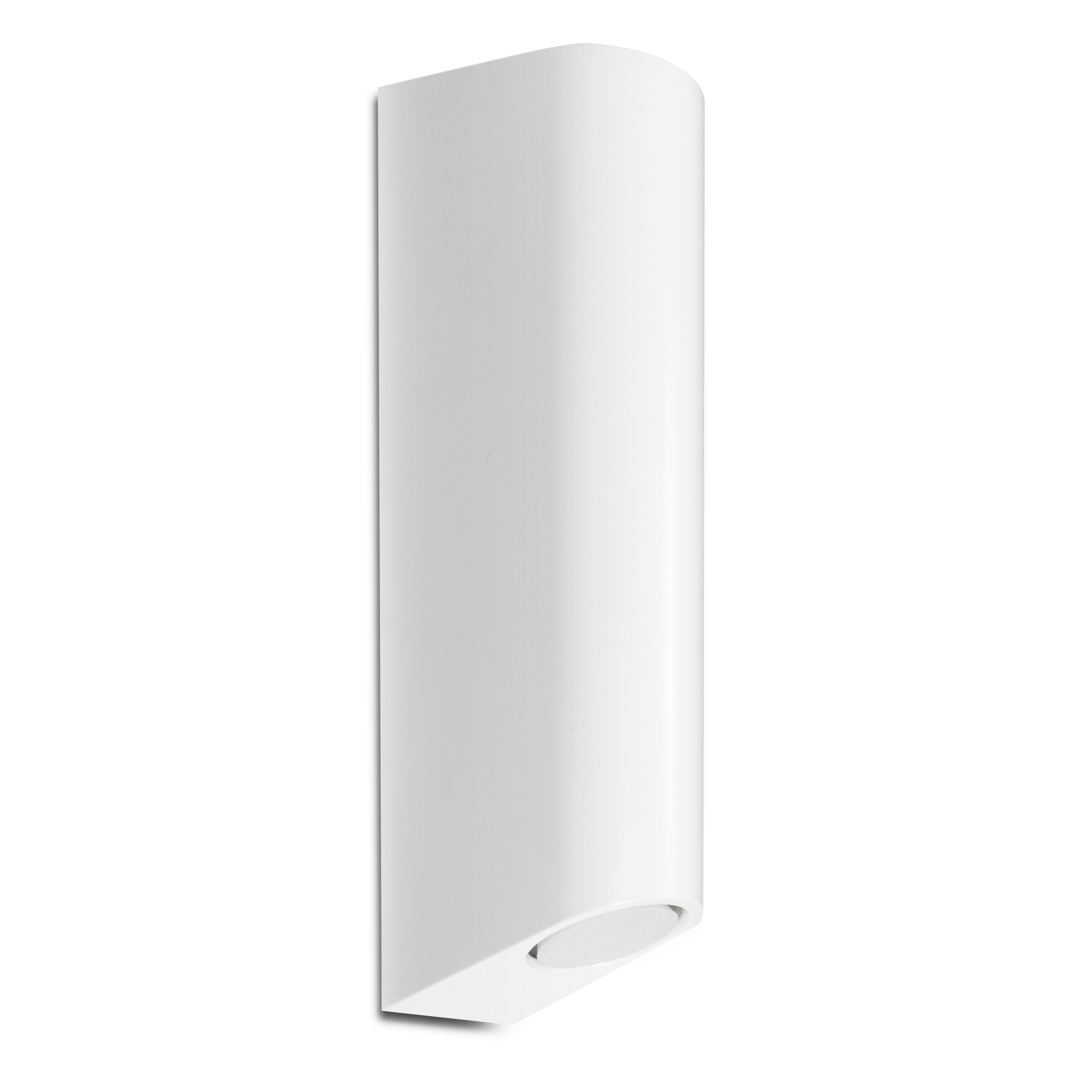
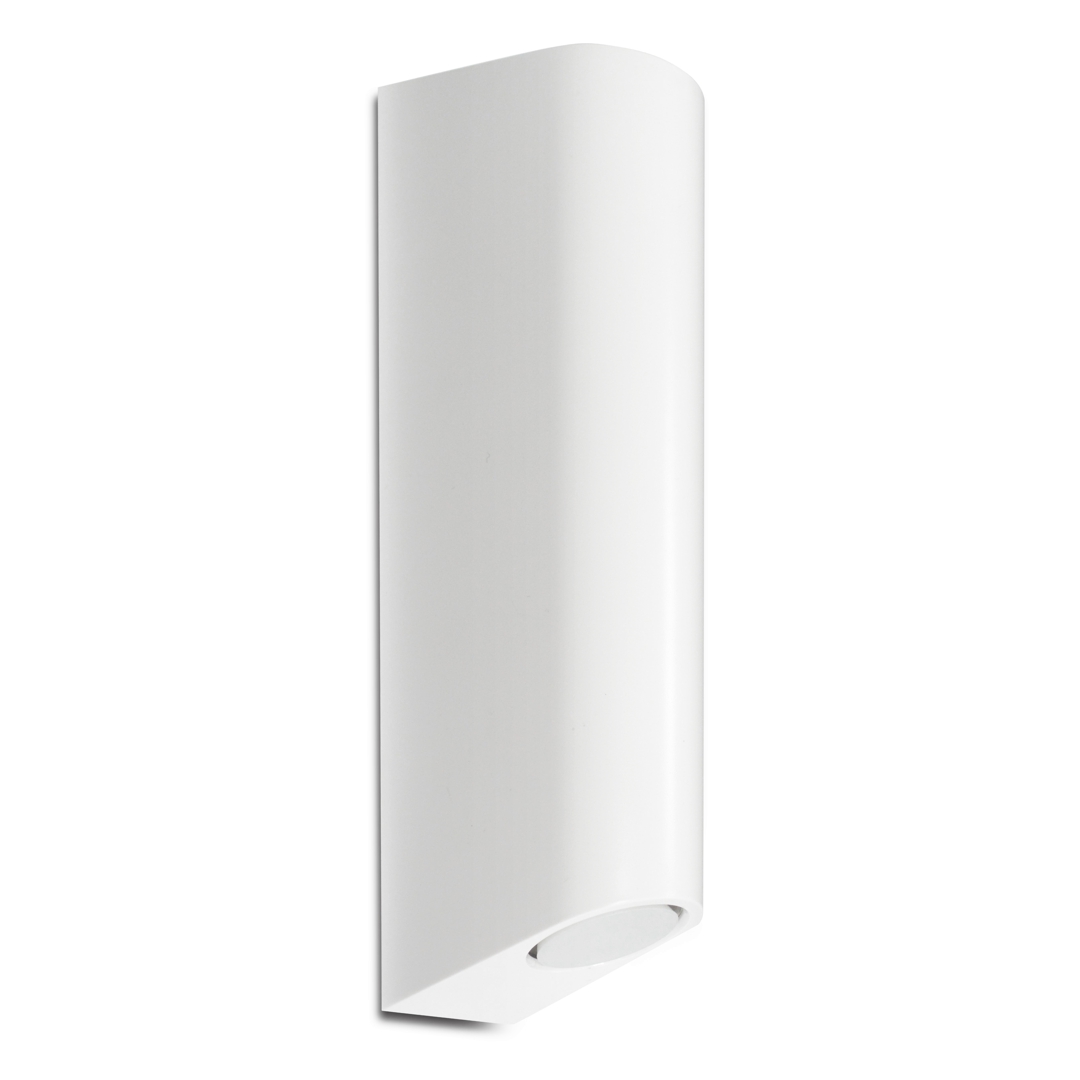
Product Recognition | |
|---|
Certification Number | ZC10-18106268 |
|---|
Name | S2 Multisiren |
|---|
Short Description | Use this multifunctional siren as a reliable sound alarm and enjoy the bonus of temperature and humidity monitoring. |
|---|
Long Description | FEATURES:
- Audio and visual alarm triggered by other Z-Wave devices
- Configurable siren alarm duration
- Built-in temperature and humidity sensor (if Multilevel Sensor is supported)
- Audio Speaker for custom sound playback (if Sound Switch is supported)
- S2 security protocol and the latest 500 Z-Wave chip for faster and safer wireless communication
- Tamper protection, low-battery alerts
SPECS:
- Model Number: ZSE19
- Z-Wave Signal Frequency: 908.42 MHz
- Power: 4 x LR14 (C Cell) battery
- Range: Up to 100 feet line of sight
- Operating Temperature: 14-104° F (-10-40° C)
- Operating Humidity: 0-80%
- Installation and Use: Indoor only |
|---|
Brand | Zooz |
|---|
Product Identifier | ZSE19 |
|---|
OEM Version | HW: 1 FW: 1.02:00.01 |
|---|
Hardware Platform | SD3502 |
|---|
Z-Wave Version | 6.71.03 |
|---|
Library Type | SLAVE_ENHANCED_232 |
|---|
Device Type | Siren |
|---|
Role Type | ROLE_TYPE_SLAVE_SLEEPING_LISTENING |
|---|
Manufacturer ID | 0x027A |
|---|
Product Type ID | 0x000C |
|---|
Product ID | 0x0003 |
|---|
User Icon | 0x0F00 |
|---|
Installer Icon | 0x0F00 |
|---|
Frequency Plans | US: 916.00MHz, 908.40MHz |
|---|
Categories | Security Add-Ons |
|---|
Countries / Regions | United States of America |
|---|
Supported Command Classes | Identifier | Name | Key | Version |
|---|
COMMAND_CLASS_SOUND_SWITCH | Sound Switch | 0x79 | 1 | COMMAND_CLASS_FIRMWARE_UPDATE_MD_V4 | Firmware Update Meta-Data V4 | 0x7A | 4 | COMMAND_CLASS_SENSOR_MULTILEVEL_V5 | Sensor Multilevel V5 | 0x31 | 5 | COMMAND_CLASS_POWERLEVEL | Powerlevel | 0x73 | 1 | COMMAND_CLASS_BATTERY | Battery | 0x80 | 1 | COMMAND_CLASS_SWITCH_BINARY | Switch Binary | 0x25 | 1 | COMMAND_CLASS_BASIC | Basic | 0x20 | 1 | COMMAND_CLASS_CONFIGURATION | Configuration | 0x70 | 1 | COMMAND_CLASS_SECURITY | Security S0 | 0x98 | 1 | COMMAND_CLASS_TRANSPORT_SERVICE_V2 | Transport Service V2 | 0x55 | 2 | COMMAND_CLASS_DEVICE_RESET_LOCALLY | Device Reset Locally | 0x5A | 1 | COMMAND_CLASS_ZWAVEPLUS_INFO_V2 | Z-Wave Plus Info V2 | 0x5E | 2 | COMMAND_CLASS_ASSOCIATION_V2 | Association V2 | 0x85 | 2 | COMMAND_CLASS_ASSOCIATION_GRP_INFO | Association Group Info | 0x59 | 1 | COMMAND_CLASS_NOTIFICATION_V8 | Notification V8 | 0x71 | 8 | COMMAND_CLASS_SECURITY_2 | Security S2 | 0x9F | 1 | COMMAND_CLASS_VERSION_V3 | Version V3 | 0x86 | 3 | COMMAND_CLASS_SUPERVISION | Supervision | 0x6C | 1 | COMMAND_CLASS_MANUFACTURER_SPECIFIC_V2 | Manufacturer Specific V2 | 0x72 | 2 |
|
|---|
S2 Classes | S2_UNAUTHENTICATED, S2_AUTHENTICATED |
|---|
Documents | Category | Description | File |
|---|
Manual_Primary_Lang | Product or Owner's Manual | |
|
|---|
Features | Feature | Values |
|---|
Battery Type | | Color | | Sensors | Value |
|---|
Air Temperature | Humidity |
| Supported Notification Types | | Battery Quantity | |
|
|---|
Association Groups | Group Number | Maximum Nodes Supported | End Point ID | Description |
|---|
1 | 5 | 0 | Z-Wave Plus Lifeline |
|
|---|
Configuration Parameters | Parameter Number | Name | Description | Format | Size | Min Value | Max Value | Default Value | Parameter Values |
|---|
1 | Siren Alarm Duration | Choose how long you want the siren alarm to last for once it’s triggered. The number entered as value corresponds to the number of seconds. | 0 | 2 | 0 | 0 | 180 | From | To | Description |
|---|
10 | 600 | seconds (alarm duration time) |
| 3 | Custom Sound Selection for Audio Speaker | Enable one of the custom sounds in the audio file library. The number entered as value corresponds to the file number in the library. This setting is to be used only is the new Sound Switch command class is not yet included in your controller's command class library and incorporated in the home automation interface. It's recommended that the Audio Speaker function is managed by the Sound Switch command class. | 0 | 1 | 0 | 0 | 0 | From | To | Description |
|---|
0 | 0 | pause (no sound) | 1 | 99 | sound (file) number in the library to be triggered |
|
|
|---|
Texts | ID | Description | Value |
|---|
1 | Inclusion | AUTO INCLUSION:
1. Initiate inclusion (pairing) in the app (or web interface). Not sure how? ask@getzooz.com
If you’re using an S2 hub, it may ask you to enter the DSK key printed on the back cover sticker to complete secure inclusion.
2. Insert the batteries as instructed above (if you already did, take them out for at least 15 seconds before starting the inclusion process). The LED indicator will start blinking and the Multisiren will join the network automatically.
MANUAL INCLUSION:
Put your Z-Wave hub into inclusion mode and click the Z-Wave button on the Multisiren 3 times quickly. | 2 | Exclusion | 1. Bring the Multisiren within direct range of your Z-Wave gateway (hub).
2. Put the Z-Wave hub into exclusion mode (not sure how to do that? ask@getzooz.com).
3. Click the Z-Wave button on the Multisiren 3 times quickly to finalize the process.
4. Your hub will confirm exclusion and the device will disappear from your controller's device list. | 6 | Additional Special Features | Audio Speaker feature using the brand new Sound Switch command class. Add and manage your unique sound library, then use the audio for custom notifications in your smart home space. | 5 | Factory Reset | If your primary controller is missing or inoperable, you may need to reset the device to factory settings. To complete the reset process manually, make sure the Multisiren is powered, then CLICK-CLICK-CLICKCLICK’N’HOLD the Z-Wave button for AT LEAST 5 SECONDS. The LED indicator will flash to confirm successful reset.
NOTE: All previously recorded activity and custom settings will be erased from the device’s memory. |
|
|---|
Supported Notification Types | Notification Type | Event / State |
|---|
Siren | (Refer to parameters): State idle | Siren | Siren status: Siren active | Siren | Unknown event/state |
|
|---|
Supported Multilevel Sensors | Multilevel Sensor Type |
|---|
Air temperature | Humidity |
|
|---|
Supports NWI | Yes |
|---|
Supports Explorer Frames | Yes |
|---|
Is Flirs | Yes |
|---|