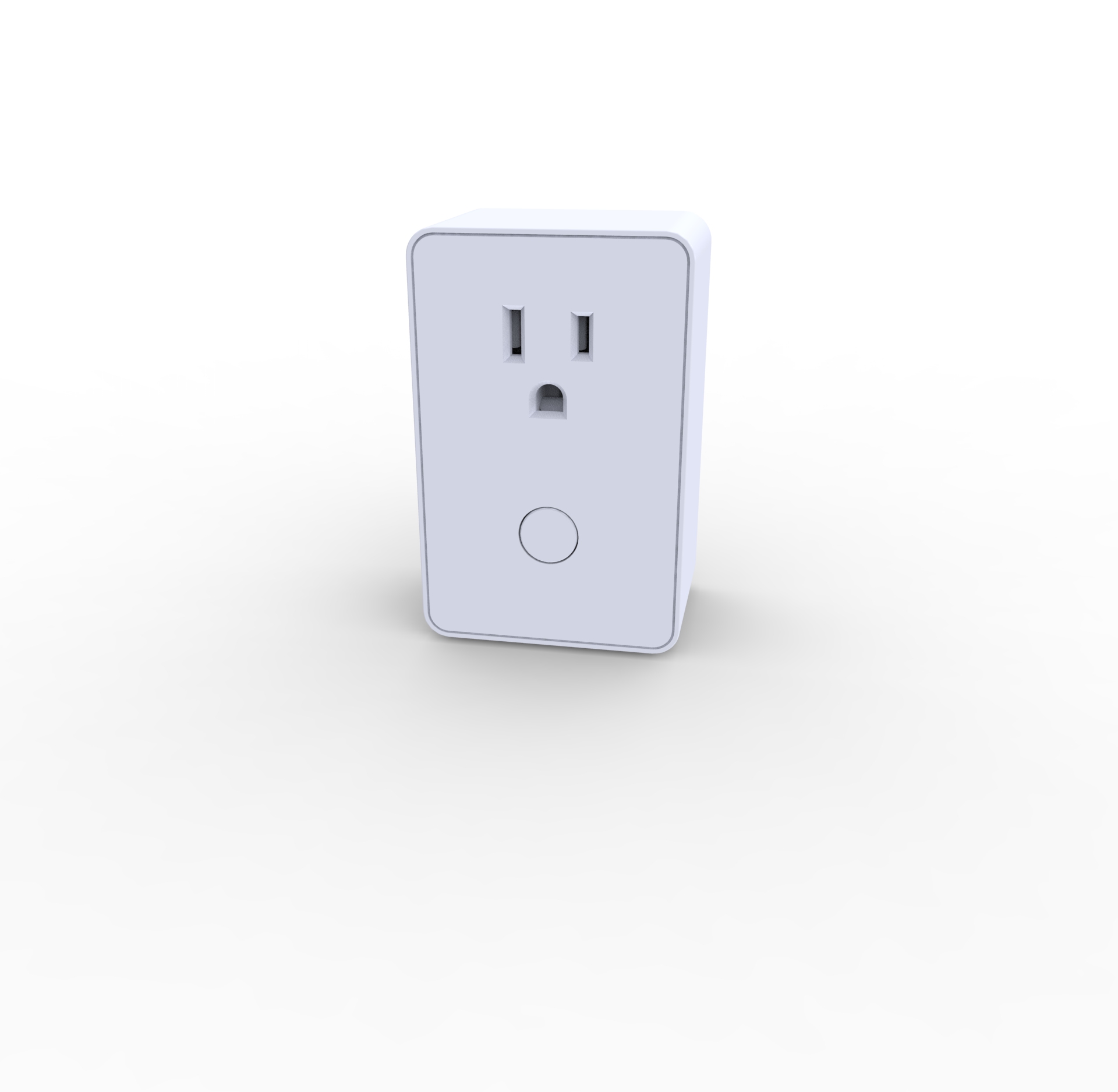
| Product Recognition | |
|---|
| Certification Number | ZC10-14090001 |
|---|
| Name | Z-Wave Plug-In On/Off Appliance Module |
|---|
| Short Description | The PA-100 is plug-in non-dimming switch which can turn On or Off lights and appliances. The PA-100 also acts as a Z-Wave signal repeater.
Key Specifications:
120VAC/60Hz
Incandescent: 900Watts, CFL/LED: 200Watts
Motor: 1/2HP
Resistive Load: 15Amps |
|---|
| Long Description | The PA-100 plug-in is a non-dimming switch which plugs into a standard AC outlet, and allows remote control of On, Off lights and AC operated appliances. Compact design allows second wall AC outlet to remain free. Serves as a node to repeat the signal in the network, extending the overall Z-Wave mesh wireless network range
The PA-100 uses the latest 500 series Z-Wave chip for longer range, over-air-firmware update, and easier inclusion process, providing these features are also supported by the gateway or controller. |
|---|
| Brand | Dragon Tech Industrial, Ltd. |
|---|
| Product Identifier | PA-100 |
|---|
| OEM Version | HW: 255 |
|---|
| Hardware Platform | ZM5202 |
|---|
| Z-Wave Version | 6.51.02 |
|---|
| Library Type | SLAVE_ENHANCED_232 |
|---|
| Device Type | On/Off Power Switch |
|---|
| Role Type | ROLE_TYPE_SLAVE_ALWAYS_ON |
|---|
| Manufacturer ID | 0x0184 |
|---|
| Product Type ID | 0x4447 |
|---|
| Product ID | 0x3031 |
|---|
| Frequency Plans | US: 916.00MHz, 908.40MHz |
|---|
| Categories | All Lighting Devices, On/Off Switches/Devices |
|---|
| Countries / Regions | United States of America |
|---|
| Documents | |
|---|
| Association Groups | | Group Number | Maximum Nodes Supported | End Point ID | Description |
|---|
| 1 | 5 | 0 | Lifeline association only supports the "manual reset" event.
For instructions on how to “set lifeline associate” , please refer to your wireless controller instructions.
|
|
|---|
| Configuration Parameters | | Parameter Number | Name | Description | Format | Size | Min Value | Max Value | Default Value | Parameter Values |
|---|
| 3 | LED Configuration | This parameter controls the state of the LED indicator in response to the state of the switch module. | 0 | 1 | 0 | 0 | 0 | | From | To | Description |
|---|
| 1 | 1 | The LED indicator will be ON when the connected appliance is ON and the LED indicator will be OFF when the connected appliance is OFF. | | 2 | 2 | The LED indicator will always be OFF, regardless of connected appliance being ON or OFF. | | 0 | 0 | The LED indicator will be OFF when the connected appliance is ON, and the LED indicator will be ON when the connected appliance is OFF. |
|
|
|---|
| Texts | | ID | Description | Value |
|---|
| 1 | Inclusion | 1. Put your network controller into inclusion mode following the instructions from your controller manufacturer
2. When the controller is ready, single click the button on the front of PA-100
3. The controller should indicate that the new device was added successfully | | 2 | Exclusion | 1. Put your network controller into exclusion mode following the instructions from your controller manufacturer
2. When the controller is ready, single click the button on the front of PA-100
3. The controller should indicate that the device was excluded successfully | | 5 | Factory Reset | Use this procedure only in the event that the network primary controller is lost or otherwise inoperable.
a. Unplug PA-100 from the AC outlet and also unplug the power plug of the appliance from the module(if plugged in)
b. Press and hold the button on the PA-100 module
c. Plug the PA-100 back into the AC outlet with the button pressed
d. After 3 seconds, release the button. If you see the button blinks, that means the module has been reset successfully |
|
|---|
| Supports NWI | Yes |
|---|
| Supports Explorer Frames | Yes |
|---|

.jpg)