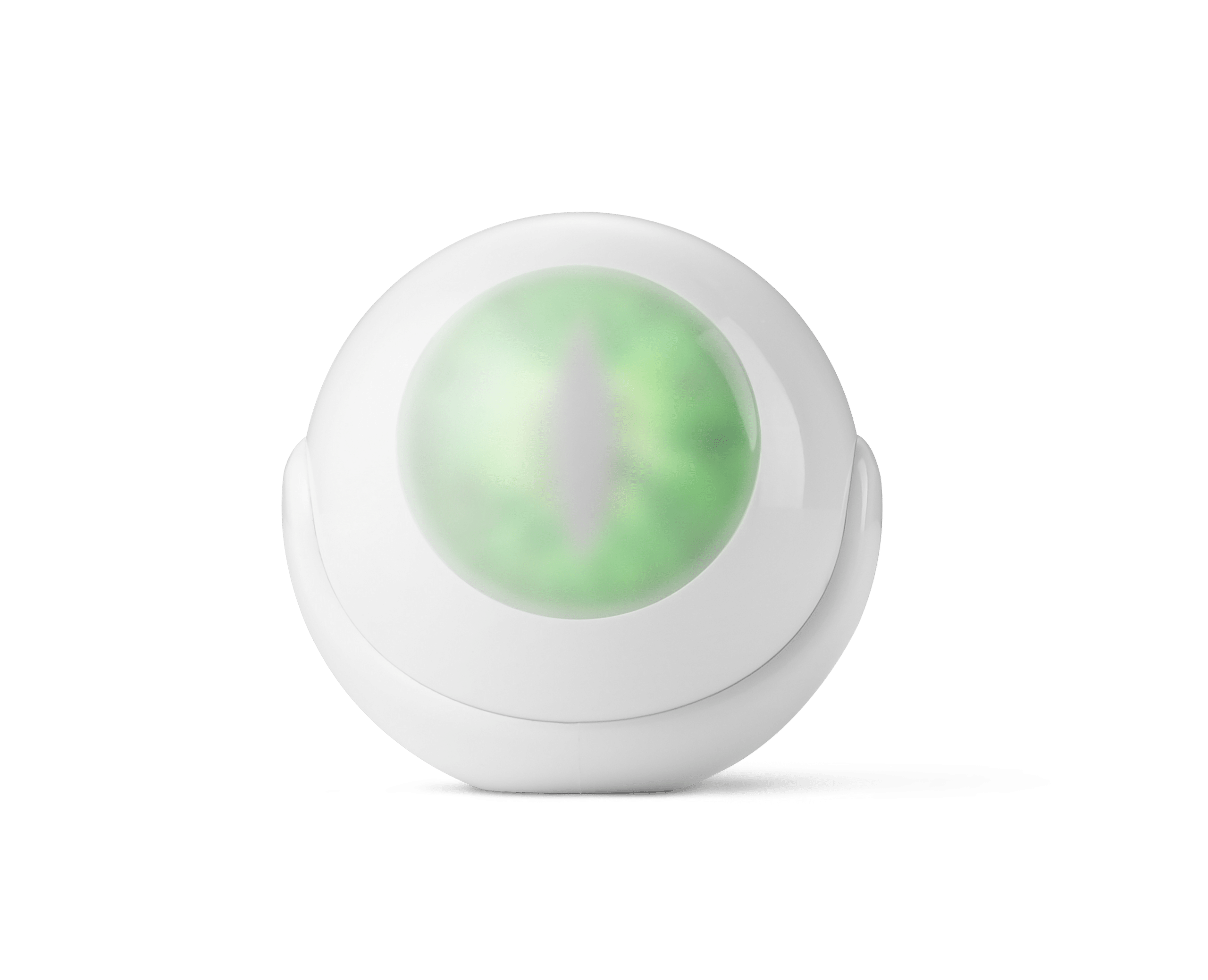
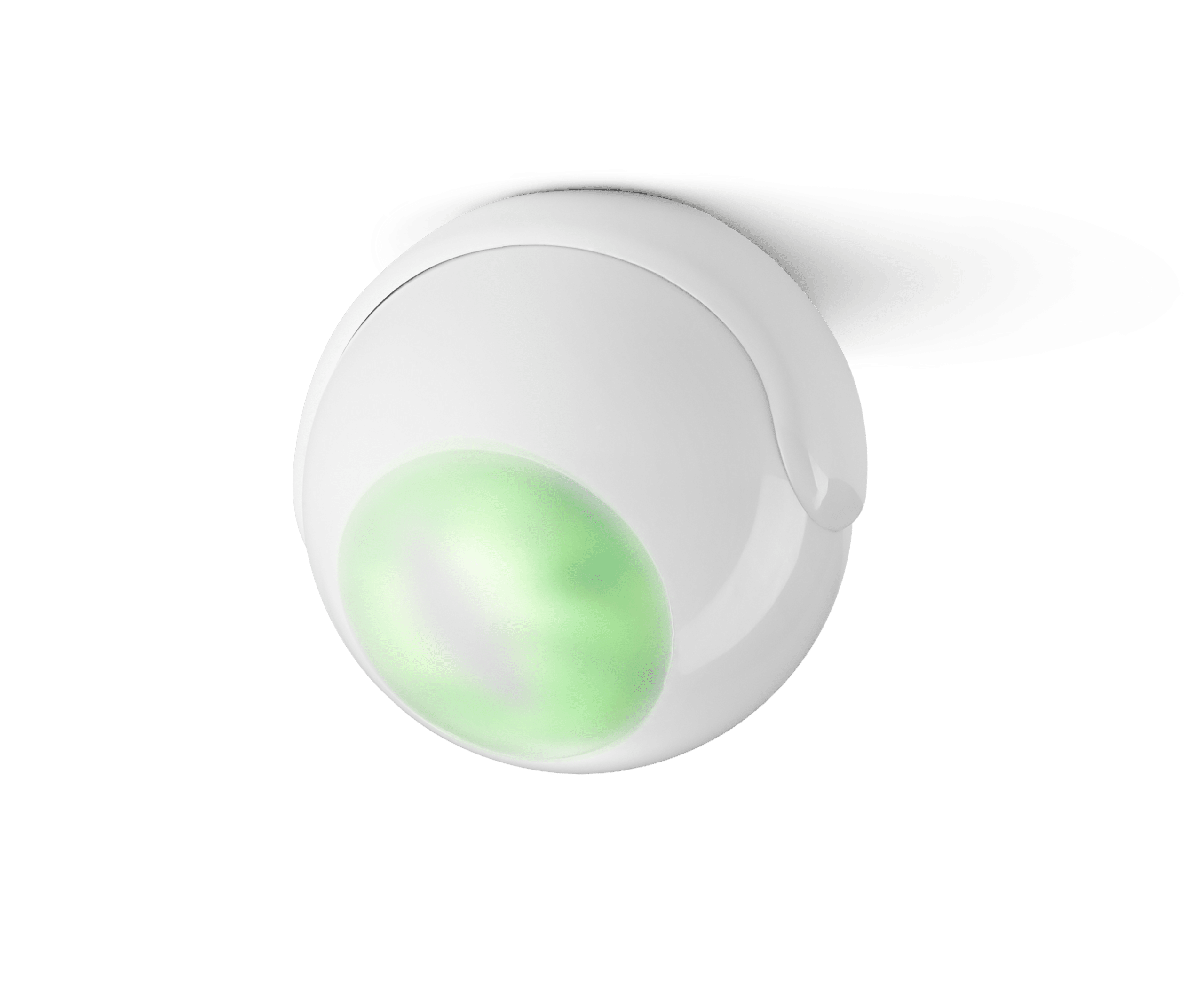
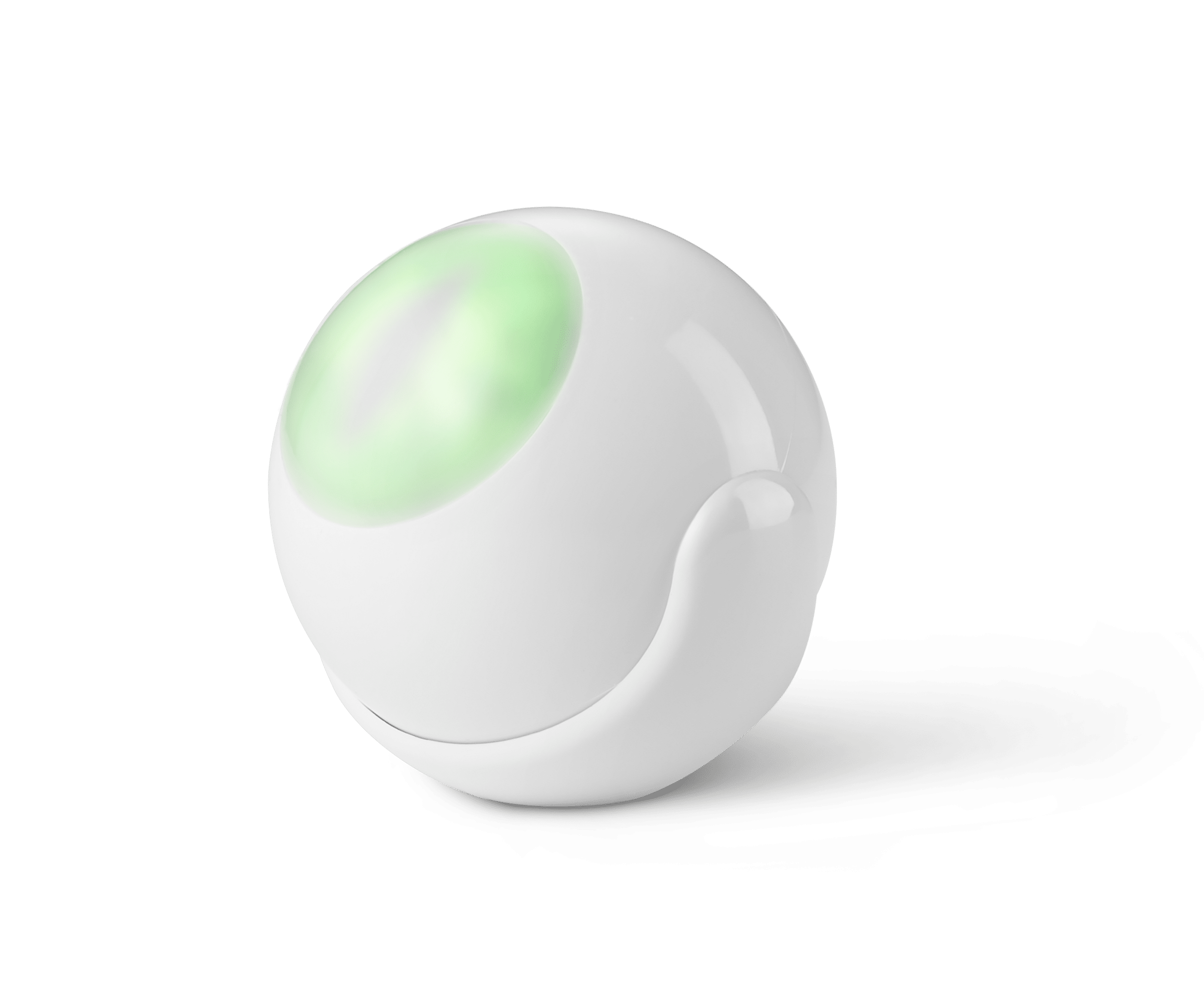
Product Recognition | |
|---|
Certification Number | ZC10-25050005 |
|---|
Name | Motion-Control |
|---|
Short Description | Motion-Control is a universal Z-Wave® multi-sensor. Along with detecting motion, the device measures the temperature and light intensity. The
sensor has a built-in accelerometer to detect any tampering of the device. |
|---|
Description | Motion-Control is a universal Z-Wave® multi-sensor. Along with detecting motion, the device measures the temperature and light intensity. The sensor has a built-in accelerometer to detect any tampering of the device.
Motion-Control is a battery-powered device designed to be installed quickly and easily on any surface. The LED indicator signals motion, temperature level, operating mode and can indicate if the device is within the Z-Wave network.
The device can be used for lighting scenes and presence monitoring systems. |
|---|
Brand | Nice |
|---|
Brand Owner | Nice |
|---|
Identifier | FGMS-001 |
|---|
Product Line | Nice Motion-Control |
|---|
OEM Version | HW: 01 FW: 03.04:03.04 |
|---|
Hardware Platform | ZM5202AU-CME3 |
|---|
Z-Wave Version | 6.51.07 |
|---|
Library Type | END_NODE_ENHANCED_232 |
|---|
Device Type | Sensor - Notification |
|---|
Role Type | ROLE_TYPE_SLAVE_SLEEPING_REPORTING |
|---|
Manufacturer ID | 0x010F |
|---|
Product Type ID | 0x0801 |
|---|
Product ID | 0x2002 |
|---|
User Icon | 0x0C07 |
|---|
Installer Icon | 0x0C07 |
|---|
Radio Range Z-Wave (m) | 40 |
|---|
Frequency Plans | US: 916.00MHz, 908.40MHz |
|---|
Categories | Sensors |
|---|
Countries / Regions | Canada, Mexico, United States of America |
|---|
Supported Command Classes | Identifier | Name | Key | Version |
|---|
COMMAND_CLASS_SENSOR_ALARM | Alarm Sensor | 0x9C | 1 | COMMAND_CLASS_BASIC | Basic | 0x20 | 1 | COMMAND_CLASS_SENSOR_BINARY | Binary Sensor | 0x30 | 1 | COMMAND_CLASS_CONFIGURATION | Configuration | 0x70 | 1 | COMMAND_CLASS_SENSOR_MULTILEVEL_V8 | Multilevel Sensor V8 | 0x31 | 8 | COMMAND_CLASS_NOTIFICATION_V5 | Notification V5 | 0x71 | 5 | COMMAND_CLASS_APPLICATION_STATUS | Application Status | 0x22 | 1 | COMMAND_CLASS_ASSOCIATION_V2 | Association V2 | 0x85 | 2 | COMMAND_CLASS_ASSOCIATION_GRP_INFO | Association Group Information (AGI) | 0x59 | 1 | COMMAND_CLASS_BATTERY | Battery | 0x80 | 1 | COMMAND_CLASS_DEVICE_RESET_LOCALLY | Device Reset Locally | 0x5A | 1 | COMMAND_CLASS_FIRMWARE_UPDATE_MD_V3 | Firmware Update Meta Data V3 | 0x7A | 3 | COMMAND_CLASS_MANUFACTURER_SPECIFIC_V2 | Manufacturer Specific V2 | 0x72 | 2 | COMMAND_CLASS_MULTI_CHANNEL_ASSOCIATION_V2 | Multi Channel Association V2 | 0x8E | 2 | COMMAND_CLASS_VERSION_V2 | Version V2 | 0x86 | 2 | COMMAND_CLASS_WAKE_UP_V2 | Wake Up V2 | 0x84 | 2 | COMMAND_CLASS_ZWAVEPLUS_INFO_V2 | Z-Wave Plus Info V2 | 0x5E | 2 | COMMAND_CLASS_CRC_16_ENCAP | CRC-16 Encapsulation | 0x56 | 1 | COMMAND_CLASS_SECURITY | Security 0 | 0x98 | 1 | COMMAND_CLASS_POWERLEVEL | Powerlevel | 0x73 | 1 |
|
|---|
Controlled Command Classes | Identifier | Name | Key | Version |
|---|
COMMAND_CLASS_BASIC | Basic | 0x20 | 1 |
|
|---|
Documents | Category | File |
|---|
Manual_English | |
|
|---|
Texts | ID | Description | Value |
|---|
1 | Classic Inclusion | To add the device to the Z-Wave network manually:
1. Open the cover.
2. Place the Motion-Control within the direct range of your Z-Wave controller.
3. Set the main controller in (security/non-security) add mode (see the controller’s manual).
4. Quickly, three times press the B-button.
5. Wait for the adding process to end.
6. Successful adding will be confirmed by the Z-Wave controller’s message. | 2 | Classic Exclusion | To remove the device from the Z-Wave network:
1. Open the cover.
2. Place the Motion-Control within the direct range of your Z-Wave controller.
3. Set the main controller in remove mode (see the controller’s manual).
4. Quickly, three times press the B-button.
5. Wait for the removing process to end.
6. Successful removing will be confirmed by the Z-Wave controller’s message. | 4 | Wake-Up Procedure | 7.4 - Waking up the Motion-Control
The Motion-Control needs to be woken up to receive information on new configurations from the controller, like parameters and associations.
To wake up the sensor manually click the B-button located inside the housing. | 5 | Factory Reset Procedure | 7.7 - Resetting the Motion-Control
Reset procedure erases the memory, including all information on the Z-Wave network and the main controller.
1. Open the cover.
2. Press and hold the B-button.
3. Wait for visual indicator to glow yellow (2nd menu position).
4. Release the B-button.
5. Click the B-button to confirm selection.
6. After few seconds the device will be reset, which is signalled with the red, fading visual indicator colour.
Note. Resetting the device is not the recommended way of removing the device from the Z-Wave network. Use reset procedure only if the primary controller is missing or inoperable. Certain device removal can be achieved by the procedure of removing described in chapter “5. Removing the device”. |
|
|---|
Supports NWI | Yes |
|---|
Supports Explorer Frames | Yes |
|---|