Product Recognition | |
|---|
Certification Number | ZC10-15050007 |
|---|
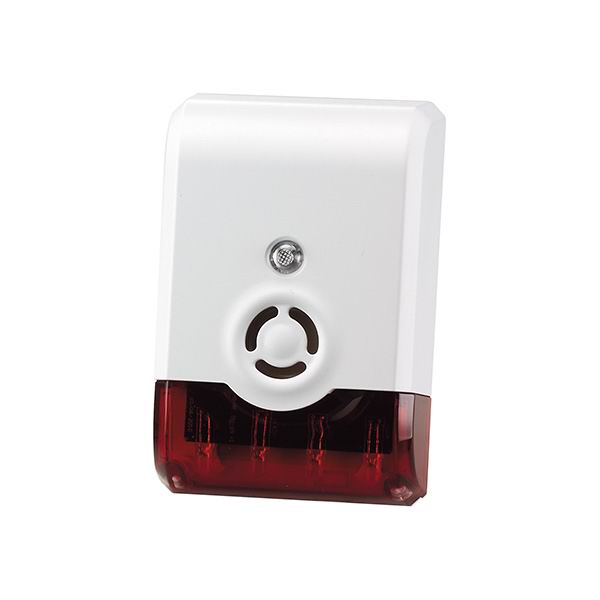
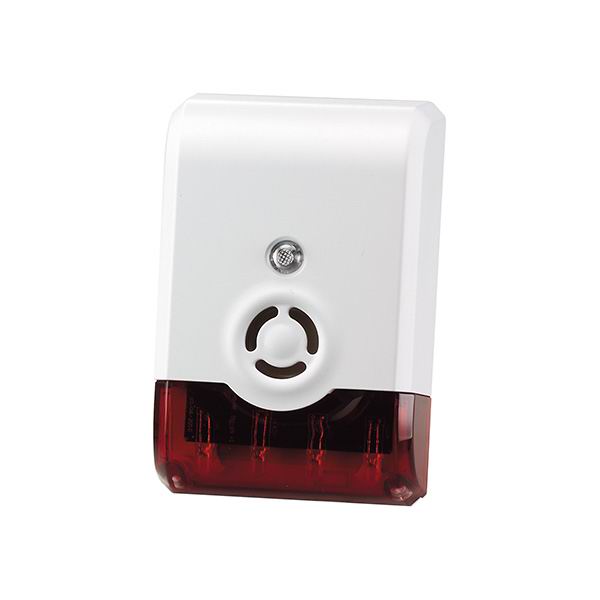
Name | Siren with DC adapter |
|---|
Short Description | Siren will sound a loud siren and flash a strobe light when an alarm message or alert is received on any Z-Wave™ enabled network. |
|---|
Long Description | Features:
*Loud audible alarm>105dB@1 meter
*LED strobe lighting
*Low battery detection
*Siren for Battery Back-Up
*100ft line of sight
*LED Status Indicator
*Operating temp: -15oC~60oC
*Working Voltage: 6V
*Dimensions: 116*77*40mm |
|---|
Brand | Vision |
|---|
Product Identifier | ZM1602EU-5 |
|---|
OEM Version | 02 |
|---|
Hardware Platform | ZM5202 |
|---|
Z-Wave Version | 6.51.06 |
|---|
Library Type | SLAVE_ENHANCED_232 |
|---|
Device Type | Siren |
|---|
Role Type | ROLE_TYPE_SLAVE_ALWAYS_ON |
|---|
Manufacturer ID | 0x0109 |
|---|
Product Type ID | 0x2009 |
|---|
Product ID | 0x0907 |
|---|
Frequency Plans | EU: 869.85MHz, 868.40MHz |
|---|
Categories | Security Add-Ons |
|---|
Countries / Regions | European Union |
|---|
Documents | Category | Description | File |
|---|
Manual_Primary_Lang | Product or Owner's Manual | |
|
|---|
Association Groups | Group Number | Maximum Nodes Supported | End Point ID | Description |
|---|
1 | 5 | 0 | Lifeline |
|
|---|
Configuration Parameters | Parameter Number | Name | Description | Format | Size | Min Value | Max Value | Default Value | Parameter Values |
|---|
1 | Siren/Strobe mode | User can change value from 0 to 2 to turn either Siren sound, Strobe light, or both when triggered. | 0 | 1 | 0 | 0 | 0 | From | To | Description |
|---|
2 | 2 | Strobe Only | 0 | 0 | All Enable - Default | 1 | 1 | Siren Only |
| 2 | Alarm Auto Stop Time | User can change the duration of siren time when triggered. | 0 | 1 | 0 | 0 | 0 | From | To | Description |
|---|
3 | 3 | Will Not Automatically Stop | 0 | 0 | 30 seconds - Default | 1 | 1 | 60 seconds | 2 | 2 | 120 seconds |
|
|
|---|
Texts | ID | Description | Value |
|---|
1 | Inclusion | Put the Z-Wave™ Interface Controller into “inclusion” mode, and following its instruction to add the ZM 1602 to your controller. To get in the “inclusion” mode, the distance between siren and controller is suggested to be in one meter. Open the bracket and press the program switch of ZM 1602 for 1 second at least & release to be included. After setting, the LED Setting Lighting should go off, | 2 | Exclusion | Set up the Z-Wave™ Interface Controller into “exclusion” mode, and following its instruction to delete the ZM 1602 from your controller. Press the Tamper Switch of ZM 1602 for 1 second at least & release to be excluded. | 4 | Device Wake-Up | removing the back cover of the ZM1602 to get into “Awake” mode, | 6 | Additional Special Features | 1. Support OTA firmware update from controller
2. Support Explorer Frame function |
|
|---|
Supports NWI | Yes |
|---|
Supports Explorer Frames | Yes |
|---|
Radio Range Z-Wave (m) | 40 |
|---|