
Product Recognition | |
|---|---|
Certification Number | ZC10-15100017 |
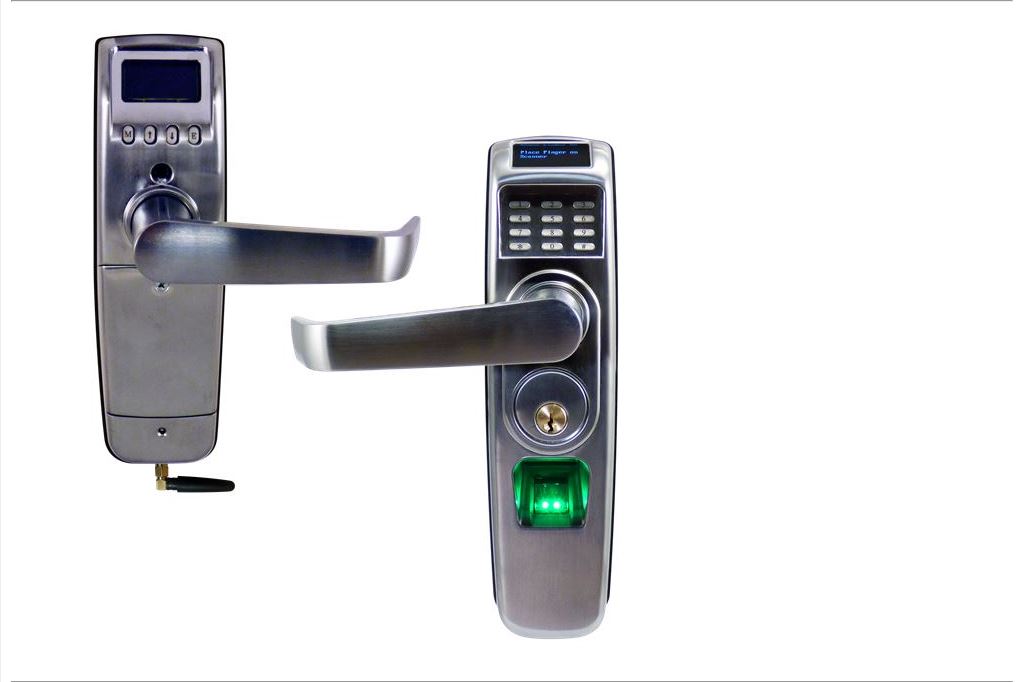
Name | Westinghouse RTS-Z |
Short Description | Z-Wave enabled deadlatch door lock with 1000 user’s fingerprint or PIN, access logging and scheduled access. |
Long Description | The RTS-Z is perfect for security-sensitive business and government environments. Set access control rights for each individual user to each individual lock and upload these access rights in seconds. You can register users as fingerprint only, PIN-code only or both on any lock or group of locks you define. The combination of large user capacity, audit trails, built-in scheduling system and weather- proof design makes this system unequaled in value compared to other products currently available. |
Brand | Westinghouse |
Product Identifier | 8001 |
OEM Version | 10 |
Hardware Platform | ZM5202 |
Z-Wave Version | 6.51.06 |
Library Type | SLAVE_ENHANCED_232 |
Device Type | Door Lock Keypad |
Role Type | ROLE_TYPE_SLAVE_SLEEPING_LISTENING |
Manufacturer ID | 0x0217 |
Product Type ID | 0x0800 |
Product ID | 0x0001 |
Frequency Plans | US: 916.00MHz, 908.40MHz |
Categories | Locks |
Countries / Regions | United States of America |
Documents | |
Association Groups | |
Texts | |
Supports NWI | Yes |
Supports Explorer Frames | Yes |
Is Flirs | Yes |
Radio Range Z-Wave (m) | 40 |