| Product Recognition | |
|---|
| Certification Number | ZC10-15120004 |
|---|
| Name | BANDI |
|---|
| Short Description | Wireless On/Off Lighting Switch for Home IoT |
|---|
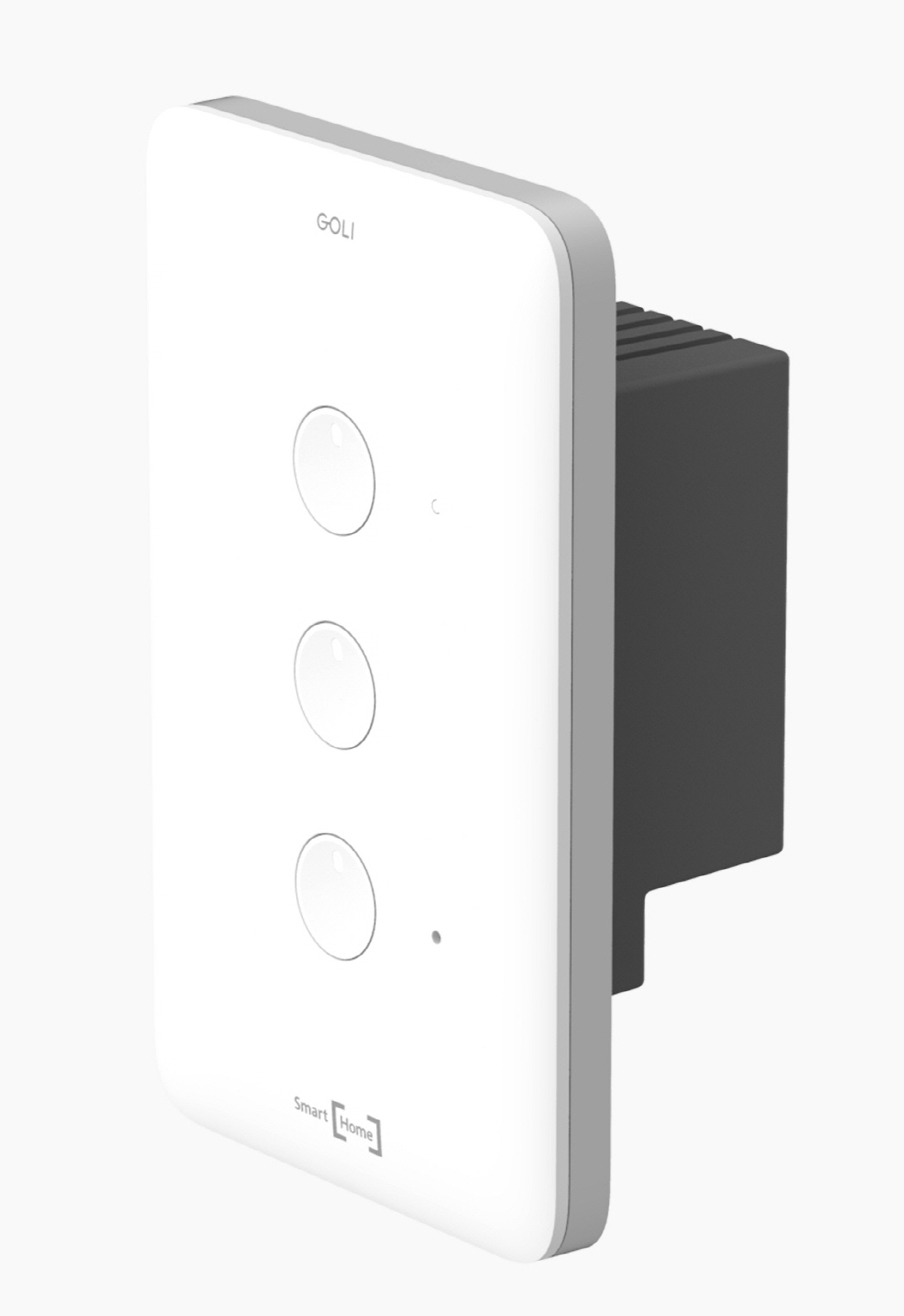
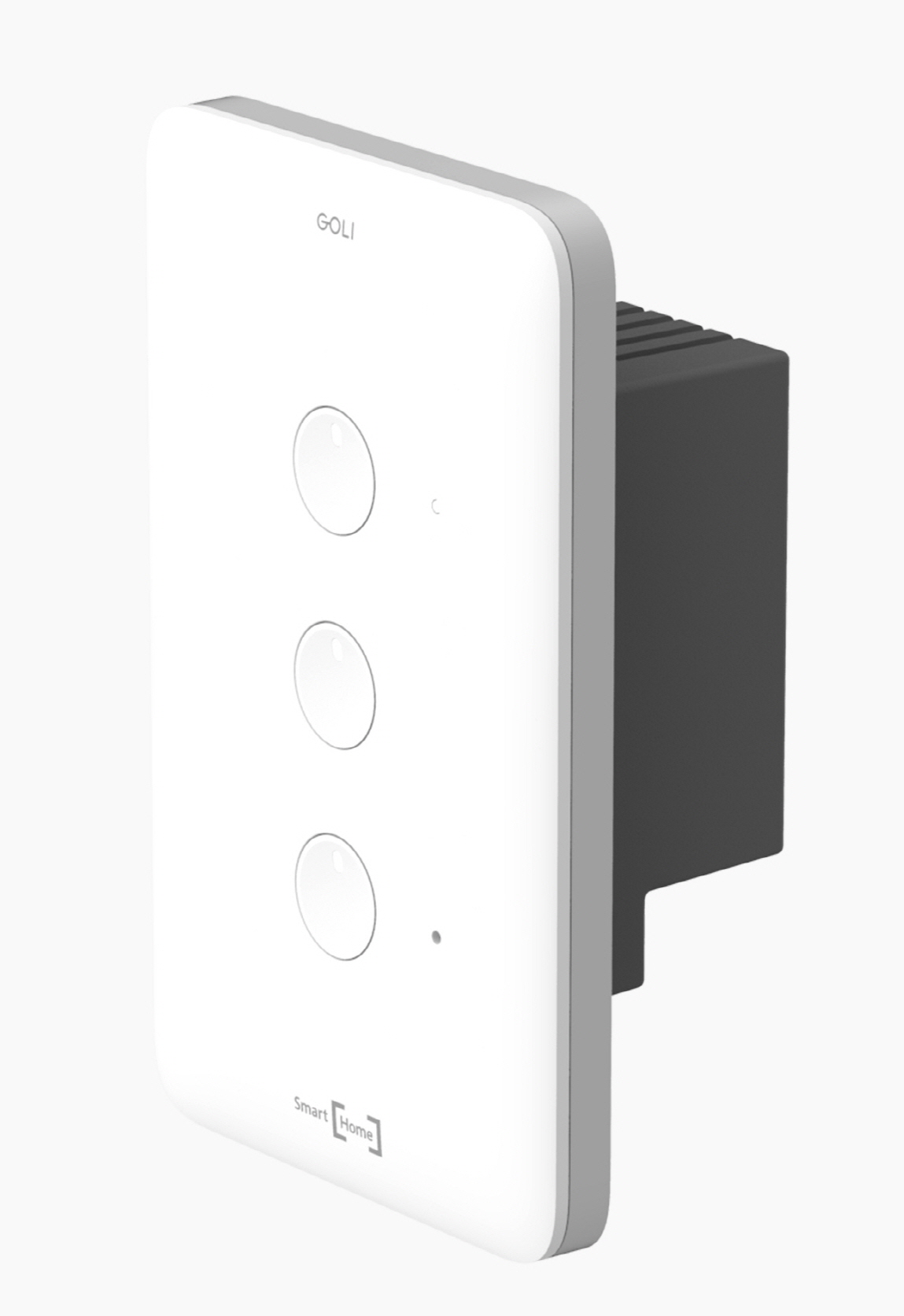
| Long Description | BANDI's switch, GOLI, doesn't require any neutral line; the switch uses the existing in-wall switch power line. The switch boosts power which is consumed by lamp. GOLI is applicable both for existing and new houses and buildings. |
|---|
| Brand | BANDI |
|---|
| Product Identifier | BDS-301 Z |
|---|
| OEM Version | 01 |
|---|
| Hardware Platform | ZM5202 |
|---|
| Z-Wave Version | 6.51.06 |
|---|
| Library Type | SLAVE_ENHANCED_232 |
|---|
| Device Type | On/Off Power Switch |
|---|
| Role Type | ROLE_TYPE_SLAVE_ALWAYS_ON |
|---|
| Manufacturer ID | 0x0236 |
|---|
| Product Type ID | 0x0003 |
|---|
| Product ID | 0x0002 |
|---|
| Frequency Plans | KR: 920.90MHz, 921.70MHz, 923.10MHz |
|---|
| Categories | All Lighting Devices, On/Off Switches/Devices |
|---|
| Countries / Regions | Republic of Korea |
|---|
| Documents | |
|---|
| Association Groups | | Group Number | Maximum Nodes Supported | End Point ID | Description |
|---|
| 1 | 5 | 0 | Z-Wave Plus Lifeline
|
|
|---|
| Texts | | ID | Description | Value |
|---|
| 1 | Inclusion | 1. Enter the application in the smart phone.
2. Touch the"" Add New Device"" in the screen of the smart phone.
3. Select""Switch"".
4. Press the top button gently on the switch for 3(three) seconds and then the status led will start to flash.
5. Then stop pressing the top button.
6. Then the status led will be turned off. | | 2 | Exclusion | 1. Enter the application in the smart phone.
2. Touch the"" Remove New Device"" in the screen of the smart phone.
3. Select""Switch"".
4. Press the top button gently on the switch for 3(three) seconds and then the status led will start to flash.
5. Then stop pressing the top button.
6. Then the status led will be turned on. | | 5 | Factory Reset | 1. Press the top button on the switch for 10(ten) seconds.
2. Then the status led will be turned on.
*Use this procedure only in the event that the network primary controller is missing or otherwise inoperable. |
|
|---|
| Supports NWI | Yes |
|---|
| Supports Explorer Frames | Yes |
|---|