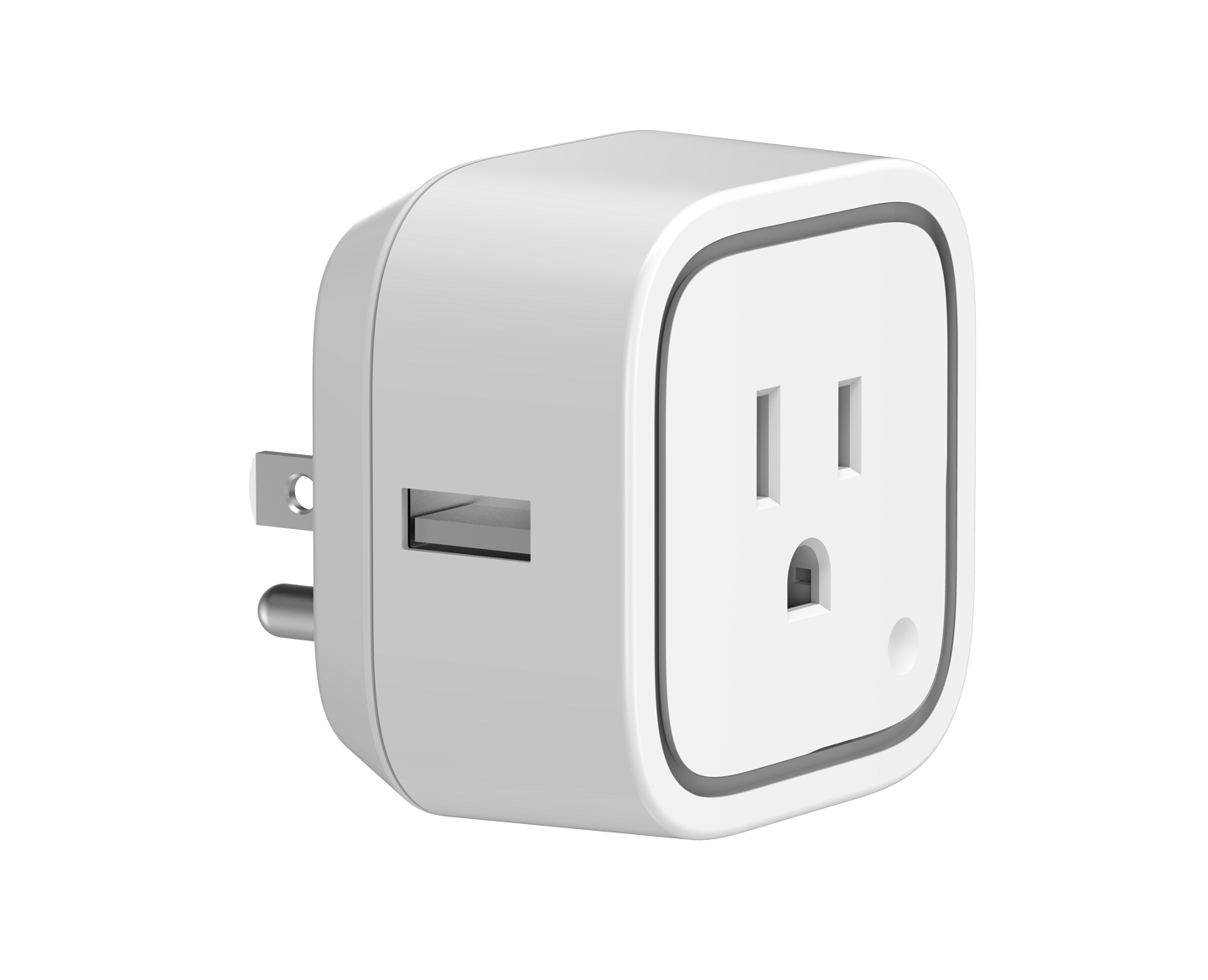
80 | Enable/Disable to send notifications to associated devices to associated devices. | This parameter is used to Enable/Disable to send notifications to associated devices (in Group 1) when the state of Smart Switch Gen5’s load is changed. (0=Send nothing, 1=Send hail CC, 2=Send basic report CC). | 0 | 1 | 0 | 0 | 0 | From | To | Description |
|---|
2 | 2 | Send BASIC Report Command | 0 | 0 | Send Nothing (Disabled) | 1 | 1 | Send HAIL Command |
|
81 | Configure the state of LED | This parameter is used to configure the LED state when the Smart Switch is in Energy mode/Momentary indicate mode/Night light mode. | 0 | 1 | 0 | 0 | 0 | From | To | Description |
|---|
2 | 2 | The state of LED will the same with Night light mode state configured by parameter 83. | 0 | 0 | The state of LED will follow with the output load state(Energy mode) | 1 | 1 | The state of LED will follow with the output load state, but will turn off after 5 seconds if there is no any switch action.(Momentary indicate mode) |
|
83 | Configure the LED indication status when it is in Night light mode | This parameter is used to configure the LED indication status when the current mode is Night light mode. | 0 | 4 | 0 | 0 | 14524637 | From | To | Description |
|---|
0 | 255 | Set the indication value of red Led. | 256 | 65535 | Set the indication value of green Led. | 65536 | 16777215 | Set the indication value of blue Led. |
|
3 | Current Overload Protection | This parameter is used for the overload protection, which means the load will be disconnected after 2 minutes when the current more than 15.5A. | 0 | 1 | 0 | 0 | 0 | From | To | Description |
|---|
0 | 0 | Overload Protection Disabled | 1 | 1 | Overload Protection is Enabled |
|
112 | Set the interval time of sending report. | This parameter is used to set the interval time of sending report in Report Group 2. (The unit of time is second). | 0 | 4 | 0 | 0 | 600 | From | To | Description |
|---|
0 | 268435456 | Interval Seconds |
|
252 | Enable/Disable Lock Configuration | This parameter is used to enable/disable Lock all configuration parameters. (0 =disable, 1 = enable) | 0 | 1 | 0 | 0 | 0 | From | To | Description |
|---|
0 | 0 | All configuration parameters are configurable. | 1 | 1 | All configuration parameters are not configurable (Locked). |
|
254 | Device Tag | This parameter is used to save the device tag, which will be written/ assigned in factory/ manufacturer. | 0 | 2 | 0 | 0 | 0 | From | To | Description |
|---|
0 | 32767 | Device Tag |
|
102 | To set which report need to be sent. | This parameter is used to configure which reports need to be sent in Report Group 2. The values corresponding to the first four bits of the parameter value may be combined to create different combinations of reports that you wish to have sent. For example, instantaneous Current is the value 2 and instantaneous Watts is the value 4, so setting parameter 102 to a value of 6 will result in both instantaneous Current and instantaneous Watts to be reported. See the full description of the parameter values for other possible settings. | 0 | 4 | 0 | 0 | 8 | From | To | Description |
|---|
1 | 1 | Report Instantaneous Voltage | 4 | 4 | Report Instantaneous Watts | 8 | 8 | Report Accumulated kWh | 2 | 2 | Report Instantaneous Current (Amperes) |
|
255 | Reset to default factory setting | This parameter is used to reset product to default factory setting. (There are just 2 values can be used). | 0 | 4 | 0 | 0 | 0 | From | To | Description |
|---|
1431655765 | 1431655765 | Reset the product to default factory setting and be excluded from the Z-wave network. | 1 | 1 | Resets all configuration parameters to default setting. |
|
90 | Enable/Disable the function of parameter 91 and 92. | This parameter is used to Enable/Disable the function of parameter 91 and 92 (1=Enabled, 0=Disabled). | 0 | 1 | 0 | 0 | 1 | From | To | Description |
|---|
0 | 0 | Configuration Parameters 91 and 92 are Disabled | 1 | 1 | Configuration Parameters 91 and 92 are Enabled |
|
84 | Configure the brightness level for the LED indication | This parameter is used to configure the brightness level for the LED indication. Brightness level range is 0 to 100%. | 0 | 1 | 0 | 0 | 50 | From | To | Description |
|---|
0 | 100 | Brightness level range is 0 to 100%. |
|
92 | Induce an automatic report | This parameter is used to induce an automatic report when the change of the current power is more/less than the threshold in percentage. | 0 | 1 | 0 | 0 | 5 | From | To | Description |
|---|
0 | 100 | The threshold can be set from 0 to 100 percent. |
|
91 | Induce an automatic report | This parameter is used to induce an automatic report when the change of the current power is more/less than the threshold in wattage. | 0 | 2 | 0 | 0 | 25 | From | To | Description |
|---|
0 | 32767 | The threshold can be set from 0 to 32767 watt. |
|
101 | To set which report need to be sent. | This parameter is used to configure which reports need to be sent in Report Group 1. The values corresponding to the first four bits of the parameter value may be combined to create different combinations of reports that you wish to have sent. For example, instantaneous Current is the value 2 and instantaneous Watts is the value 4, so setting parameter 101 to a value of 6 will result in both instantaneous Current and instantaneous Watts to be reported. See the full description of the parameter values for other possible settings. | 0 | 4 | 0 | 0 | 4 | From | To | Description |
|---|
8 | 8 | Report Accumulated kWh | 2 | 2 | Report Instantaneous Current (Amperes) | 4 | 4 | Report Instantaneous Watts | 1 | 1 | Report Instantaneous Voltage |
|
113 | Set the interval time of sending report. | This parameter is used to set the interval time of sending report in Report Group 3. (The unit of time is second). | 0 | 4 | 0 | 0 | 600 | From | To | Description |
|---|
0 | 268435456 | Interval Seconds |
|
103 | To set which report need to be sent. | This parameter is used to configure which reports need to be sent in Report Group 3. The values corresponding to the first four bits of the parameter value may be combined to create different combinations of reports that you wish to have sent. For example, instantaneous Current is the value 2 and instantaneous Watts is the value 4, so setting parameter 103 to a value of 6 will result in both instantaneous Current and instantaneous Watts to be reported. See the full description of the parameter values for other possible settings. | 0 | 4 | 0 | 0 | 0 | From | To | Description |
|---|
4 | 4 | Report Instantaneous Watts | 8 | 8 | Report Accumulated kWh | 1 | 1 | Report Instantaneous Voltage | 2 | 2 | Report Instantaneous Current (Amperes) |
|
111 | Set the interval time of sending report. | This parameter is used to set the interval time of sending report in Report Group 1. (The unit of time is second). | 0 | 4 | 0 | 0 | 600 | From | To | Description |
|---|
0 | 268435456 | Interval Seconds |
|
200 | Partner ID | This parameter is used to configure the partner ID. (0== Aeon Labs Standard Product, 1~255== others). | 0 | 1 | 0 | 0 | 0 | From | To | Description |
|---|
0 | 0 | Aeon Labs Standard Product | 1 | 255 | Partner ID of Partner Product |
|