
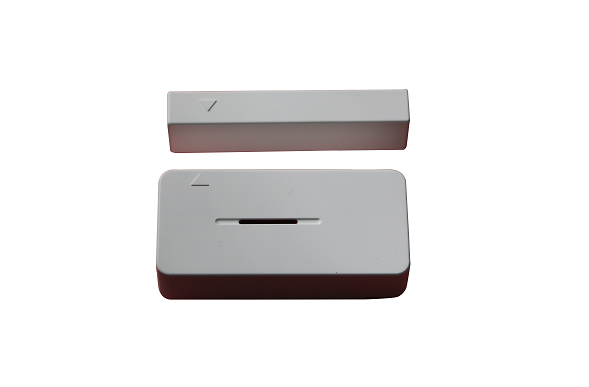
Product Recognition | |
|---|---|
Certification Number | ZC10-15120014 |
Name | Door/Window Sensor |
Short Description | Door/Window Sensor |
Long Description | The Door/Window sensor JWZH-O-2015-4 is a wireless, battery powered binary sensor which designed for use in home automation systems and place where information related to opening /closing. |
Brand | iSurpass |
Product Identifier | JWZH-O-2015-4 |
OEM Version | HW: 255 |
Hardware Platform | ZM5202 |
Z-Wave Version | 6.51.06 |
Library Type | SLAVE_ROUTING |
Device Type | Notification Sensor |
Role Type | ROLE_TYPE_SLAVE_SLEEPING_REPORTING |
Manufacturer ID | 0x021C |
Product Type ID | 0x8000 |
Product ID | 0x1000 |
Frequency Plans | EU: 869.85MHz, 868.40MHz |
Categories | Sensors |
Countries / Regions | European Union |
Controlled Command Classes | |
Documents | |
Association Groups | |
Texts | |
Supports NWI | Yes |
Supports Explorer Frames | Yes |
Radio Range Z-Wave (m) | 40 |