
Product Recognition | |
|---|---|
Certification Number | ZC10-16020006 |
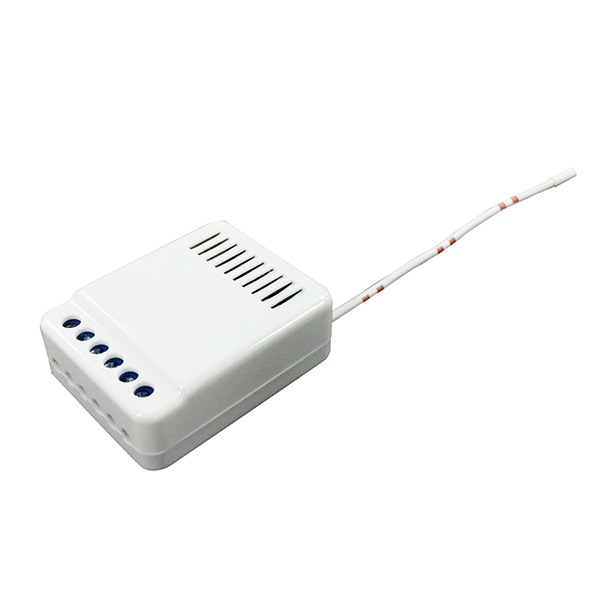
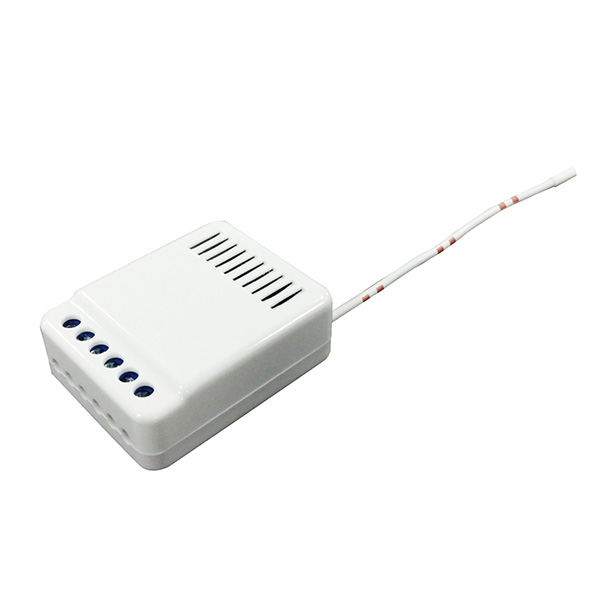
Name | Curtain Module |
Short Description | This module will send open/close signal to the appliance that attached to this module by receiving Z-Wave™ signal from controller or manually switch. Our special design the curtain not only can be opened and closed but also can be stopped under the Multilevel Switch command on the controller. When the device is secure included into Z-Wave network, above communication will be encrypted. This module also acts as repeater (supporting FLiRS devices). |
Long Description | * Size: 39.5x 50 x 19 mm
* Open/Close; UP/DOWN USE
* Working Voltage: DC 100V-230V
* Relay Normal Output: 8A (max)
* Negative Relay Output
* Wired & Terminal Type available |
Brand | Vision |
Product Identifier | ZW4111EU-5 |
OEM Version | 02 |
Hardware Platform | ZM5101 |
Z-Wave Version | 6.51.06 |
Library Type | SLAVE_ENHANCED_232 |
Device Type | Window Covering - Pos/End Aware |
Role Type | ROLE_TYPE_SLAVE_ALWAYS_ON |
Manufacturer ID | 0x0109 |
Product Type ID | 0x2018 |
Product ID | 0x1805 |
Frequency Plans | EU: 869.85MHz, 868.40MHz |
Categories | Sensors |
Countries / Regions | European Union |
Documents | |
Association Groups | |
Texts | |
Supports NWI | Yes |
Supports Explorer Frames | Yes |
Radio Range Z-Wave (m) | 40 |