
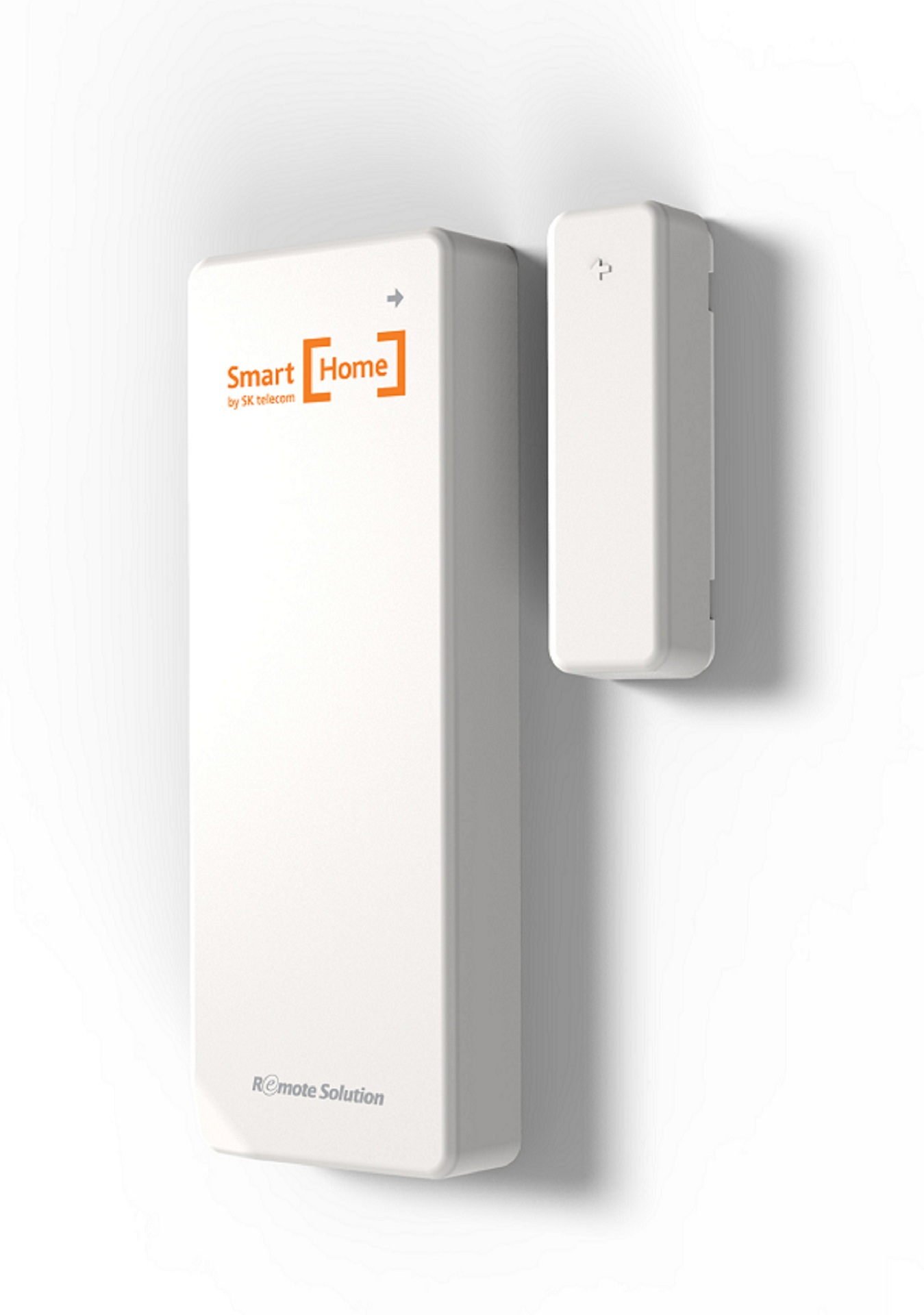

Product Recognition | |
|---|---|
Certification Number | ZC10-16035019 |
Name | Open Sensor |
Short Description | Open Sensor |
Long Description | Remote Access via smart phone APP
Detecting the status of Door/Windows equipped with Z-Wave Open Sensor and notifying the status to a customer.
Checking the battery usage and reporting the low battery alarm. |
Brand | Remote Solution |
Product Identifier | SA08A |
OEM Version | HW: 1 FW: 0.01 |
Hardware Platform | ZM5101 |
Z-Wave Version | 6.51.06 |
Library Type | SLAVE_ENHANCED_232 |
Device Type | Notification Sensor |
Role Type | ROLE_TYPE_SLAVE_SLEEPING_REPORTING |
Manufacturer ID | 0x022C |
Product Type ID | 0x0003 |
Product ID | 0x0002 |
User Icon | 0C,06 |
Installer Icon | 0C,06 |
Frequency Plans | KR: 920.90MHz, 921.70MHz, 923.10MHz |
Categories | Sensors |
Countries / Regions | Republic of Korea |
Documents | |
Association Groups | |
Configuration Parameters | |
Texts | |
Supports NWI | Yes |
Supports Explorer Frames | Yes |
Radio Range Z-Wave (m) | 40 |