| Product Recognition | |
|---|
| Certification Number | ZC10-16045040 |
|---|
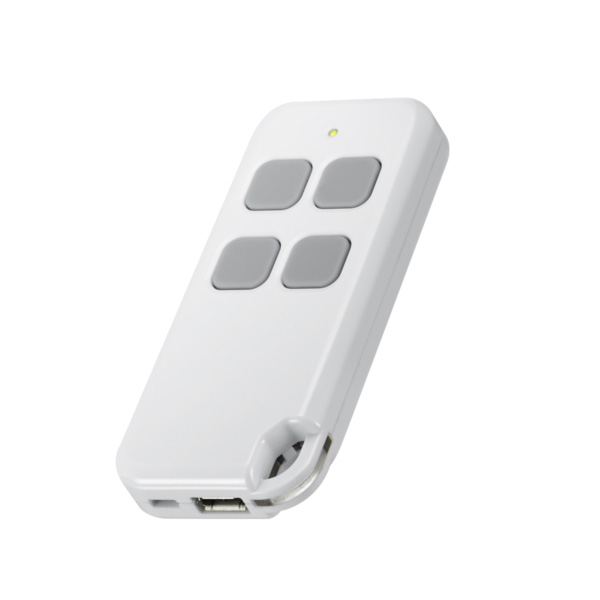
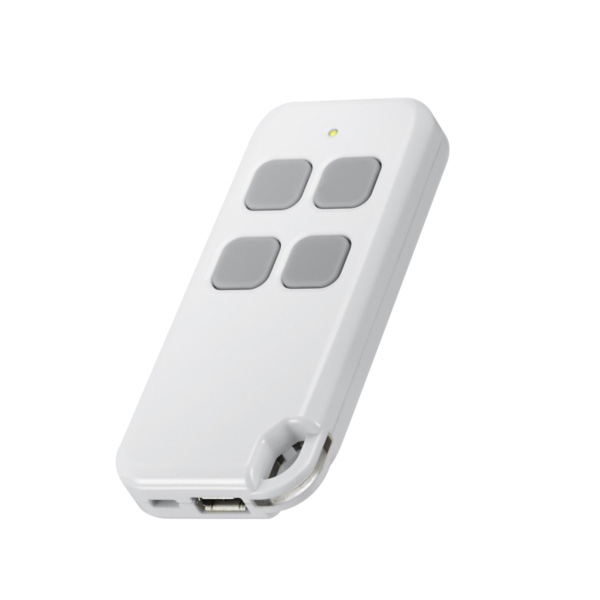
| Name | Keyfob |
|---|
| Short Description | Portable Controller with Remote Control Function ... |
|---|
| Long Description | Portable Controller with Remote Control Keyfob:
* Micro USB Charge (5V)
* Lithium Rechargeable Battery (280mAH)
* Setting Mode (Inclusion/Exclusion/Association/Learning/Shift)
* Control Mode (Arm/Disarm, On/Off Control) |
|---|
| Brand | Vision |
|---|
| Product Identifier | ZT1101US-5 |
|---|
| OEM Version | HW: 1 FW: 0.09 |
|---|
| Hardware Platform | ZM5101 |
|---|
| Z-Wave Version | 6.51.06 |
|---|
| Library Type | CONTROLLER_PORTABLE |
|---|
| Device Type | Remote Control - Simple |
|---|
| Role Type | ROLE_TYPE_CONTROLLER_PORTABLE |
|---|
| Manufacturer ID | 0x0109 |
|---|
| Product Type ID | 0x1002 |
|---|
| Product ID | 0x0202 |
|---|
| User Icon | 0B01 |
|---|
| Installer Icon | 0B01 |
|---|
| Frequency Plans | US: 916.00MHz, 908.40MHz |
|---|
| Categories | All Controllers, Handheld Controller |
|---|
| Countries / Regions | United States of America |
|---|
| Controlled Command Classes | | Identifier | Name | Key | Version |
|---|
| COMMAND_CLASS_SWITCH_ALL | Switch All | 0x27 | 1 | | COMMAND_CLASS_CENTRAL_SCENE | Central Scene | 0x5B | 1 | | COMMAND_CLASS_WAKE_UP_V2 | Wake Up V2 | 0x84 | 2 | | COMMAND_CLASS_SCENE_ACTIVATION | Scene Activation | 0x2B | 1 |
|
|---|
| Documents | |
|---|
| Association Groups | | Group Number | Maximum Nodes Supported | End Point ID | Description |
|---|
| 1 | 5 | 0 | Z-Wave Plus Lifeline |
|
|---|
| Texts | | ID | Description | Value |
|---|
| 23 | Controller Inclusion | To “Include” into (adding into) an existing network: Put the Z-Wave™ Gateway or Controller into learn mode to add the keyfob into your controller. To get in to “inclusion” mode, the distance between sensor and controller is suggested to be within one meter. | | 24 | Controller Exclusion | To “Exclude” from (removing from) an existing network: Put the Z-Wave™ Gateway or Controller into learn mode to remove the keyfob into/from your controller. To get in to “exclusion” mode, the distance between sensor and controller is suggested to be within one meter. | | 3 | Learn Mode (adding another controller) | * Keyfob should not include any node
* Under Control Mode: Press button 1 and 4 together till the red LED flashes to include into other Z-Wave network.
* Under Setup Mode: Press button 3 and 4 together till the red LED flashes to include into other Z-Wave network. It will send NWI NIF info.
* Keyfob will return to sleep after 5 seconds if no inclusion nor exclusion. | | 5 | Factory Reset | Press 4 buttons together for 10 seconds. The LED colors will turn red after 2 seconds for 2 seconds and turn green for another 2 seconds. Keyfob will send “Device Reset Locally Notification” command and reset to the factory default. (Red LED flashes fast means reset completely).
Remark: This is to be used only in the case of primary controller being inoperable or otherwise unavailable. |
|
|---|
| Supports NWI | Yes |
|---|
| Supports Explorer Frames | Yes |
|---|