Product Recognition | |
|---|
Certification Number | ZC10-17025433 |
|---|
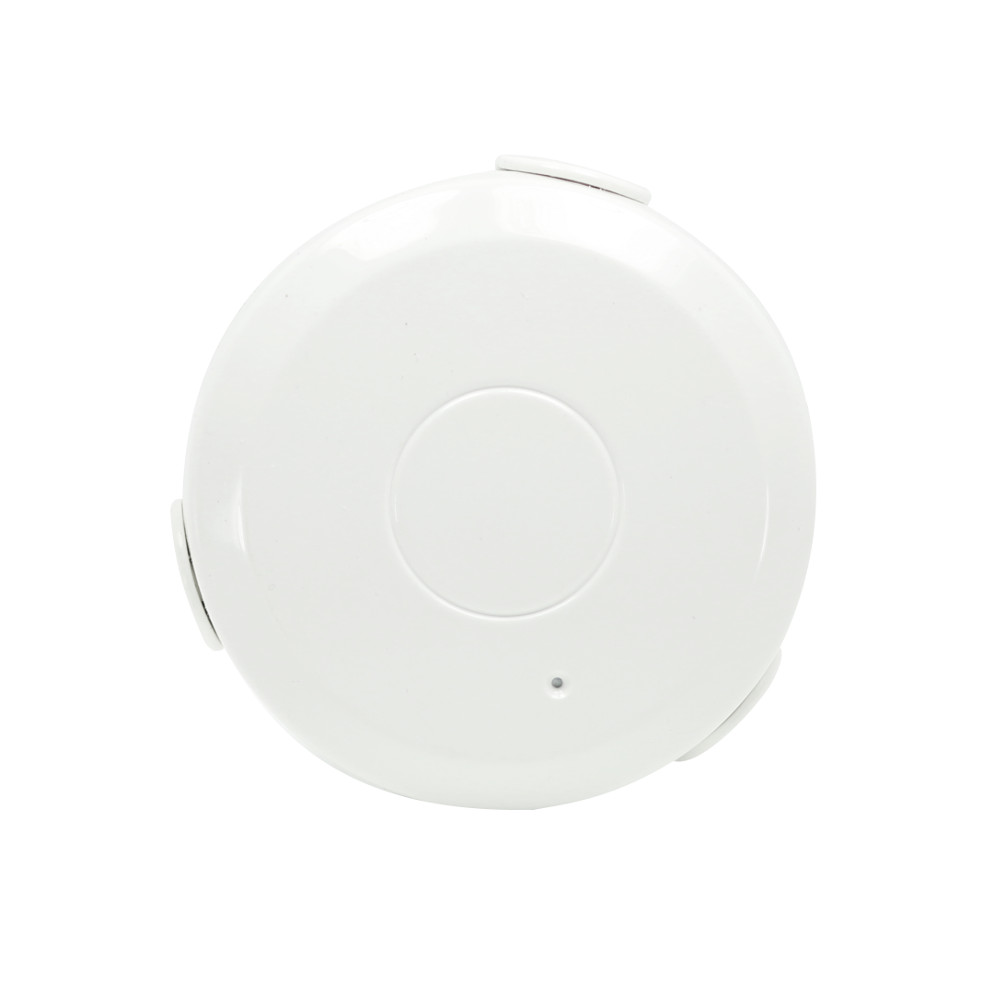
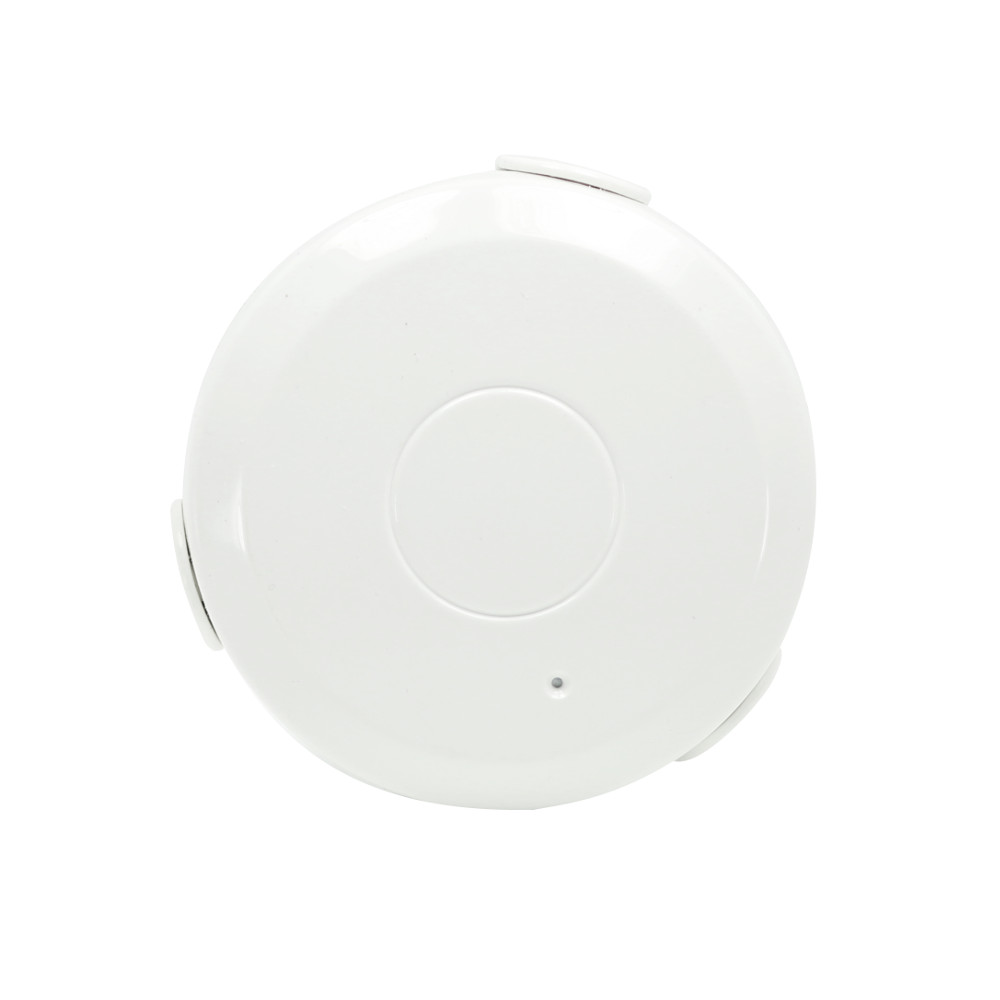
Name | Zooz Z-Wave Plus Water Sensor |
|---|
Short Description | The Zooz Water sensor detects leaks and sends notifications to your Z-Wave controller so you can prevent water damage in monitored areas. |
|---|
Long Description | Product features:
- Reliable water and leak detection
- Wireless notifications and event triggers (when included to a Z-Wave gateway controller)
- Built-in audio and visual alarms
- Low battery alerts
- Z-Wave Plus with improved 500 chip for faster and safer wireless communication
- Flexible installation with 2 mounting options
Specifications:
Model Number: ZSE30
Z-Wave Signal Frequency: 908.42 MHz
Power: 1 CR2 battery (included)
Power Consumption: 0.13W
Operating Temperature: 32 – 104 F
Range: Up to 100 feet line of sight
Installation and Use: Indoor only
Dimensions: 2.5” x 0.9”
Weight: 2 oz |
|---|
Brand | Zooz |
|---|
Product Identifier | ZSE30 |
|---|
OEM Version | HW: 48 FW: 2.40 |
|---|
Hardware Platform | ZM5202 |
|---|
Z-Wave Version | 6.51.06 |
|---|
Library Type | SLAVE_ROUTING |
|---|
Device Type | Notification Sensor |
|---|
Role Type | ROLE_TYPE_SLAVE_SLEEPING_REPORTING |
|---|
Manufacturer ID | 0x027A |
|---|
Product Type ID | 0x0003 |
|---|
Product ID | 0x0085 |
|---|
User Icon | 0x0C05 |
|---|
Installer Icon | 0x0C05 |
|---|
Frequency Plans | US: 916.00MHz, 908.40MHz |
|---|
Categories | Sensors |
|---|
Countries / Regions | United States of America |
|---|
Supported Command Classes | Identifier | Name | Key | Version |
|---|
COMMAND_CLASS_POWERLEVEL | Powerlevel | 0x73 | 1 | COMMAND_CLASS_BATTERY | Battery | 0x80 | 1 | COMMAND_CLASS_CONFIGURATION | Configuration | 0x70 | 1 | COMMAND_CLASS_SENSOR_BINARY_V2 | Sensor Binary V2 | 0x30 | 2 | COMMAND_CLASS_VERSION_V2 | Version V2 | 0x86 | 2 | COMMAND_CLASS_WAKE_UP_V2 | Wake Up V2 | 0x84 | 2 | COMMAND_CLASS_DEVICE_RESET_LOCALLY | Device Reset Locally | 0x5A | 1 | COMMAND_CLASS_ZWAVEPLUS_INFO_V2 | Z-Wave Plus Info V2 | 0x5E | 2 | COMMAND_CLASS_ASSOCIATION_V2 | Association V2 | 0x85 | 2 | COMMAND_CLASS_ASSOCIATION_GRP_INFO | Association Group Info | 0x59 | 1 | COMMAND_CLASS_MANUFACTURER_SPECIFIC_V2 | Manufacturer Specific V2 | 0x72 | 2 | COMMAND_CLASS_NOTIFICATION_V4 | Notification V4 | 0x71 | 4 |
|
|---|
Controlled Command Classes | Identifier | Name | Key | Version |
|---|
COMMAND_CLASS_BASIC | Basic | 0x20 | 1 |
|
|---|
Documents | Category | Description | File |
|---|
Manual_Primary_Lang | Product or Owner's Manual | |
|
|---|
Features | Feature | Values |
|---|
Sensors | | Color | | Battery Type | | Battery Quantity | |
|
|---|
Association Groups | Group Number | Maximum Nodes Supported | End Point ID | Description |
|---|
1 | 5 | 0 | Lifeline communication of water leak detection to Z-Wave controller. Supported command classes:
NOTIFICATION_REPORT_V4
BATTERY_REPORT
SENSOR_BINARY_REPORT_V2
DEVICE_RESET_LOCALLY_NOTIFICATION
| 2 | 5 | 0 | Control command communication to associated Z-Wave devices in the network. Use parameter 7 to configure this group’s settings. Supported command classes:
BASIC_SET
| 3 | 5 | 0 | Notifications to Z-Wave devices associated in this group. Supported command classes:
NOTIFICATION_REPORT_V4
| 4 | 5 | 0 | Notifications to Z-Wave devices associated in this group. Supported command classes:
SENSOR_BINARY_REPORT_V2
|
|
|---|
Configuration Parameters | Parameter Number | Name | Description | Format | Size | Min Value | Max Value | Default Value | Parameter Values |
|---|
3 | Audio Alarm: First Beep Duration | Adjust the duration of the initial sound the alarm will produce after a leak is detected. | 0 | 1 | 0 | 0 | 60 | From | To | Description |
|---|
10 | 255 | seconds |
| 5 | Enable / Disable Audio Alarm | Enable or disable the audio alarm by adjusting these parameter settings. The visual alarm will NOT be disabled and the LED indicator will always light up each time water is detected. | 0 | 1 | 0 | 0 | 1 | From | To | Description |
|---|
0 | 0 | alarm disabled | 1 | 1 | alarm enabled |
| 7 | Trigger Action | You can choose if your Water Sensor turns an associated device on or off when sending the basic set command. Use value 0 to turn the associated device OFF and value 255 to turn it ON. Adjust brightness level for a Z-Wave dimmer (Multilevel switch) by putting in any value between 1 and 99. | 0 | 1 | 0 | 0 | 255 | From | To | Description |
|---|
0 | 0 | OFF | 1 | 99 | % of light | 255 | 255 | ON |
| 1 | Total Alarm Duration | Use this parameter to set the total duration of audio and visual alarm each time water is detected. If the value is set to 0, the alarm will continue until water is no longer detected. Use parameters 2 – 4 to customize the alarm. | 0 | 1 | 0 | 0 | 120 | From | To | Description |
|---|
0 | 0 | alarm will continue until water is no longer detected | 1 | 255 | minutes |
| 2 | Audio Alarm: Beep Interval | Set the beeping frequency for the sensor’s audio alarm. The interval between beeps can be as low as 1 minute. | 0 | 1 | 0 | 0 | 1 | From | To | Description |
|---|
1 | 255 | minutes |
| 4 | Audio Alarm: Beep Duration | Adjust the duration of the beeps the alarm will sound after a leak is detected and the first “long” beep is produced. | 0 | 1 | 0 | 0 | 5 | From | To | Description |
|---|
5 | 255 | seconds |
| 6 | Enable / Disable Water Detection | Enable or disable water detection for the sensor by adjusting these parameter settings. | 0 | 1 | 0 | 0 | 1 | From | To | Description |
|---|
0 | 0 | sensor disabled | 1 | 1 | sensor enabled |
|
|
|---|
Texts | ID | Description | Value |
|---|
2 | Exclusion | 1. Make sure the Water Sensor is powered on and located within direct range of your Z-Wave gateway controller
2. Put your Z-Wave controller in exclusion mode
3. Press and release the Z-Wave button 3 TIMES quickly. The LED indicator will flash quickly
4. The Water Sensor should disappear from your controller's device list
If the first attempt is unsuccessful, please repeat the process following all steps carefully. | 1 | Inclusion | 1. Bring the Water Sensor within direct range of your controller
2. Carefully remove the cover from the sensor
3. Remove the plastic pull-tab from the battery slot. The LED indicator will blink slowly 5 times
4. Put your Z-Wave controller into inclusion mode
5. Press and release the Z-Wave button on the Water Sensor 3 TIMES quickly. The LED indicator
will flash quickly
6. A new water (leak) sensor will appear on your controller's device list
Troubleshooting Tips
If you are unable to include the Z-Wave Water Sensor to your controller, try one of the following:
- Bring the sensor closer to your hub or use a hand-held secondary controller to perform inclusion
- Once in inclusion mode, press and release the Z-Wave button quickly 6-7 TIMES to ensure the command has gone through
- Put your controller in EXCLUSION mode. Press and release the Z-Wave button quickly 3 TIMES, and then try adding the sensor to your network again
- You may need to change the device type manually if the sensor is not recognized correctly (email us for more info: ask@getzooz.com) | 5 | Factory Reset | When your network’s primary controller is missing or otherwise inoperable, you may need to reset the device to factory settings manually. To complete the process, make sure the Water Sensor is powered on, then PRESS AND HOLD the Z-Wave button for AT LEAST 10 SECONDS until the LED indicator flashes ONCE. Release the button. NOTE: All previously recorded activity and custom settings will be erased from the device’s memory. | 4 | Device Wake-Up | If you change settings and parameters for the sensor, you may need to wake it up manually for the changes to be recorded. Press and release the Z-Wave button THREE TIMES to wake the device up. The LED indicator will flash ONCE.
The sensor’s wake-up interval is set to 12 hours by default to save battery life. Though not recommended, you can change the wake-up interval using your controller’s advanced settings if available. Minimum value: 300s (5 minutes), maximum value: 16,777,200s (around 194 days). Accepted values need to match minute intervals, so 300, 360, 420, etc. |
|
|---|
Supported Multilevel Sensors | Multilevel Sensor Type |
|---|
Moisture |
|
|---|
Supports NWI | Yes |
|---|
Supports Explorer Frames | Yes |
|---|
Radio Range Z-Wave (m) | 40 |
|---|