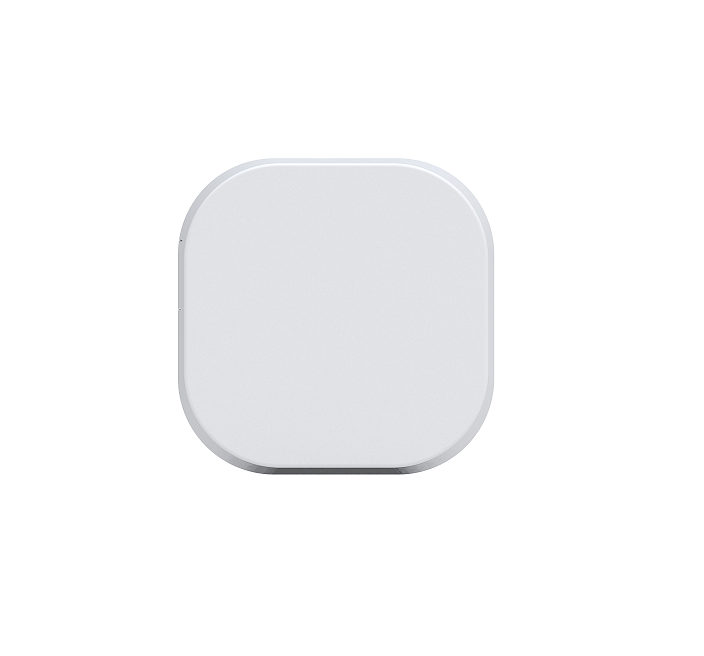
Product Recognition | |
|---|
Certification Number | ZC10-17055588 |
|---|
Name | Range Extender |
|---|
Short Description | Oomi Range Extender is a Z-Wave repeater. |
|---|
Long Description | Oomi Range Extender is a Z-Wave mesh network repeater which can extend the range of communication between Z-Wave products and assist other devices to reach each other in your Z-Wave network.
The Range Extender can also communicate securely via AES 128 wireless Z-Wave commands and supports Over-The-Air (OTA) firmware upgrades. |
|---|
Brand | Oomi |
|---|
Product Identifier | FT118-C15 |
|---|
OEM Version | HW: 117 FW: 1.03 |
|---|
Hardware Platform | ZM5101 |
|---|
Z-Wave Version | 6.51.09 |
|---|
Library Type | SLAVE_ENHANCED_232 |
|---|
Device Type | Repeater |
|---|
Role Type | ROLE_TYPE_SLAVE_ALWAYS_ON |
|---|
Manufacturer ID | 0x016A |
|---|
Product Type ID | 0x0004 |
|---|
Product ID | 0x0075 |
|---|
User Icon | 0x1B00 |
|---|
Installer Icon | 0x1B00 |
|---|
Frequency Plans | EU: 869.85MHz, 868.40MHz |
|---|
Categories | Network Devices |
|---|
Countries / Regions | European Union |
|---|
Supported Command Classes | Identifier | Name | Key | Version |
|---|
COMMAND_CLASS_POWERLEVEL | Powerlevel | 0x73 | 1 | COMMAND_CLASS_CONFIGURATION | Configuration | 0x70 | 1 | COMMAND_CLASS_SECURITY | Security S0 | 0x98 | 1 | COMMAND_CLASS_SWITCH_MULTILEVEL_V2 | Switch Multilevel V2 | 0x26 | 2 | COMMAND_CLASS_VERSION_V2 | Version V2 | 0x86 | 2 | COMMAND_CLASS_DEVICE_RESET_LOCALLY | Device Reset Locally | 0x5A | 1 | COMMAND_CLASS_ZWAVEPLUS_INFO_V2 | Z-Wave Plus Info V2 | 0x5E | 2 | COMMAND_CLASS_ASSOCIATION_V2 | Association V2 | 0x85 | 2 | COMMAND_CLASS_ASSOCIATION_GRP_INFO | Association Group Info | 0x59 | 1 | COMMAND_CLASS_SWITCH_COLOR | Switch Color | 0x33 | 1 | COMMAND_CLASS_FIRMWARE_UPDATE_MD_V2 | Firmware Update Meta-Data V2 | 0x7A | 2 | COMMAND_CLASS_MANUFACTURER_SPECIFIC_V2 | Manufacturer Specific V2 | 0x72 | 2 |
|
|---|
Documents | Category | Description | File |
|---|
Manual_Primary_Lang | Product or Owner's Manual | |
|
|---|
Features | Feature | Values |
|---|
Firmware Updatable | Value |
|---|
Updatable by Consumer by RF |
|
|
|---|
Association Groups | Group Number | Maximum Nodes Supported | End Point ID | Description |
|---|
1 | 1 | 0 | The association group 1 is the Z-Wave Lifeline group. The Device Reset Locally Notification CC can be sent to the associated node in association group 1. |
|
|---|
Configuration Parameters | Parameter Number | Name | Description | Format | Size | Min Value | Max Value | Default Value | Parameter Values |
|---|
82 | Set the default status of the LED when the Range Extender relays Z-Wave message | Set the default status of the LED when the Range Extender relays Z-Wave message | 0 | 1 | 0 | 0 | 0 | From | To | Description |
|---|
0 | 0 | The Green LED will remain ON for 2 seconds. | 1 | 1 | The LED remains OFF state. |
| 252 | Enable/disable Lock Configuration | Enable/disable to lock Configuration parameters. | 0 | 1 | 0 | 0 | 0 | From | To | Description |
|---|
0 | 0 | Disable | 1 | 1 | Enable |
| 254 | Device tag | Set a device tag for your Range Extender. | 0 | 2 | 0 | 0 | 0 | From | To | Description |
|---|
1 | 32767 | The available value range is 1 to 32767. |
| 255 | Reset the Bulb | Reset the Bulb to factory default. | 0 | 4 | 0 | 0 | 0 | From | To | Description |
|---|
1431655765 | 1431655765 | Reset the bulb to factory default. | 0 | 0 | Reset all configuration parameters to factory default settings |
|
|
|---|
Texts | ID | Description | Value |
|---|
5 | Factory Reset | Press and hold the Z-Wave Button for 20 seconds and then release it.
Use this procedure only in the event that your primary network controller is missing or inoperable. | 6 | Additional Special Features | Support ""Over the Air Firmware Updating"" and “Z-Wave Security”. | 1 | Inclusion | Turn the primary controller of Z-Wave network into inclusion mode, press the Z-Wave Button on Range Extender 6. | 2 | Exclusion | Turn the primary controller of Z-Wave network into exclusion mode, press the Z-Wave Button on Range Extender 6. |
|
|---|
Supports NWI | Yes |
|---|
Supports Explorer Frames | Yes |
|---|