Product Recognition | |
|---|
Certification Number | ZC12-20020033 |
|---|
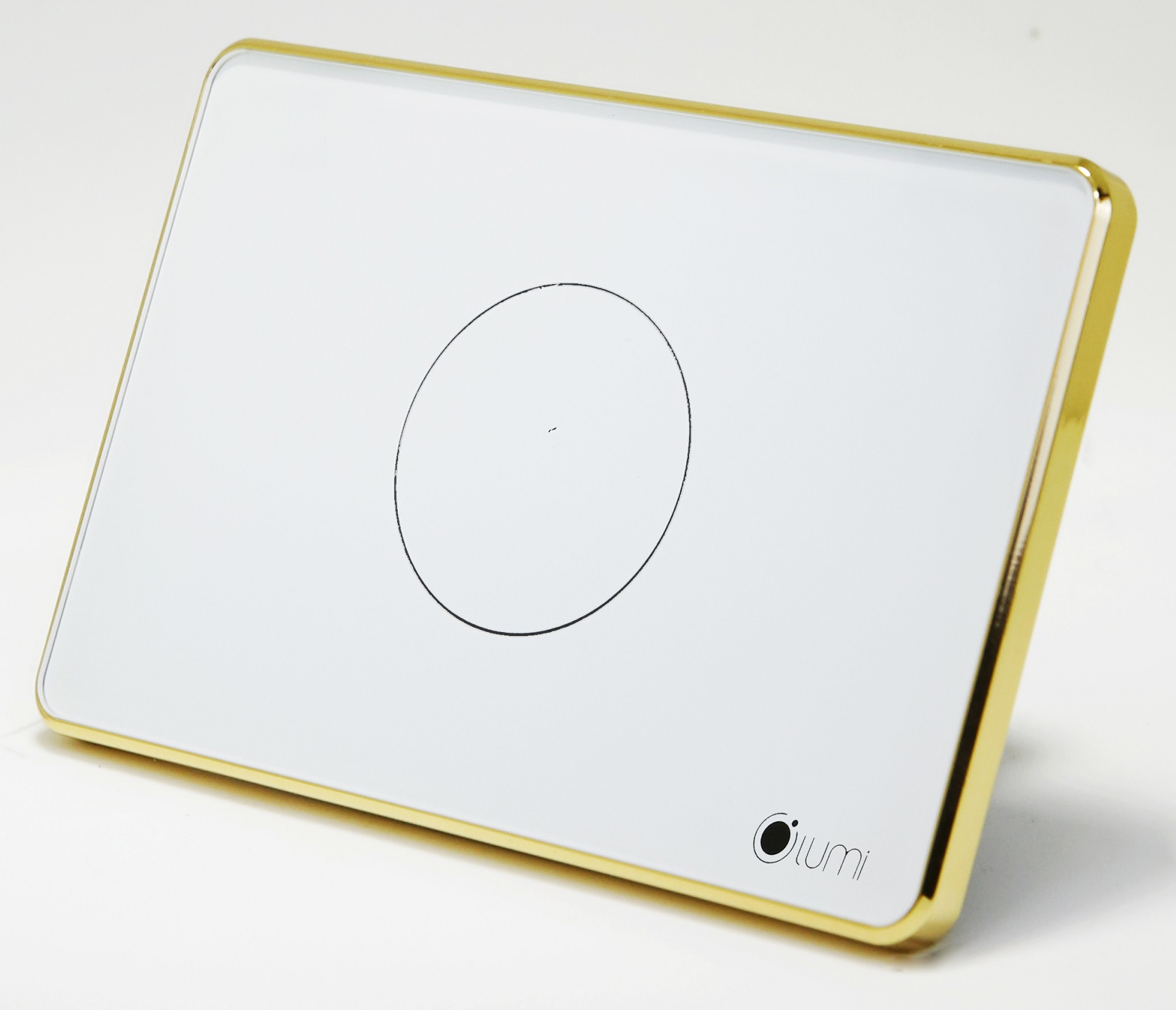
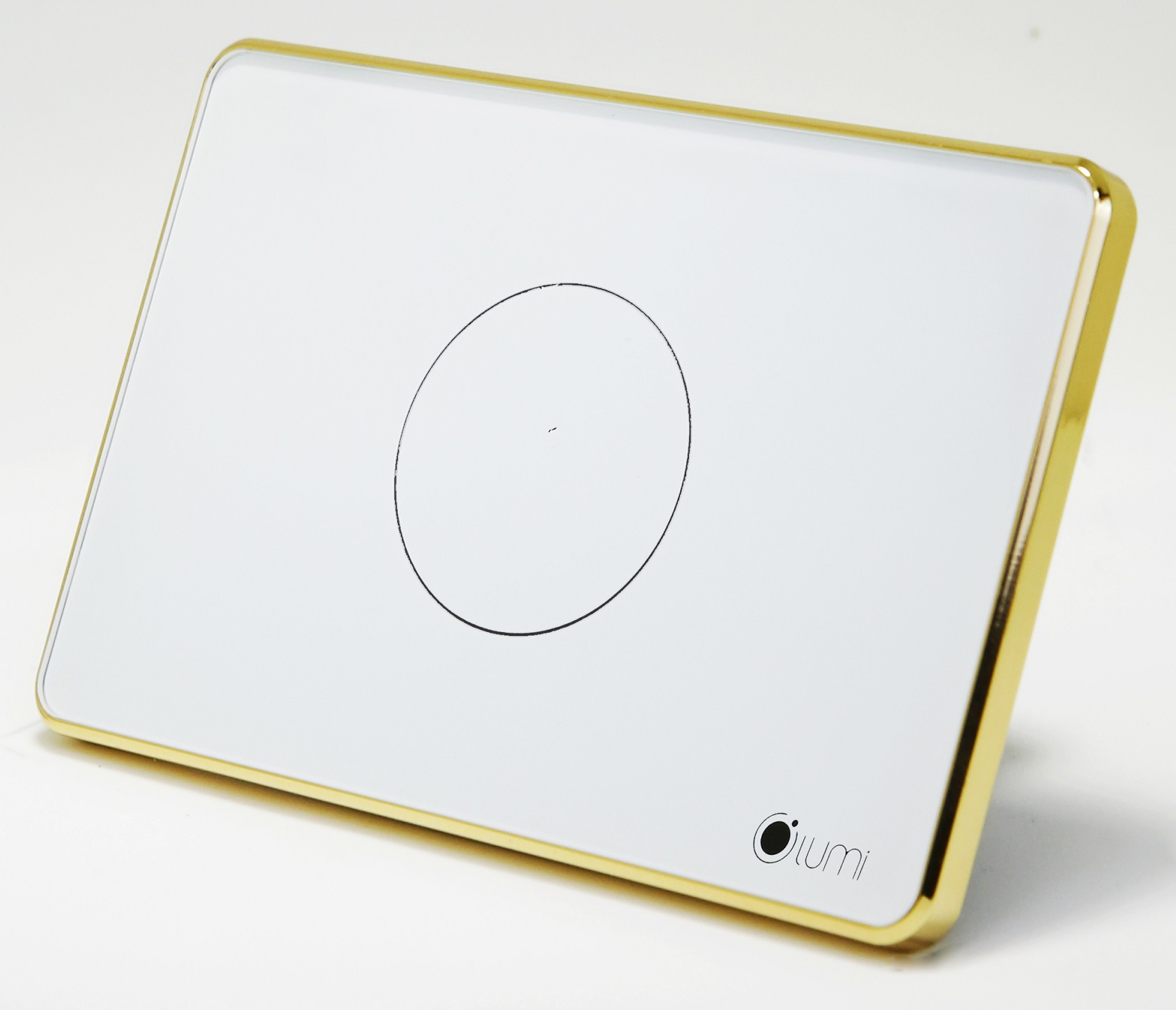
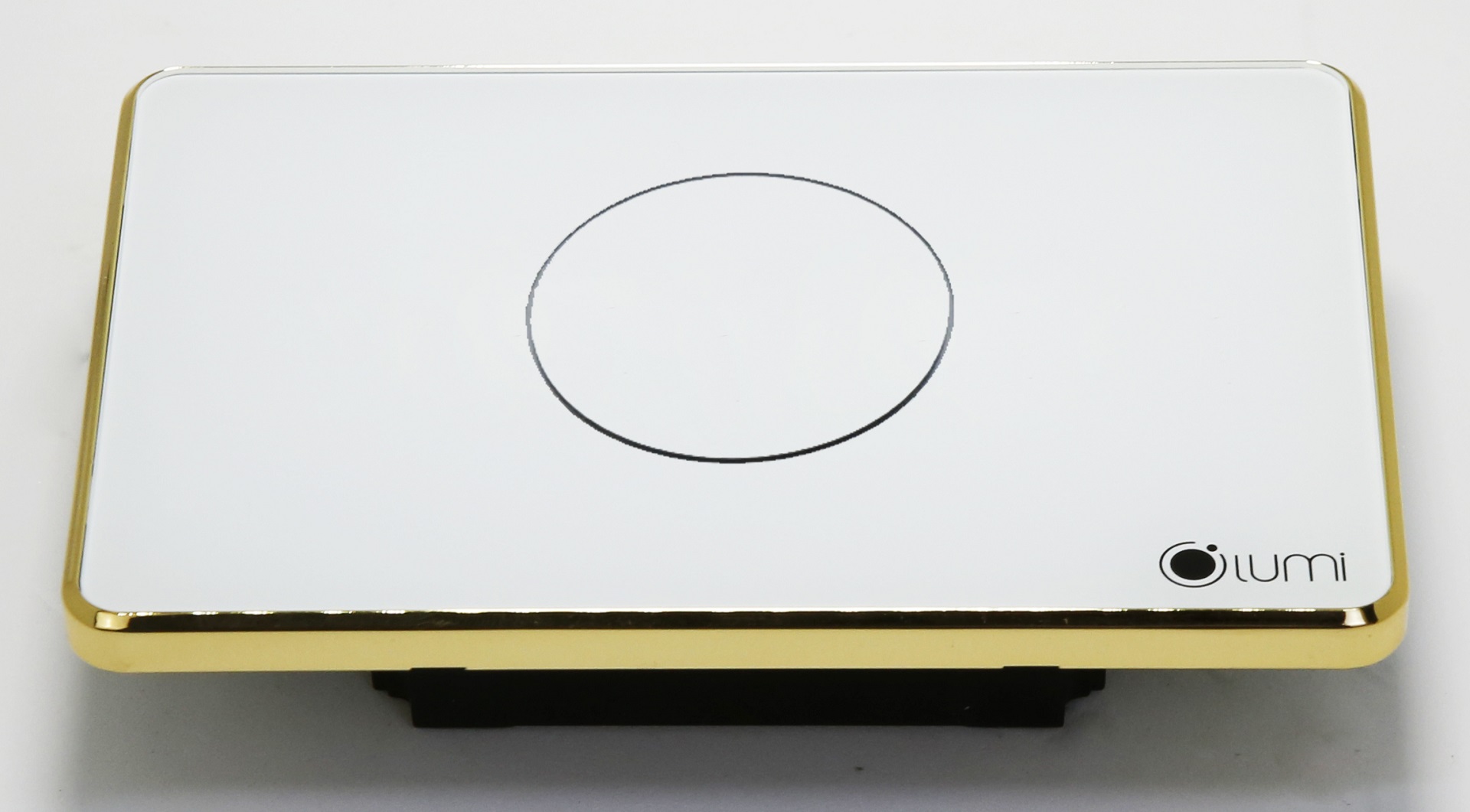
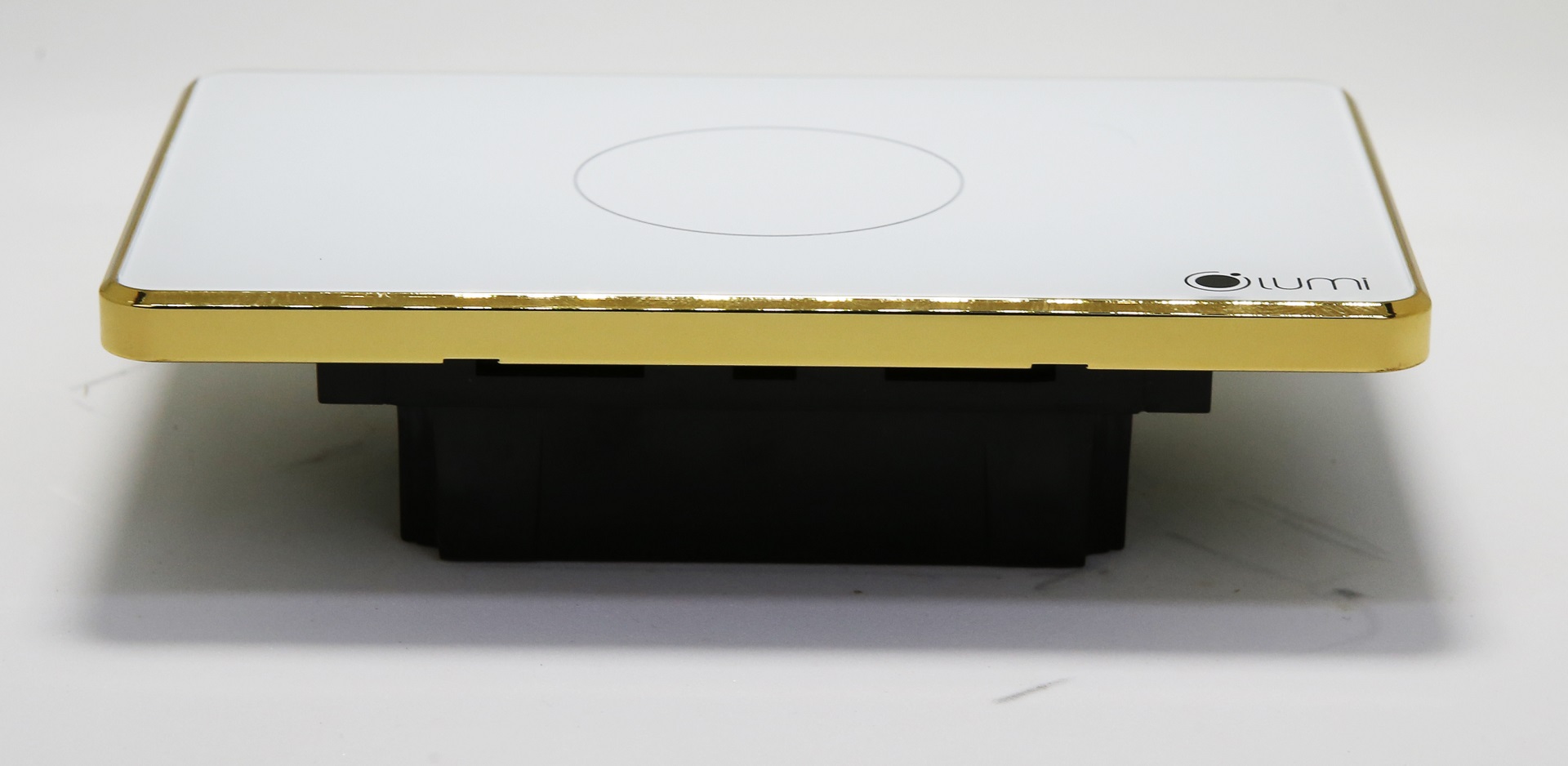
Name | 1 Gang Touch Panel Switch |
|---|
Short Description | The Lumi 1 Touch Switch is a perfect replacement for your conventional single-channel relay switch used to turn devices on or off. |
|---|
Long Description | The Lumi 1 touch switch LM-S1ZW supports 1 output. With
a simple design compounded by tempered glass and capacitive
touch, Lumi's devices will make your home become more elegant,
modern and luxurious. |
|---|
Brand | LUMI |
|---|
Product Identifier | LM-S1ZW |
|---|
Product Line | Touch Panel Switch |
|---|
OEM Version | HW: 1 FW: 1.00 |
|---|
Hardware Platform | ZGM130 |
|---|
Z-Wave Version | 7.12.1 |
|---|
Library Type | SLAVE_ENHANCED_232 |
|---|
Device Type | Binary Switch |
|---|
Role Type | ROLE_TYPE_SLAVE_ALWAYS_ON |
|---|
Manufacturer ID | 0x0436 |
|---|
Product Type ID | 0x0004 |
|---|
Product ID | 0x5001 |
|---|
User Icon | 0x0700 |
|---|
Installer Icon | 0x0700 |
|---|
Frequency Plans | EU: 869.85MHz, 868.40MHz |
|---|
Categories | All Lighting Devices, On/Off Switches/Devices |
|---|
Countries / Regions | European Union |
|---|
Supported Command Classes | Identifier | Name | Key | Version |
|---|
COMMAND_CLASS_SWITCH_BINARY_V2 | Switch Binary V2 | 0x25 | 2 | COMMAND_CLASS_POWERLEVEL | Powerlevel | 0x73 | 1 | COMMAND_CLASS_MULTI_CHANNEL_ASSOCIATION_V3 | Multi-Channel Association V3 | 0x8E | 3 | COMMAND_CLASS_INDICATOR_V3 | Indicator V3 | 0x87 | 3 | COMMAND_CLASS_TRANSPORT_SERVICE_V2 | Transport Service V2 | 0x55 | 2 | COMMAND_CLASS_DEVICE_RESET_LOCALLY | Device Reset Locally | 0x5A | 1 | COMMAND_CLASS_ZWAVEPLUS_INFO_V2 | Z-Wave Plus Info V2 | 0x5E | 2 | COMMAND_CLASS_ASSOCIATION_V2 | Association V2 | 0x85 | 2 | COMMAND_CLASS_FIRMWARE_UPDATE_MD_V5 | Firmware Update Meta-Data V5 | 0x7A | 5 | COMMAND_CLASS_ASSOCIATION_GRP_INFO_V3 | Association Group Information V3 | 0x59 | 3 | COMMAND_CLASS_BASIC_V2 | Basic V2 | 0x20 | 2 | COMMAND_CLASS_SECURITY_2 | Security S2 | 0x9F | 1 | COMMAND_CLASS_VERSION_V3 | Version V3 | 0x86 | 3 | COMMAND_CLASS_SUPERVISION | Supervision | 0x6C | 1 | COMMAND_CLASS_MANUFACTURER_SPECIFIC_V2 | Manufacturer Specific V2 | 0x72 | 2 |
|
|---|
S2 Classes | S2_UNAUTHENTICATED, S2_AUTHENTICATED |
|---|
Documents | Category | Description | File |
|---|
Installer_Guide | Installation Guide | | Manual_Primary_Lang | Product Manual | |
|
|---|
Features | |
|---|
Association Groups | Group Number | Maximum Nodes Supported | End Point ID | Group Name | Description |
|---|
1 | 5 | 0 | Lifeline | Group 1: The device will report status via group lifeline #1 |
|
|---|
Texts | ID | Description | Value |
|---|
8 | Where to find S2 DSK on product | - QR code with Pin code on the backside of the product
- QR code with DSK string on the product box | 1 | Classic Inclusion | 1. Put the controller into ADD device mode. Follow the instructions provided by the
controller manufacturer.
2. Touch and hold any key on the panel for more than 5 seconds. All indication lights will
blinks in blue. At this point release the key, the touch panel will start inclusion
process. | 2 | Classic Exclusion | 1. Put the controller into REMOVE device mode. Follow the instructions provided by the
controller manufacturer.
2. Touch and hold any key on the panel for more than 5 seconds. All indication lights will
blinks blue in color. At this point release the key, the touch panel will start
exclusion process. | 5 | Factory Reset Procedure | Press the config button 5 times, Indication LEDs lights will blinks red in color, touch
panel will start local reset. Touch panel switch will erase network inclusion state
after local reset. |
|
|---|
Supports NWI | Yes |
|---|
Supports Explorer Frames | Yes |
|---|
Supports SmartStart | Yes |
|---|
Radio Range Z-Wave (m) | 40 |
|---|