Product Recognition | |
|---|
Certification Number | ZC14-24080466 |
|---|
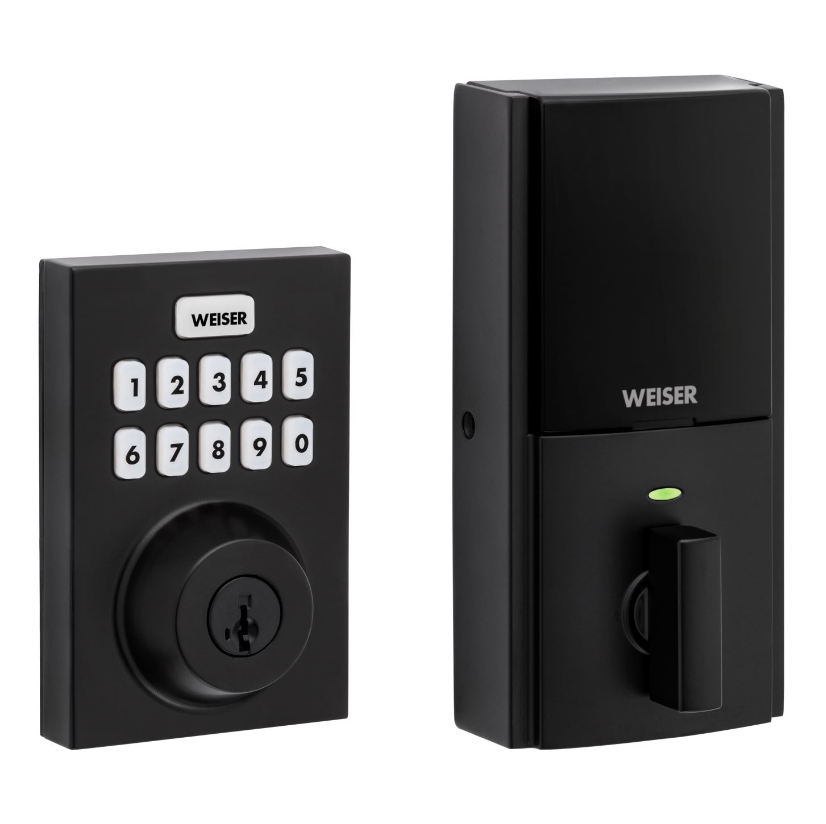
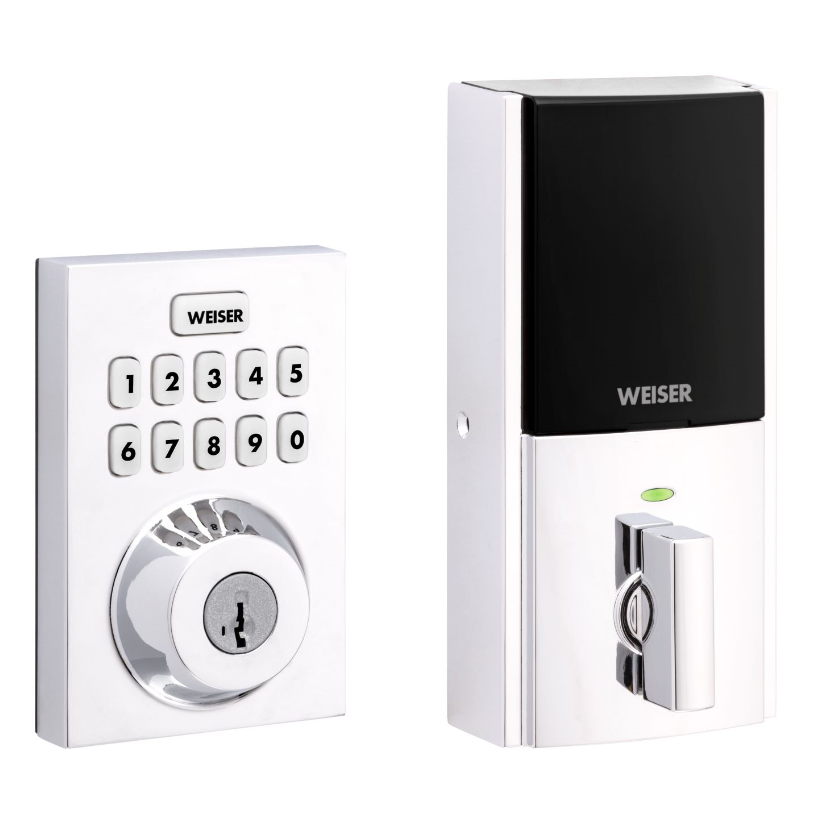
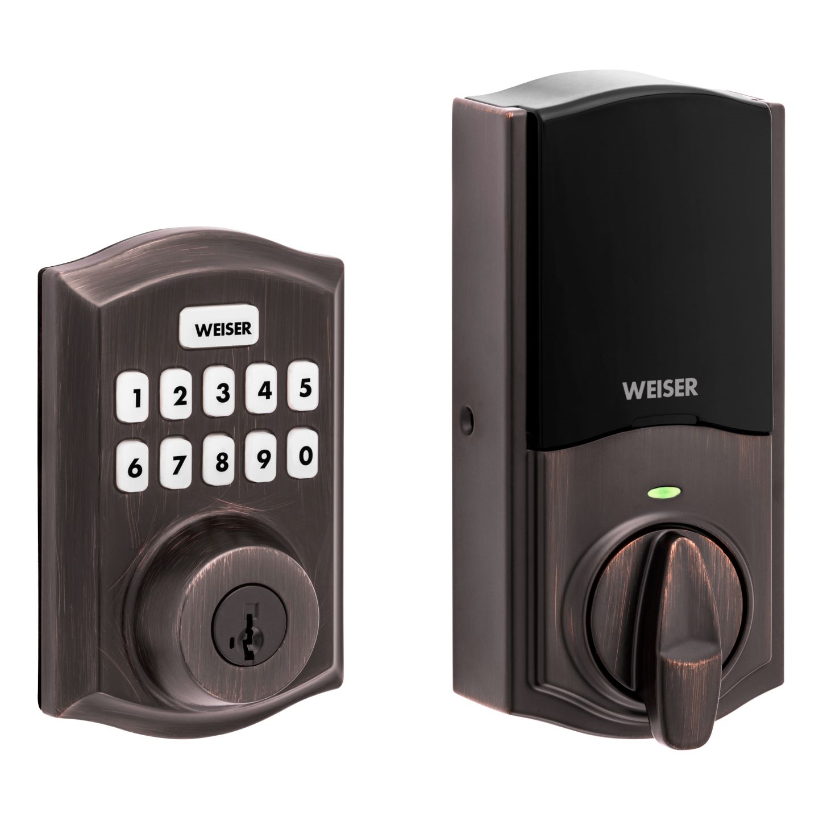
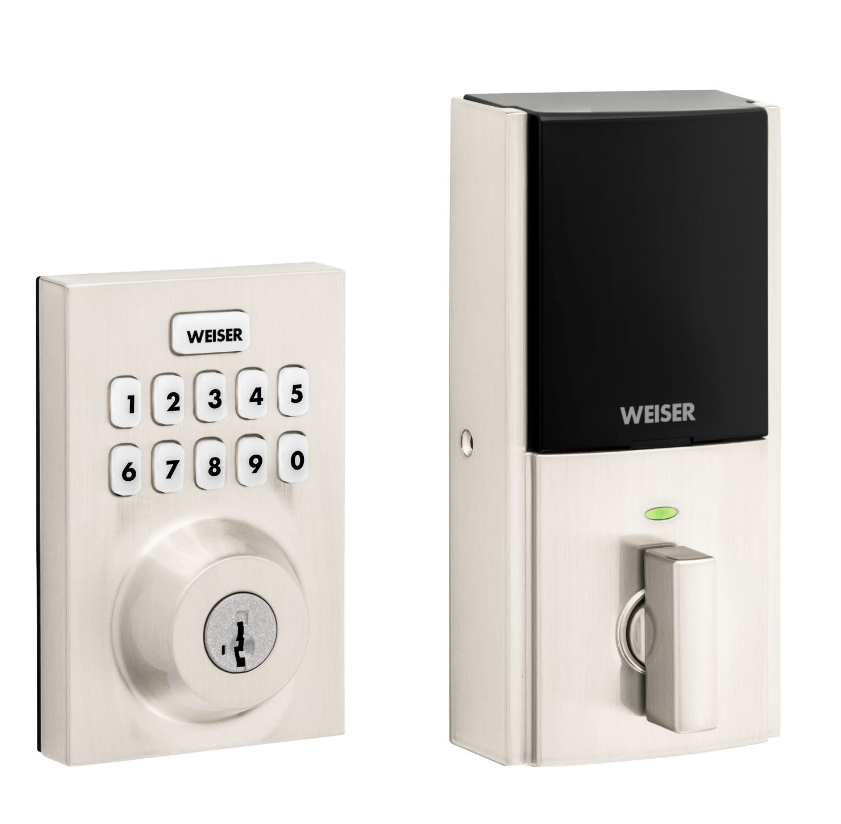
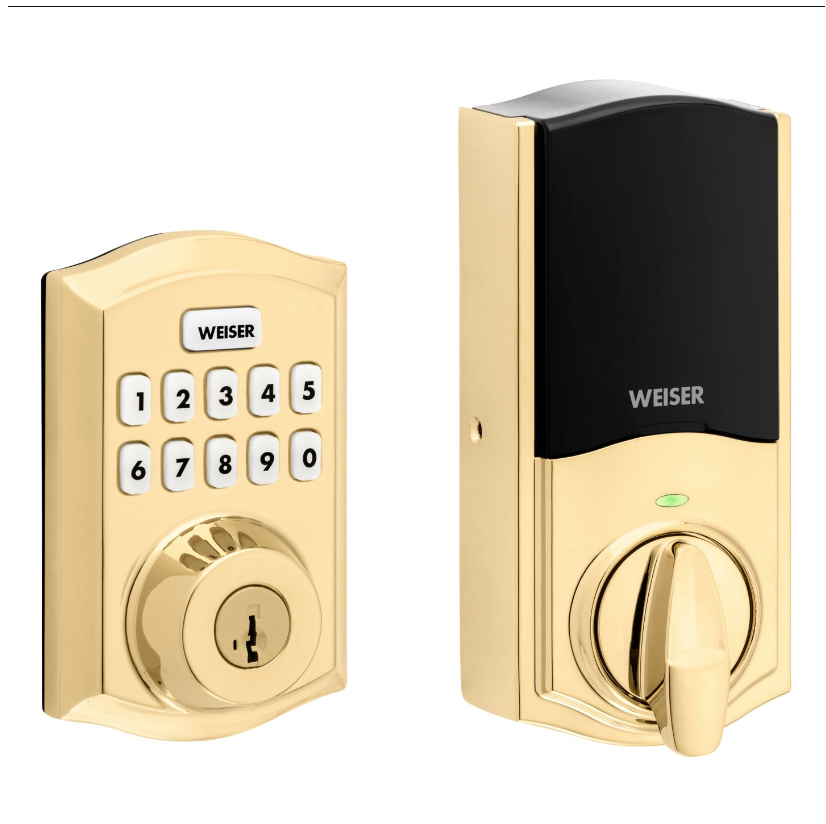
Name | 10 Button Z-Wave Plus v2 Deadbolt |
|---|
Short Description | Weiser 10 key touchpad connected electronic deadbolt |
|---|
Long Description | A Z-Wave Plus LR® enabled deadbolt from Weiser, offering the latest S2 security and SmartStart functionality. Has a 10-Digit touchscreen keypad with one-touch locking, tapered deadbolt designed to assist with misaligned doors, and features the SmartKey Re-Key technology with BumpGuard protection. |
|---|
Brand | Weiser |
|---|
Product Identifier | 918 |
|---|
Product Line | Connected Deadbolt Door Lock |
|---|
OEM Version | HW: 01 FW: 10.20:73.01 |
|---|
Hardware Platform | ZGM130S037HGN2 / ZGM130S037HGN1 |
|---|
Z-Wave Version | 7.20.2 |
|---|
Library Type | END_NODE_ENHANCED_232 |
|---|
Device Type | Lock DT |
|---|
Role Type | ROLE_TYPE_END_NODE_SLEEPING_LISTENING |
|---|
Manufacturer ID | 0x0090 |
|---|
Product Type ID | 0x0811 |
|---|
Product ID | 0x06B9 |
|---|
User Icon | 0x0300 |
|---|
Installer Icon | 0x0300 |
|---|
Frequency Plans | US: 916.00MHz, 908.40MHz, US_LR: 912.00MHz, 920.00MHz |
|---|
Categories | Locks |
|---|
Countries / Regions | Canada, United States of America |
|---|
Supported Command Classes | Identifier | Name | Key | Version |
|---|
COMMAND_CLASS_ANTITHEFT_V2 | Anti-theft V2 | 0x5D | 2 | COMMAND_CLASS_BASIC_V2 | Basic V2 | 0x20 | 2 | COMMAND_CLASS_CONFIGURATION_V4 | Configuration V4 | 0x70 | 4 | COMMAND_CLASS_DOOR_LOCK_V4 | Door Lock V4 | 0x62 | 4 | COMMAND_CLASS_DOOR_LOCK_LOGGING | Door Lock Logging | 0x4C | 1 | COMMAND_CLASS_NOTIFICATION_V8 | Notification V8 | 0x71 | 8 | COMMAND_CLASS_SCHEDULE_ENTRY_LOCK_V3 | Schedule Entry Lock V3 | 0x4E | 3 | COMMAND_CLASS_USER_CODE_V2 | User Code V2 | 0x63 | 2 | COMMAND_CLASS_ASSOCIATION_V2 | Association V2 | 0x85 | 2 | COMMAND_CLASS_ASSOCIATION_GRP_INFO_V3 | Association Group Information (AGI) V3 | 0x59 | 3 | COMMAND_CLASS_BATTERY | Battery | 0x80 | 1 | COMMAND_CLASS_DEVICE_RESET_LOCALLY | Device Reset Locally | 0x5A | 1 | COMMAND_CLASS_FIRMWARE_UPDATE_MD_V5 | Firmware Update Meta Data V5 | 0x7A | 5 | COMMAND_CLASS_INDICATOR_V3 | Indicator V3 | 0x87 | 3 | COMMAND_CLASS_MANUFACTURER_SPECIFIC_V2 | Manufacturer Specific V2 | 0x72 | 2 | COMMAND_CLASS_MULTI_CHANNEL_ASSOCIATION_V3 | Multi Channel Association V3 | 0x8E | 3 | COMMAND_CLASS_TIME_PARAMETERS | Time Parameters | 0x8B | 1 | COMMAND_CLASS_VERSION_V3 | Version V3 | 0x86 | 3 | COMMAND_CLASS_ZWAVEPLUS_INFO_V2 | Z-Wave Plus Info V2 | 0x5E | 2 | COMMAND_CLASS_SECURITY | Security 0 | 0x98 | 1 | COMMAND_CLASS_SECURITY_2 | Security 2 | 0x9F | 1 | COMMAND_CLASS_SUPERVISION | Supervision | 0x6C | 1 | COMMAND_CLASS_TRANSPORT_SERVICE_V2 | Transport Service V2 | 0x55 | 2 | COMMAND_CLASS_POWERLEVEL | Powerlevel | 0x73 | 1 |
|
|---|
S2 Classes | S2_ACCESS_CONTROL |
|---|
Documents | Category | File |
|---|
Installer_Guide | | Image_Product_Supplemental_3 | | Image_Product_Supplemental_4 | | Manual_English | |
|
|---|
Features | Feature | Values |
|---|
Battery Quantity | | Battery Type | | Door Lock Type | |
|
|---|
Association Groups | Group Number | Maximum Nodes Supported | End Point ID | Group Name | Profile |
|---|
1 | 5 | 0 | Lifeline | 0x0001 |
|
|---|
Configuration Parameters | Parameter Number | Name | Description | Format | Size | Min Value | Max Value | Default Value | Read-only |
|---|
1 | Status LED Control | CP1 is r/w parameter with 1byte.Set on status LED show the status of the latch every 6sec.Set off status not be shown | 1 | 1 | 0 | 0 | 0x01 | | 2 | Sound Control | CP2 is r/w parameter with 1byte.Set on buzzer is enabled,will sound in normal events.Set off buzzer is disabled,sound won't occur | 1 | 1 | 0 | 0 | 0x01 | | 3 | User Program Button Control | CP3 is r/w parameter with 1byte.Set on program button is available for user code maintenance.Set off program button isn't available | 1 | 1 | 0 | 0 | 0x01 | | 4 | Secure Screen Control | CP4 is r/w parameter with 1byte.Control the secure screen functionality on touch locks only.Parameter isn't used on non-touch locks | 1 | 1 | 0 | 0 | 0x01 | | 10 | Handing Control | CP10 is r/w parameter with a 1byte.When read return handing of lock.When written run handing operation.Report 0=!success-0=fail | 1 | 1 | 0 | 0 | 0x01 | | 46 | Motor Load Value | CP46 is read parameter with 4byte.Used to retrieve the calculated sideload value from the last motor run it was performed | 1 | 4 | 0 | 0 | 0x00000000 | Yes |
|
|---|
Texts | ID | Description | Value |
|---|
8 | Where to find S2 DSK on product | On the interior portion of the lock above "Button A", the 5 digit DSK and QR code are present. | 1 | Classic Inclusion | Initiate the process to add the lock to your system at your smart home controller. Refer to your smart home system instructions for more information.If prompted by your smart home system to add the lock, press button “A” on the lock interior one time. The red LED will illuminate when the lock enters Add Mode.At this time, you may be prompted by your smart home system to enter the 5-digit PIN found on the label of the interior assembly. If not, proceed to step D. If successful, re-name the lock
in your system (if applicable). If unsuccessful, follow your system’s instructions to remove the lock from the controller and any other network, then press button “A” on the lock one time. | 2 | Classic Exclusion | Removing the lock from the network
Follow your smart home system’s instructions to remove the lock from the network. When prompted by the system, press button A” on the lock interior once | 5 | Factory Reset Procedure | Please use this procedure only when the network's primary controller is missing or otherwise inoperable.
1. Remove Battery Pack.
2 Press and HOLD the "Program" button while reinserting the battery pack. Keep holding the button for 30 seconds until the lock beeps and the status LED flashes red.
3. Press the "Program" button once more. The status LED will flash green and red several times.
4. After a few seconds, the lock will initiate the door handing process, and the latch bolt will extend and retract to learn the orientation of the door. |
|
|---|
Supported Notification Types | Notification Type | Event / State |
|---|
Access Control | Manual lock operation | Access Control | Manual unlock operation | Access Control | RF lock operation | Access Control | RF unlock operation | Access Control | Keypad lock operation | Access Control | Keypad unlock operation | Access Control | RF not fully locked operation | Access Control | Auto lock locked operation | Access Control | Auto lock not fully locked operation | Access Control | Lock state: Lock jammed | Access Control | All user codes deleted | Access Control | Single user code deleted | Access Control | New user code added | Access Control | New user code not added due to duplicate code | Access Control | Keypad state: Keypad temporary disabled | Access Control | New program code entered : unique code for lock configuration | Access Control | Manually enter user access code exceeds code limit | Access Control | Messaging User Code entered via keypad | Home Security | Cover status: Tampering, product cover removed | Home Security | Tampering, invalid code | Power Management | Power status: Power has been applied | Power Management | Battery maintenance status: Replace battery soon | Power Management | Battery maintenance status: Replace battery now |
|
|---|
Supports NWI | Yes |
|---|
Supports Explorer Frames | Yes |
|---|
Is Flirs | Yes |
|---|
Supports SmartStart | Yes |
|---|
Radio Range Z-Wave (m) | 40 |
|---|
Radio Range Z-Wave LR (m) | 400 |
|---|