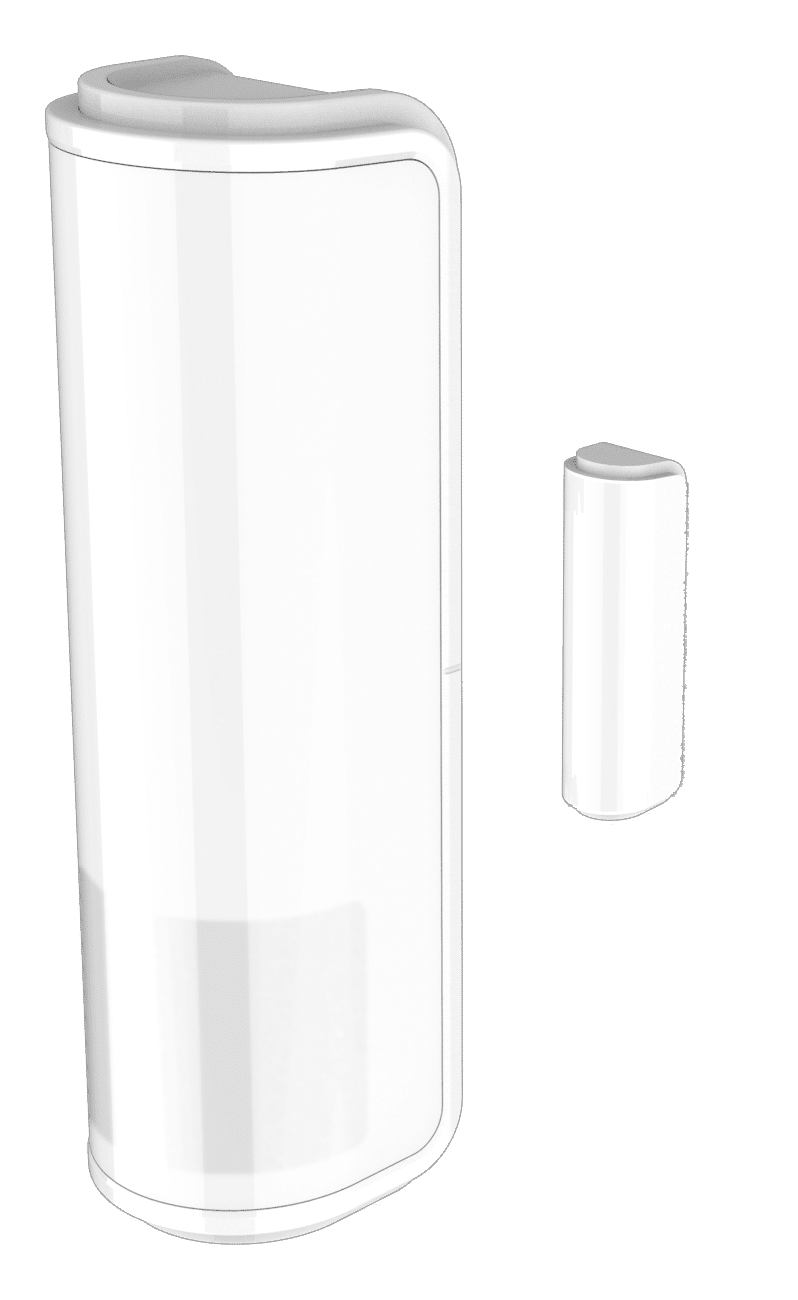
Product Recognition | |
|---|
Certification Number | ZC14-21120029 |
|---|
Name | 4 in 1 Multi-Sensor |
|---|
Short Description | The 4 in 1 multi-sensor PST10 has PIR, door/window, temperature and light sensor for combining several functionalities in one device. |
|---|
Long Description | The 4 in 1 multi-sensor PST10 has PIR, door/window, temperature and light sensor for combining several functionalities in one device.
This device is a security enabled Z-Wave Plus™ product. |
|---|
Brand | Philio |
|---|
Product Identifier | PST10-US |
|---|
Product Line | Philio Z-Wave Products |
|---|
OEM Version | HW: 01 FW: 01.01:01.01 |
|---|
Hardware Platform | ZGM130S037HGN2 / ZGM130S037HGN1 |
|---|
Z-Wave Version | 7.15.1 |
|---|
Library Type | END_NODE_ENHANCED_232 |
|---|
Device Type | Notification Sensor DT |
|---|
Role Type | ROLE_TYPE_SLAVE_SLEEPING_REPORTING |
|---|
Manufacturer ID | 0x013C |
|---|
Product Type ID | 0x0002 |
|---|
Product ID | 0x0085 |
|---|
User Icon | 0x0C07 |
|---|
Installer Icon | 0x0C07 |
|---|
Frequency Plans | US: 916.00MHz, 908.40MHz |
|---|
Categories | Sensors, Security Systems |
|---|
Countries / Regions | Argentina, Bahamas, Barbados, Bermuda, Bolivia, British Virgin Islands, Canada, Cayman Islands, Colombia, Ecuador, Guatemala, Haiti, Honduras, Jamaica, Mexico, Nicaragua, Panama, Saint Kitts and Nevis, Suriname, Trinidad and Tobago, Turks and Caicos Islands, United States of America |
|---|
Supported Command Classes | Identifier | Name | Key | Version |
|---|
COMMAND_CLASS_CONFIGURATION_V4 | Configuration V4 | 0x70 | 4 | COMMAND_CLASS_SENSOR_MULTILEVEL_V11 | Multilevel Sensor V11 | 0x31 | 11 | COMMAND_CLASS_NOTIFICATION_V8 | Notification V8 | 0x71 | 8 | COMMAND_CLASS_ASSOCIATION_V2 | Association V2 | 0x85 | 2 | COMMAND_CLASS_ASSOCIATION_GRP_INFO_V3 | Association Group Information (AGI) V3 | 0x59 | 3 | COMMAND_CLASS_BATTERY | Battery | 0x80 | 1 | COMMAND_CLASS_DEVICE_RESET_LOCALLY | Device Reset Locally | 0x5A | 1 | COMMAND_CLASS_FIRMWARE_UPDATE_MD_V5 | Firmware Update Meta Data V5 | 0x7A | 5 | COMMAND_CLASS_INDICATOR_V3 | Indicator V3 | 0x87 | 3 | COMMAND_CLASS_MANUFACTURER_SPECIFIC_V2 | Manufacturer Specific V2 | 0x72 | 2 | COMMAND_CLASS_MULTI_CHANNEL_ASSOCIATION_V3 | Multi Channel Association V3 | 0x8E | 3 | COMMAND_CLASS_VERSION_V3 | Version V3 | 0x86 | 3 | COMMAND_CLASS_WAKE_UP_V2 | Wake Up V2 | 0x84 | 2 | COMMAND_CLASS_ZWAVEPLUS_INFO_V2 | Z-Wave Plus Info V2 | 0x5E | 2 | COMMAND_CLASS_SECURITY | Security 0 | 0x98 | 1 | COMMAND_CLASS_SECURITY_2 | Security 2 | 0x9F | 1 | COMMAND_CLASS_SUPERVISION | Supervision | 0x6C | 1 | COMMAND_CLASS_TRANSPORT_SERVICE_V2 | Transport Service V2 | 0x55 | 2 | COMMAND_CLASS_POWERLEVEL | Powerlevel | 0x73 | 1 |
|
|---|
S2 Classes | S2_AUTHENTICATED, S2_UNAUTHENTICATED |
|---|
Documents | Category | File |
|---|
Manual_English | |
|
|---|
Features | Feature | Values |
|---|
Battery Type | | Color | | Firmware Updatable | Value |
|---|
Updatable by Consumer by RF |
|
|
|---|
Association Groups | Group Number | Maximum Nodes Supported | End Point ID | Group Name | Profile |
|---|
1 | 1 | 0 | lifeline | 0x0001 | 2 | 5 | 0 | rootdevice | 0x0002 |
|
|---|
Configuration Parameters | Parameter Number | Name | Description | Format | Size | Min Value | Max Value | Default Value |
|---|
1 | Basic Set Level | Setting the BASIC cmd value. | 1 | 1 | 0 | 0 | 0x63 | 2 | Auto Report Door/Window State | Interval time door/window. | 1 | 1 | 0 | 0 | 0x0C | 3 | PIR Sensitivity | PIR sensitivity settings. | 1 | 1 | 0 | 0 | 0x63 | 4 | Operation Mode | Operation mode. | 3 | 1 | 0 | 0 | 0x31 | 5 | Customer Function | Customer function switch. | 3 | 1 | 0 | 0 | 0x03 | 6 | PIR Re-Detect Interval Time | PIR re-detect time.10 s tick | 1 | 1 | 0 | 0 | 0x06 | 7 | Turn Off Light Time | Delay time PIR detected. | 1 | 1 | 0 | 0 | 0x07 | 8 | Auto Report Battery Time | Interval time battery level. | 1 | 1 | 0 | 0 | 0x0C | 9 | Auto Report LightSensor Time | Interval time illumination. | 1 | 1 | 0 | 0 | 0x0C | 10 | Auto Report Temperature Time | Interval time temperature. | 1 | 1 | 0 | 0 | 0x0C | 11 | Auto Report Tick Interval | Interval time report tick. | 1 | 1 | 0 | 0 | 0x1E |
|
|---|
Texts | ID | Description | Value |
|---|
8 | Where to find S2 DSK on product | 1. Product has a DSK string, you can key in first five digit to increment smart start process, or you can scan QR code.
2. SmartStart enabled products can be added into a Z-Wave network by scanning the Z-Wave QR Code present on the product with a control | 1 | Classic Inclusion | 1. Have Z-WaveTM Controller entered inclusion mode.
2. Pressing tamper key three times within 2 seconds to enter the inclusion mode.
3. After add successful, the device will wake to receive the setting command from Z-WaveTM Controller about 20 seconds. | 2 | Classic Exclusion | 1. Have Z-WaveTM Controller entered exclusion mode.
2. Pressing tamper key three times within 2 seconds to enter the exclusion mode.
Node ID has been excluded. | 4 | Wake-Up Procedure | After the device adding to the network, it will wake-up once per day in default. When it wake-up it will broadcast the “Wake Up Notification” message to the network, and wake-up 10 seconds for receive the setting commands.
The wake-up interval minimum se | 5 | Factory Reset Procedure | Notice: Use this procedure only in the event that the primary controller is lost or otherwise inoperable.
1. Pressing button four times and keep about 5 seconds.
2. IDs are excluded and all settings will reset to factory default. |
|
|---|
Supported Notification Types | Notification Type | Event / State |
|---|
Home Security | Motion sensor status: Motion detection |
|
|---|
Supported Multilevel Sensors | Multilevel Sensor Type |
|---|
Air temperature | Illuminance |
|
|---|
Supports NWI | Yes |
|---|
Supports Explorer Frames | Yes |
|---|
Supports SmartStart | Yes |
|---|
Radio Range Z-Wave (m) | 40 |
|---|