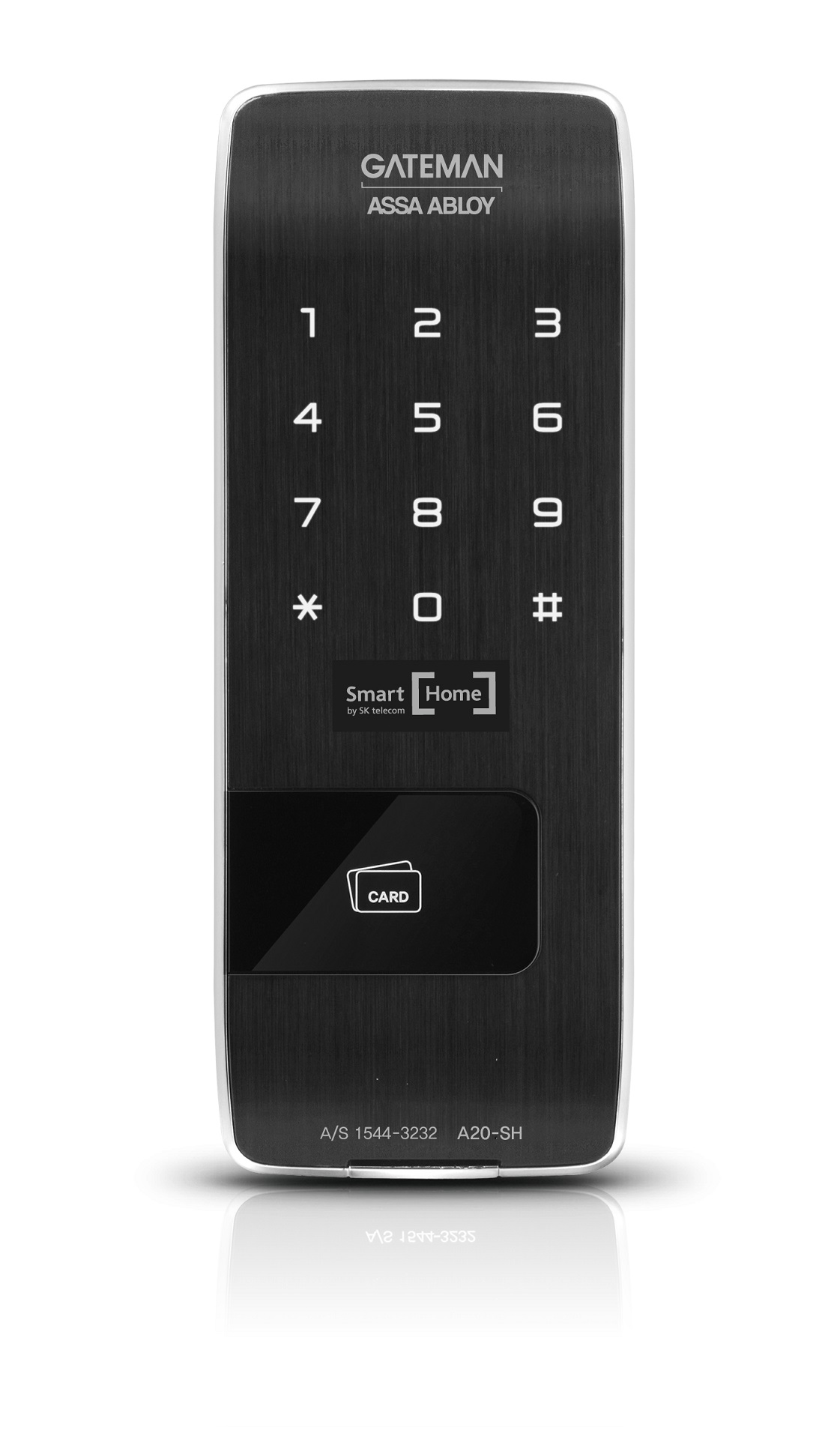
| Product Recognition | |
|---|
| Certification Number | ZC10-15080019 |
|---|
| Name | A20-SH |
|---|
| Short Description | A Rim type Digital Door Lock for Smart Home services. |
|---|
| Long Description | A Rim type Digital Door Lock for Smart Home services.
'A20-SH' is a security enabled Z-Wave Plus product for Korean domestic market. It can be included and operated in any Z-Wave network with other Z-Wave certified devices. |
|---|
| Brand | GATEMAN |
|---|
| Product Identifier | GDA-A2E6B-K0 |
|---|
| OEM Version | HW: 255 |
|---|
| Hardware Platform | ZM5202 |
|---|
| Z-Wave Version | 6.51.06 |
|---|
| Library Type | SLAVE_ENHANCED_232 |
|---|
| Device Type | Door Lock Keypad |
|---|
| Role Type | ROLE_TYPE_SLAVE_SLEEPING_LISTENING |
|---|
| Manufacturer ID | 0x0212 |
|---|
| Product Type ID | 0x1000 |
|---|
| Product ID | 0x1000 |
|---|
| Frequency Plans | KR: 920.90MHz, 921.70MHz, 923.10MHz |
|---|
| Categories | Locks |
|---|
| Countries / Regions | Republic of Korea |
|---|
| Documents | |
|---|
| Association Groups | | Group Number | Maximum Nodes Supported | End Point ID | Description |
|---|
| 1 | 5 | 0 | Z-Wave Plus Lifeline | | 2 | 5 | 0 | association |
|
|---|
| Configuration Parameters | | Parameter Number | Name | Description | Format | Size | Min Value | Max Value | Default Value | Parameter Values |
|---|
| 1 | Silent mode on/off | set the silent mode on or off | 0 | 1 | 0 | 0 | 3 | | From | To | Description |
|---|
| 3 | 3 | volume high | | 1 | 1 | mute | | 2 | 2 | volume low |
| | 2 | Auto relock on/off | set the Auto relock on/off | 0 | 1 | 0 | 0 | 0 | | From | To | Description |
|---|
| 0 | 0 | disable auto relock | | 255 | 255 | enable auto relock |
|
|
|---|
| Texts | | ID | Description | Value |
|---|
| 1 | Inclusion | ① Touch Keypad with palm.
② Enter User Code(Normal Mode only. Enter Master Code if operating Master Mode).
③ Press 'I' button [Registration] from the inside of battery cover.
④ Press 9, #, 1, # by sequence on the keypad(to Add).
⑤ Wait until ""Ding dong dang"" melody play, then press 'I' button [Registration] from the inside of battery cover. | | 2 | Exclusion | ① Touch Keypad with palm.
② Enter User Code(Normal Mode only. Enter Master Code if operating Master Mode).
③ Press 'I' button [Registration] from the inside of battery cover.
④ Press 9, #, 3, # on the keypad by sequence (to Delete).
⑤ Enter User Code(Normal Mode only. Enter Master Code if operating Master Mode), then press #.
⑤ Wait until ""Ding dong dang"" melody play, then press 'I' button [Registration] from the inside of battery cover. | | 5 | Factory Reset | This product has no function to go back to the factory default. | | 4 | Device Wake-Up | The lock is always in ""wake up status"".
However, touch keypad with palm to begin and end actions. |
|
|---|
| Supports NWI | Yes |
|---|
| Supports Explorer Frames | Yes |
|---|
| Is Flirs | Yes |
|---|