Product Recognition | |
|---|
Certification Number | ZC10-18096243 |
|---|
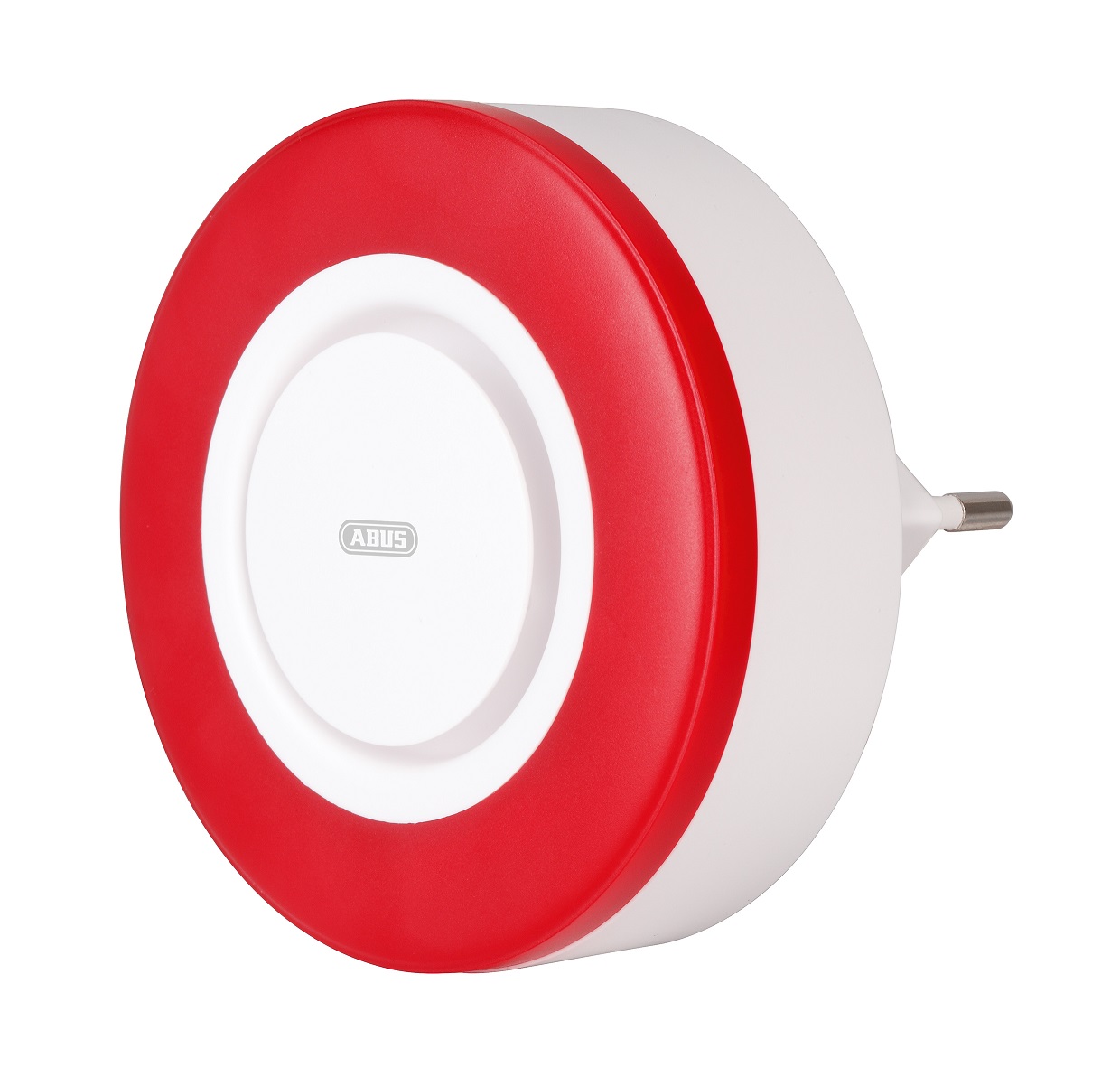
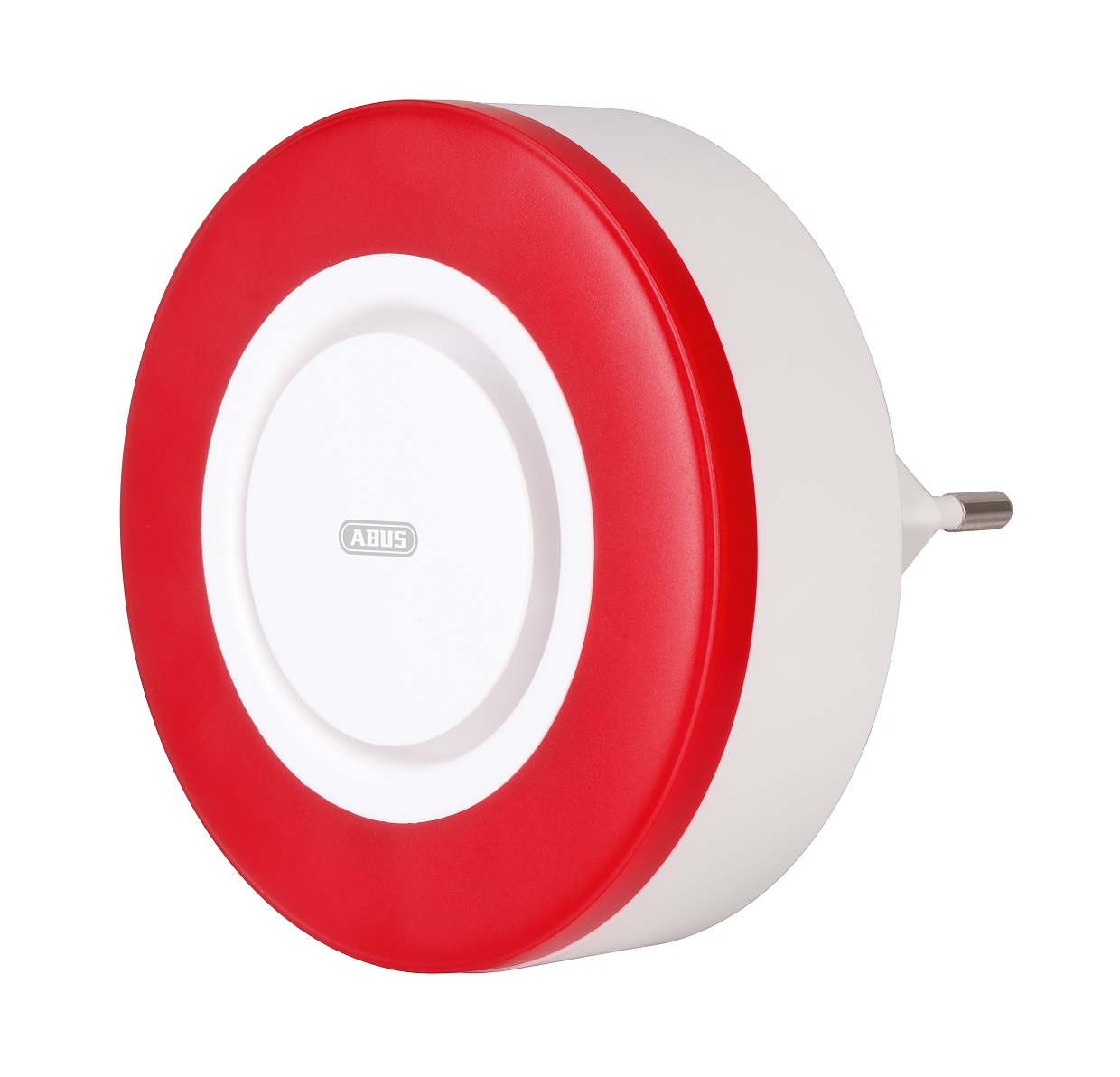
Name | ABUS Z-Wave Indoor Siren |
|---|
Short Description | The Z-Wave Indoor Siren comes with a High-volume siren (95 dB) and LED strobe light for alarms with deterrent effect. |
|---|
Long Description | The Z-Wave Indoor Siren comes with a High-volume siren (95 dB) and LED strobe light for alarms with deterrent effect. In even of alarm, the siren can operate 5 minutes even unplugged due to its integrated backup-battery. A repeater function for extending the range of the Z-wave radio signal is also included. |
|---|
Brand | ABUS |
|---|
Product Identifier | SHSG10000 |
|---|
OEM Version | HW: 255 FW: 1.02 |
|---|
Hardware Platform | ZM5202 |
|---|
Z-Wave Version | 6.71.03 |
|---|
Library Type | SLAVE_ENHANCED_232 |
|---|
Device Type | Siren |
|---|
Role Type | ROLE_TYPE_SLAVE_ALWAYS_ON |
|---|
Manufacturer ID | 0x0403 |
|---|
Product Type ID | 0x0003 |
|---|
Product ID | 0x0000 |
|---|
User Icon | 0x0F00 |
|---|
Installer Icon | 0x0F00 |
|---|
Frequency Plans | EU: 869.85MHz, 868.40MHz |
|---|
Categories | Security Add-Ons |
|---|
Countries / Regions | European Union |
|---|
Supported Command Classes | Identifier | Name | Key | Version |
|---|
COMMAND_CLASS_FIRMWARE_UPDATE_MD_V4 | Firmware Update Meta-Data V4 | 0x7A | 4 | COMMAND_CLASS_POWERLEVEL | Powerlevel | 0x73 | 1 | COMMAND_CLASS_MULTI_CHANNEL_ASSOCIATION_V3 | Multi-Channel Association V3 | 0x8E | 3 | COMMAND_CLASS_BATTERY | Battery | 0x80 | 1 | COMMAND_CLASS_SWITCH_BINARY | Switch Binary | 0x25 | 1 | COMMAND_CLASS_SECURITY | Security S0 | 0x98 | 1 | COMMAND_CLASS_TRANSPORT_SERVICE_V2 | Transport Service V2 | 0x55 | 2 | COMMAND_CLASS_DEVICE_RESET_LOCALLY | Device Reset Locally | 0x5A | 1 | COMMAND_CLASS_ZWAVEPLUS_INFO_V2 | Z-Wave Plus Info V2 | 0x5E | 2 | COMMAND_CLASS_ASSOCIATION_V2 | Association V2 | 0x85 | 2 | COMMAND_CLASS_ASSOCIATION_GRP_INFO | Association Group Info | 0x59 | 1 | COMMAND_CLASS_BASIC_V2 | Basic V2 | 0x20 | 2 | COMMAND_CLASS_SECURITY_2 | Security S2 | 0x9F | 1 | COMMAND_CLASS_VERSION_V3 | Version V3 | 0x86 | 3 | COMMAND_CLASS_SUPERVISION | Supervision | 0x6C | 1 | COMMAND_CLASS_MANUFACTURER_SPECIFIC_V2 | Manufacturer Specific V2 | 0x72 | 2 |
|
|---|
S2 Classes | S2_UNAUTHENTICATED |
|---|
Documents | Category | Description | File |
|---|
Manual_Primary_Lang | Product or Owner's Manual | |
|
|---|
Features | Feature | Values |
|---|
Color | | Switch Load Capacity Watts | | Battery Type | | Firmware Updatable | Value |
|---|
Updatable by Consumer by RF |
| Switch Load Capacity Volt-Ampere | | Outdoor Use | | Switch Load Capacity Current | | Battery Quantity | |
|
|---|
Association Groups | Group Number | Maximum Nodes Supported | End Point ID | Description |
|---|
1 | 5 | 0 | Association group 1: Lifeline association group Include command classes: Switch Binary report ,Battery and Device Reset Locally notification. |
|
|---|
Texts | ID | Description | Value |
|---|
5 | Factory Reset | Press the Network-button for 10 seconds to factory reset the device
Note:
1, This procedure should only be used if the primary gateway is not capable of acting.
2, If the multi-sensor is set to the factory setting, the status is set to ""not included"", the association settings and possible configurations are reset to default. | 2 | Exclusion | A.) Set the Gateway/Controller into exclusion mode (Click the - (Remove) button in your Z-Wave App and follow the further instructions)
B.) Press the Network-button 3 times within 1.5 seconds and the Status-LED will flash 3 times If the Remove device process is successful, the Status-LED flash 6 times.
C.) Repeat the inclusion process from step B if it was not successful. | 1 | Inclusion | A.) Plug the SHSG10000 into a socket
B.) Set the Gateway/Controller into inclusion mode (Click the + (Add) button in your Z-Wave App and follow the further instructions)
C.) Press the Network-button 3 times within 1.5 seconds and the Status-LED will flash 3 times
D:) If the Add device process is successful, the Status-LED will turn off.
E: Repeat the inclusion process from step B if it was not successful. |
|
|---|
Supports NWI | Yes |
|---|
Supports Explorer Frames | Yes |
|---|
Radio Range Z-Wave (m) | 40 |
|---|