Product Recognition | |
|---|
Certification Number | ZC10-18015971 |
|---|
Name | Alert Button |
|---|
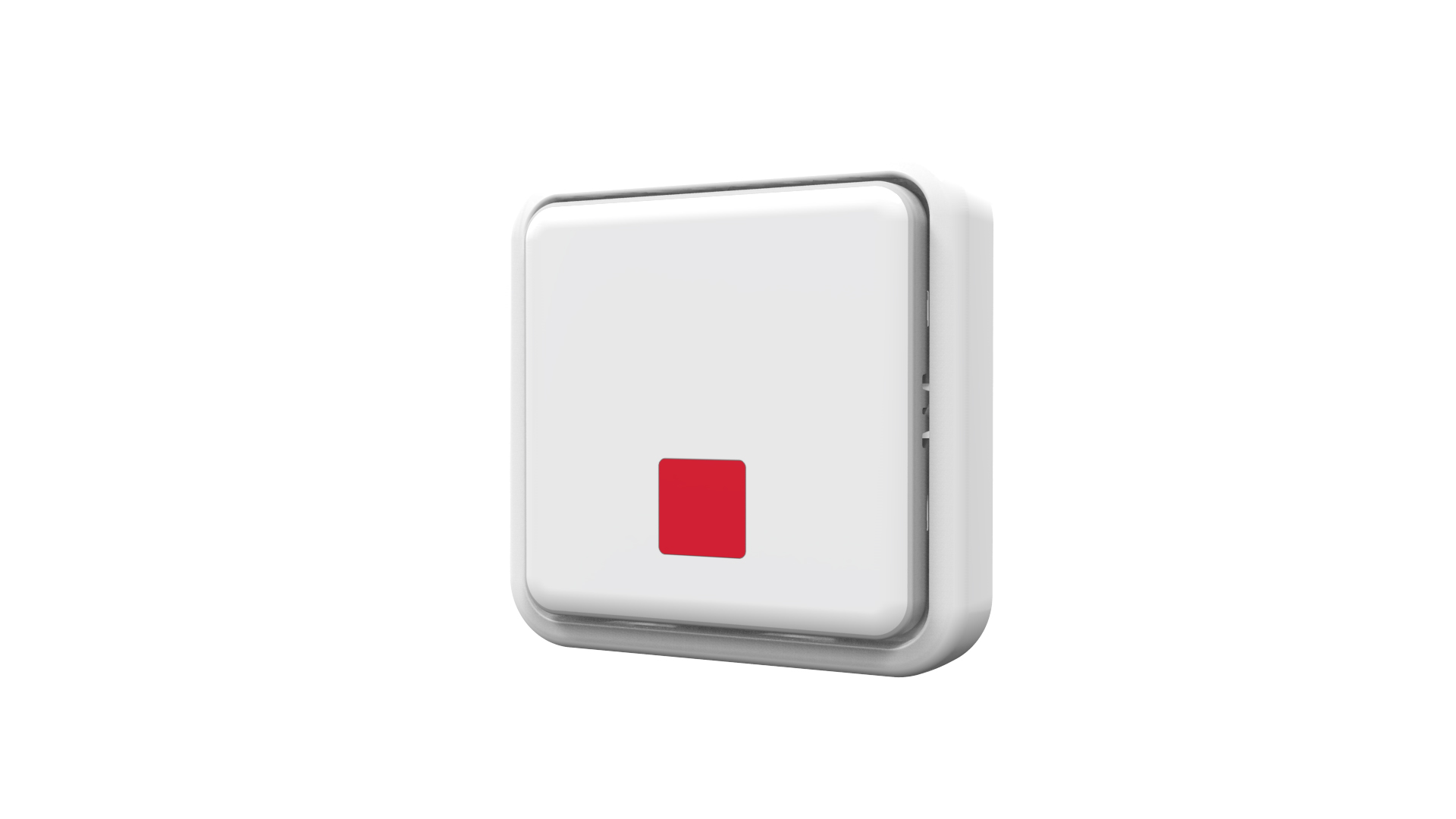
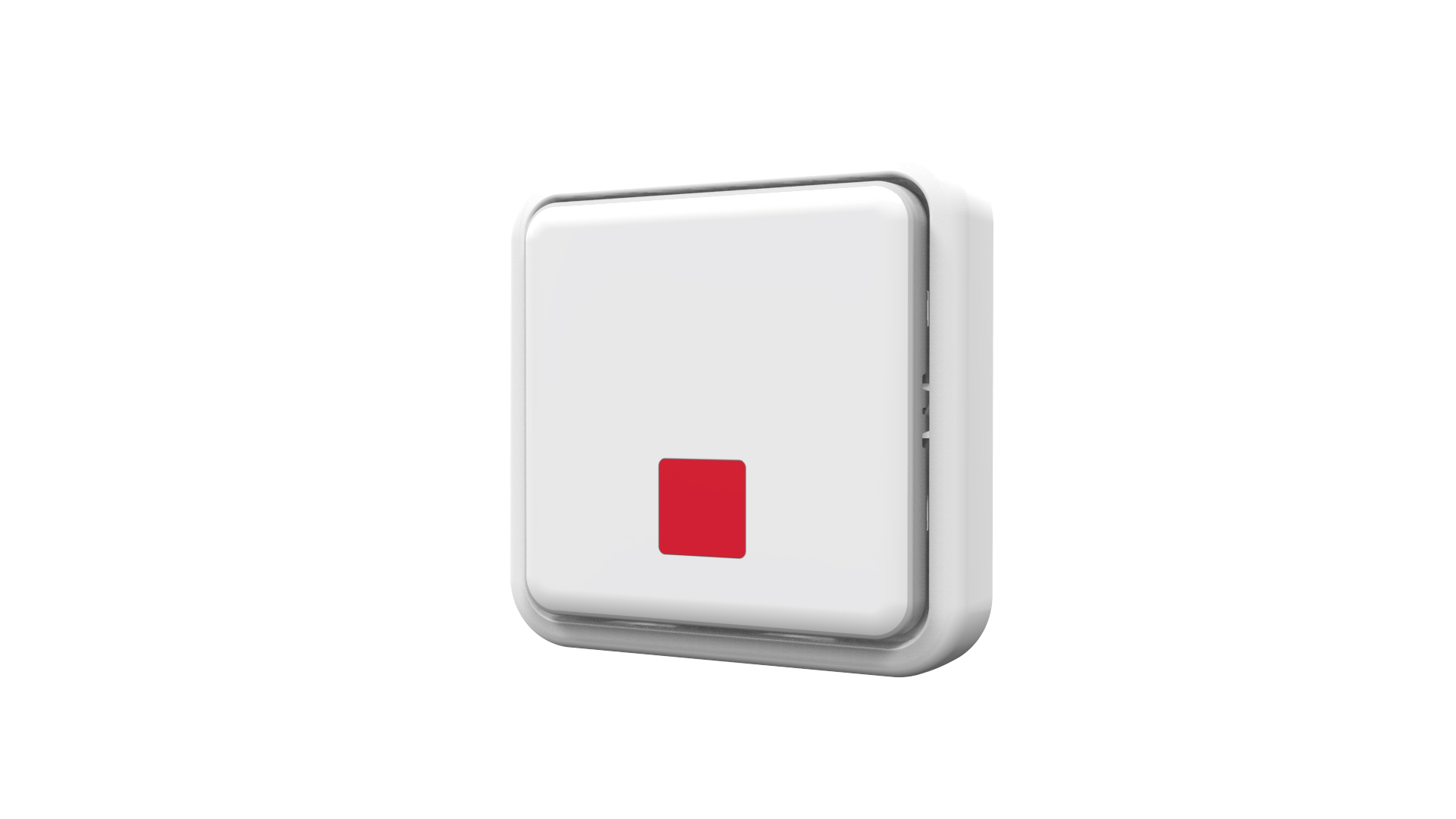
Short Description | AXIS T8343 Alert Button is a wireless push button which relays events such as notification messages, illumination and much more. |
|---|
Long Description | AXIS T8343 Alert Button is a wireless push button which relays events such as notification messages, illumination and much more. With its support for wireless input/output connectivity, the alert button can communicate wirelessly with AXIS M5065 PTZ Network camera or other connected Z-Wave Plus® controllers, creating a small security solution with less cabling. Thanks to its integrated wireless I/O connectivity, AXIS T8343 enables flexible installation as the relay can easily be moved and adapted to your needs. |
|---|
Brand | Axis Communications |
|---|
Product Identifier | T8343-JP |
|---|
OEM Version | HW: 1 FW: 1.01:00.01 |
|---|
Hardware Platform | SD3502 |
|---|
Z-Wave Version | 6.71.01 |
|---|
Library Type | SLAVE_ENHANCED_232 |
|---|
Device Type | Notification Sensor |
|---|
Role Type | ROLE_TYPE_SLAVE_SLEEPING_REPORTING |
|---|
Manufacturer ID | 0x0364 |
|---|
Product Type ID | 0x0005 |
|---|
Product ID | 0x0001 |
|---|
User Icon | 0x0C0C |
|---|
Installer Icon | 0x0C0C |
|---|
Frequency Plans | JP: 922.50MHz, 923.90MHz, 926.30MHz |
|---|
Categories | All Lighting Devices, On/Off Switches/Devices |
|---|
Countries / Regions | Japan |
|---|
Supported Command Classes | Identifier | Name | Key | Version |
|---|
COMMAND_CLASS_FIRMWARE_UPDATE_MD_V4 | Firmware Update Meta-Data V4 | 0x7A | 4 | COMMAND_CLASS_POWERLEVEL | Powerlevel | 0x73 | 1 | COMMAND_CLASS_BATTERY | Battery | 0x80 | 1 | COMMAND_CLASS_SECURITY | Security S0 | 0x98 | 1 | COMMAND_CLASS_TRANSPORT_SERVICE_V2 | Transport Service V2 | 0x55 | 2 | COMMAND_CLASS_VERSION_V2 | Version V2 | 0x86 | 2 | COMMAND_CLASS_WAKE_UP_V2 | Wake Up V2 | 0x84 | 2 | COMMAND_CLASS_DEVICE_RESET_LOCALLY | Device Reset Locally | 0x5A | 1 | COMMAND_CLASS_ZWAVEPLUS_INFO_V2 | Z-Wave Plus Info V2 | 0x5E | 2 | COMMAND_CLASS_ASSOCIATION_V2 | Association V2 | 0x85 | 2 | COMMAND_CLASS_ASSOCIATION_GRP_INFO | Association Group Info | 0x59 | 1 | COMMAND_CLASS_SECURITY_2 | Security S2 | 0x9F | 1 | COMMAND_CLASS_SUPERVISION | Supervision | 0x6C | 1 | COMMAND_CLASS_MANUFACTURER_SPECIFIC_V2 | Manufacturer Specific V2 | 0x72 | 2 | COMMAND_CLASS_NOTIFICATION_V4 | Notification V4 | 0x71 | 4 |
|
|---|
Controlled Command Classes | Identifier | Name | Key | Version |
|---|
COMMAND_CLASS_BASIC | Basic | 0x20 | 1 |
|
|---|
S2 Classes | S2_UNAUTHENTICATED, S2_AUTHENTICATED |
|---|
Documents | Category | Description | File |
|---|
Manual_Primary_Lang | Product or Owner's Manual | |
|
|---|
Features | Feature | Values |
|---|
Battery Quantity | | Switch Type | | Battery Type | | Color | | Firmware Updatable | Value |
|---|
Updatable by Consumer via Internet |
| Supported Notification Types | |
|
|---|
Association Groups | Group Number | Maximum Nodes Supported | End Point ID | Description |
|---|
1 | 1 | 0 | Association with 1 node. | 2 | 4 | 0 | Association with 4 nodes (i.e. end devices such as smart plugs and other lighting controllers).This allows the On/Off module to receive commands directly from these end devices without the participation of the controller. |
|
|---|
Texts | ID | Description | Value |
|---|
5 | Factory Reset | Factory Reset (This procedure should only be used when the controller is inoperable.)
1. Press the link button 3 times within 1.5 seconds to put the unit into exclusion mode.
2. Within 1 second of step 1, press the link button again and hold for 5 seconds.
3. Node ID is excluded. The device reverts to factory default state. | 4 | Device Wake-Up | Wakeup Command Class
After it has been included into a Z-Wave network, the detector will go to sleep but will send a Wakeup Notification Command periodically at preset period to the controller. The detector will stay awake for 10 seconds at least and then go back to sleep to conserve battery life.
The time interval between Wakeup Notification Commands can be set in the Wakeup Command Class based on the range values below:
Minimum Wake Up Interval 600s (10 minutes)
Maximum Wake Up Interval 86400s (1 day)
Default Wake Up Interval 14400s (4 hours)
Wake Up Interval Step Seconds 600s (10 minutes) | 2 | Exclusion | Manual exclusion
Note
For more details see the installation guide
1. Detach the battery cover.
2. Press the link button 3 times within 1.5 seconds to put the unit into learning (inclusion/exclusion) mode.
3. The exclusion process should be completed when the LED stops blinking
4. Refit the battery cover. | 1 | Inclusion | Auto inclusion
The detector supports the auto inclusion feature where it will automatically enter Inclusion mode when first powered up. This will
also apply when powered up after a factory reset.
1. Carefully remove the front cover by pulling the bottom of the front cover. There is a link button which is used to put the
device in learning mode (inclusion/exclusion).
2. Put a Z-Wave controller into inclusion mode.
3. Insert 2 AAA-batteries (1,5V) into the battery compartment with the correct polarity. The LED on the device should turn ON
4. The inclusion process should be completed when the LED stops blinking
Manual inclusion
You can also choose to manually add the Z-Wave device to a control device. Please follow the steps described below.
Note
For best results, exclude the device before starting the inclusion process. For more details see the installation guide
1. Press the link button 3 times within 1.5 seconds to put the unit into learning (inclusion/exclusion) mode.
2. The inclusion process should be completed when the LED stops blinking
3. Perform a test before you refit the cover. |
|
|---|
Supported Notification Types | Notification Type | Event / State |
|---|
Appliance | (Refer to parameters): State idle |
|
|---|
Supports NWI | Yes |
|---|
Supports Explorer Frames | Yes |
|---|
Radio Range Z-Wave (m) | 40 |
|---|