Product Recognition | |
|---|
Certification Number | ZC10-18015975 |
|---|
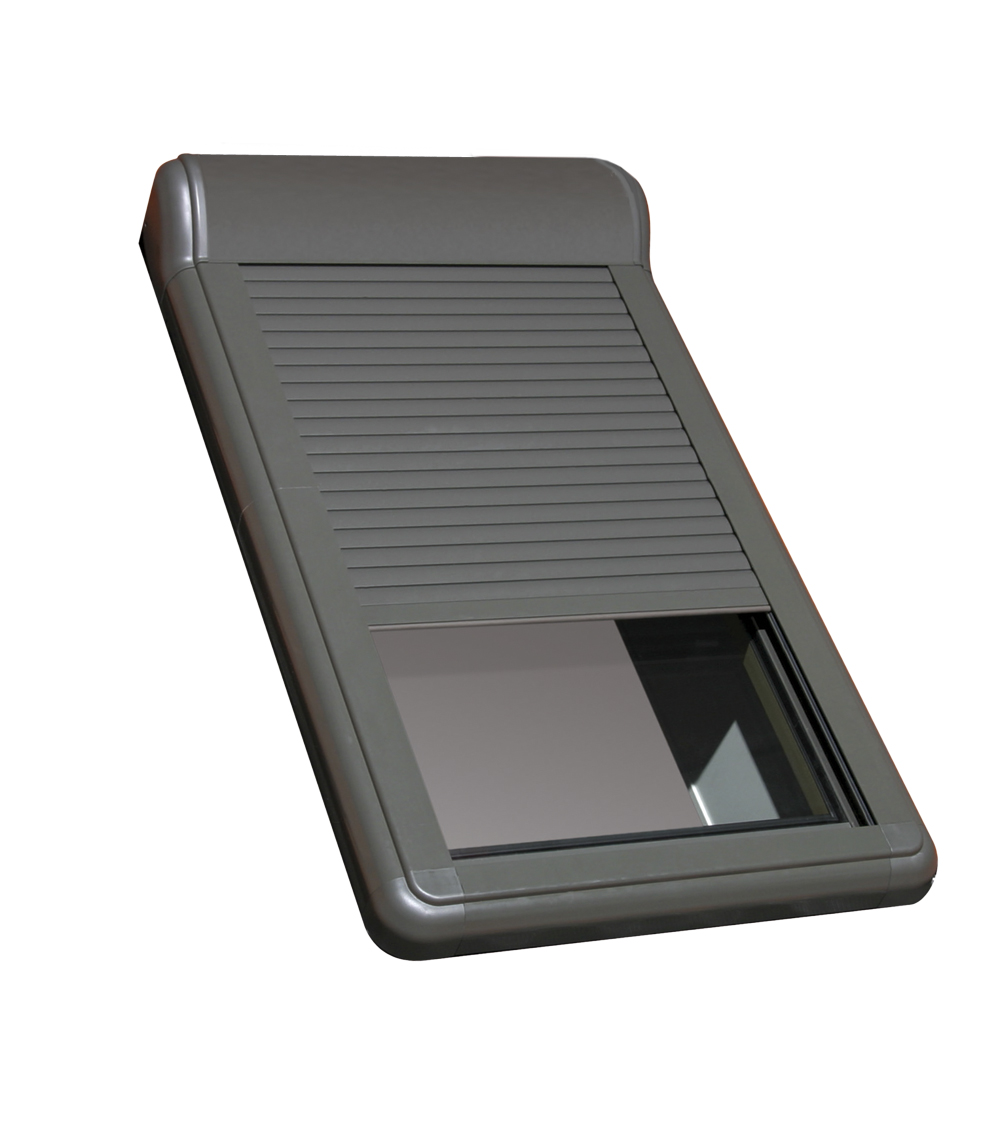
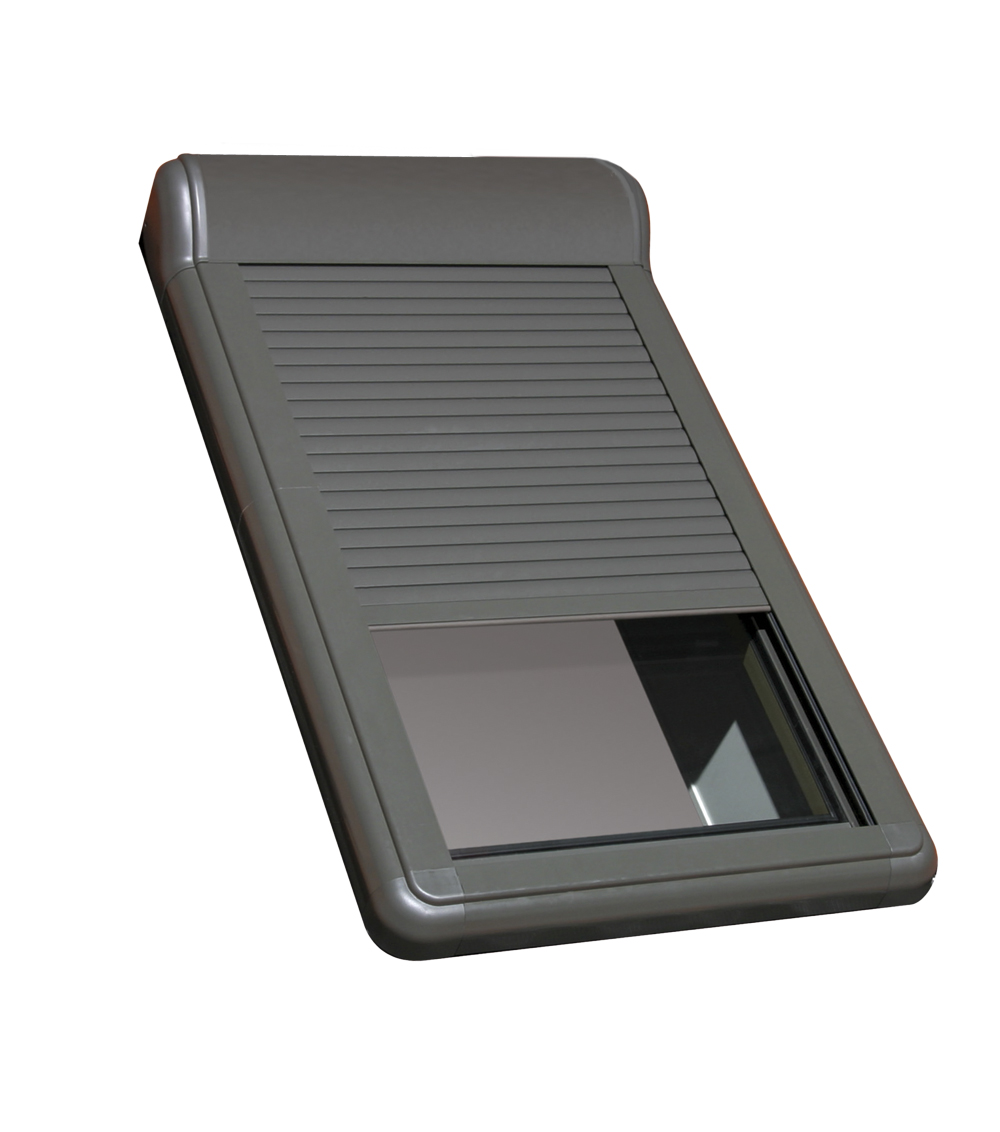
Name | ARZ Z-Wave |
|---|
Short Description | FAKRO ARZ Z-Wave is external roller Shutter, fully compatible white Z-Wave Plus protocol. Is dedicated for FAKRO roof window. The roller shutter is powered by 15VDC. |
|---|
Long Description | FAKRO ARZ Z-Wave external roller shutters have been adapted for wireless cooperation with the Z-Wave system. The shutter is designed for FAKRO roof windows and its installation is possible at any time after roof window installation. It is also possible to use the shutter for roof windows of other manufactures. Installed on the outside of the window, the roller shutter constitutes an optimum solution against overheating and provides additional protection of the window e.g. against falling tree branches etc. The roller shutter enables complete blackout and good sound reduction. It is also good protection from glazing excessive cooling during the winter. The roller shutter also means increased security. It has built-in overload protection and can be controlled by using standard Z-Wave controller.
The AMZ Z-Wave roller shutter has three extremes:
- Maximum extension (encoder maximum position)
- Completely rolled up (encoder minimum position)
- Current limiting protecting awning blind against damage and user against accidental injury resulting from the contact with moving elements of awning blind.
There are three association groups in roller shutter ARZ Z-Wave:
1.Life Line – group for position reporting roller shutter after each a stoppage and alarm reporting (overcurrent, damage encoders).
This group can be a maximum 1 device.
2.Basic Repeat – group used to transfer the received basic commands to the devices included in this group.
This group can be a maximum 5 devices.
3.Multilevel Repeat – group used to transfer the received multilevel commands to the devices included in this group.
This group can be a maximum 5 devices.
Technical Parameters:
Power voltage: 15V DC
Rated current: 1,4 A
Current limit: YES
Speed: 23 r.p.m
Temperature of usage: (-10 °C) do (65°C)
Supplying cable: 2 x 0,75mm2 |
|---|
Brand | FAKRO |
|---|
Product Identifier | ARZ Z-Wave |
|---|
OEM Version | HW: 23 FW: 1.01:01.01 |
|---|
Hardware Platform | ZM5202 |
|---|
Z-Wave Version | 6.61.00 |
|---|
Library Type | SLAVE_ENHANCED_232 |
|---|
Device Type | Window Covering - Pos/End Aware |
|---|
Role Type | ROLE_TYPE_SLAVE_ALWAYS_ON |
|---|
Manufacturer ID | 0x0085 |
|---|
Product Type ID | 0x0003 |
|---|
Product ID | 0x0011 |
|---|
User Icon | 0x1A00 |
|---|
Installer Icon | 0x1A00 |
|---|
Frequency Plans | EU: 869.85MHz, 868.40MHz |
|---|
Categories | Window Covering |
|---|
Countries / Regions | European Union |
|---|
Supported Command Classes | Identifier | Name | Key | Version |
|---|
COMMAND_CLASS_NODE_NAMING | Node Naming | 0x77 | 1 | COMMAND_CLASS_POWERLEVEL | Powerlevel | 0x73 | 1 | COMMAND_CLASS_SWITCH_ALL | Switch All | 0x27 | 1 | COMMAND_CLASS_SWITCH_BINARY | Switch Binary | 0x25 | 1 | COMMAND_CLASS_BASIC | Basic | 0x20 | 1 | COMMAND_CLASS_CONFIGURATION | Configuration | 0x70 | 1 | COMMAND_CLASS_NOTIFICATION_V3 | Notification V3 | 0x71 | 3 | COMMAND_CLASS_VERSION_V2 | Version V2 | 0x86 | 2 | COMMAND_CLASS_DEVICE_RESET_LOCALLY | Device Reset Locally | 0x5A | 1 | COMMAND_CLASS_ZWAVEPLUS_INFO_V2 | Z-Wave Plus Info V2 | 0x5E | 2 | COMMAND_CLASS_SWITCH_MULTILEVEL_V3 | Switch Multilevel V3 | 0x26 | 3 | COMMAND_CLASS_ASSOCIATION_V2 | Association V2 | 0x85 | 2 | COMMAND_CLASS_ASSOCIATION_GRP_INFO | Association Group Info | 0x59 | 1 | COMMAND_CLASS_MANUFACTURER_SPECIFIC_V2 | Manufacturer Specific V2 | 0x72 | 2 |
|
|---|
Controlled Command Classes | Identifier | Name | Key | Version |
|---|
COMMAND_CLASS_BASIC | Basic | 0x20 | 1 | COMMAND_CLASS_SWITCH_MULTILEVEL_V3 | Switch Multilevel V3 | 0x26 | 3 |
|
|---|
Documents | Category | Description | File |
|---|
Manual_Primary_Lang | Product or Owner's Manual | |
|
|---|
Features | Feature | Values |
|---|
Supported Notification Types | Value |
|---|
Power Management | System |
| Switch Type | Value |
|---|
Push Button with Indicator |
| Window Covering Control Features | Value |
|---|
Endpoint Aware | Position Aware | Manual Calibration | Supports Up/Down Motion | Supports Open/Close Motion |
| Outdoor Use | |
|
|---|
Association Groups | Group Number | Maximum Nodes Supported | End Point ID | Description |
|---|
2 | 5 | 0 | Basic Repeat – group used to transfer the received basic commands to the devices included in this group. | 1 | 1 | 0 | Z-Wave Plus Lifeline, group for position reporting roller shutter after each a stoppage and alarm reporting (overcurrent, damage encoders) | 3 | 5 | 0 | Multilevel Repeat – group used to transfer the received multilevel commands to the devices included in this group. |
|
|---|
Configuration Parameters | |
|---|
Texts | ID | Description | Value |
|---|
2 | Exclusion | Exclude - This function allow you to remove roller shutter from the network Z-Wave. Follow the procedur removing device from the network Z-Wave according to user manual supplied with the product. Then, press the programming button P on the roller shutter for 1 second. Function removes information only about newtork Z-Wave. | 5 | Factory Reset | Device Reset Locally – This function allows you to reset the Z-Wave network without the use of Z-Wave controller. Press 5 times the programming button P fast, the roller shutter was removed from the Z-Wave network, restore the default parameters, name and locations.
Please use this procedure only when the network primary controller is missing or otherwise inoperable. | 1 | Inclusion | Autoinclusion - This feature allow you to add hard to reach devices to Z-Wave network. 3-times ON and OFF the power roller shutter (OFF-ON-OFF-ON-OFF-ON) causes the introduction of roller shutter to Autoinclusion mode. Please note that the procedure has been started the time between on and off can not exceed 20s. Autoinclusion mode is activated for a maximum of 10 minutes. During this time, we can add an awning to any Z-Wave controller running in the Include procedure.
Include - This function allow you to add roller shutter to the network Z-Wave. Follow the procedur adding device to the network Z-Wave according to user manual supplied with the product. Then, press the programming button P on the roller shutter for 1 second. |
|
|---|
Supported Notification Types | Notification Type | Event / State |
|---|
Power Management | (Refer to parameters): State idle | System | (Refer to parameters): State idle |
|
|---|
Supports NWI | Yes |
|---|
Supports Explorer Frames | Yes |
|---|