Product Recognition | |
|---|
Certification Number | ZC10-17105793 |
|---|
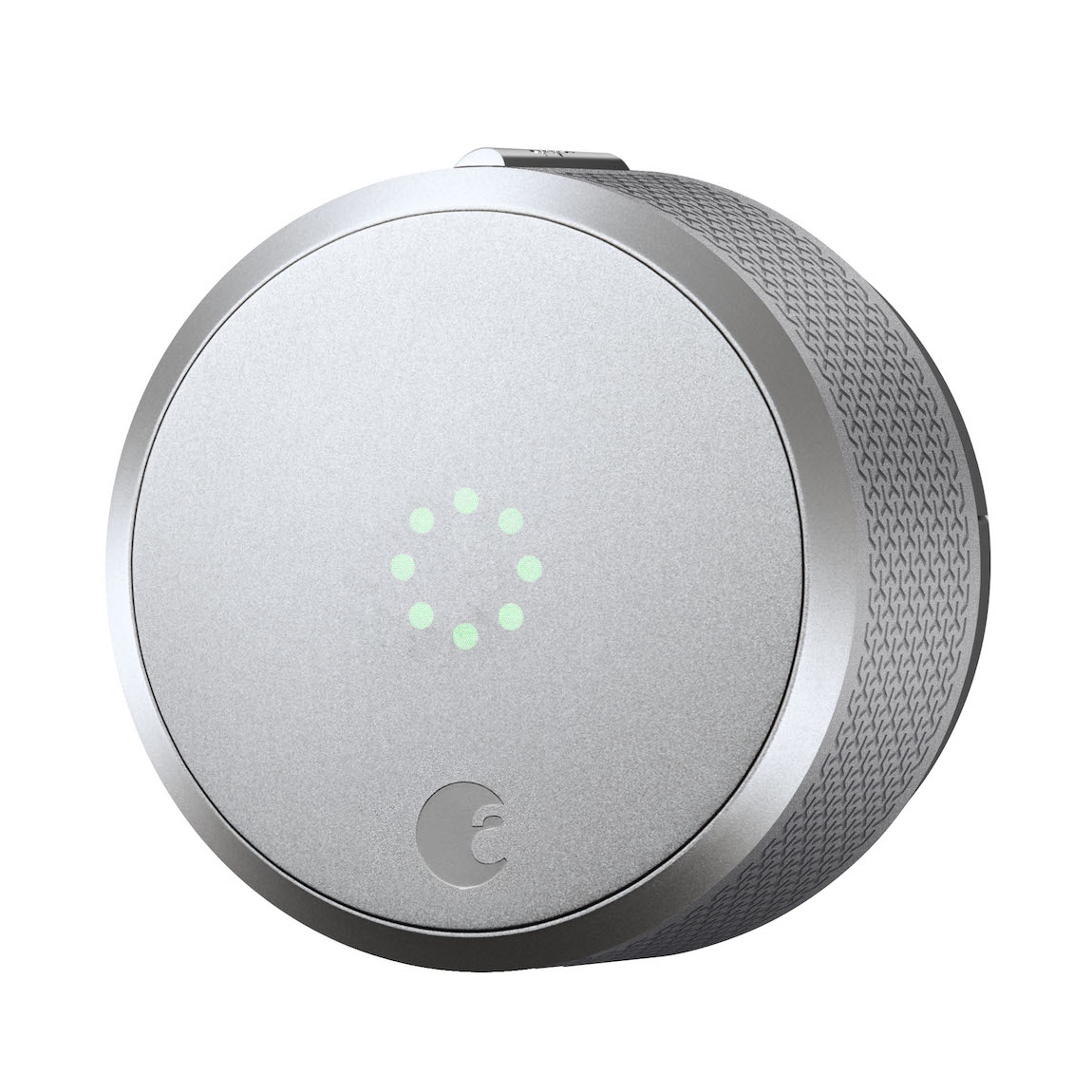
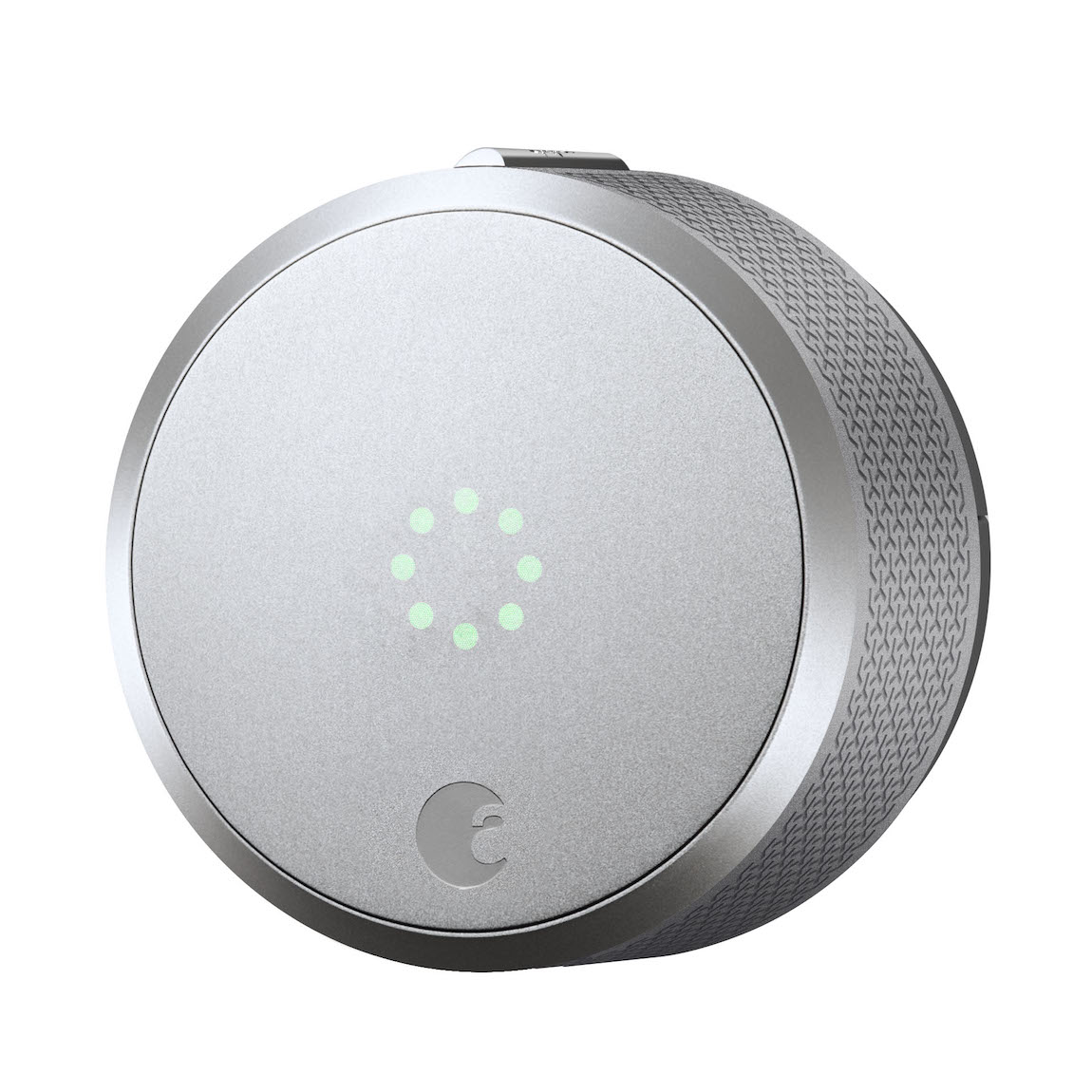
Name | August Smart Lock Rev 3 |
|---|
Short Description | Control and monitor your door from anywhere the August Smart Lock Pro. Lock and unlock your door and always know who's coming and going– all from your phone. |
|---|
Long Description | Give your customer total control over their front door, from anywhere. The August Smart Lock Pro is the leading Z-Wave Plus retrofit smart lock. You can lock and unlock your door, create virtual keys for guests, and keep track of who comes and goes with a 24/7 activity log, all from your iOS or Android smartphone. The August Smart Lock Pro features Z-Wave Plus and BLE and it is the only lock to support the three leading voice-assistants, Siri, Google Assistant, and Amazon Alexa. The lock quickly installs on the inside of your door with just a screwdriver. Keep your exterior door hardware exactly as it is and use your traditional key any
time. |
|---|
Brand | August Home |
|---|
Product Identifier | ASL-03 |
|---|
OEM Version | HW: 255 FW: 1.59 |
|---|
Hardware Platform | ZM5202 |
|---|
Z-Wave Version | 6.71.01 |
|---|
Library Type | SLAVE_ROUTING |
|---|
Device Type | Door Lock - Keypad |
|---|
Role Type | ROLE_TYPE_SLAVE_SLEEPING_LISTENING |
|---|
Manufacturer ID | 0x033F |
|---|
Product Type ID | 0x0001 |
|---|
Product ID | 0x0001 |
|---|
User Icon | 0x0300 |
|---|
Installer Icon | 0x0300 |
|---|
Frequency Plans | US: 916.00MHz, 908.40MHz |
|---|
Categories | Locks |
|---|
Countries / Regions | United States of America |
|---|
Supported Command Classes | Identifier | Name | Key | Version |
|---|
COMMAND_CLASS_FIRMWARE_UPDATE_MD_V4 | Firmware Update Meta-Data V4 | 0x7A | 4 | COMMAND_CLASS_POWERLEVEL | Powerlevel | 0x73 | 1 | COMMAND_CLASS_DOOR_LOCK_V2 | Door Lock V2 | 0x62 | 2 | COMMAND_CLASS_BATTERY | Battery | 0x80 | 1 | COMMAND_CLASS_SECURITY | Security S0 | 0x98 | 1 | COMMAND_CLASS_TRANSPORT_SERVICE_V2 | Transport Service V2 | 0x55 | 2 | COMMAND_CLASS_VERSION_V2 | Version V2 | 0x86 | 2 | COMMAND_CLASS_DEVICE_RESET_LOCALLY | Device Reset Locally | 0x5A | 1 | COMMAND_CLASS_ZWAVEPLUS_INFO_V2 | Z-Wave Plus Info V2 | 0x5E | 2 | COMMAND_CLASS_ASSOCIATION_V2 | Association V2 | 0x85 | 2 | COMMAND_CLASS_ASSOCIATION_GRP_INFO | Association Group Info | 0x59 | 1 | COMMAND_CLASS_NOTIFICATION_V8 | Notification V8 | 0x71 | 8 | COMMAND_CLASS_SECURITY_2 | Security S2 | 0x9F | 1 | COMMAND_CLASS_SUPERVISION | Supervision | 0x6C | 1 | COMMAND_CLASS_MANUFACTURER_SPECIFIC_V2 | Manufacturer Specific V2 | 0x72 | 2 |
|
|---|
Controlled Command Classes | Identifier | Name | Key | Version |
|---|
COMMAND_CLASS_SUPERVISION | Supervision | 0x6C | 1 |
|
|---|
S2 Classes | S2_AUTHENTICATED, S2_ACCESS_CONTROL |
|---|
Documents | Category | Description | File |
|---|
Manual_Primary_Lang | Product or Owner's Manual | |
|
|---|
Features | Feature | Values |
|---|
Battery Type | | Color | | Communications Connections | | Door Lock Type | Value |
|---|
Deadbolt Motor Attachment |
| Firmware Updatable | Value |
|---|
Updatable by Consumer by RF |
| Battery Quantity | | Supported Notification Types | |
|
|---|
Association Groups | Group Number | Maximum Nodes Supported | End Point ID | Description |
|---|
1 | 5 | 0 | The Lifeline group on this lock is used to report battery status, door lock operation status, and device reset locally notifications to nodes on the group list. | 2 | 5 | 0 | The Doorlock Op group on this lock is used to report door lock operation status to nodes on the group list. |
|
|---|
Texts | ID | Description | Value |
|---|
2 | Exclusion | In order to exclude the August Smart Lock from a Z-Wave network the user will have to do the following:
1. Open the August app
2. Go to the Lock Settings screen
3. Select Z-Wave Settings
4. Select Remove Z-Wave Device
5. Put the controller into exclusion mode and select My Hub is in Exlusion Mode on the August app | 1 | Inclusion | In order to include the August Smart Lock on to a Z-Wave network the user will have to do the following:
1. Open the August app
2. Go to the Lock Settings screen
3. Select Z-Wave Settings
4. Select Add To A Z-Wave Network
5. Put the controller into inclusion mode and select My Hub is in Inclusion Mode on the August app | 5 | Factory Reset | In order to reset the August Smart Lock the user will have to do the following:
1. Open the August app
2. Go to the Lock Settings screen
3. Select Z-Wave Settings
4. Select Remove Z-Wave device
5. Select My Hub Is No Longer Working
6. Caution: Resetting a Z-Wave device without telling the hub can cause performance issues. Use this procedure only when the Z-Wave hub is missing or otherwise inoperable.
7. Select Reset Z-Wave Device
8. On the Reset Z-Wave Device? prompt select Reset | 4 | Device Wake-Up | Any operation (manual, RF, etc.) will wake up the lock. |
|
|---|
Supported Notification Types | Notification Type | Event / State |
|---|
Access Control | (Refer to parameters): State idle |
|
|---|
Supports NWI | Yes |
|---|
Supports Explorer Frames | Yes |
|---|
Is Flirs | Yes |
|---|