Product Recognition | |
|---|
Certification Number | ZC10-18026023 |
|---|
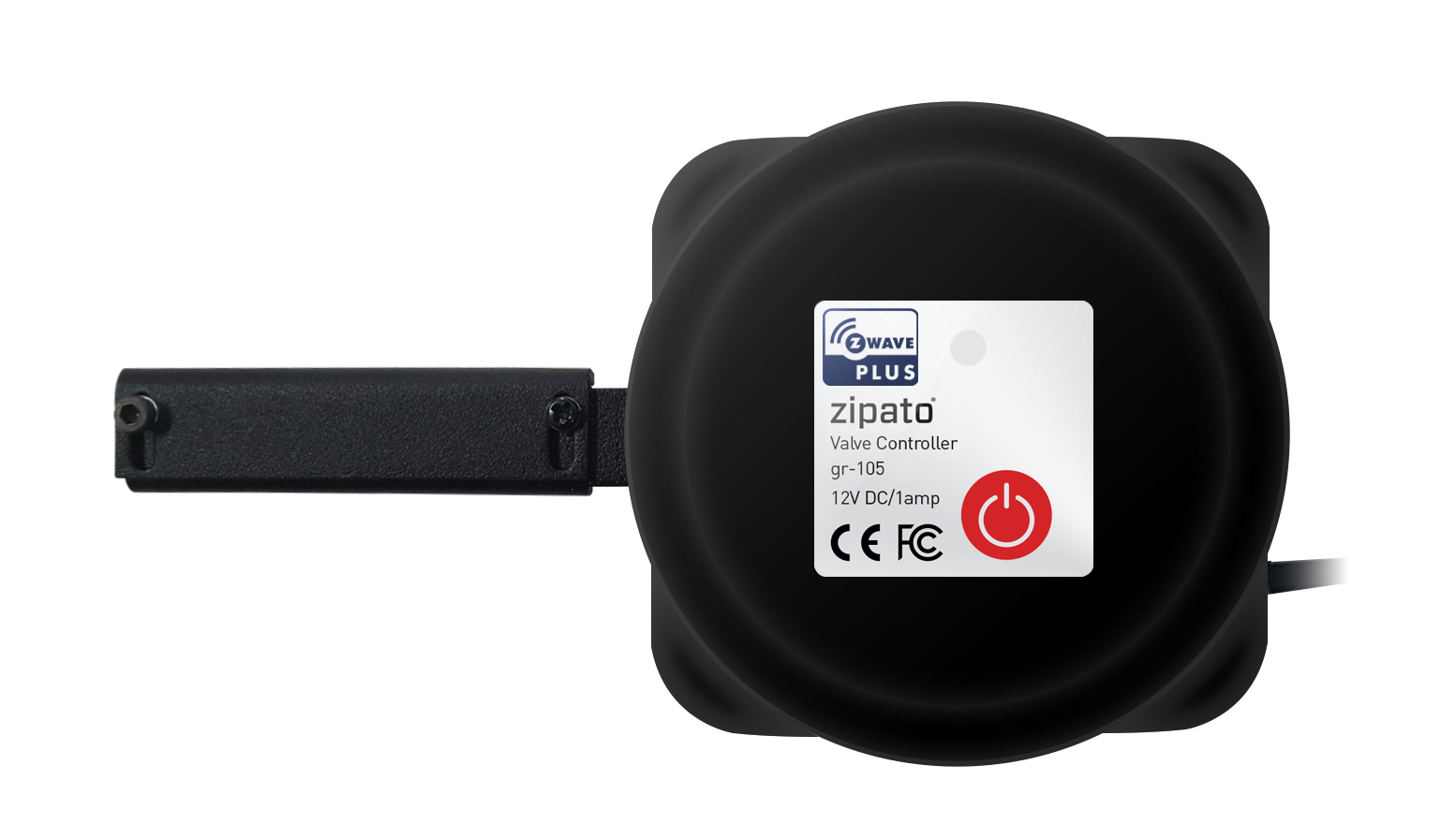
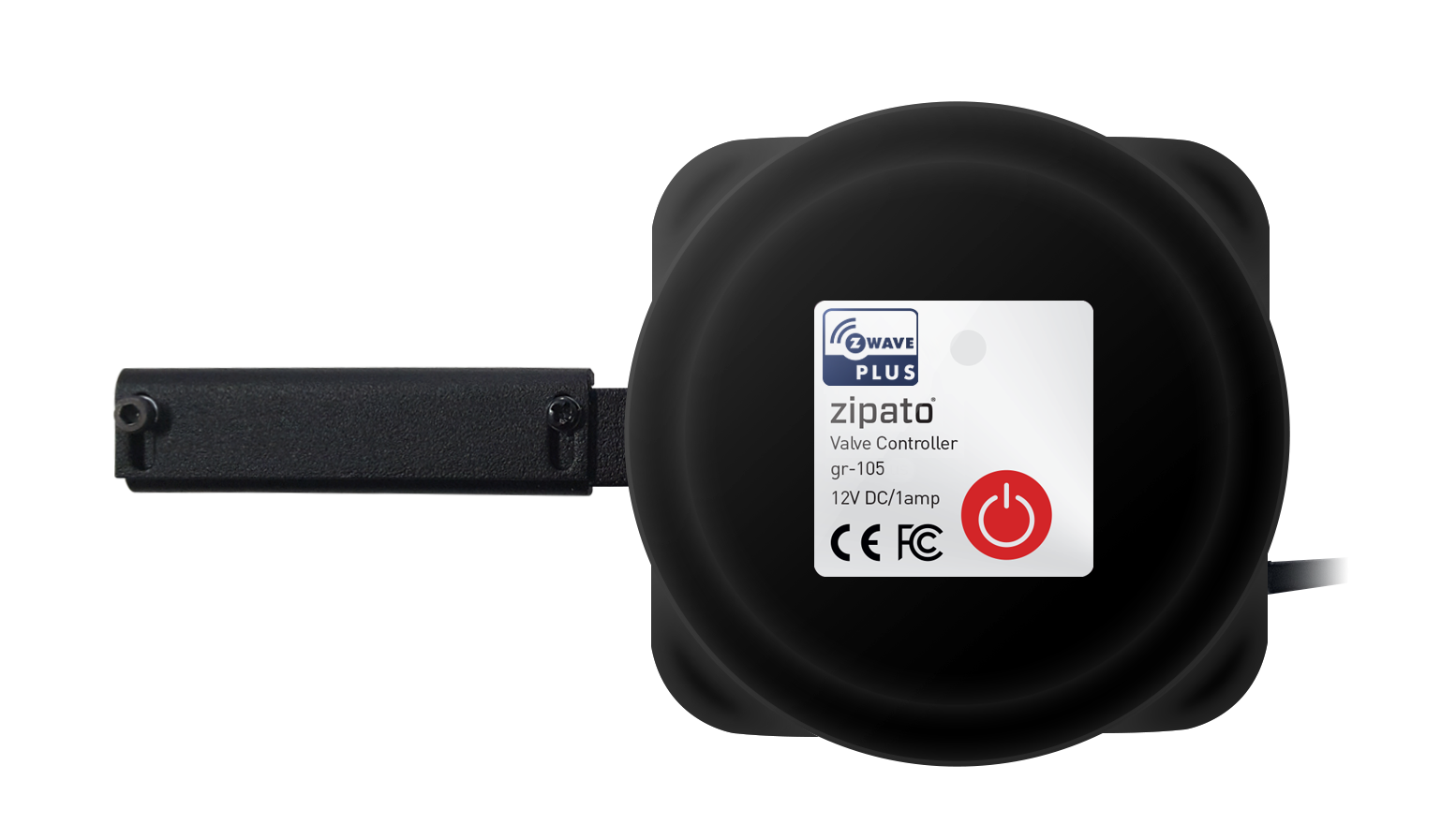
Name | Auto Valve |
|---|
Short Description | Heavy-duty automated Valve Controller, that can fit variety of fluid management purposes. |
|---|
Long Description | Heavy-duty automated Valve Controller, that can fit variety of fluid management purposes. When used as a part of Zipato ecosystem, it can cut the water or gas supply when leak is detected. |
|---|
Brand | Zipato |
|---|
Product Identifier | GR-105US |
|---|
OEM Version | HW: 2 FW: 0.02 |
|---|
Hardware Platform | ZM5202 |
|---|
Z-Wave Version | 6.51.06 |
|---|
Library Type | SLAVE_ROUTING |
|---|
Device Type | Valve |
|---|
Role Type | ROLE_TYPE_SLAVE_ALWAYS_ON |
|---|
Manufacturer ID | 0x0131 |
|---|
Product Type ID | 0x0003 |
|---|
Product ID | 0x0512 |
|---|
User Icon | 0x1500 |
|---|
Installer Icon | 0x1500 |
|---|
Frequency Plans | US: 916.00MHz, 908.40MHz |
|---|
Categories | All Lighting Devices, On/Off Switches/Devices |
|---|
Countries / Regions | United States of America |
|---|
Supported Command Classes | Identifier | Name | Key | Version |
|---|
COMMAND_CLASS_POWERLEVEL | Powerlevel | 0x73 | 1 | COMMAND_CLASS_BATTERY | Battery | 0x80 | 1 | COMMAND_CLASS_SWITCH_BINARY | Switch Binary | 0x25 | 1 | COMMAND_CLASS_BASIC | Basic | 0x20 | 1 | COMMAND_CLASS_VERSION_V2 | Version V2 | 0x86 | 2 | COMMAND_CLASS_DEVICE_RESET_LOCALLY | Device Reset Locally | 0x5A | 1 | COMMAND_CLASS_ZWAVEPLUS_INFO_V2 | Z-Wave Plus Info V2 | 0x5E | 2 | COMMAND_CLASS_ASSOCIATION_V2 | Association V2 | 0x85 | 2 | COMMAND_CLASS_ASSOCIATION_GRP_INFO | Association Group Info | 0x59 | 1 | COMMAND_CLASS_MANUFACTURER_SPECIFIC_V2 | Manufacturer Specific V2 | 0x72 | 2 |
|
|---|
Documents | Category | Description | File |
|---|
Manual_Primary_Lang | Product or Owner's Manual | |
|
|---|
Features | |
|---|
Association Groups | Group Number | Maximum Nodes Supported | End Point ID | Description |
|---|
1 | 5 | 0 | Z-Wave Plus Lifeline |
|
|---|
Texts | ID | Description | Value |
|---|
1 | Inclusion | 1. Follow the instructions for your Z-Wave certified controller to include a device to the Z-Wave network.
2.Once the controller is ready to include your device, press the red button 3 times to include it in the Z-Wave network. | 2 | Exclusion | 1. Follow the instructions for your Z-Wave certified controller to exclude a device to the Z-Wave network.
2.Once the controller is ready to exclude your device, press the red button 3 times to exclude it from the Z-Wave network. | 5 | Factory Reset | Press and hold the button 10 seconds and release the button. The device will send the reset notification to the list node in the group1 and erases the device memory , when the light flash it is resetting success.
Note: This should only be used in the event your networks primary controller is missing or otherwise inoperable. |
|
|---|
Supports NWI | Yes |
|---|
Supports Explorer Frames | Yes |
|---|
Radio Range Z-Wave (m) | 40 |
|---|