Product Recognition | |
|---|
Certification Number | ZC10-17065653 |
|---|
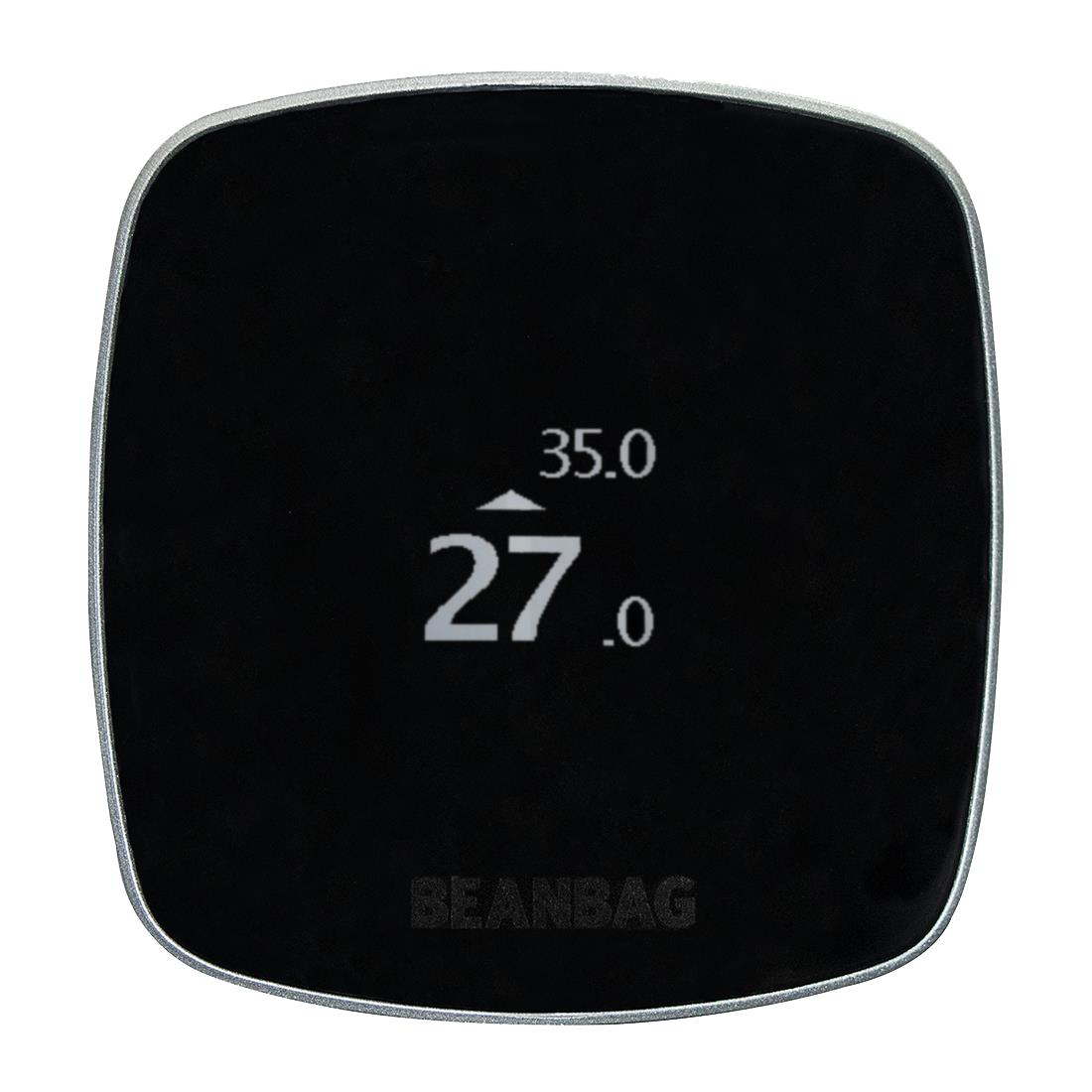
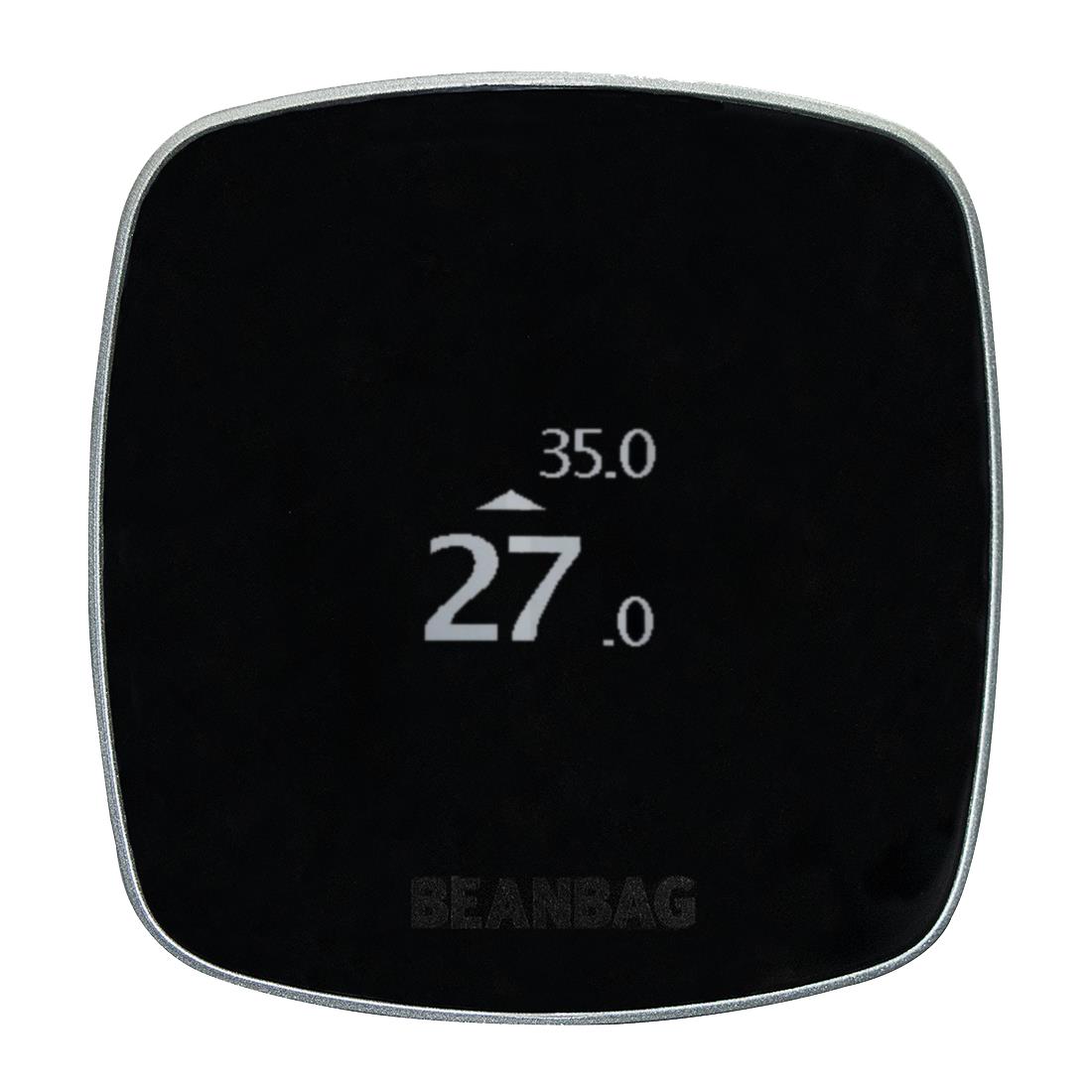
Name | Beanbag Thermostat |
|---|
Short Description | The Beanbag thermostat provides wireless temperature control of the space. Installation, set point adjustment and battery status are all facilitated via the high quality OLED display. |
|---|
Long Description | The Beanbag electronic room thermostat provides wireless temperature control of the space. It is battery powered by 2 X AA alkaline batteries with a projected operational life of > 2 years. The high quality OLED display provides access to the ambient temperature reading with a range of 0⁰C to 35⁰C with a granularity of 0.1⁰C. Set point adjustment is possible between 5⁰C to 35⁰C with a granularity of 0.5⁰C. It is designed to be wall mounted using a click on wall plate with optional facia plate. Enclosure protection is to IP30 with an operating temperature range of 0⁰C to 40⁰C. The HAN is established following a step by step process via the OLED display. |
|---|
Brand | Beanbag |
|---|
Product Identifier | BBK001-Z00 |
|---|
OEM Version | 4.3.0.2.1 |
|---|
Hardware Platform | ZM5202 |
|---|
Library Type | CONTROLLER_PORTABLE |
|---|
Device Type | Multilevel Sensor |
|---|
Role Type | ROLE_TYPE_CONTROLLER_PORTABLE_REPORTING |
|---|
Manufacturer ID | 0x0059 |
|---|
Product Type ID | 0x0013 |
|---|
Product ID | 0x0001 |
|---|
User Icon | 0x0D00 |
|---|
Installer Icon | 0x0D01 |
|---|
Frequency Plans | EU: 869.85MHz, 868.40MHz |
|---|
Categories | Sensors, Thermostats |
|---|
Countries / Regions | European Union |
|---|
Controlled Command Classes | Identifier | Name | Key | Version |
|---|
COMMAND_CLASS_THERMOSTAT_SETPOINT_V3 | Thermostat Setpoint V3 | 0x43 | 3 | COMMAND_CLASS_ASSOCIATION_V2 | Association V2 | 0x85 | 2 |
|
|---|
Documents | Category | Description | File |
|---|
Manual_Primary_Lang | Product or Owner's Manual | |
|
|---|
Features | Feature | Values |
|---|
Battery Quantity | | Battery Type | Value |
|---|
AA LR6 alkaline, 2700 mAh, 1.5V each |
| Color | | Firmware Updatable | Value |
|---|
Updatable by Manufacturer |
| Outdoor Use | | Sensors | | Thermostat HVAC Systems Supported | | Thermostat Power Source | |
|
|---|
Association Groups | Group Number | Maximum Nodes Supported | End Point ID | Description |
|---|
2 | 1 | 0 | Sensor: Air temperature | 1 | 1 | 0 | Z-Wave Plus Lifeline |
|
|---|
Configuration Parameters | Parameter Number | Name | Description | Format | Size | Min Value | Max Value | Default Value | Parameter Values |
|---|
1 | Delta Temperature for Association Group 2 | Delta Temperature for Association Group 2 | 0 | 1 | 0 | 0 | 10 | From | To | Description |
|---|
0 | 100 | in 0.1 degree centigrade. |
| 6 | Temperature report Interval for lifeline group | Temperature report Interval for lifeline group | 0 | 1 | 0 | 0 | 0 | From | To | Description |
|---|
0 | 255 | in degree centigrade. Controllers may only allow configuring signed values. In order to set values in the range 128…255, the value sent in the application shall be equal to desired value minus 256. For example, to set Delta Temperature to 130, it may be needed to set a value 130−256=−126. |
| 5 | Delta Temperature for lifeline Group | Delta Temperature for lifeline Group | 0 | 1 | 0 | 0 | 0 | From | To | Description |
|---|
0 | 100 | in 0.1 degree centigrade. |
|
|
|---|
Texts | ID | Description | Value |
|---|
5 | Factory Reset | On thermostat in advance mode scroll to option “Factory Reset”, then click OK button.
Note: Please use this procedure only when the network primary controller is missing or otherwise inoperable | 4 | Device Wake-Up | On thermostat, click OK button when device screen is off, or in advance mode scroll to option “Enter listening mode” then click OK button. | 3 | Learn Mode (adding another controller) | On thermostat in advance mode scroll to option “Activate Learn Mode”, then click OK button. | 2 | Exclusion | On thermostat in advance mode scroll to option “Remove device”, then click OK button. On other Z-Wave device start learn process, thermostat will display outcome on completion of the process. | 1 | Inclusion | On thermostat in advance mode scroll to option “Add device”, then click OK button. On other Z-Wave device start learn process, thermostat will display outcome on completion of the process. |
|
|---|
Supported Multilevel Sensors | Multilevel Sensor Type |
|---|
Air temperature |
|
|---|
Supports NWI | Yes |
|---|
Supports Explorer Frames | Yes |
|---|