Product Recognition | |
|---|
Certification Number | ZC10-19116803 |
|---|
Name | Chandelier |
|---|
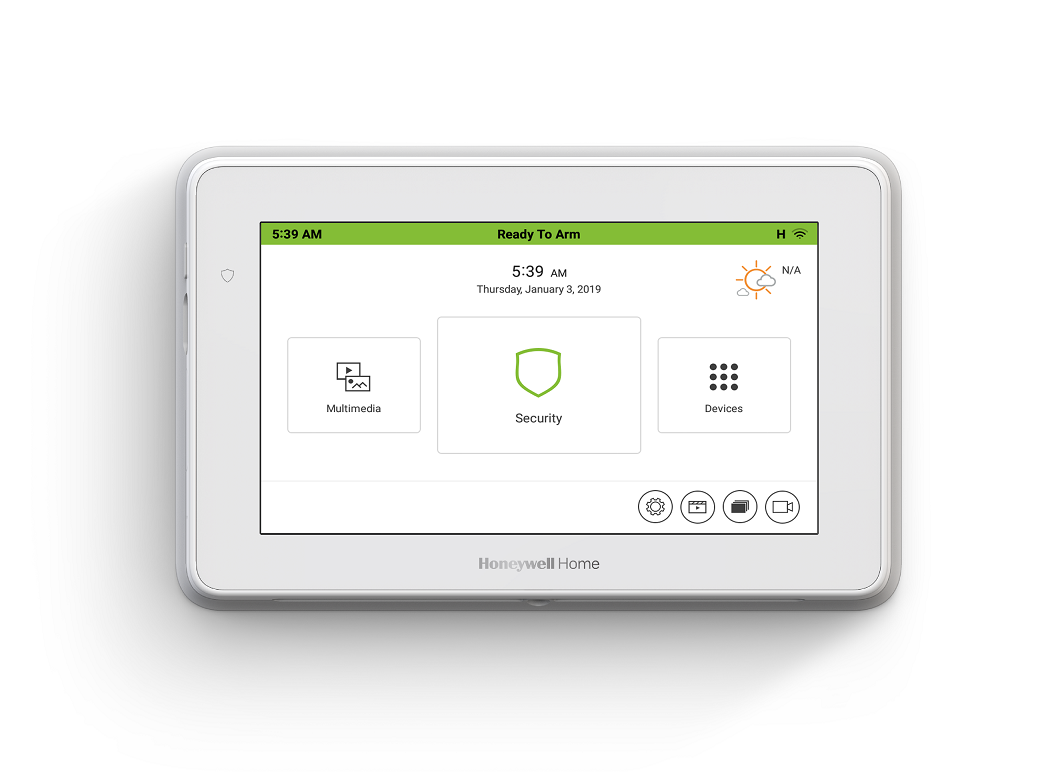
Short Description | TuxedoW is a wired keypad used to control a security system and the Z-wave devices integrated with the system. TuxedoW is a Z-Wave Gateway and security system. |
|---|
Long Description | Honeywell Home TuxedoW Touch is a 7", high-resolution graphic touchscreen and controller that integrates security with home and business automation. It provides opportunities to capture new prospects and markets by seamlessly integrating security with voice commands, video viewing and recording, and the ability to control Z-Wave® enabled thermostats, lights, locks and shades. This versatile product is the perfect way to differentiate your business and safeguard your accounts.
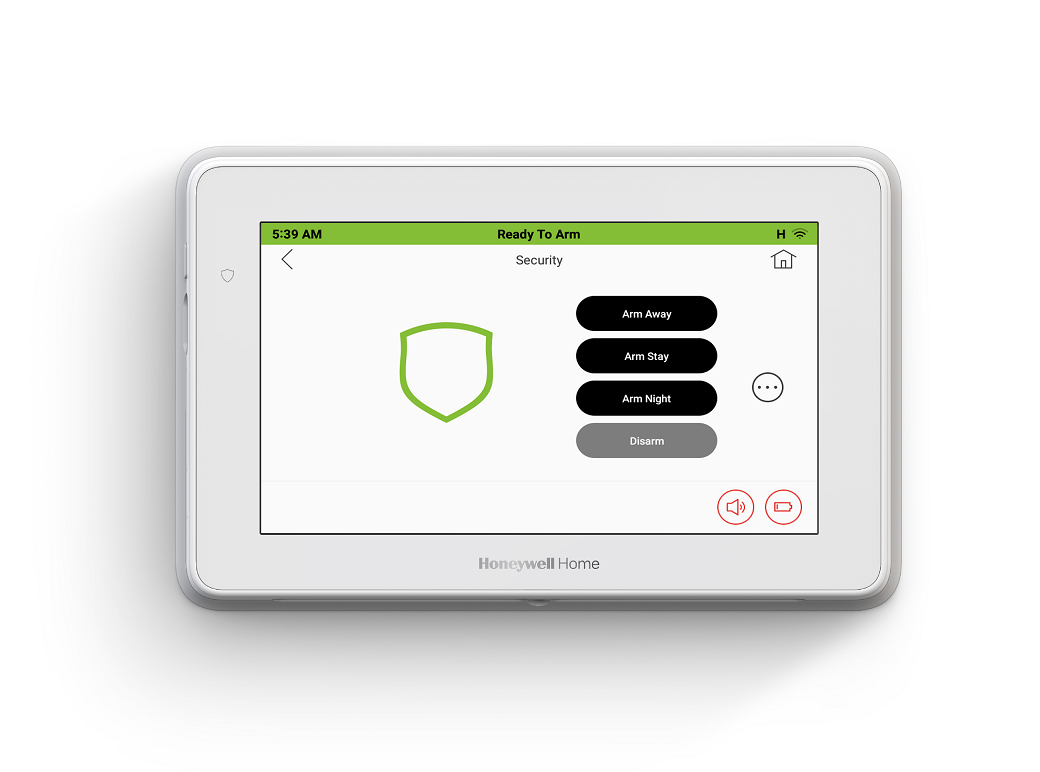
Consumers can now utilize groundbreaking voice control in everyday living. By speaking commands such as “leaving the house” or “returning home”, users can perform a range of tasks, such as arming their systems, adjusting Z-Wave enabled thermostats, controlling lights, locking doors and more.
With Resideo Total Connect Remote Services, users can also view cameras, control their security system, lights, locks and thermostats, and receive event-driven email and video alerts remotely—a great opportunity for additional RMR. |
|---|
Brand | Honeywell Home (Resideo) |
|---|
Product Identifier | TuxedoW |
|---|
Product Line | Wired keypad |
|---|
OEM Version | HW: 1 FW: 6.04:02.81:02.02 |
|---|
Hardware Platform | ZM5202 |
|---|
Z-Wave Version | 6.81.03 |
|---|
Library Type | CONTROLLER_BRIDGE |
|---|
Device Type | Gateway |
|---|
Role Type | ROLE_TYPE_CONTROLLER_CENTRAL_STATIC |
|---|
Manufacturer ID | 0x041B |
|---|
Product Type ID | 0x0001 |
|---|
Product ID | 0x0004 |
|---|
User Icon | 0x0500 |
|---|
Installer Icon | 0x0500 |
|---|
Frequency Plans | US: 916.00MHz, 908.40MHz |
|---|
Categories | All Controllers, Gateway Controller, Security Systems |
|---|
Countries / Regions | United States of America |
|---|
Supported Command Classes | Identifier | Name | Key | Version |
|---|
COMMAND_CLASS_NETWORK_MANAGEMENT_INCLUSION | Network Management Inclusion | 0x34 | 1 | COMMAND_CLASS_POWERLEVEL | Powerlevel | 0x73 | 1 | COMMAND_CLASS_NETWORK_MANAGEMENT_INSTALLATION_MAINTENANCE | Network Management Installation and Maintenance | 0x67 | 1 | COMMAND_CLASS_INCLUSION_CONTROLLER | Inclusion Controller | 0x74 | 1 | COMMAND_CLASS_NETWORK_MANAGEMENT_PROXY | Network Management Proxy | 0x52 | 1 | COMMAND_CLASS_CRC_16_ENCAP | CRC16 Encapsulation | 0x56 | 1 | COMMAND_CLASS_SECURITY | Security S0 | 0x98 | 1 | COMMAND_CLASS_TRANSPORT_SERVICE_V2 | Transport Service V2 | 0x55 | 2 | COMMAND_CLASS_DEVICE_RESET_LOCALLY | Device Reset Locally | 0x5A | 1 | COMMAND_CLASS_ZWAVEPLUS_INFO_V2 | Z-Wave Plus Info V2 | 0x5E | 2 | COMMAND_CLASS_ASSOCIATION_V2 | Association V2 | 0x85 | 2 | COMMAND_CLASS_ASSOCIATION_GRP_INFO_V3 | Association Group Information V3 | 0x59 | 3 | COMMAND_CLASS_SECURITY_2 | Security S2 | 0x9F | 1 | COMMAND_CLASS_VERSION_V3 | Version V3 | 0x86 | 3 | COMMAND_CLASS_SUPERVISION | Supervision | 0x6C | 1 | COMMAND_CLASS_MANUFACTURER_SPECIFIC_V2 | Manufacturer Specific V2 | 0x72 | 2 | COMMAND_CLASS_NETWORK_MANAGEMENT_BASIC | Network Management Basic | 0x4D | 1 |
|
|---|
Controlled Command Classes | Identifier | Name | Key | Version |
|---|
COMMAND_CLASS_SWITCH_BINARY_V2 | Switch Binary V2 | 0x25 | 2 | COMMAND_CLASS_THERMOSTAT_FAN_MODE_V4 | Thermostat Fan Mode V4 | 0x44 | 4 | COMMAND_CLASS_THERMOSTAT_OPERATING_STATE_V2 | Thermostat Operating State V2 | 0x42 | 2 | COMMAND_CLASS_MULTI_CHANNEL_ASSOCIATION_V3 | Multi-Channel Association V3 | 0x8E | 3 | COMMAND_CLASS_BASIC | Basic | 0x20 | 1 | COMMAND_CLASS_CRC_16_ENCAP | CRC16 Encapsulation | 0x56 | 1 | COMMAND_CLASS_SECURITY | Security S0 | 0x98 | 1 | COMMAND_CLASS_THERMOSTAT_FAN_STATE_V2 | Thermostat Fan State V2 | 0x45 | 2 | COMMAND_CLASS_THERMOSTAT_MODE_V3 | Thermostat Mode V3 | 0x40 | 3 | COMMAND_CLASS_THERMOSTAT_SETPOINT_V3 | Thermostat Setpoint V3 | 0x43 | 3 | COMMAND_CLASS_WAKE_UP_V2 | Wake Up V2 | 0x84 | 2 | COMMAND_CLASS_ASSOCIATION_V2 | Association V2 | 0x85 | 2 | COMMAND_CLASS_MULTI_CHANNEL_V4 | Multi-Channel V4 | 0x60 | 4 | COMMAND_CLASS_SWITCH_MULTILEVEL_V4 | Switch Multilevel V4 | 0x26 | 4 | COMMAND_CLASS_SECURITY_2 | Security S2 | 0x9F | 1 | COMMAND_CLASS_DOOR_LOCK_V3 | Door Lock V3 | 0x62 | 3 | COMMAND_CLASS_SENSOR_MULTILEVEL_V11 | Sensor Multilevel V11 | 0x31 | 11 |
|
|---|
S2 Classes | S2_UNAUTHENTICATED, S2_AUTHENTICATED, S2_ACCESS_CONTROL |
|---|
Documents | Category | Description | File |
|---|
Manual_Primary_Lang | Product Manual | | Adv_Manual | Advanced Information Product Manual | | Installer_Guide | Installation Guide | |
|
|---|
Features | Feature | Values |
|---|
Firmware Updatable | |
|
|---|
Association Groups | Group Number | Maximum Nodes Supported | End Point ID | Group Name | Description |
|---|
1 | 1 | 0 | Lifeline | Group 1, the Lifeline group sends notifications when a code is entered by the keypad and under certain other conditions. |
|
|---|
Texts | ID | Description | Value |
|---|
8 | Where to find S2 DSK on product | DSK is located on the back of the unit in the middle of the FCC label, right below MAC and CRC. | 5 | Factory Reset Procedure | Please use this procedure only when the network primary controller is missing or otherwise inoperable.
To activate the Keypad Reset function, press the Setup, System Setup and Advanced Setup icons
1. Enter your Authorized Code and press the Keypad Reset icon.
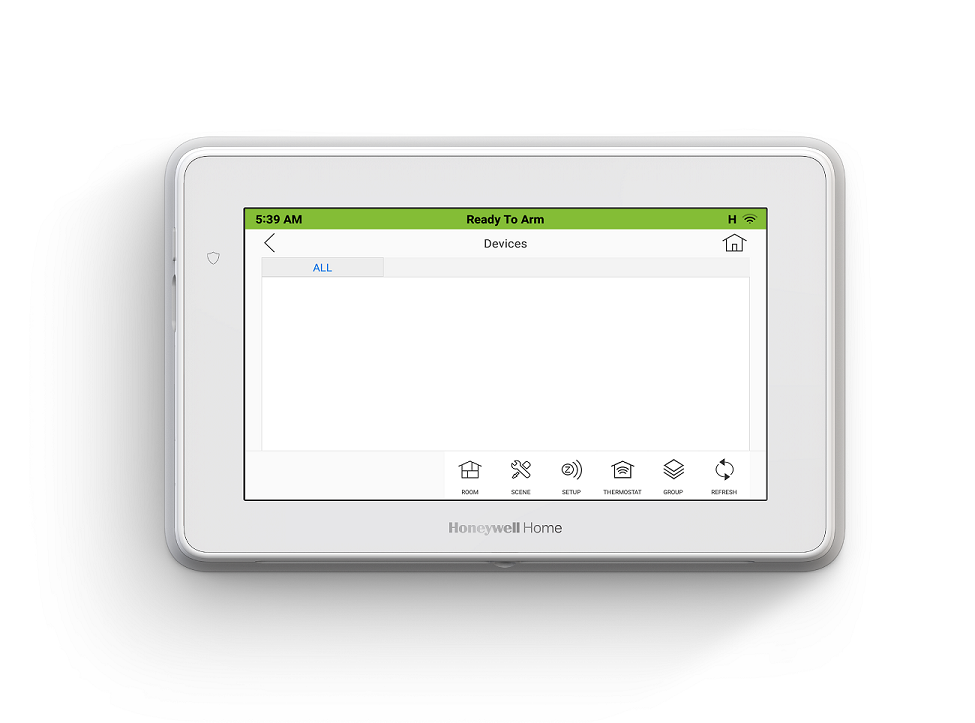
2. Select OK or Cancel | 1 | Classic Inclusion | 1. At the TUXEDOW Home screen:
a) Press the Devices icon and then press the SETUP icon to display “Z-Wave Device Management” screen.
b) Press the ADD DEVICE icon.
2. At the device Module:
a) Press the Function Key on the device | 2 | Classic Exclusion | 1. At the TUXEDOW Home screen:
a) Press the Devices and Setup icons to display the “ZWave Device Management” screen.
b) Highlight the device to remove and press the Remove Device icon.
2. At the device module:
a) Press the Function Key to remove the device from the keypad |
|
|---|
Supports NWI | Yes |
|---|
Supports Explorer Frames | Yes |
|---|