

Product Recognition | |
|---|---|
Certification Number | ZC10-15110003 |
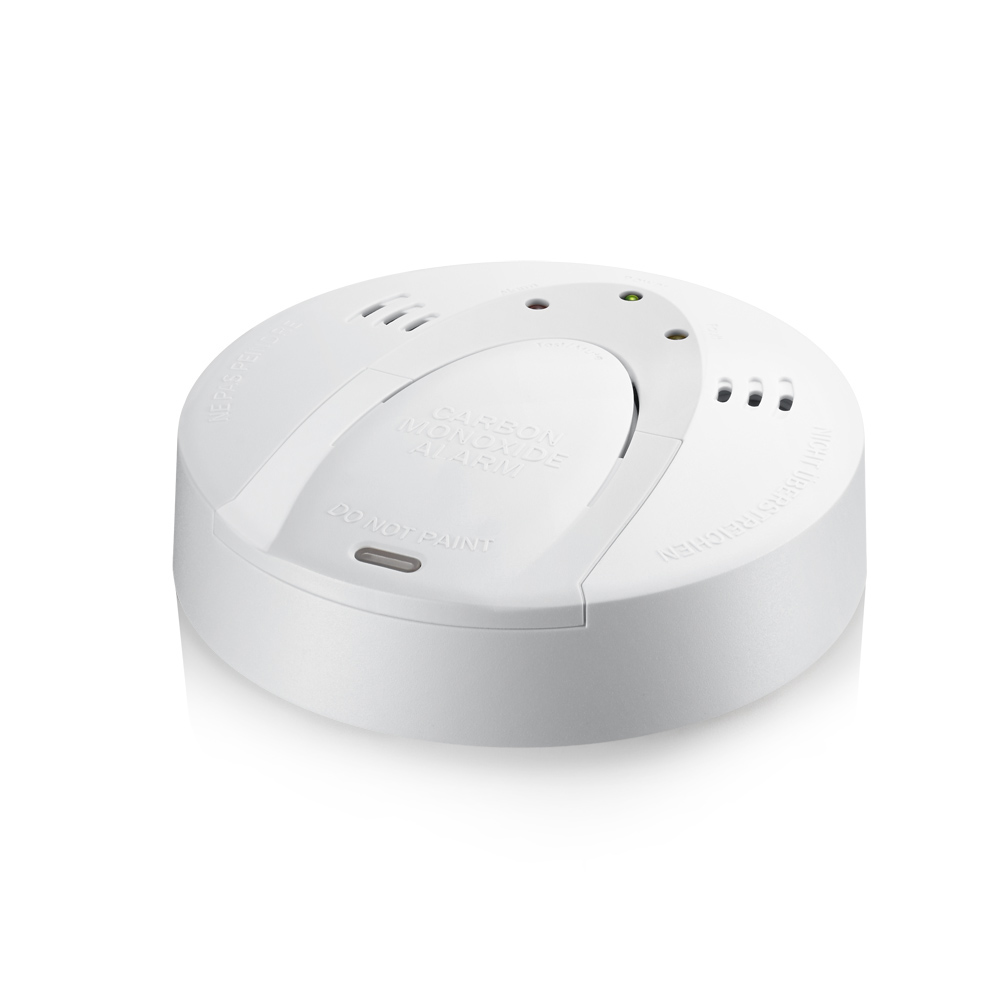
Name | CO Detector |
Short Description | The ZS6301EU-5 is a Z-WAVE enabled CO detector. |
Long Description | The ZS6301EU-5 is a Z-WAVE enabled CO detector which is designed to sense CO that comes into the detector's chamber and send Z-WAVE signal and warning sound (with audibility as 85dB at 3m) if it detects a certain density of CO. The detector is battery operated and includes the ability to detects the battery level and will report an alert signal if the battery is under certain low level. The sensitivity of its sensor is meet both UL217 and EN14604 standard. The ZS6301EU-5 also supports its firmware could updated over Z-WAVE network. |
Brand | Vision |
Product Identifier | ZS6301EU-5 |
OEM Version | 02 |
Hardware Platform | ZM5202 |
Z-Wave Version | 6.51.06 |
Library Type | SLAVE_ENHANCED_232 |
Device Type | Notification Sensor |
Role Type | ROLE_TYPE_SLAVE_SLEEPING_REPORTING |
Manufacturer ID | 0x0109 |
Product Type ID | 0x200F |
Product ID | 0x0F04 |
Frequency Plans | EU: 869.85MHz, 868.40MHz |
Categories | Sensors |
Countries / Regions | European Union |
Controlled Command Classes | |
Documents | |
Association Groups | |
Texts | |
Supports NWI | Yes |
Supports Explorer Frames | Yes |
Radio Range Z-Wave (m) | 40 |