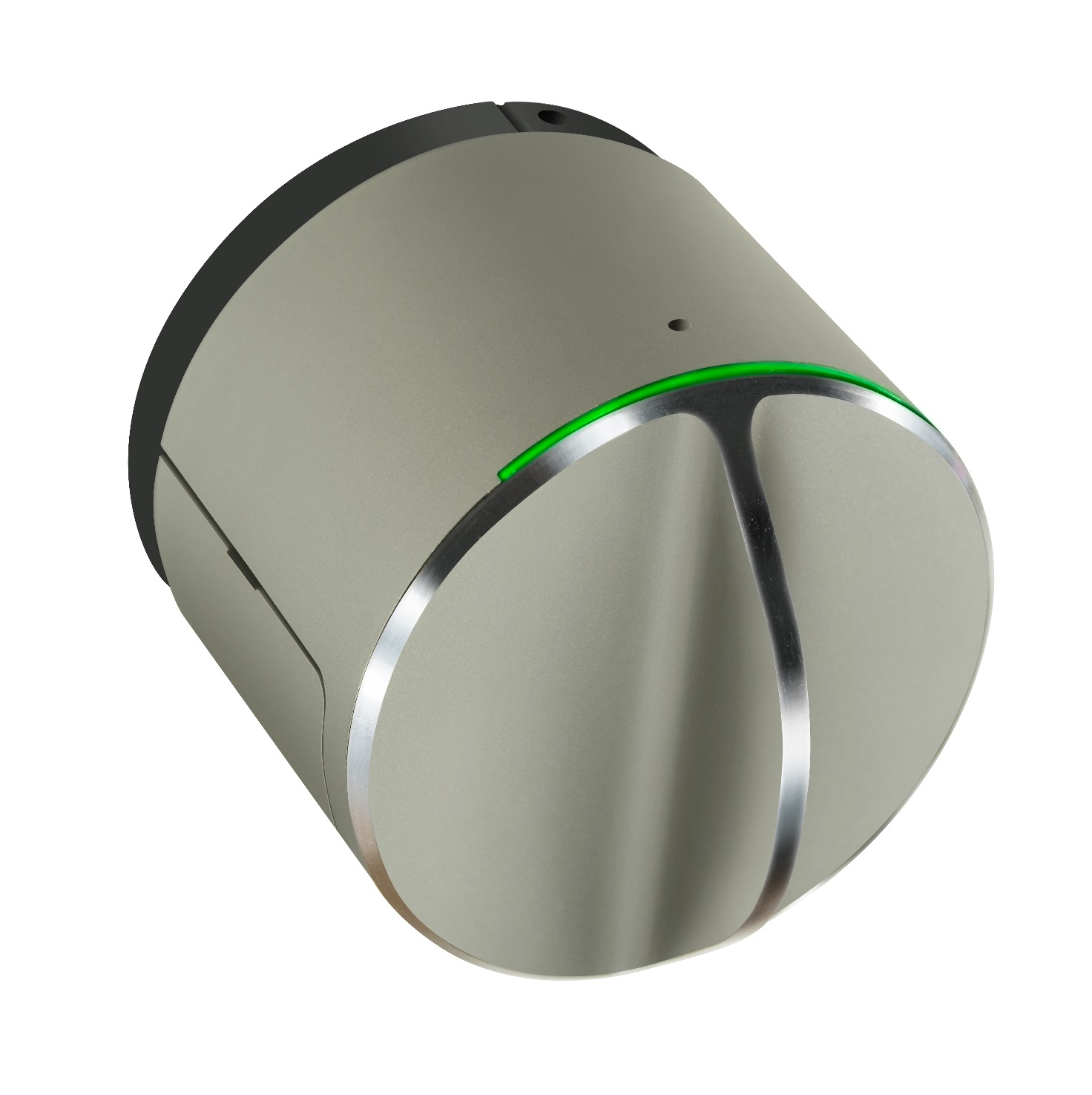
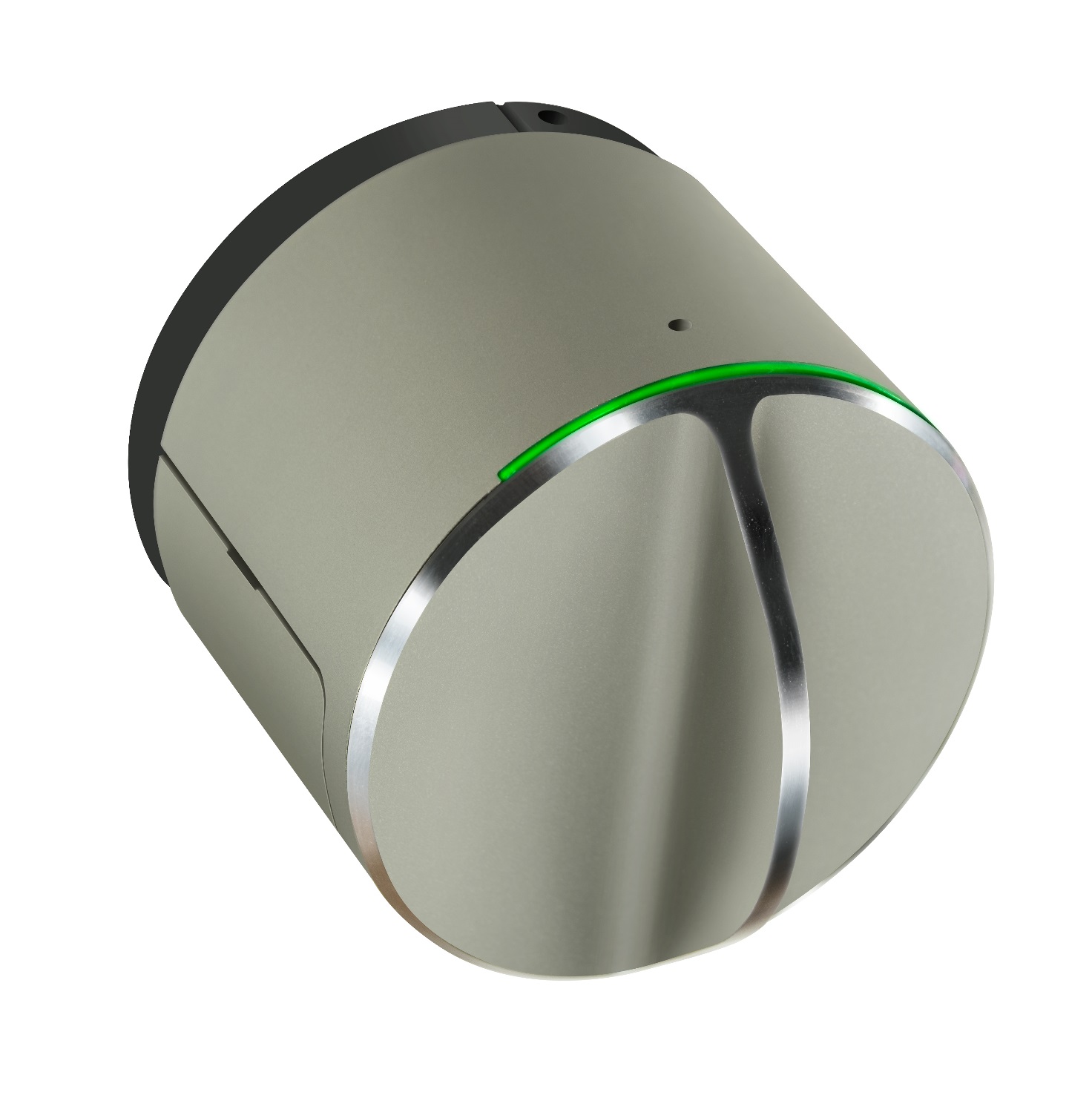
Product Recognition | |
|---|
Certification Number | ZC10-17105791 |
|---|
Name | Danalock V3-BTZU |
|---|
Short Description | Z-Wave Controlled door lock with Bluetooth Smart. |
|---|
Long Description | Danalock supports:
- S0/S2 Z-Wave Security
- Bluetooth Smart
- Twist Assist
- Auto Lock
- Hold And Release
- Back To Back |
|---|
Brand | Danalock |
|---|
Product Identifier | Danalock V3-BTZU |
|---|
OEM Version | HW: 2 FW: 1.02:00.07 |
|---|
Hardware Platform | ZM5202 |
|---|
Z-Wave Version | 6.71.01 |
|---|
Library Type | SLAVE_ENHANCED_232 |
|---|
Device Type | Door Lock - Keypad |
|---|
Role Type | ROLE_TYPE_SLAVE_SLEEPING_LISTENING |
|---|
Manufacturer ID | 0x010E |
|---|
Product Type ID | 0x0009 |
|---|
Product ID | 0x0001 |
|---|
User Icon | 0x0300 |
|---|
Installer Icon | 0x0300 |
|---|
Frequency Plans | US: 916.00MHz, 908.40MHz |
|---|
Categories | Locks |
|---|
Countries / Regions | United States of America |
|---|
Supported Command Classes | Identifier | Name | Key | Version |
|---|
COMMAND_CLASS_FIRMWARE_UPDATE_MD_V4 | Firmware Update Meta-Data V4 | 0x7A | 4 | COMMAND_CLASS_POWERLEVEL | Powerlevel | 0x73 | 1 | COMMAND_CLASS_DOOR_LOCK_V2 | Door Lock V2 | 0x62 | 2 | COMMAND_CLASS_BATTERY | Battery | 0x80 | 1 | COMMAND_CLASS_CONFIGURATION | Configuration | 0x70 | 1 | COMMAND_CLASS_SECURITY | Security S0 | 0x98 | 1 | COMMAND_CLASS_TRANSPORT_SERVICE_V2 | Transport Service V2 | 0x55 | 2 | COMMAND_CLASS_VERSION_V2 | Version V2 | 0x86 | 2 | COMMAND_CLASS_DEVICE_RESET_LOCALLY | Device Reset Locally | 0x5A | 1 | COMMAND_CLASS_ZWAVEPLUS_INFO_V2 | Z-Wave Plus Info V2 | 0x5E | 2 | COMMAND_CLASS_ASSOCIATION_V2 | Association V2 | 0x85 | 2 | COMMAND_CLASS_ASSOCIATION_GRP_INFO | Association Group Info | 0x59 | 1 | COMMAND_CLASS_NOTIFICATION_V8 | Notification V8 | 0x71 | 8 | COMMAND_CLASS_SECURITY_2 | Security S2 | 0x9F | 1 | COMMAND_CLASS_SUPERVISION | Supervision | 0x6C | 1 | COMMAND_CLASS_MANUFACTURER_SPECIFIC_V2 | Manufacturer Specific V2 | 0x72 | 2 |
|
|---|
S2 Classes | S2_ACCESS_CONTROL |
|---|
Documents | Category | Description | File |
|---|
Manual_Primary_Lang | Product or Owner's Manual | |
|
|---|
Features | Feature | Values |
|---|
Battery Type | | Firmware Updatable | Value |
|---|
Updatable by Consumer by RF |
| Supported Notification Types | | Battery Quantity | |
|
|---|
Association Groups | Group Number | Maximum Nodes Supported | End Point ID | Description |
|---|
1 | 1 | 0 | Z-Wave Plus Lifeline
• Device Reset Locally: triggered upon reset.
• Battery/notification: triggered upon low battery.
• Door Lock operation report: triggered upon a change in door lock
• Notification: triggered upon a change in door lock |
|
|---|
Configuration Parameters | Parameter Number | Name | Description | Format | Size | Min Value | Max Value | Default Value | Parameter Values |
|---|
6 | Autolock | Lock after an unlock. The value is the delay in time before the lock is locked again. | 0 | 4 | 0 | 0 | 0 | From | To | Description |
|---|
0 | 0 | Diable | 1 | 2147483647 | Enable no. of seconds |
| 1 | Twist Assist | Helps you to lock and unlock your door lock. | 0 | 1 | 0 | 0 | 0 | From | To | Description |
|---|
1 | 1 | Enabled | 0 | 0 | Disabled |
| 3 | Block to Block | The lock will run the motor until it hits resistance. | 0 | 1 | 0 | 0 | 0 | From | To | Description |
|---|
0 | 0 | Disable | 1 | 1 | Enable |
| 4 | BLE Temporary Allowed | The BLE is enabled for a number of seconds. | 0 | 4 | 0 | 0 | 0 | From | To | Description |
|---|
0 | 0 | | 1 | 2147483647 | Enable no. of seconds |
| 5 | BLE Always Allowed | | 0 | 1 | 0 | 0 | 0 | From | To | Description |
|---|
0 | 0 | BLE Always disabled | 1 | 1 | BLE Always enabled |
| 2 | Hold and Release | After a unlock operation the lock holds the lock, so the door can be opened | 0 | 4 | 0 | 0 | 0 | From | To | Description |
|---|
0 | 0 | Disable | 1 | 2147483647 | Enable no. of seconds |
|
|
|---|
Texts | ID | Description | Value |
|---|
1 | Inclusion | 1. Set the controller in inclusion mode
2. Push the switch once.
3. Wait 5 seconds. | 2 | Exclusion | 1. Set the controller in exclusion mode
2. Push the switch once.
3. Wait 5 seconds. | 5 | Factory Reset | The Danalock can be set to factory settings by pushing the switch ten times. Please use this procedure only
when the primary controller is missing or otherwise inoperable. |
|
|---|
Supported Notification Types | Notification Type | Event / State |
|---|
Access Control | (Refer to parameters): State idle |
|
|---|
Supports NWI | Yes |
|---|
Supports Explorer Frames | Yes |
|---|
Is Flirs | Yes |
|---|