
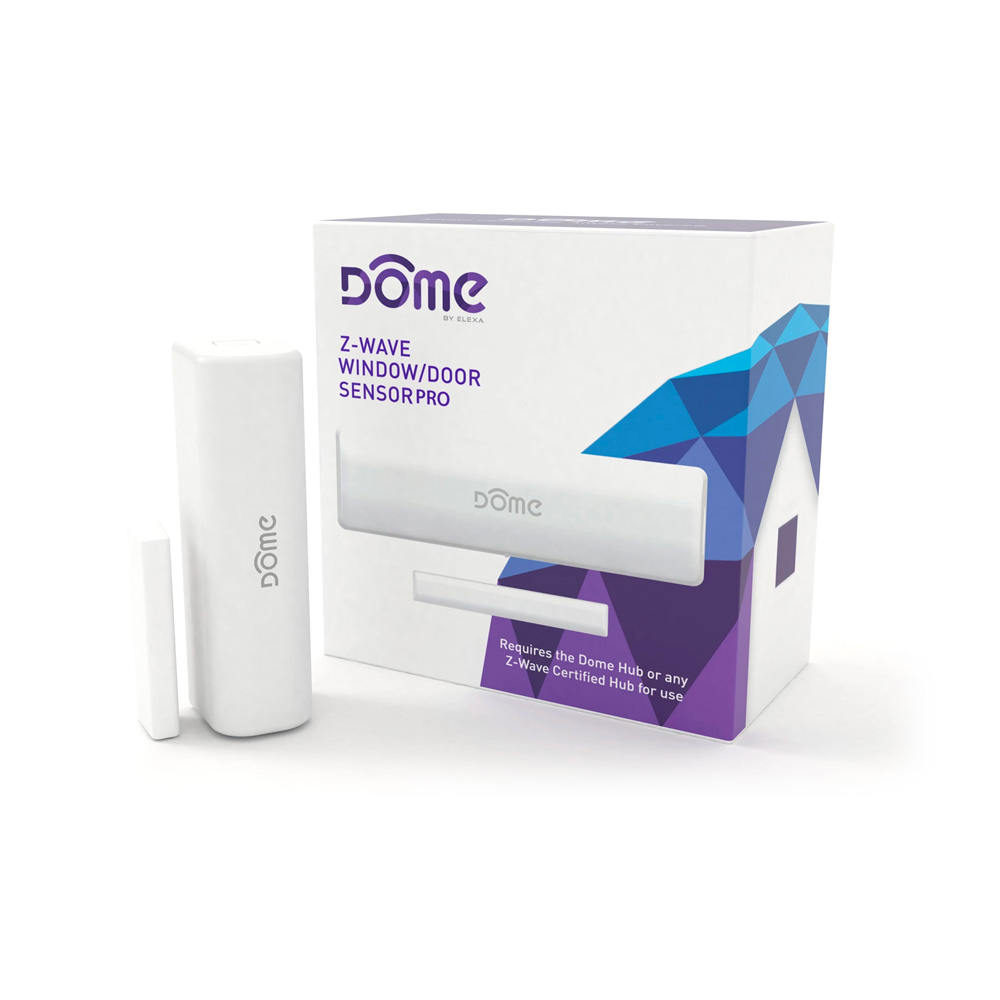
| 2 | Configure Open/Close Reports Sent | This parameter switches the Notification or Binary Sensor report sent when the door opens or closes. If this parameter is set to 01, the Door/Window Sensor will report “closed” instead of “open”when the Magnet and Sensor are pulled apart. | 0 | 1 | 0 | 0 | 0 | | From | To | Description |
|---|
| 1 | 1 | Reports Open when Magnet is close | | 0 | 0 | Reports Closed when Magnet is close |
|
| 1 | Enable/Disable LED Indicator | This parameter enables or disables the LED Indicator flashing to indicate opening and closing events. The Door/Window Sensor will always flash the LED Indicator for inclusion, exclusion, tamper, and other system events. | 0 | 1 | 0 | 0 | 1 | | From | To | Description |
|---|
| 1 | 1 | Open/Close LED Indicator Enabled | | 0 | 0 | Open/Close LED Indicator Disabled |
|
| 6 | Temperature Units | The Door/Window Sensor can report temperature values in either Celsius or Fahrenheit, and this parameter allows the user to decide which unit is used. | 0 | 1 | 0 | 0 | 0 | | From | To | Description |
|---|
| 0 | 0 | Temperature is Reported in Fahrenheit | | 1 | 1 | emperature is Reported in Celsius |
|
| 7 | Group 2 Basic Set Value | This parameter sets the value sent by the Basic Set command to Association Group 2. The Door/Window Sensor sends a Basic Set command to Association Group 2 both when the tamper switch opens and closes (for more information, see “Group 2”. | 0 | 1 | 0 | 0 | 255 | | From | To | Description |
|---|
| 0 | 0 | Turn Off Device | | 1 | 99 | Set Device to Value | | 255 | 255 | Turn On Device |
|
| 3 | Switch Between Notification and Binary Sensor Command Classes | By default, the Door/Window Sensor uses the Notification command class to communicate open/close and tamper events. If this Parameter is set to 1, the device will instead use the Binary Sensor command class. To apply this setting, the battery needs be removed and replaced! This is because the supported command classes will change according to this setting, so the device must restart to advertise its new command classes. | 0 | 1 | 0 | 0 | 0 | | From | To | Description |
|---|
| 2 | 2 | Binary Sensor Command Class is Used | | 1 | 1 | Notification Command Class is Used | | 0 | 0 | Both Command Classes are Used |
|
| 4 | Enable/Disable Temperature Sensor | The Door/Window Sensor can also monitor and report ambient temperature conditions. However, temperature sensing functionality is disabled by default to save battery life, and this configuration parameter is used to enable or disable this feature. To apply this setting, the battery needs be removed and replaced! This is because the supported command classes will change according to this setting, so the device must restart to advertise its new command classes. | 0 | 1 | 0 | 0 | 0 | | From | To | Description |
|---|
| 1 | 1 | Temperature Sensor Enabled | | 0 | 0 | Temperature Sensor Disabled |
|
| 5 | Temperature Offset | This Configuration Parameter can offset the temperature value reported by ± 125 degrees to compensate for temperature variances in a room - for example, the temperature near the ceiling in a room is significantly higher than the average temperature of the same room. This Parameter accepts a signed 8-bit value with an absolute value of up to 125, and its units are Dependant on Configuration Parameter 07 | 0 | 1 | 0 | 0 | 0 | | From | To | Description |
|---|
| -125 | -1 | -125 to -1 degrees offset | | 0 | 125 | 0 - 125 degrees offset |
|
| 8 | Basic Set Level (Group 4 Opening) | This parameter sets the value sent by the Basic Set command to Association Group 4. The Door/Window Sensor sends a Basic Set command to Association Group 4 when the door or window opens (for more information, see “Group 4” on page 14.) | 0 | 1 | 0 | 0 | 255 | | From | To | Description |
|---|
| 0 | 0 | Turn Off Device | | 1 | 99 | Set Device to Value | | 255 | 255 | Turn On Device |
|
| 9 | Basic Set Level (Group 4 Closing) | This parameter sets the value sent by the Basic Set command to Association Group 4. The Door/Window Sensor sends a Basic Set command to Association Group 4 when the door or window closes (for more information, see “Group 4” on page 14.) | 0 | 1 | 0 | 0 | 0 | | From | To | Description |
|---|
| 0 | 0 | Turn Off Device | | 1 | 99 | Set Device to Value | | 255 | 255 | Turn On Device |
|