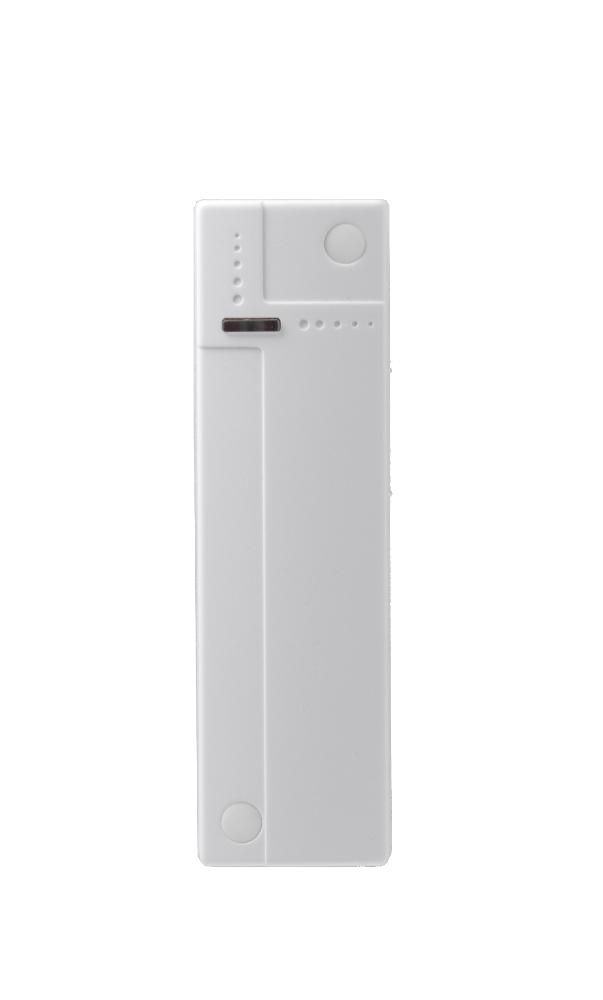
| Product Recognition | |
|---|
| Certification Number | ZC10-15080009 |
|---|
| Name | Door Contact |
|---|
| Short Description | The DC-15ZW is a Z-wave door contact that detects and reports the irregular opening, closing of doors and windows to a security system. |
|---|
| Long Description | The DC-15ZW is a Z-wave door contact that detects and reports the irregular opening/closing of doors and windows to a security system. Compatible with any Z-wave mesh networks and devices, the DZ-15ZW is ideal for security and home automation applications. It serves both as a security sensor to protect entrances and valuables and as a smart home component that activates other Z-wave devices to perform home automation functionalities. |
|---|
| Brand | Climax Technology |
|---|
| Product Identifier | DC-15ZW |
|---|
| OEM Version | 01 |
|---|
| Hardware Platform | ZM5202 |
|---|
| Z-Wave Version | 6.51.06 |
|---|
| Library Type | SLAVE_ENHANCED_232 |
|---|
| Device Type | Notification Sensor |
|---|
| Role Type | ROLE_TYPE_SLAVE_SLEEPING_REPORTING |
|---|
| Manufacturer ID | 0x018E |
|---|
| Product Type ID | 0x0001 |
|---|
| Product ID | 0x0001 |
|---|
| Frequency Plans | EU: 869.85MHz, 868.40MHz |
|---|
| Categories | Sensors |
|---|
| Countries / Regions | European Union |
|---|
| Controlled Command Classes | | Identifier | Name | Key | Version |
|---|
| COMMAND_CLASS_BASIC | Basic | 0x20 | 1 |
|
|---|
| Documents | |
|---|
| Association Groups | | Group Number | Maximum Nodes Supported | End Point ID | Description |
|---|
| 3 | 5 | 0 | Group 1 for “LifeLine”:
Notification CC,V4 (COMMAND_CLASS_NOTIFICATION)
Battery CC (COMMAND_CLASS_BASIC)
Device Reset Locally CC
Group 2 for “Basic Set”:
Basic CC, v2 (COMMAND_CLASS_BASIC)
Group 3 for “Notification Report”:
Notification CC,V4 (COMMAND_CLASS_NOTIFICATION)
|
|
|---|
| Texts | | ID | Description | Value |
|---|
| 2 | Exclusion | The Door Contact must be removed from existing Z-wave network before being included into another. There are two methods available to exclude a device.
Exclusion Mode
-Put the Z-wave gateway or control panel into Exclusion mode (please refer to the Z-wave gateway or control panel manual).
-Within 1.5 seconds, press the Test Button 3 times and the Door Contact will be removed from the Z-wave network. | | 1 | Inclusion | This product can be included and operated in any Z-Wave network with other Z-Wave certified devices from other manufactures and/or other applications. All non-battery operated nodes within the network will act as repeaters regardless of vendor to increase reliability of the network.
-Pull out the battery insulator.
-The LED indicator will turn on briefly.
-Put the Z-wave gateway or control panel into Inclusion mode (please refer to the Z-wave gateway or control panel manual).
-Within 1.5 seconds, press the Test Button 3 times.
-Refer to the operation manual of the Z-wave gateway or control panel to complete the learn-in process.
-Please press and release the Tamper Switch once, and activate the Door Contact once (open and close) after inclusion is completed to ensure the Gateway/Control Panel recognizes the current status of the Door Contact.
-If the sensor has already been included (learnt) into another Z-wave Gateway/Control Panel, or if the sensor is unable to be learnt into the current Z-wave Gateway/Control Panel, please exclude it first (see Exclusion) before attempting to include it into the current Z-wave Gateway/Control Panel. | | 5 | Factory Reset | (Only use factory reset when network Control Panel/Gateway is missing or inoperable).
-Press and hold the Test Button of the Door Contact for 10 seconds to factory reset. | | 4 | Device Wake-Up | This function uses the Z-Wave Wake Up Command Class. The Wake Up Command Class allows the battery-powered Door Contact to notify the Control Panel/Gateway that it is awake and ready to receive any queued commands. The wake up interval time period is programmed automatically according to Control Panel’s setting when The Door Contact is included. The recommended setting of the interval time is between 30 to 60 minutes. |
|
|---|
| Supports NWI | Yes |
|---|
| Supports Explorer Frames | Yes |
|---|