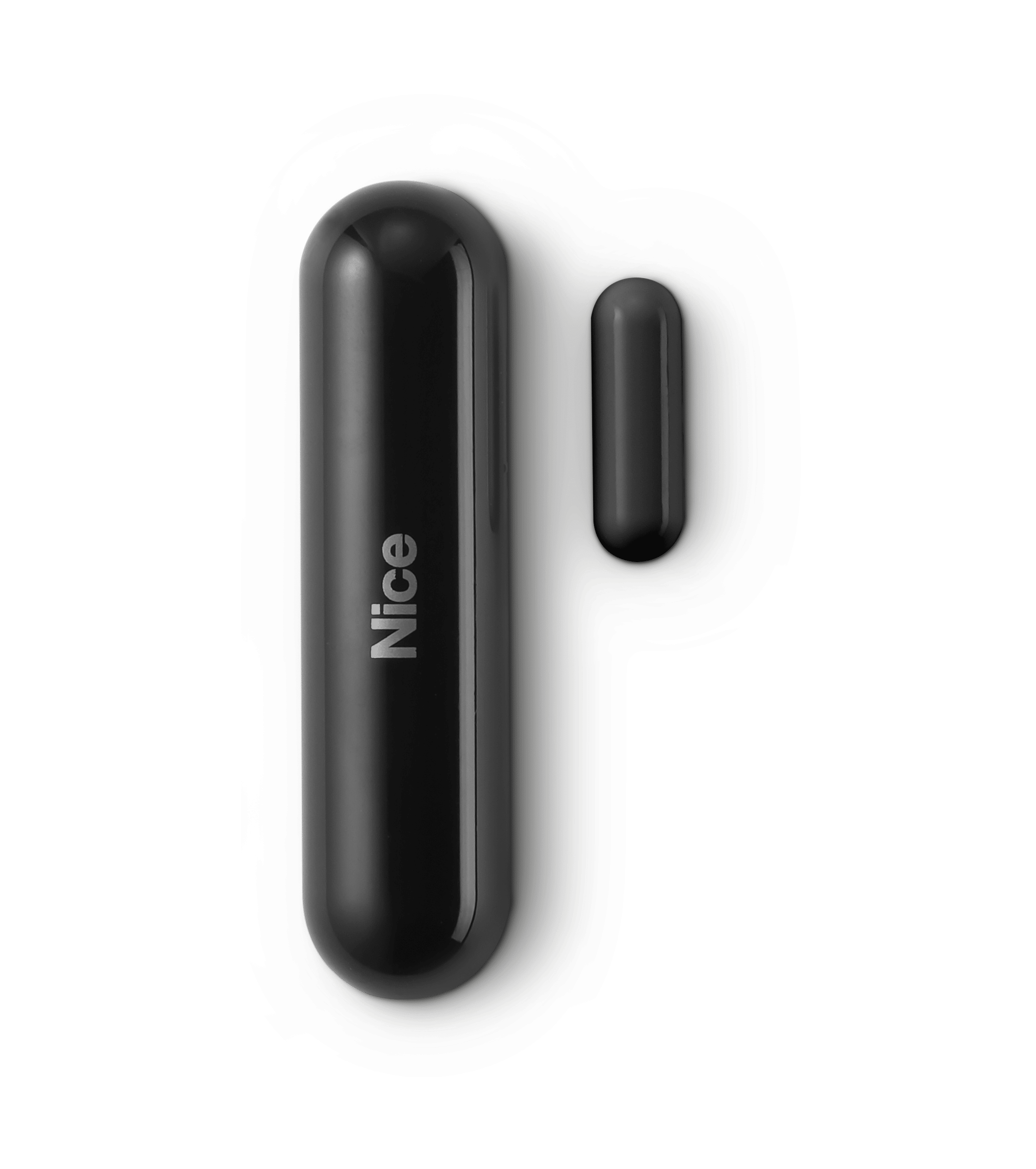
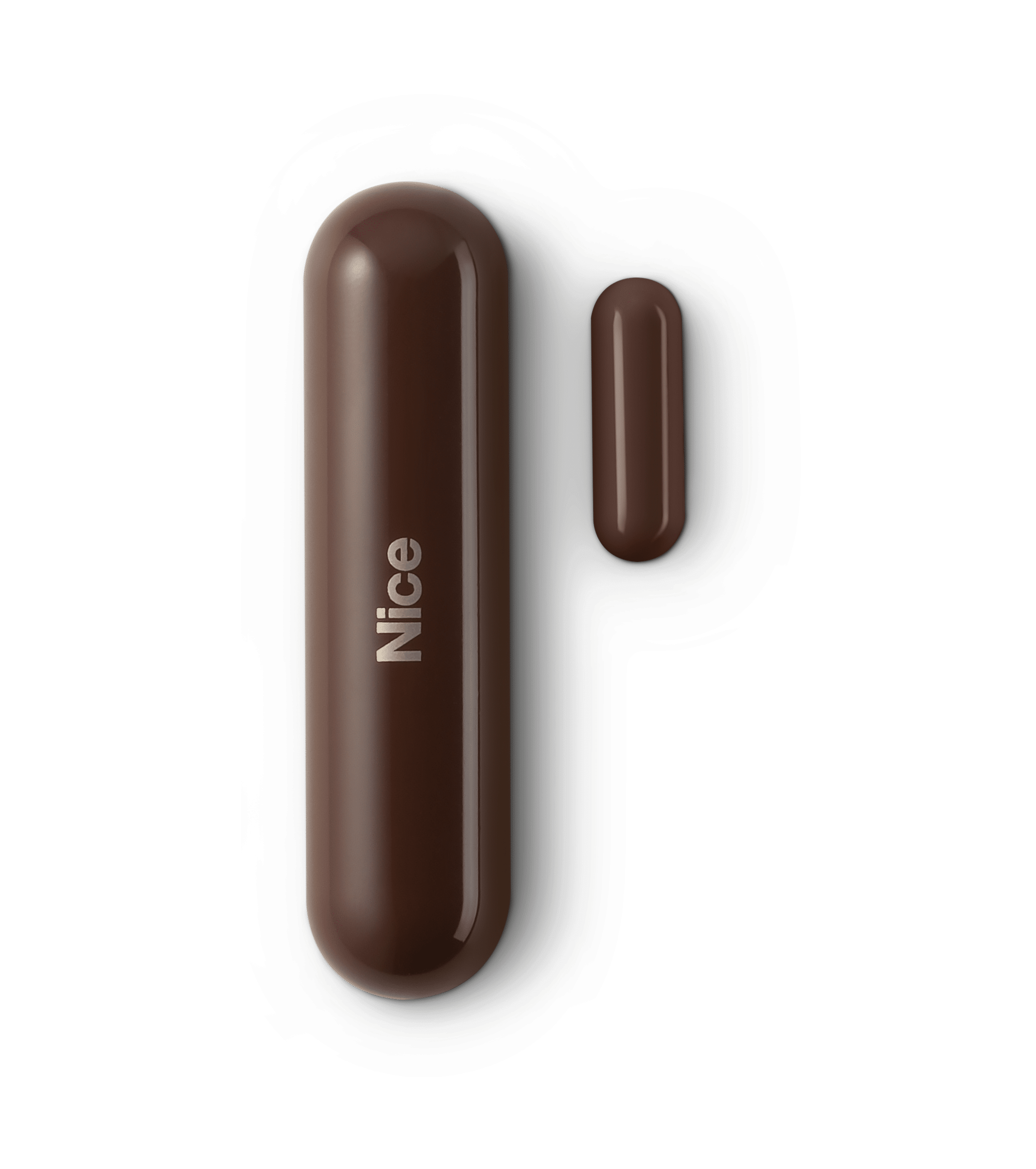
Product Recognition | |
|---|
Certification Number | ZC10-25050007 |
|---|
Name | Door/Window-Control |
|---|
Short Description | Door/Window-Control is a wireless, battery powered Hall effect contact sensor, compatible with the Z-Wave Plus® standard. |
|---|
Description | Door/Window-Control is a wireless, battery powered Hall effect contact sensor, compatible with the Z-Wave Plus® standard. Changing the device’s status will automatically send signal to the Z-Wave controller and associated devices.
Sensor can be used to trigger scenes and wherever there is a need for information about opening or closing of doors, windows, garage doors, etc. Opening is detected by separating the sensor’s body and the magnet.
In addition, Door/Window-Control is equipped with a built-in temperature sensor. |
|---|
Brand | Nice |
|---|
Brand Owner | Nice |
|---|
Identifier | FGDW-002 |
|---|
Product Line | Nice Door/Window-Control |
|---|
OEM Version | HW: 02 FW: 03.03 |
|---|
Hardware Platform | ZM5101A-CME3 |
|---|
Z-Wave Version | 6.51.09 |
|---|
Library Type | END_NODE_ENHANCED_232 |
|---|
Device Type | Sensor - Notification |
|---|
Role Type | ROLE_TYPE_SLAVE_SLEEPING_REPORTING |
|---|
Manufacturer ID | 0x010F |
|---|
Product Type ID | 0x0702 |
|---|
Product ID | 0x2000 |
|---|
User Icon | 0x0C06 |
|---|
Installer Icon | 0x0C06 |
|---|
Radio Range Z-Wave (m) | 40 |
|---|
Frequency Plans | US: 916.00MHz, 908.40MHz |
|---|
Categories | Sensors |
|---|
Countries / Regions | Canada, Mexico, United States of America |
|---|
Supported Command Classes | Identifier | Name | Key | Version |
|---|
COMMAND_CLASS_APPLICATION_STATUS | Application Status | 0x22 | 1 | COMMAND_CLASS_ASSOCIATION_V2 | Association V2 | 0x85 | 2 | COMMAND_CLASS_ASSOCIATION_GRP_INFO | Association Group Information (AGI) | 0x59 | 1 | COMMAND_CLASS_BASIC | Basic | 0x20 | 1 | COMMAND_CLASS_BATTERY | Battery | 0x80 | 1 | COMMAND_CLASS_CONFIGURATION | Configuration | 0x70 | 1 | COMMAND_CLASS_CRC_16_ENCAP | CRC-16 Encapsulation | 0x56 | 1 | COMMAND_CLASS_DEVICE_RESET_LOCALLY | Device Reset Locally | 0x5A | 1 | COMMAND_CLASS_FIRMWARE_UPDATE_MD_V4 | Firmware Update Meta Data V4 | 0x7A | 4 | COMMAND_CLASS_MANUFACTURER_SPECIFIC_V2 | Manufacturer Specific V2 | 0x72 | 2 | COMMAND_CLASS_MULTI_CHANNEL_ASSOCIATION_V3 | Multi Channel Association V3 | 0x8E | 3 | COMMAND_CLASS_SENSOR_MULTILEVEL_V5 | Multilevel Sensor V5 | 0x31 | 5 | COMMAND_CLASS_NOTIFICATION_V5 | Notification V5 | 0x71 | 5 | COMMAND_CLASS_POWERLEVEL | Powerlevel | 0x73 | 1 | COMMAND_CLASS_SECURITY | Security 0 | 0x98 | 1 | COMMAND_CLASS_VERSION_V2 | Version V2 | 0x86 | 2 | COMMAND_CLASS_WAKE_UP_V2 | Wake Up V2 | 0x84 | 2 | COMMAND_CLASS_ZWAVEPLUS_INFO_V2 | Z-Wave Plus Info V2 | 0x5E | 2 |
|
|---|
Controlled Command Classes | Identifier | Name | Key | Version |
|---|
COMMAND_CLASS_BASIC | Basic | 0x20 | 1 | COMMAND_CLASS_NOTIFICATION_V5 | Notification V5 | 0x71 | 5 |
|
|---|
Documents | Category | File |
|---|
Manual_English | |
|
|---|
Texts | ID | Description | Value |
|---|
1 | Classic Inclusion | Adding (Inclusion) - Z-Wave device learning mode, allowing to add the device to existing Z-Wave network.
To add the device to the Z-Wave network manually:
1. Place Door/Window-Control within the direct range of your Z-Wave controller.
2. Set the main controller in (Security/non-Security Mode) add mode (see the controller’s manual).
3. Quickly, three times press one of the TMP buttons (while the other button is pressed).
4. Wait for the adding process to end.
5. Successful adding will be confirmed by the Z-Wave controller’s message. | 2 | Classic Exclusion | To remove the device from the Z-Wave network:
1. Place Door/Window-Control within the direct range of your Z-Wave controller.
2. Set the main controller into remove mode (see the controller’s manual).
3. Quickly, three times press one of the TMP buttons (while the other button is pressed).
4. Wait for the removing process to end.
5. Successful removing will be confirmed by the Z-Wave controller’s message. | 4 | Wake-Up Procedure | 7.2 - Waking up Door/Window-Control
Door/Window-Control needs to be woken up to receive information about the new configuration from the controller, like parameters and associations.
To wake up the sensor manually, click one of the TMP buttons (while the other button is pressed). | 5 | Factory Reset Procedure | 7.3 - Resetting the Door/Window-Control
Reset procedure allows to restore the device back to its factory settings, which means all information about the Z-Wave controller and user configuration will be deleted.
In order to reset the device:
1. Open the cover (Opening the casing may result in triggering an alarm. To avoid it, remove the associations for the 3rd group).
2. Remove the battery.
3. Install the battery while holding both TMP buttons.
4. Visual LED indicator will be flashing slowly for 5 seconds - keep holding the buttons.
5. Release one button when the LED indicator starts flashing quickly.
6. Click released button once to confirm launching of reset procedure.
7. Wait a few seconds until a long blink of the LED indicator. Do not remove the battery.
8. Visual LED indicator will blink 5 times quickly to confirm the reset.
Note
Resetting the device is not the recommended way of removing the device from the Z-Wave network. Use reset procedure only if the primary controller is missing or inoperable. Certain device removal can be achieved by the procedure of removing described in “Adding/removing the device” |
|
|---|
Supports NWI | Yes |
|---|
Supports Explorer Frames | Yes |
|---|