Product Recognition | |
|---|
Certification Number | ZC12-21080282 |
|---|
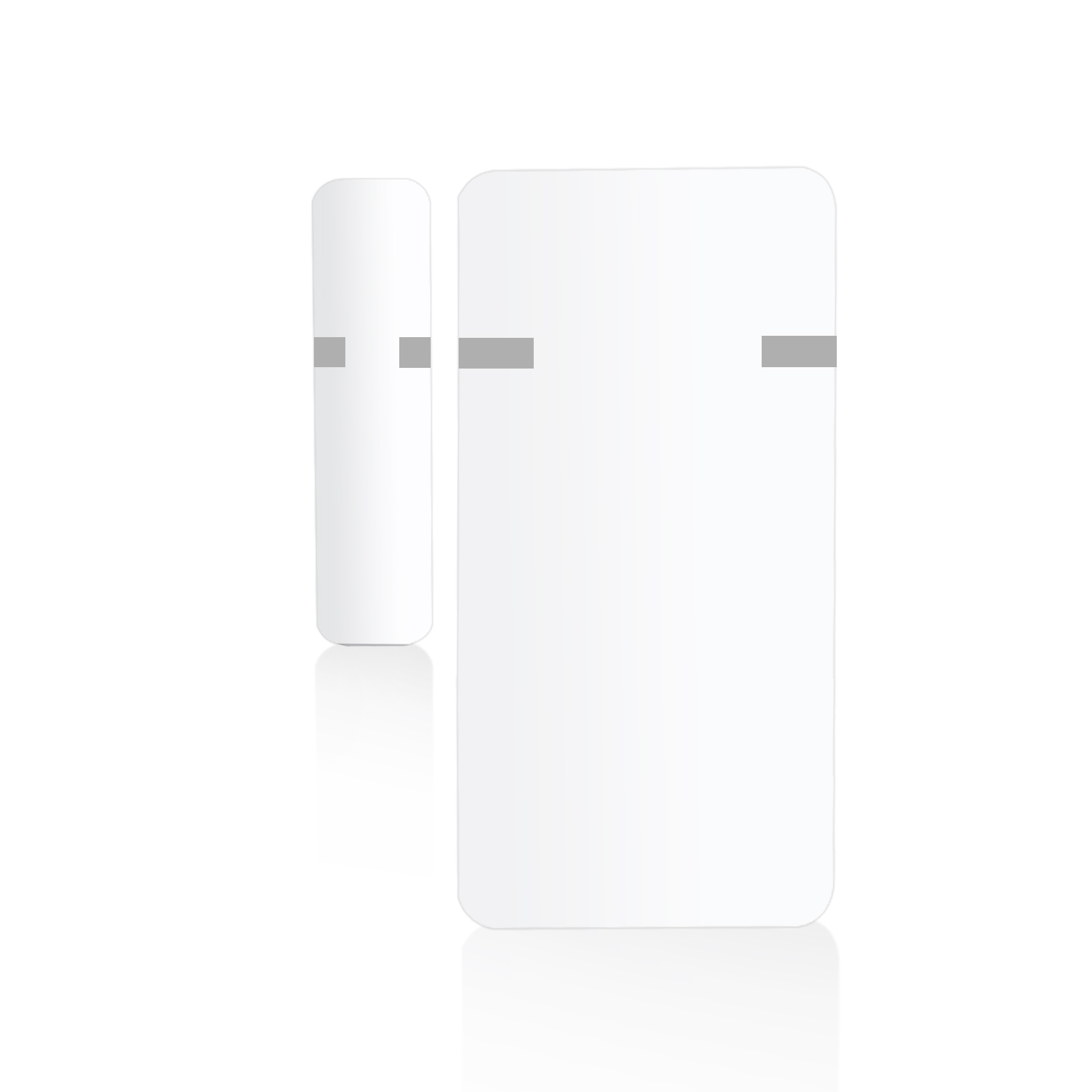
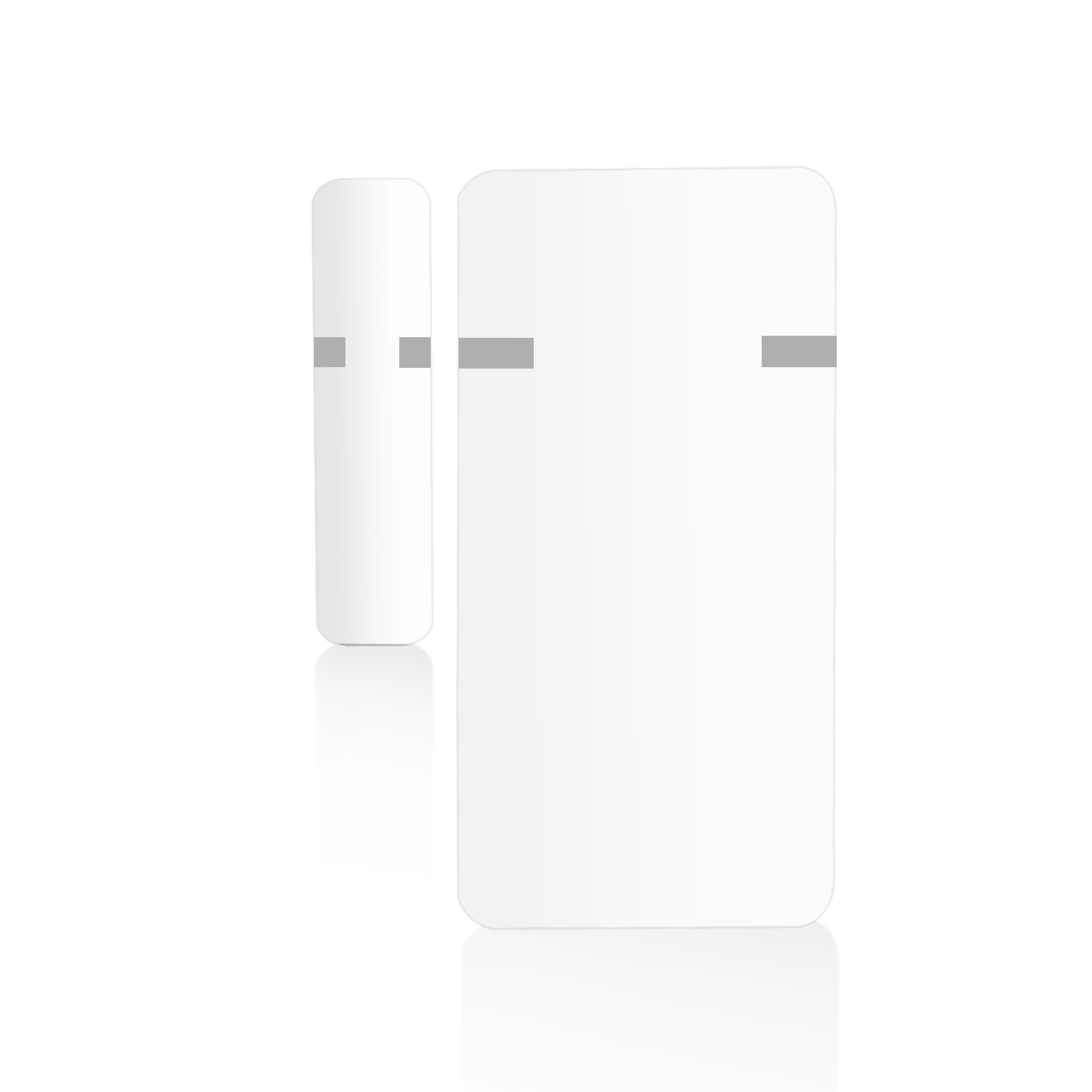
Name | Door/Window Sensor |
|---|
Short Description | The 700 series XS Open | Close Sensor was designed to report status changes for doors and windows quickly and reliably. |
|---|
Long Description | PRODUCT HIGHLIGHTS:
- Quick and reliable open/close alerts sent to your Z-Wave™ hub
- NEW 700 series chip for faster communication and more battery life than ever
- Extra small for discreet mounting
- Waterproof case available for outdoor installs (sold separately)
- Powered by a single coin battery
- The latest S2 security and SmartStart for secure set-up
- Supports OTA firmware updates
PRODUCT SPECS:
- Model Number: ZSE41
- Z-Wave™ Frequency: 908.42 MHz
- Power: 1 x CR2032 battery
- Operating Temperature: 32° – 104° F
- Dimensions: 1.9” x 1” x 0.3” (magnet: 1.26” x 0.3” x 0.3”)
- Range: Up to 130 feet line of sight
- Installation and Use: Indoor or outdoor with waterproof case (sold separately) |
|---|
Brand | Zooz |
|---|
Product Identifier | ZSE41 |
|---|
Product Line | Line A |
|---|
OEM Version | HW: 1 FW: 1.00 |
|---|
Hardware Platform | ZGM130 |
|---|
Z-Wave Version | 7.13.9 |
|---|
Library Type | SLAVE_ENHANCED_232 |
|---|
Device Type | Notification Sensor |
|---|
Role Type | ROLE_TYPE_SLAVE_SLEEPING_REPORTING |
|---|
Manufacturer ID | 0x027A |
|---|
Product Type ID | 0x7000 |
|---|
Product ID | 0xE001 |
|---|
User Icon | 0x0C06 |
|---|
Installer Icon | 0x0C06 |
|---|
Frequency Plans | US: 916.00MHz, 908.40MHz |
|---|
Categories | Sensors |
|---|
Countries / Regions | United States of America |
|---|
Supported Command Classes | Identifier | Name | Key | Version |
|---|
COMMAND_CLASS_CONFIGURATION_V4 | Configuration V4 | 0x70 | 4 | COMMAND_CLASS_POWERLEVEL | Powerlevel | 0x73 | 1 | COMMAND_CLASS_ASSOCIATION_V3 | Association V3 | | 0 | COMMAND_CLASS_MULTI_CHANNEL_ASSOCIATION_V4 | Multi-Channel Association V4 | | 0 | COMMAND_CLASS_INDICATOR_V3 | Indicator V3 | 0x87 | 3 | COMMAND_CLASS_BATTERY | Battery | 0x80 | 1 | COMMAND_CLASS_SENSOR_BINARY_V2 | Sensor Binary V2 | 0x30 | 2 | COMMAND_CLASS_TRANSPORT_SERVICE_V2 | Transport Service V2 | 0x55 | 2 | COMMAND_CLASS_WAKE_UP_V2 | Wake Up V2 | 0x84 | 2 | COMMAND_CLASS_DEVICE_RESET_LOCALLY | Device Reset Locally | 0x5A | 1 | COMMAND_CLASS_ZWAVEPLUS_INFO_V2 | Z-Wave Plus Info V2 | 0x5E | 2 | COMMAND_CLASS_FIRMWARE_UPDATE_MD_V5 | Firmware Update Meta-Data V5 | 0x7A | 5 | COMMAND_CLASS_ASSOCIATION_GRP_INFO_V3 | Association Group Information V3 | 0x59 | 3 | COMMAND_CLASS_NOTIFICATION_V8 | Notification V8 | 0x71 | 8 | COMMAND_CLASS_SECURITY_2 | Security S2 | 0x9F | 1 | COMMAND_CLASS_VERSION_V3 | Version V3 | 0x86 | 3 | COMMAND_CLASS_SUPERVISION | Supervision | 0x6C | 1 | COMMAND_CLASS_MANUFACTURER_SPECIFIC_V2 | Manufacturer Specific V2 | 0x72 | 2 |
|
|---|
S2 Classes | S2_UNAUTHENTICATED, S2_AUTHENTICATED |
|---|
Documents | Category | Description | File |
|---|
Manual_Primary_Lang | Product Manual in English | |
|
|---|
Features | Feature | Values |
|---|
Battery Quantity | | Firmware Updatable | Value |
|---|
Updatable by Consumer by RF |
| Battery Type | | Color | | Outdoor Use | |
|
|---|
Association Groups | Group Number | Maximum Nodes Supported | End Point ID | Group Name | Description |
|---|
2 | 5 | 0 | Group 2 | This device will send a Basic Set command to Group 2 whenever it detects a change in the open/close status. It sends an ON command when OPEN status is detected and OFF command when CLOSED status it detected. | 1 | 3 | 0 | Lifeline | The XS Sensor supports Group 1 for Lifeline communication to send open/close notifications. |
|
|---|
Configuration Parameters | Parameter Number | Name | Description | Format | Size | Min Value | Max Value | Default Value | Parameter Values |
|---|
3 | Battery report | Battery report threshold % | 2 | 1 | 1 | 50 | 10 | | 6 | Group 2 ON report delay | Set the delay before the sensor sends the ON basic set command to devices in Group 2 after the door is open. | 2 | 4 | 0 | 3600 | 0 | From | To | Description |
|---|
0 | 3600 | seconds |
| 1 | LED Indicator Mode | Turn the LED indicator for open/close status change on or off. | 2 | 1 | 0 | 1 | 1 | From | To | Description |
|---|
0 | 0 | LED indicator won’t blink when the sensor’s status is changed from open to close and vice versa | 1 | 1 | LED indicator will blink when the sensor’s open/close status is changed (default) |
| 7 | Group 2 OFF report delay | Set the delay before the sensor sends the OFF basic set command to devices in Group 2 after the door is closed. | 2 | 4 | 0 | 3600 | 0 | From | To | Description |
|---|
0 | 3600 | seconds |
| 5 | Status Notification on Magnet Closure | Decide which status should the sensor report to the hub when the magnet touches the sensor. | 2 | 1 | 0 | 1 | 0 | From | To | Description |
|---|
0 | 0 | closed status reported when the magnet is by the sensor (default) | 1 | 1 | open status reported when the magnet is by the sensor. |
|
|
|---|
Texts | ID | Description | Value |
|---|
1 | Classic Inclusion | Initiate inclusion (pairing) in the app (or web interface). Not sure how? ask@getzooz.com
While the hub is looking for new devices, click the Z-Wave button 3 times as quickly as possible. The LED indicator will start flashing to confirm inclusion mode and turn off once inclusion is completed. | 2 | Classic Exclusion | 1. Bring the sensor within direct range of your Z-Wave hub.
2. Put the Z-Wave hub into exclusion mode (not sure how to do that? ask@getzooz.com).
3. Click the Z-Wave button 3 times as quickly as possible.
4. Your hub will confirm exclusion and the sensor will disappear from your controller's device list. | 5 | Factory Reset Procedure | When your network’s primary controller is missing or otherwise inoperable, you may need to reset the device to factory settings manually. In order to complete the process, make sure the sensor is powered, then click the Z-Wave button twice and hold it the third time for 10 seconds. The LED indicator will blink continuously. Immediately after, click the Z-Wave button twice more to finalize the reset. The LED indicator will flash 3 times to confirm a successful reset. | 6 | Other Special Features | Outdoor use available with a dedicated waterproof case (sold separately). | 8 | Where to find S2 DSK on product | If you’re using an S2 hub, it will ask you to enter the DSK PIN or scan the QR code printed on the back cover sticker of the sensor to complete SmartStart inclusion. | 4 | Wake-Up Procedure | The sensor’s wake-up interval is set to 12 hours by default to save battery life. Use the Wake Up Command Class to adjust the interval. Click the Z-Wave button 4 times quickly to wake the sensor up manually. The LED indicator will flash twice to confirm the device is awake. During wake-up, the sensor turns the Z-Wave radio on for one minute to receive communication from the hub. Long wake-up interval will not affect how often the sensor reports to your hub so we recommend leaving the default setting to conserve battery. |
|
|---|
Supported Notification Types | Notification Type | Event / State |
|---|
Access Control | Door state: Window/door is open | Access Control | Door state: Window/door is closed |
|
|---|
Supports NWI | Yes |
|---|
Supports Explorer Frames | Yes |
|---|
Supports SmartStart | Yes |
|---|
Radio Range Z-Wave (m) | 40 |
|---|