| 2 | Set the repetitions for playing doorbell ringtone. | Set the repetitions of playing doorbell ringtone. Note: If the time of playing doorbell ringtone is more than 20s, the volume of ringtone will be reduced to silence no matter how many repetitions of doorbell ringtone are set. | 0 | 1 | 0 | 0 | 2 | | From | To | Description |
|---|
| 1 | 100 | The range of repetition is 1 to 100. |
|
| 5 | Set the default doorbell ringtone. | Set the default doorbell ringtone. | 0 | 1 | 0 | 0 | 1 | | From | To | Description |
|---|
| 1 | 100 | Specify the ringtone as default. |
|
| 6 | Select a ringtone to play. | Select a ringtone to play. | 0 | 1 | 0 | 0 | 0 | | From | To | Description |
|---|
| 1 | 100 | Play the specified ringtone. | | 0 | 0 | Stop playing |
|
| 7 | Control items | Control items. | 0 | 1 | 0 | 0 | 0 | | From | To | Description |
|---|
| 1 | 1 | PLAY item. | | 3 | 3 | PAUSE item. | | 4 | 4 | NEXT item. | | 5 | 5 | PREVIOUS item. | | 2 | 2 | STOP item. |
|
| 8 | Set the volume of ringtone. | Set the volume of ringtone for your Doorbell. | 0 | 1 | 0 | 0 | 10 | | From | To | Description |
|---|
| 0 | 10 | Set the volume level of 0 to 10. |
|
| 10 | Define the functions of “Button -” and “Button+”. | Define the functions of “Button -” and “Button+” for your Doorbell. | 0 | 1 | 0 | 0 | 0 | | From | To | Description |
|---|
| 0 | 0 | “Button -” is Previous, “Button+” is Next. | | 1 | 1 | Swap functions of the two buttons. |
|
| 11 | Define functions of “Button -” and “Button+”when short pressing and long pressing it. | Define functions of “Button -” and “Button+”when short pressing and long pressing it. | 0 | 1 | 0 | 0 | 0 | | From | To | Description |
|---|
| 1 | 1 | long pressing changes volume, short pressing changes default ringtone | | 0 | 0 | short pressing changes volume, long pressing changes default ringtone |
|
| 42 | Get the Wireless Button’s battery status | Get the Wireless Button’s battery status. | 0 | 1 | 0 | 0 | 0 | | From | To | Description |
|---|
| 0 | 0 | Normal battery level. | | 255 | 255 | Low battery level. |
|
| 80 | Which notification would be sent when the state of Doorbell is changed | To set which notification would be sent to the associated nodes in association group 1 when the state of Doorbell is changed | 0 | 1 | 0 | 0 | 0 | | From | To | Description |
|---|
| 0 | 0 | Send Nothing. | | 1 | 1 | Send Hail CC. | | 2 | 2 | Send Basic report CC. |
|
| 81 | Enable/disable to send a notification to associated nodes when the Wireless Button’s battery is in low battery state | Enable/disable to send a notification to associated nodes in association group 1 when the Wireless Button’s battery is in low battery state. | 0 | 1 | 0 | 0 | 1 | | From | To | Description |
|---|
| 0 | 0 | Disable | | 1 | 1 | Enable. |
|
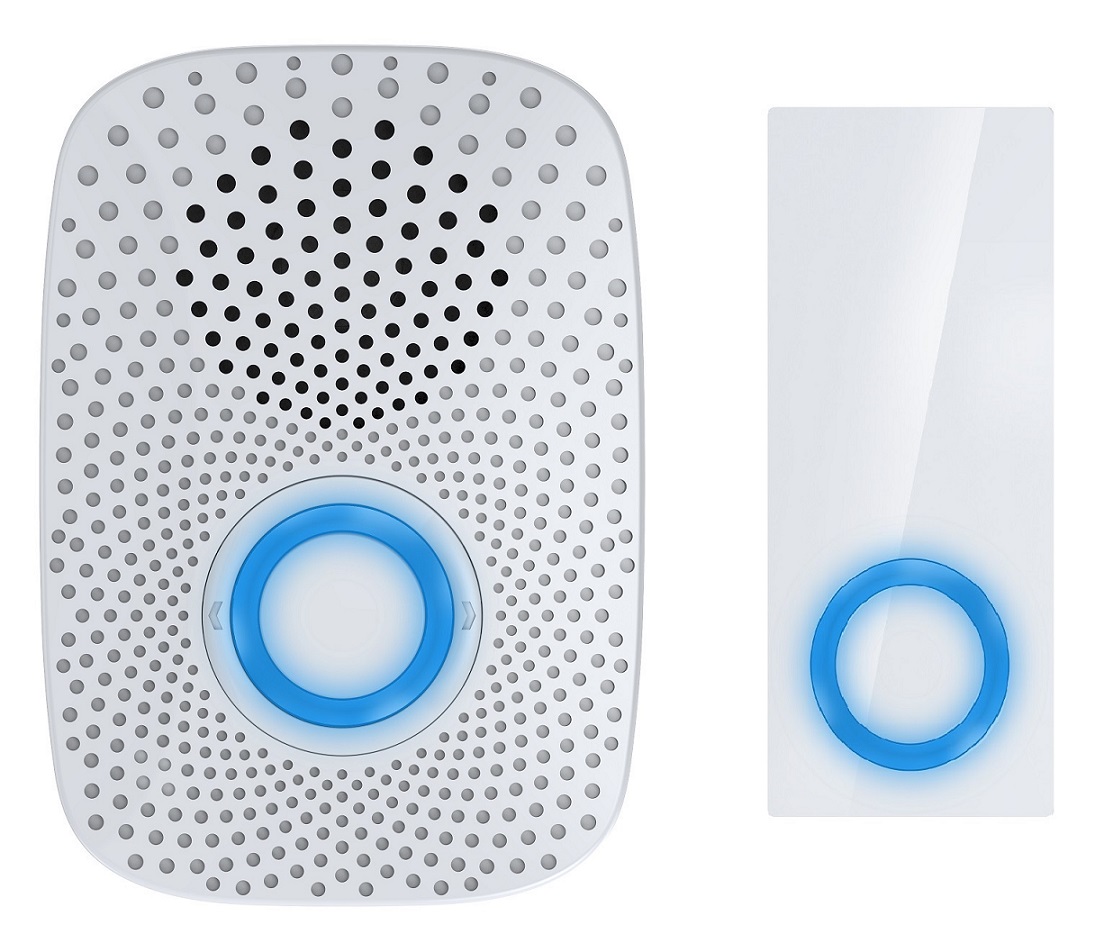
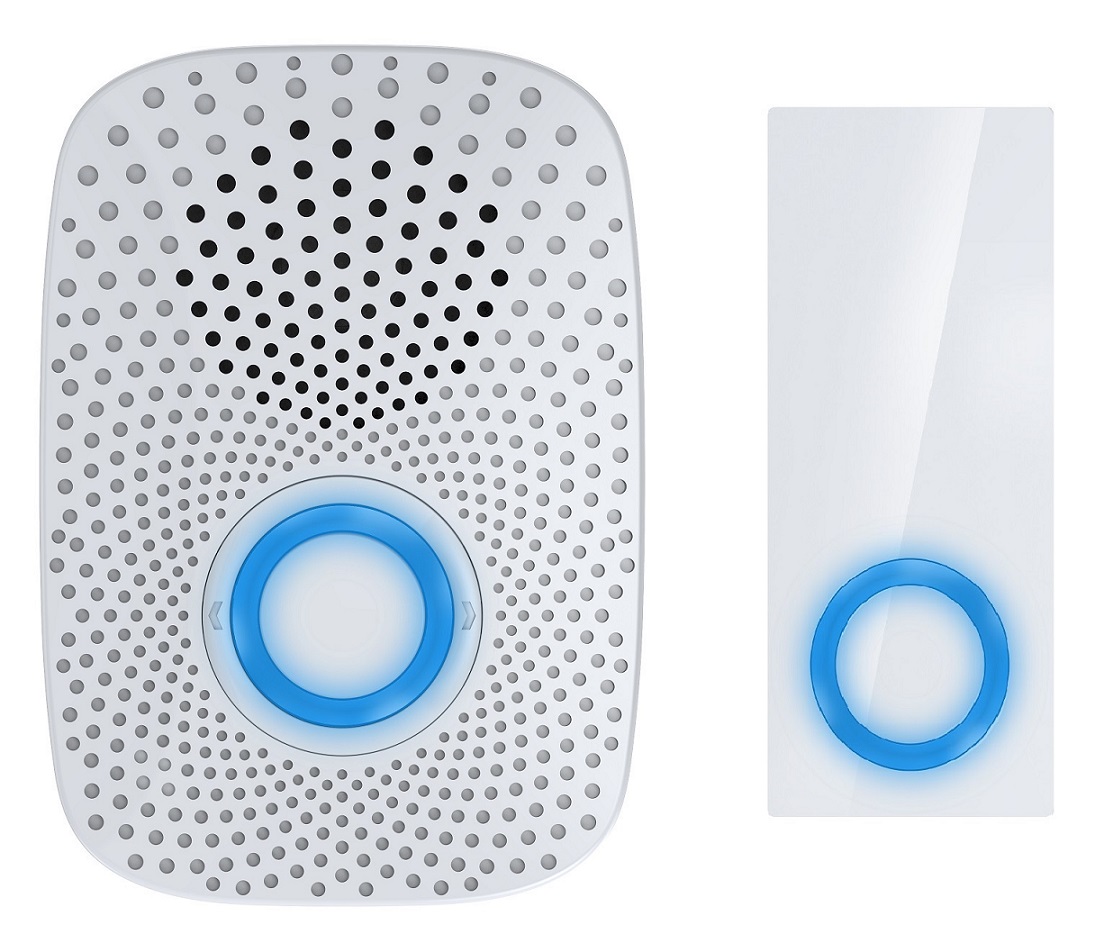
| 241 | Pair the Wireless Button with your Doorbell | Pair the Wireless Button with your Doorbell. When the Doorbell enters into pair mode, the blue LED will blink slowly, at this time, press the Wireless Button once, if the blue LED is changed to be solid, which means the pairing is successful. | 0 | 4 | 0 | 0 | 0 | | From | To | Description |
|---|
| 1431655765 | 1431655765 | Start the pair mode. |
|
| 252 | Enable/ disable lock the configuration parameters | Enable/ disable lock the configuration parameters. | 0 | 1 | 0 | 0 | 0 | | From | To | Description |
|---|
| 0 | 0 | Disable | | 1 | 1 | Enable |
|
| 255 | Reset your Doorbell | Reset your Doorbell. | 0 | 1 | 0 | 0 | 0 | | From | To | Description |
|---|
| 0 | 0 | Reset the configuration parameters of your Doorbell. | | 1431655765 | 1431655765 | Reset to factory default settings. |
|