| Product Recognition | |
|---|
| Certification Number | ZC10-15090018 |
|---|
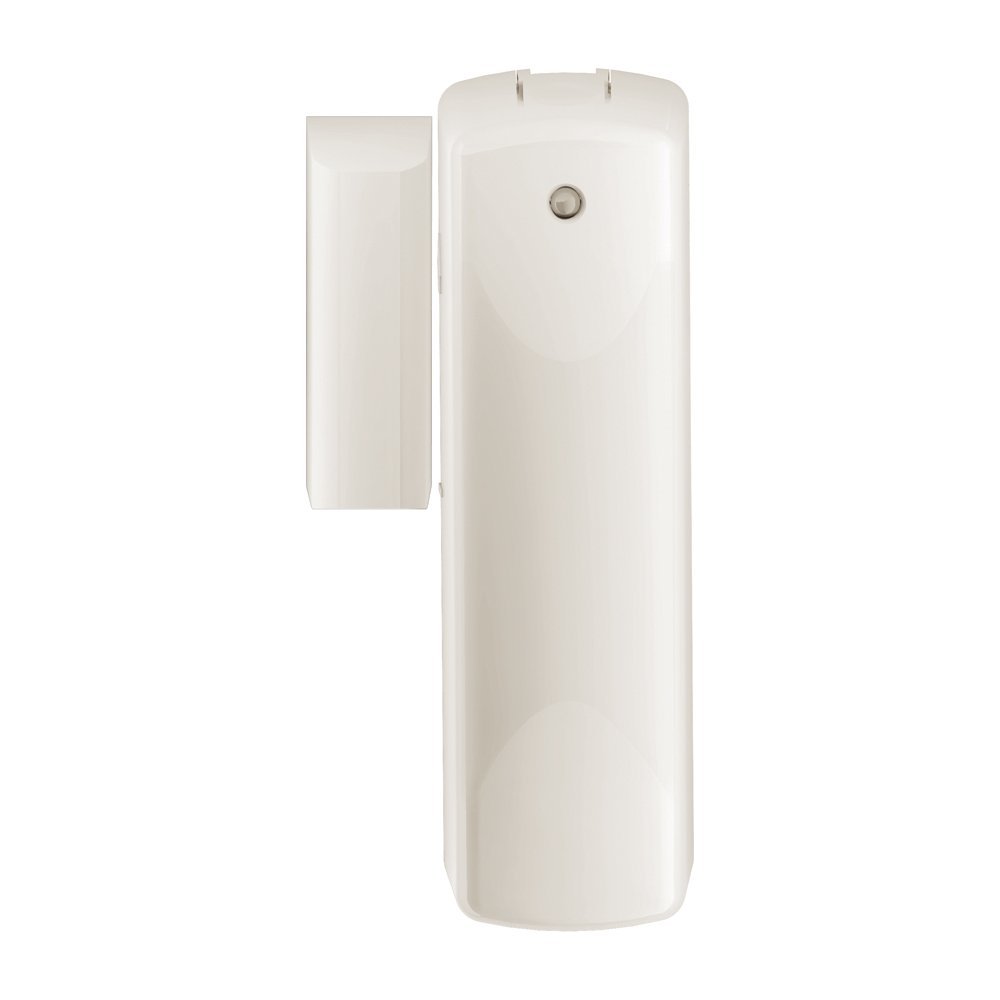
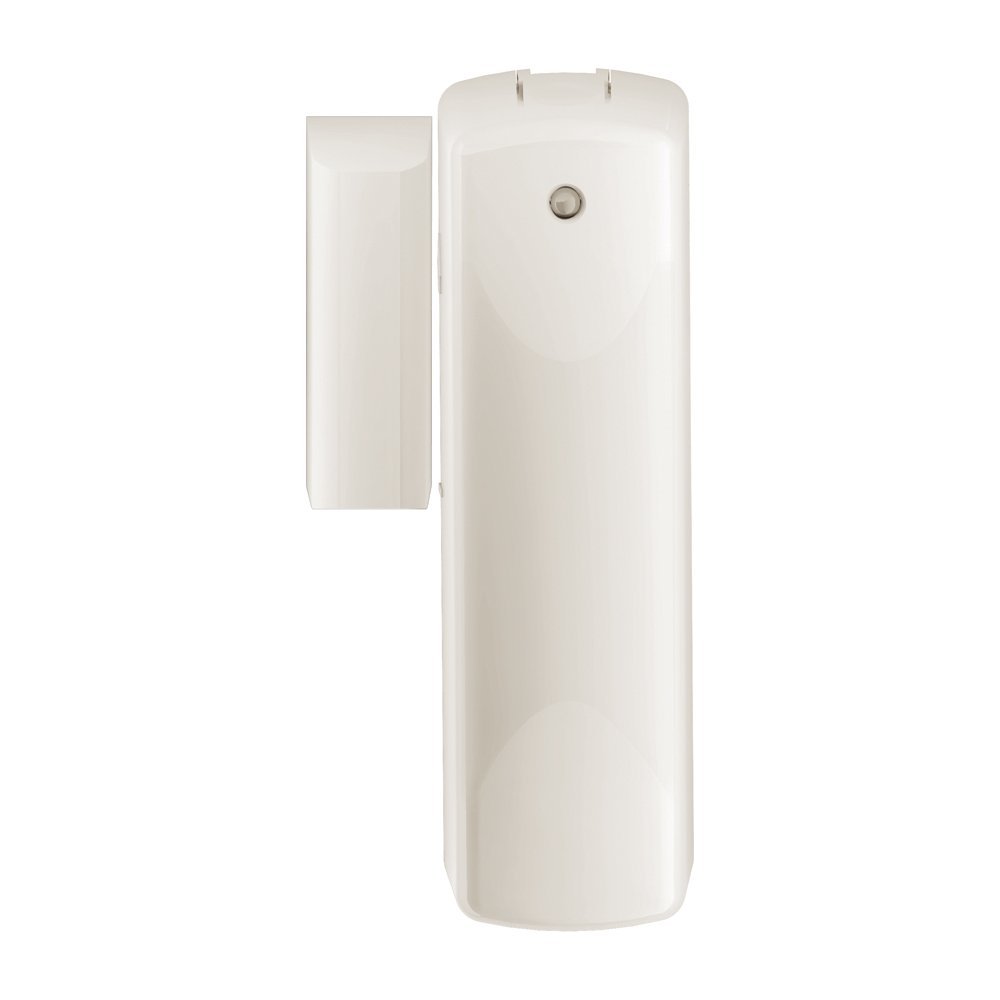
| Name | Ecolink Door Window Sensor |
|---|
| Short Description | Ecolink door/window sensor, with external contact input, is designed for maximum range and battery life. This family of sensors from Ecolink use the new 500 series Z-Wave components with Z-Wave Plus certification. For convenience each door/window sensor comes with BOTH brown AND white cases to better match interior colors. |
|---|
| Long Description | Ecolink Z-Wave Door/Window Sensor
-Z-Wave Plus certified
-Frequency 908.42MHz
-Range up to 100 feet
-Battery life up to 3 years with 50 openings/closing per day
-CR123A Lithium battery
-Input on the sensor for non-powered external contact
-BOTH brown and white cases included in each box |
|---|
| Brand | Ecolink Intelligent Technology |
|---|
| Product Identifier | DWZWAVE2.5-ECO |
|---|
| OEM Version | 2 |
|---|
| Hardware Platform | ZM5202 |
|---|
| Z-Wave Version | 6.51.06 |
|---|
| Library Type | SLAVE_ROUTING |
|---|
| Device Type | Notification Sensor |
|---|
| Role Type | ROLE_TYPE_SLAVE_SLEEPING_REPORTING |
|---|
| Manufacturer ID | 0x014A |
|---|
| Product Type ID | 0x0001 |
|---|
| Product ID | 0x0002 |
|---|
| Frequency Plans | US: 916.00MHz, 908.40MHz |
|---|
| Categories | Sensors |
|---|
| Countries / Regions | United States of America |
|---|
| Controlled Command Classes | | Identifier | Name | Key | Version |
|---|
| COMMAND_CLASS_BASIC | Basic | 0x20 | 1 |
|
|---|
| Documents | |
|---|
| Association Groups | | Group Number | Maximum Nodes Supported | End Point ID | Description |
|---|
| 1 | 5 | 0 | Z-Wave Plus Lifeline | | 2 | 5 | 0 | Used to activate other devices directly |
|
|---|
| Texts | | ID | Description | Value |
|---|
| 1 | Inclusion | Once the controller is in inclusion mode, either remove the battery isolation tab, OR insert the battery to power up the sensor. | | 2 | Exclusion | Once the controller is in exclusion mode, either remove the battery isolation tab, OR insert the battery to power up the sensor. | | 5 | Factory Reset | To restore this sensor to factory default settings, follow the instructions in the manual to exclude this sensor from the Z-Wave network. Upon completion of removal from the network the sensor will restore itself to factory default settings automatically. Use this procedure only in the event that the network primary controller is missing or otherwise inoperable. | | 4 | Device Wake-Up | If sensor is sleeping, remove the cover to wake up. | | 6 | Additional Special Features | Has external contact input. This contact is in PARALLEL to the magnetic reed switch, meaning one or the other can be used. |
|
|---|
| Supports NWI | Yes |
|---|
| Supports Explorer Frames | Yes |
|---|