
Product Recognition | |
|---|---|
Certification Number | ZC10-16030002 |
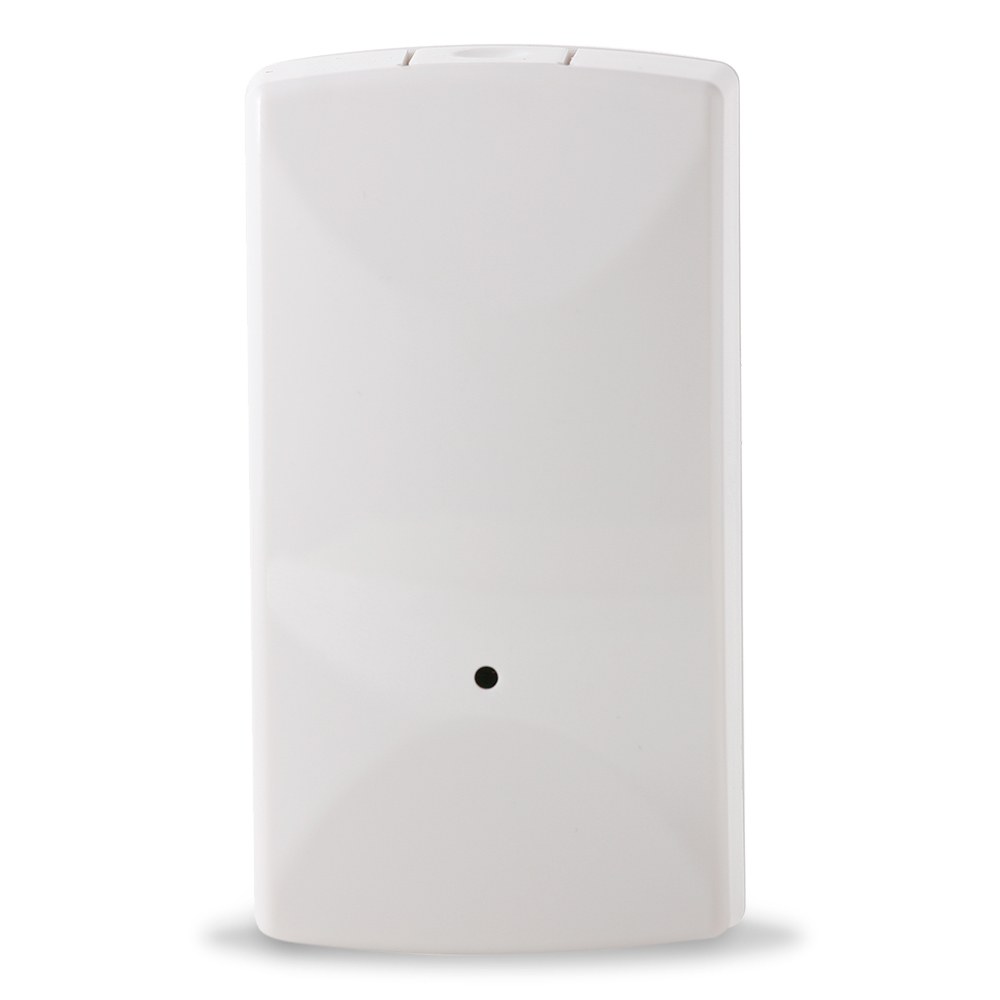
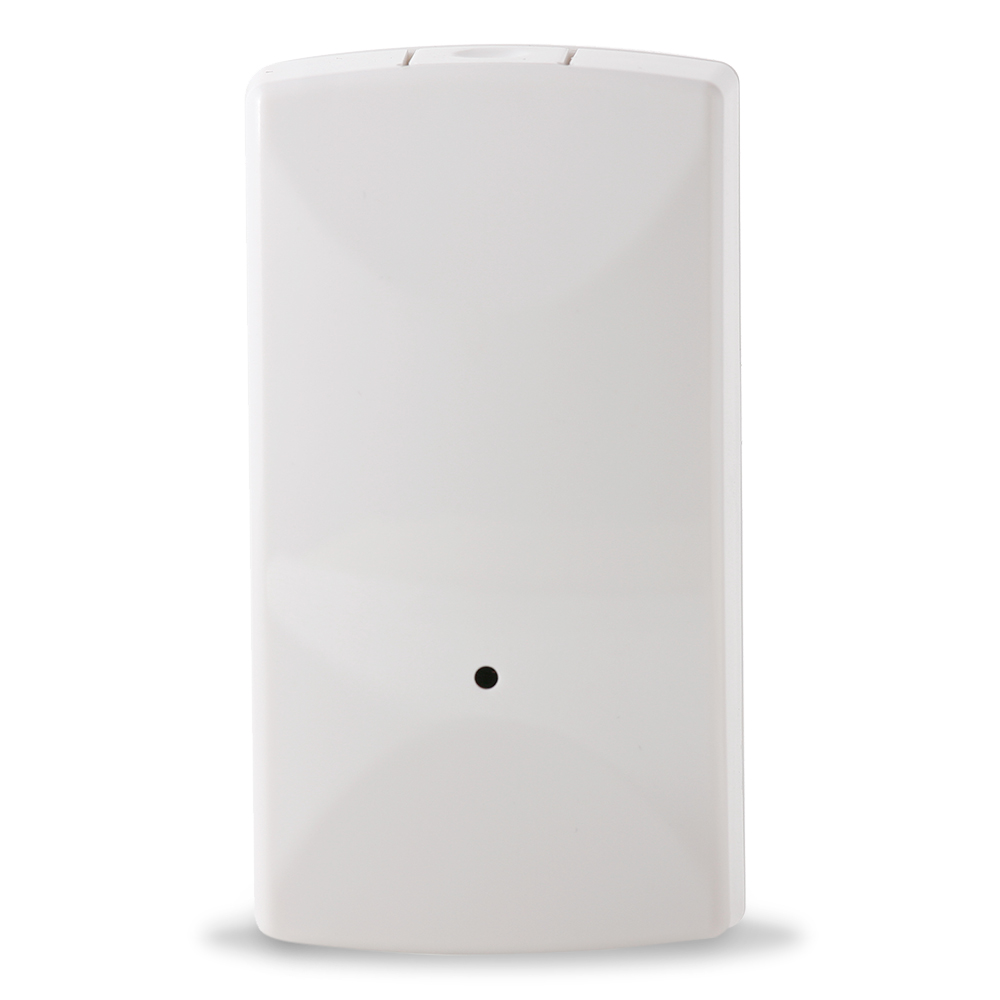
Name | Ecolink Garage Door Tilt Sensor |
Short Description | The Ecolink Z-Wave Plus Garage Door Tilt Sensor monitors the status of a sectioned garage door to communicate the current status of open or closed. |
Long Description | • For indoor use only
• Operating frequency: 908.42 MHz
• Operating range: Up to 100 feet (30.5 meters) line-of-sight
• Operating temperature: 0˚C to 49˚C, 32˚F to 120˚F (ambient temperature)
• Battery type: 3V Lithium CR123A
• Battery life: 5 to 8 years depending upon operating conditions |
Brand | Ecolink Intelligent Technology |
Product Identifier | TILTZWAVE2.5-ECO |
OEM Version | 2 |
Hardware Platform | ZM5202 |
Z-Wave Version | 6.51.06 |
Library Type | SLAVE_ROUTING |
Device Type | Notification Sensor |
Role Type | ROLE_TYPE_SLAVE_SLEEPING_REPORTING |
Manufacturer ID | 0x014A |
Product Type ID | 0x0004 |
Product ID | 0x0003 |
Frequency Plans | US: 916.00MHz, 908.40MHz |
Categories | Sensors |
Countries / Regions | United States of America |
Controlled Command Classes | |
Documents | |
Association Groups | |
Texts | |
Supports NWI | Yes |
Supports Explorer Frames | Yes |
Radio Range Z-Wave (m) | 40 |