Product Recognition | |
|---|
Certification Number | ZC10-18086214 |
|---|
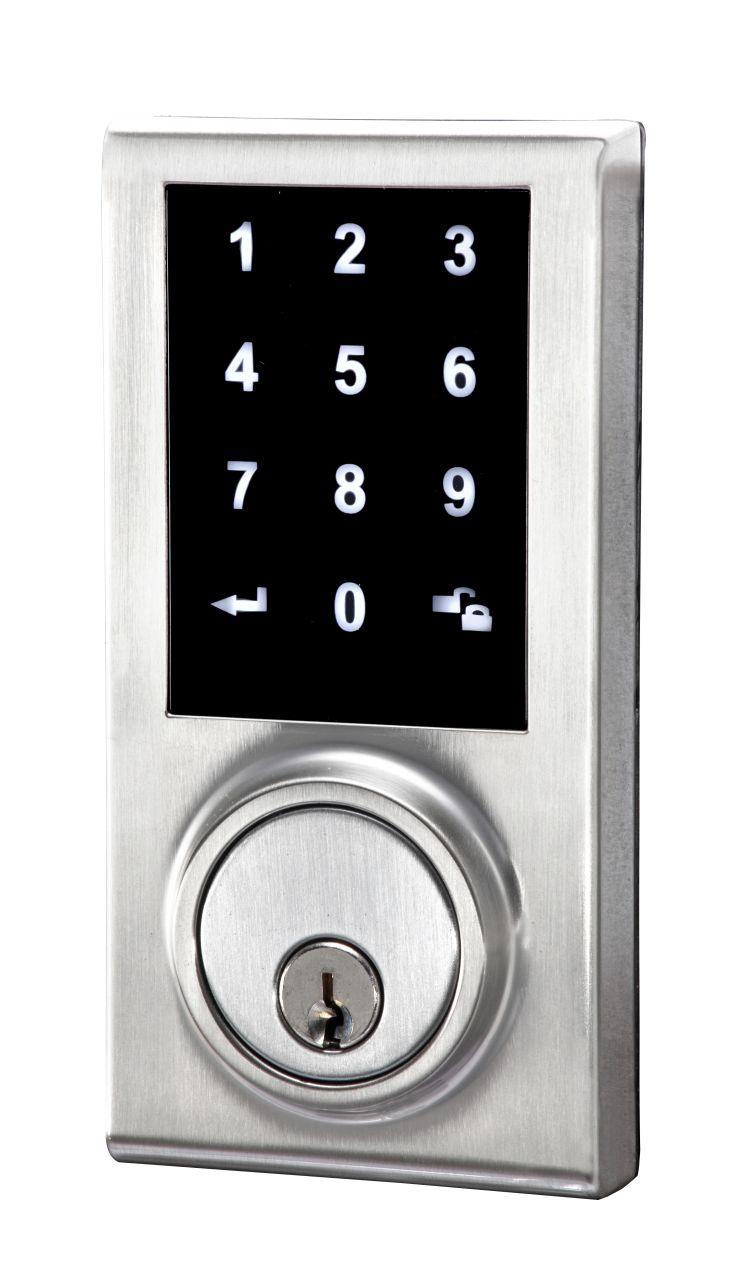
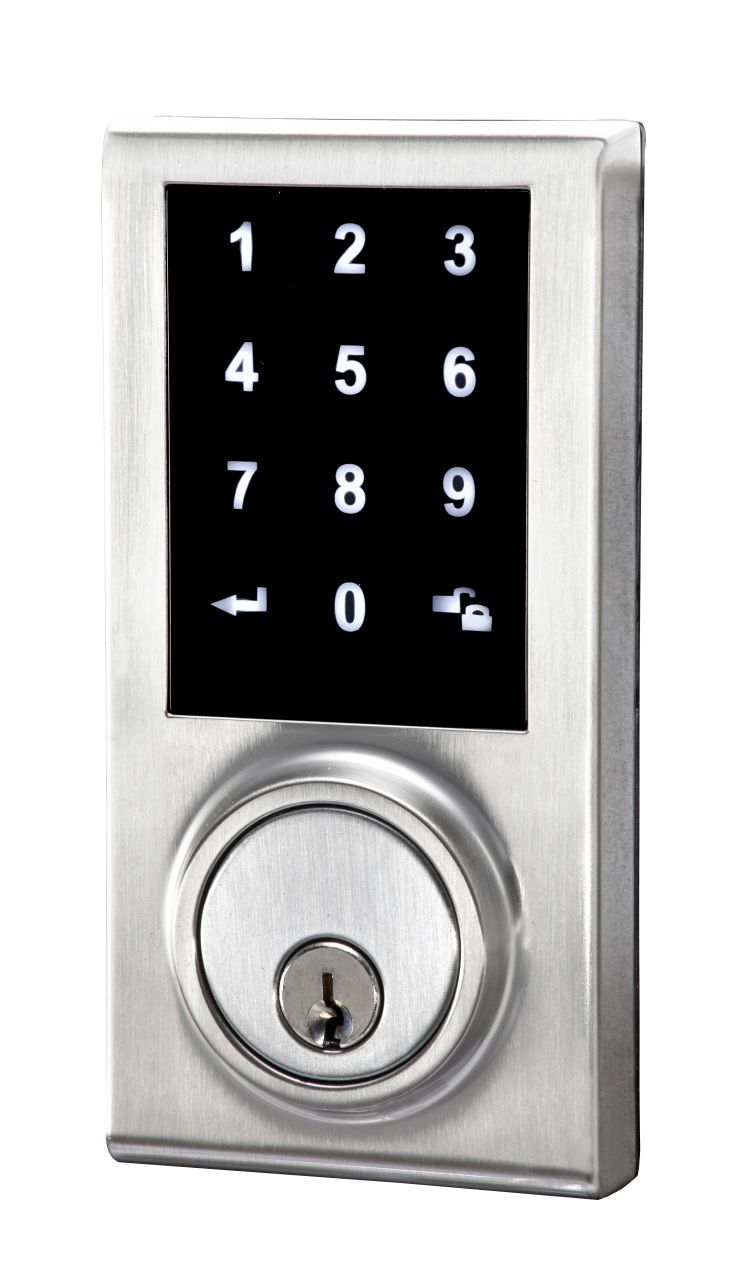
Name | electronic deadbolt lock |
|---|
Short Description | Z-Wave Touchscreen Smart Deadbolt Lock |
|---|
Long Description | Operated by Touchpad.
User code for door access.
User codes can be disabled temporarily, deleted individually or all
at once.
Auto-locking function improves security & convenience.
Low battery indicator equipped.
Low power consumption. |
|---|
Brand | EZSET |
|---|
Product Identifier | PL2S0S10-ZW |
|---|
OEM Version | HW: 1 FW: 1.02:01.00 |
|---|
Hardware Platform | ZM5101 |
|---|
Z-Wave Version | 6.71.01 |
|---|
Library Type | SLAVE_ENHANCED_232 |
|---|
Device Type | Door Lock - Keypad |
|---|
Role Type | ROLE_TYPE_SLAVE_SLEEPING_LISTENING |
|---|
Manufacturer ID | 0x034F |
|---|
Product Type ID | 0x0003 |
|---|
Product ID | 0x0001 |
|---|
User Icon | 0x0300 |
|---|
Installer Icon | 0x0300 |
|---|
Frequency Plans | US: 916.00MHz, 908.40MHz |
|---|
Categories | Locks |
|---|
Countries / Regions | United States of America |
|---|
Supported Command Classes | Identifier | Name | Key | Version |
|---|
COMMAND_CLASS_POWERLEVEL | Powerlevel | 0x73 | 1 | COMMAND_CLASS_USER_CODE | User Code | 0x63 | 1 | COMMAND_CLASS_DOOR_LOCK_V2 | Door Lock V2 | 0x62 | 2 | COMMAND_CLASS_BATTERY | Battery | 0x80 | 1 | COMMAND_CLASS_SECURITY | Security S0 | 0x98 | 1 | COMMAND_CLASS_TRANSPORT_SERVICE_V2 | Transport Service V2 | 0x55 | 2 | COMMAND_CLASS_VERSION_V2 | Version V2 | 0x86 | 2 | COMMAND_CLASS_DEVICE_RESET_LOCALLY | Device Reset Locally | 0x5A | 1 | COMMAND_CLASS_ZWAVEPLUS_INFO_V2 | Z-Wave Plus Info V2 | 0x5E | 2 | COMMAND_CLASS_ASSOCIATION_V2 | Association V2 | 0x85 | 2 | COMMAND_CLASS_ASSOCIATION_GRP_INFO | Association Group Info | 0x59 | 1 | COMMAND_CLASS_SECURITY_2 | Security S2 | 0x9F | 1 | COMMAND_CLASS_SUPERVISION | Supervision | 0x6C | 1 | COMMAND_CLASS_MANUFACTURER_SPECIFIC_V2 | Manufacturer Specific V2 | 0x72 | 2 |
|
|---|
S2 Classes | S2_ACCESS_CONTROL |
|---|
Documents | Category | Description | File |
|---|
Manual_Primary_Lang | Product or Owner's Manual | |
|
|---|
Features | Feature | Values |
|---|
Door Lock Type | | Battery Type | | Battery Quantity | | Color | |
|
|---|
Association Groups | Group Number | Maximum Nodes Supported | End Point ID | Description |
|---|
1 | 5 | 0 | Z-Wave Plus Lifeline |
|
|---|
Texts | ID | Description | Value |
|---|
1 | Inclusion | Tap add device on your app, then back to lock.
Enter programming code -> confirm -> Enter 9 -> confirm
If you hear 2 long beeps from your lock the programming was successful.
If you hear short 3 beeps from your lock you must start over again. | 2 | Exclusion | Tap add device on your app, then back to lock.
Enter programming code -> confirm -> Enter 9 -> confirm
If you hear 2 long beeps from your lock the programming was successful.
If you hear short 3 beeps from your lock you must start over again. | 5 | Factory Reset | Press the R button for more than 5 seconds; the programming is reset back to the original factory codes once you hear 3 long beeps. | 4 | Device Wake-Up | Touch the touchscreen |
|
|---|
Supports NWI | Yes |
|---|
Supports Explorer Frames | Yes |
|---|
Is Flirs | Yes |
|---|