Product Recognition | |
|---|
Certification Number | ZC10-16095217 |
|---|
Name | Energy Meter Reader |
|---|
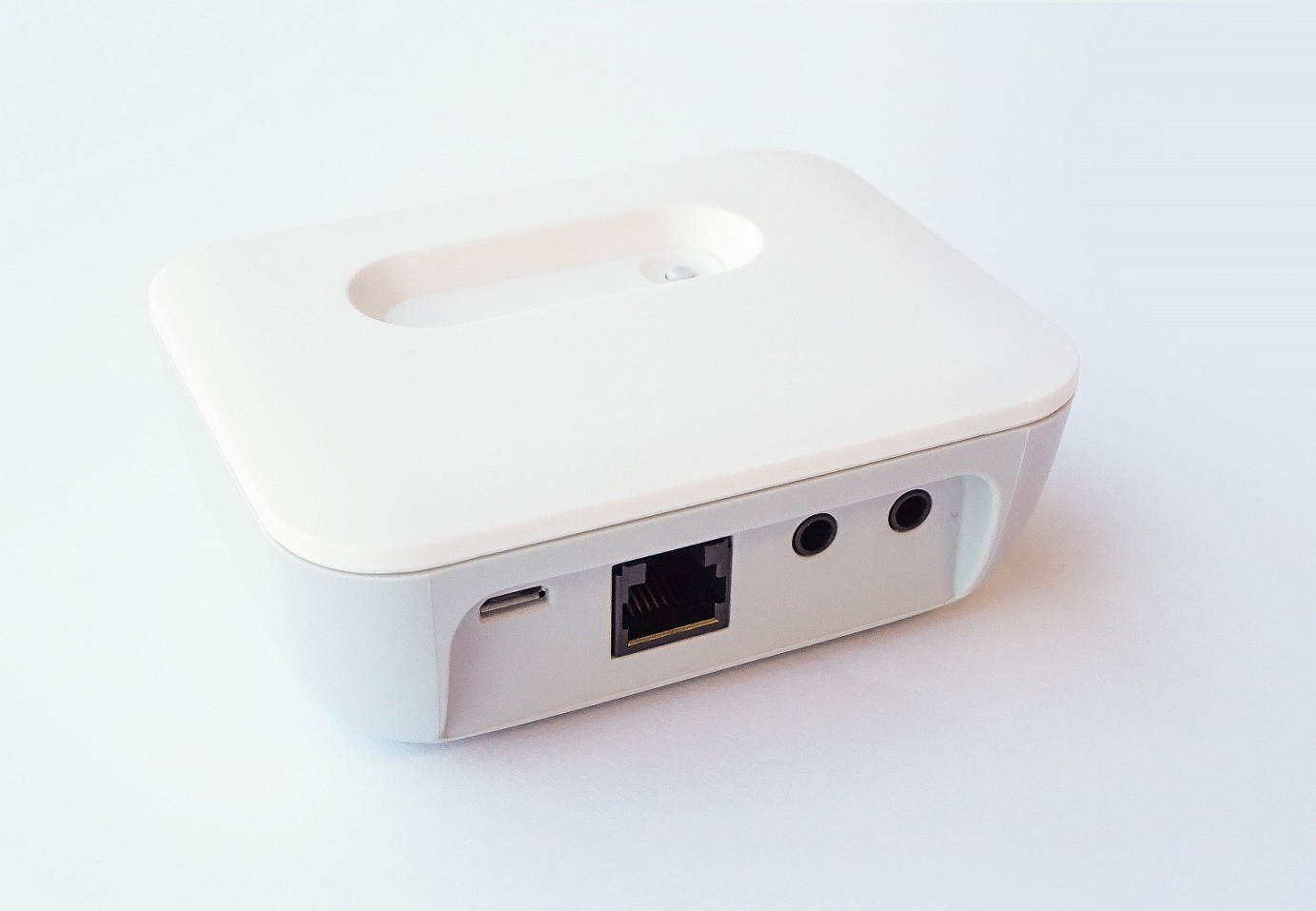
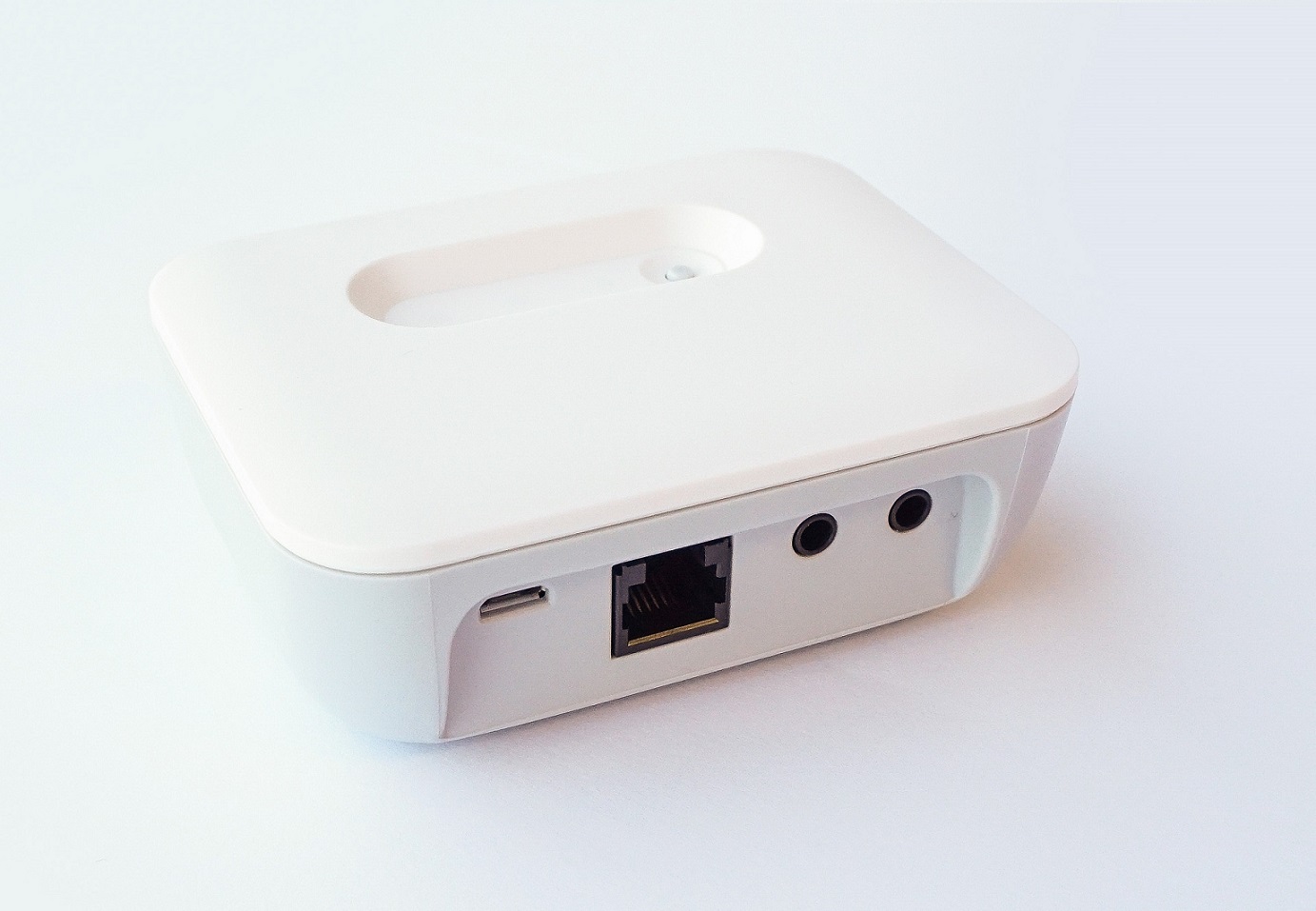
Short Description | The Energy Meter Reader retrieves the electricity, gas and heat usage from analog and digital energy meters and sends this to the Quby Energy Display. |
|---|
Long Description | The Energy Meter Reader measures electricity, gas and heat usage of analog and digital energy meters. Analog meters are read by means of optical sensors that can be placed on the energymeter to monitor the rotating disc or the blinking LED. In case of a digital meter, the meter adapter can be connected to the digital meter by means of a P1 digital communication interface. The meter adapter measures the cumulative and instantaneous gas and electricity consumption and sends this information to a Z-Wave enabled display (Quby Energy Display). |
|---|
Brand | Quby |
|---|
Product Identifier | 2000-0000-15-00 |
|---|
OEM Version | HW: 2 FW: 0.23:00.14:00.00 |
|---|
Hardware Platform | ZM5202 |
|---|
Z-Wave Version | 6.51.06 |
|---|
Library Type | SLAVE_ENHANCED_232 |
|---|
Device Type | Whole Home Meter - Simple |
|---|
Role Type | ROLE_TYPE_SLAVE_ALWAYS_ON |
|---|
Manufacturer ID | 0x0130 |
|---|
Product Type ID | 0x0002 |
|---|
Product ID | 0x0001 |
|---|
User Icon | 0x1700 |
|---|
Installer Icon | 0x1700 |
|---|
Frequency Plans | EU: 869.85MHz, 868.40MHz |
|---|
Categories | Sensors, Energy Meters |
|---|
Countries / Regions | European Union |
|---|
Documents | Category | Description | File |
|---|
Manual_Primary_Lang | Product or Owner's Manual | |
|
|---|
Features | Feature | Values |
|---|
Firmware Updatable | Value |
|---|
Updatable by Manufacturer |
| Supported Meter Type | |
|
|---|
Association Groups | Group Number | Maximum Nodes Supported | End Point ID | Description |
|---|
1 | 5 | 0 | Z-Wave Plus Lifeline |
|
|---|
Configuration Parameters | Parameter Number | Name | Description | Format | Size | Min Value | Max Value | Default Value | Parameter Values |
|---|
1 | Analog gas/heat port mode | 0 = Disabled 1 = Gas enabled 2 = Heat enabled | 0 | 1 | 0 | 0 | 1 | From | To | Description |
|---|
0 | 3 | port mode |
| 2 | Analog gas/heat port resolution | Analog gas/heat port resolution (pulses per cubic meter / pulses per MJ; in Q14.2 notation) | 0 | 4 | 0 | 0 | 400 | From | To | Description |
|---|
120 | 40000 | analog gas/heat port resoltion |
| 3 | Analog electricity port mode | 0 = disabled 1 = Electricity import enabled 2 = Electricity export enabled | 0 | 1 | 0 | 0 | 1 | From | To | Description |
|---|
0 | 2 | Analog electricity port mode |
| 4 | Analog electricity port resolution | Analog electricity port resolution (pulses per kWh; in Q14.2 notation) | 0 | 4 | 0 | 0 | 400 | From | To | Description |
|---|
120 | 40000 | Analog electricity port resolution |
| 5 | Digital port mode | Digital port mode 0 = disabled 1 = P1 enabled 2 = Laser sensor enabled | 0 | 1 | 0 | 0 | 2 | From | To | Description |
|---|
0 | 2 | Digital port mode |
| 255 | Restart device | 1 = Restart entire device 2 = Restart metering chip | 0 | 1 | 0 | 0 | 0 | From | To | Description |
|---|
0 | 2 | Restart device |
|
|
|---|
Texts | ID | Description | Value |
|---|
1 | Inclusion | To add the Energy Meter Reader into a Z-Wave network, the inclusion process should be started on the controller. In factory default mode, the Energy Meter Reader will try to join a Z-Wave network automatically after being plugged into a power socket. If the Energy Meter Reader was previously included in a Z-Wave network, or was not just plugged into a power socket, one needs to triple-press the button (quickly). | 2 | Exclusion | To remove the Energy Meter Reader from a Z-wave network, the exclusion process should be started on the controller. The button on the Energy Meter Reader should then be triple-pressed (quickly). | 5 | Factory Reset | The Energy Meter Reader can be reset to factory default by pressing and holding the button for approximately 10 seconds. This will reset the entire device to factory default, also removing the Z-Wave set-tings. After the reset is complete, both LEDs will blink a single time (indicating startup). If the device was connected to a Z-Wave net-work, it will no longer be connected after reset.
Please use this procedure only in the event that the primary controller is missing or otherwise inoperable. |
|
|---|
Supported / Controlled Meter Types | Meter Type | Rate Type | Description |
|---|
Electric meter | Import | Electric Meter Consumption |
|
|---|
Supports NWI | Yes |
|---|
Supports Explorer Frames | Yes |
|---|
Radio Range Z-Wave (m) | 40 |
|---|